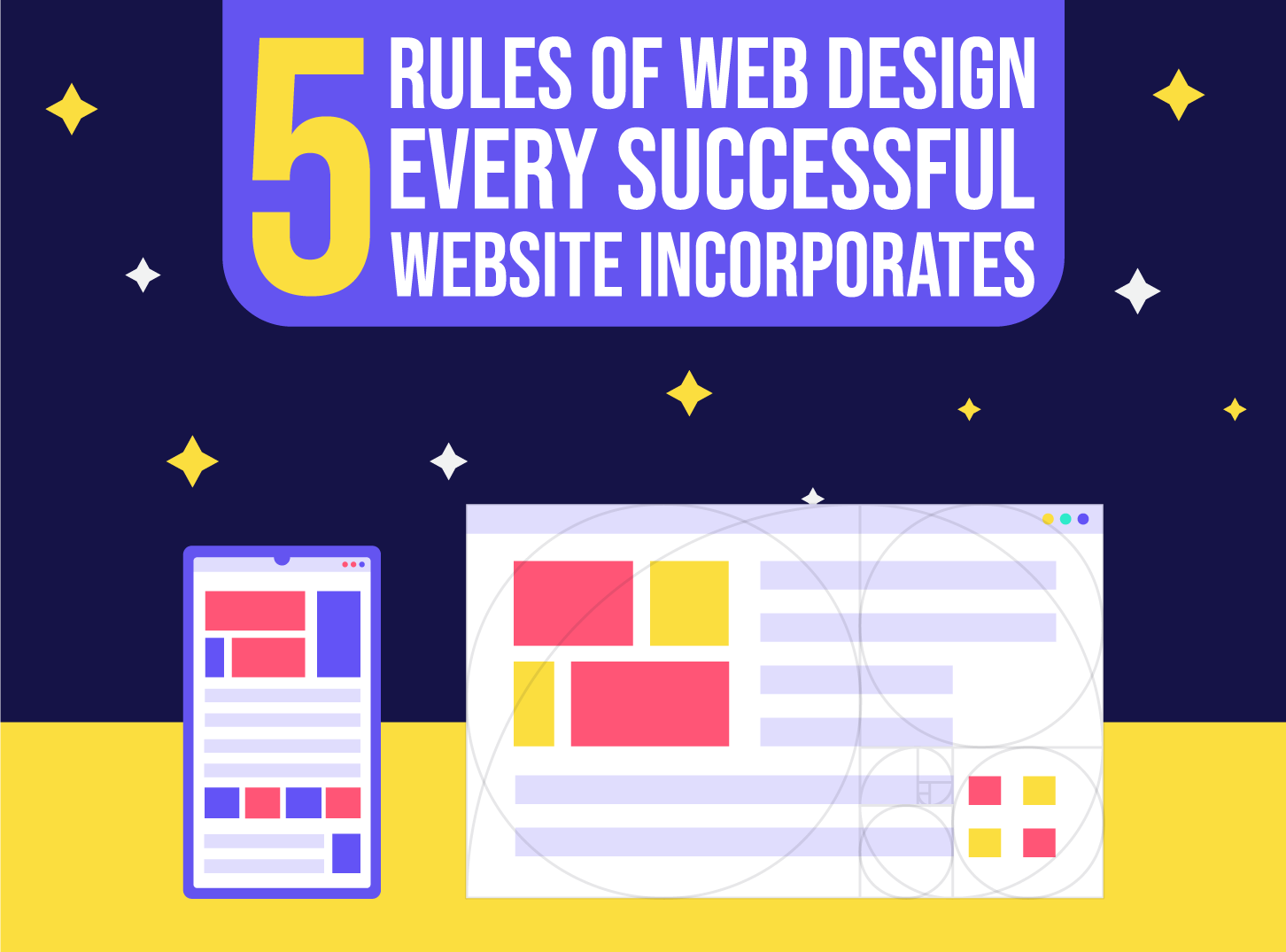
5 Rules of Web Design Every Successful Website Follows
If you are planning to create a website you should read this article carefully. These are the 5 important rules of web design that you should follow and that will help your website design, and you business.
 6 min read
The rules of web design come down to a handful of habits that make a site easy to use, easy to trust and clear about its purpose. Ignore them and you waste your own time, the budget and your visitors’ patience. Follow them and even a simple site can perform well.
Whether you are building a site for yourself or for a client, these five rules apply: simplicity, navigation and speed, purpose, typography and legibility, and credibility. Below you will find what each one means in practice, what to avoid, and a short checklist at the end.
Why rules matter in web design
Great web design supports user experience and function, and it is easy to understand at a glance. Rules are not there to limit creativity. They give you a reliable base, so your creative choices have a chance to work. People have used websites for decades and they expect certain things: a logo at the top, a clear menu, readable text, a way to get in touch. Meeting those expectations makes your site feel familiar, and familiar feels safe.
If you want the theory behind the rules, read our posts on web design principles and web design laws. This article stays practical.
5 rules of web design every successful website follows
1. Simplicity
Many sites try to do too much. Too many elements on one page pull attention away from the main goal. A clean design is easier to navigate, loads faster and ages better than a busy one.
Every design feature should earn its place. Ask what each element does for the visitor or for the business. If you cannot answer, remove it. Simplicity is not the same as empty. It means giving the most important thing the most space and trimming the rest.
- Use a limited colour palette and two fonts at most.
- Leave generous white space around headings, images and buttons.
- Show one main action per section, not five.
- Cut copy that repeats itself.
2. Navigation and speed
How fast and how easy a website feels decides whether visitors reach their goal at all. People are impatient. If your page shows nothing useful within a few seconds, many will leave. Google’s Core Web Vitals treat a Largest Contentful Paint of 2.5 seconds or less as a good result, which is a handy target for your key pages.
Navigation should be obvious. Visitors should never have to stop and think about where to click. If the structure is confusing, they will not learn how to move from point A to point B, they will just leave. Use a clear menu with plain labels, keep the most important pages one click away and make sure links look like links. We cover this in depth in our guide to website navigation.
- Keep the main menu to five or six items.
- Use words people expect, such as Services, Pricing and Contact.
- Compress images and avoid heavy scripts that you do not need.
- Test on a mid-range phone and a slow connection, not just on your desktop.
3. Purpose
Every website needs a purpose, and “telling people about my work” is too vague. The more specific the purpose, the better the project. A site might exist to book appointments, sell a product, collect leads or explain a service so well that a phone call is the obvious next step.
Give the whole site one main goal, then give each page a smaller goal that supports it. Every piece of content and every design element should push in the same direction. In practice this ends up as a clear call to action on every page: book, buy, call or download. Ask yourself what the visitor should do next, and make that step easy to find.
Sites built “just to have a website” tend to have no plan, no focus and no results. Writing the purpose in one sentence before you design anything solves most of this. If you need help, our web design process guide walks through the steps.
4. Typography and legibility
Typography is much more than picking attractive fonts. It is a core part of interface design. Good type creates a strong visual hierarchy, balances the layout and sets the tone of the brand. It should guide readers, support accessibility and make the content comfortable to read.
If visitors cannot read your text, they will not get your message. Common problems are easy to avoid:
- Low contrast: light grey text on white, or dark text on a dark background. Aim for strong contrast, and check it with a free contrast checker.
- Tiny text: body copy under 16px is hard to read on a phone. Larger is kinder to older readers too.
- Fussy fonts: decorative or very thin fonts are fine for a short headline but tiring in paragraphs. Use a clear sans serif or a well-made serif for body text.
- Long lines: aim for roughly 50 to 75 characters per line.
Our posts on typography tips, choosing the perfect font and font pairing go further.
5. Credibility
Following web conventions earns trust. Credibility means visitors believe you are who you say you are and can do what you promise. If you want the best possible user experience, trust is a big part of it.
The simplest way to build it is to be clear and honest. Do not make visitors dig through many pages to learn what you do. Use the top of your home page to explain the value you offer. Then add the proof that backs it up.
- Show real photos of your team and your work, not only stock images.
- Add testimonials, case studies, logos of clients you have worked with, or reviews from independent sites.
- Display clear contact details, including a phone number or address if relevant.
- Be open about pricing. Even a range or a “from” price is better than “contact us” alone, because it saves time for both sides.
- Use HTTPS, keep the site updated and fix broken pages.
A quick checklist for any new website
- Can a new visitor say what the site is for within five seconds?
- Is there one main call to action on the home page?
- Does the menu use plain words and fit on one line on a laptop?
- Do key pages load quickly on mobile?
- Is all text readable without zooming?
- Is there proof: reviews, examples, names, photos?
- Can someone contact you in two clicks or fewer?
Where the rules end
Rules are a starting point, not a script. Brands that break one deliberately, say with a long scrolling story or an unusual menu, do it because they know the rule and have a reason. If you are new to design, follow the rules until they feel natural. Once you have shipped a few sites and tested them with real visitors, you will know when to bend them. For a list of what to avoid, see our post on web design mistakes, and if your site already exists, our guide to redesigning your website explains when it is time to start again.
Good design and good search visibility also go together. Our article on web design tips for SEO shows how. If you would rather hand the build to experts, see how to choose a web design agency or visit our design services page.
Frequently asked questions
What are the most important rules of web design?
Keep it simple, make it fast and easy to navigate, give every page a clear purpose, make text easy to read and build trust with honest content and proof. These five cover most of what makes a site work.
How many fonts should a website use?
Two is usually enough: one for headings and one for body text. A third can work for a special accent, but more than that makes a site look messy.
How fast should a website load?
As fast as you can make it. Google’s Core Web Vitals call a Largest Contentful Paint of 2.5 seconds or less good. Compressing images, using decent hosting and removing unneeded scripts get you most of the way.
Do these rules apply to every type of website?
Yes. A portfolio, an online shop and a local business site all need to be clear, quick, readable and trustworthy. The details change, but the rules do not.
Need a website for a client?
Inkyy is a white label design and development team for agencies. We design and build websites under your brand, so you can deliver strong work without adding to your own team. See our design services and development services, or book a 15-minute call.