



Website Color Schemes: How to Choose One That Works
How do colors impact our perception of a certain website or brand? What are color schemes and why should we be careful when choosing colors for our websites learn in the new Inkyy Blog article.
 6 min read
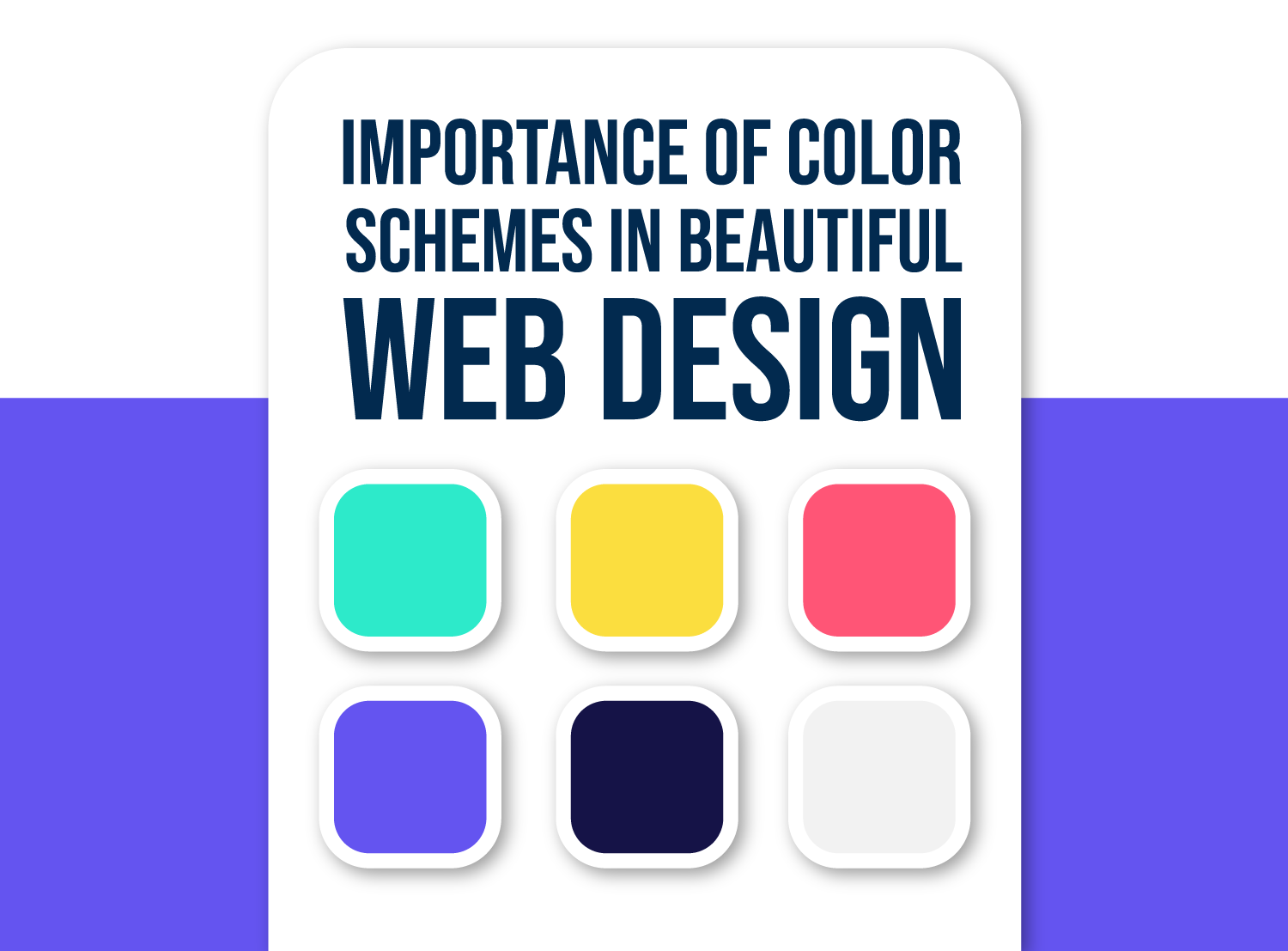
Website color schemes shape how a brand feels before anyone reads a word. A calm blue and white scheme says one thing, black and yellow says another, and visitors pick up on that within moments of landing on your page.
This guide explains what a color scheme is, how to split it into primary, accent and neutral colors, what the main colors tend to signal, and how to check that your palette is readable. At the end you get a simple process for choosing your own.
What is a website color scheme?
A website color scheme is the small set of colors used across a site: backgrounds, text, links, buttons and highlights. Designers also call it a color palette. Most good schemes use three to five colors, plus lighter and darker tints of each.

Fewer colors usually work better. Too many make a page feel noisy and visitors struggle to see what matters. The trick is to give each color a job and use it the same way on every page:
- Primary color: the main brand color. It appears in the logo, headings, the header or footer and key sections.
- Secondary color: supports the primary. Use it for icons, links, subheadings and illustrations.
- Accent color: one bright color kept for actions such as “Book a call” or “Add to basket”.
- Neutrals: white, off-white, greys and near-black for backgrounds and body text.
A handy starting point is the 60-30-10 rule. Roughly 60 percent of the page is a neutral background, 30 percent is your main brand color and 10 percent is the accent. It is a guide, not a law, but it stops palettes from getting out of hand.
Why website color schemes matter
Readability
If people cannot read your text, nothing else matters. The Web Content Accessibility Guidelines ask for a contrast ratio of at least 4.5 to 1 for normal text and 3 to 1 for large text. You can test any pair of colors with the free WebAIM contrast checker.
Brand perception
Color is one of the first things a visitor notices, so it shapes how professional, friendly or premium a business feels. Matching the palette to your logo and tone builds recognition over time. Our guide to brand perception and your website shows how colors, fonts and layout work together, and colors and branding covers the basics.
Action and consistency
A button that stands out gets noticed. It is the contrast with the page around it that does the work, not the color itself. Red beats green on one site and loses on another, so test your own pages instead of copying a rule. Using the same colors in the same roles also teaches visitors what is clickable.
What the main colors say
Color meaning varies by culture, shade and context, so treat these as tendencies, not rules. The links lead to our longer guides on each color.

Red
Red signals energy, passion and urgency. It also means warnings and errors on screen, so use it in small doses.
Orange
Orange feels friendly, playful and affordable. It can make a brand look young and approachable and works well for calls to action.
Yellow
Yellow reads as optimistic and warm. It is hard to read as text on white, so use it for backgrounds, highlights or accents.
Green
Green links to nature, health and growth, and it is a natural fit for organic, wellness and finance brands.
Blue
Blue feels calm, stable and trustworthy. That is why banks, software companies and healthcare brands use it so often. The risk is looking like everyone else.
Purple
Purple suggests creativity, luxury and imagination. For softer or earthier palettes, see our guides to pink and brown in branding.
Common color scheme types
The color wheel gives designers a few reliable ways to combine hues:
- Monochromatic: tints and shades of one hue. Safe, calm and easy to get right.
- Analogous: neighbouring hues such as blue, teal and green. Smooth and harmonious.
- Complementary: opposite hues such as blue and orange. High contrast, good for accents.
- Triadic: three evenly spaced hues. Lively, but it needs a strong neutral base to stay under control.
Color scheme starting points by type of site
These are directions to adapt, not formulas to copy:
- Law, finance or healthcare: a navy primary, light grey neutrals and one teal accent for a trustworthy, orderly feel.
- Wellness or eco brands: a soft sage green, a warm off-white background and a terracotta accent.
- Creative studios and portfolios: near-black and white with one saturated accent, so the work provides the color.
- Online shops: a clean white and grey base, your brand color in the header and a high-contrast accent kept for the buy button.
How to choose a color scheme for your website
- Start with the brand. If you already have a logo, take your primary color from it. If not, define the personality first: serious, playful, premium or friendly.
- Look at your market. Check what competitors use, then decide whether to fit in or stand apart. Blue is safe in finance. A bold accent can set you apart.
- Pick one primary, one accent and your neutrals. Add a secondary color only if you need one.
- Build tints and shades. You need lighter and darker versions for hover states, backgrounds and borders.
- Check contrast. Test text on every background it will sit on, including buttons and links.
- Test on real pages. Put the palette on a homepage, a long article and a form, on a phone and on a laptop, before you commit.
Free tools help a lot. Coolors generates and locks palettes, and Adobe Color builds schemes from the color wheel rules above.
Common color scheme mistakes
- Too many colors. If everything is highlighted, nothing is.
- Low contrast. Light grey text on white looks elegant in a mockup and is unreadable on a sunny phone screen.
- Using color alone to carry meaning. About 1 in 12 men have some form of color vision deficiency, so pair color with labels or icons, especially for errors and links.
- Changing colors page to page. Consistency is what makes a palette feel like a brand.
Color works best next to good typography and layout. Read our guides on web design principles, visual hierarchy and choosing a font to finish the job.
Frequently asked questions
What is the best color scheme for a website?
There is no single best one. The right scheme fits your brand and audience and stays readable. A neutral base with one primary color and one bold accent is a safe, flexible formula.
How many colors should a website have?
Three to five main colors is plenty: a primary, an accent and a few neutrals. You can add tints and shades of each without making the design feel busy.
What is the 60-30-10 rule?
It is a proportion guide. About 60 percent of the page uses a dominant neutral color, 30 percent a secondary brand color and 10 percent an accent color for key actions.
How do I check if my website colors are accessible?
Test the text and background pairs with a contrast checker such as the WebAIM tool. Aim for 4.5 to 1 for body text and 3 to 1 for large text and interface elements.
Need a color palette and website for a client?
Inkyy is a white label design and development team for agencies. Our in-house designers build brand palettes and websites that you deliver under your own name. See our design and development services or book a 15-minute call.


