Web Design Process: 8 Tips to Improve It
Your website can be the most powerful marketing tool available to you. Therefore, the web design process is a crucial part of the online part of your business. Here are 8 tips to improve your web design process which our design team uses all the time.
 5 min read
A clear web design process saves time, money and arguments. When everyone knows the steps, the website gets built in the right order, and the final result does a better job for the business.
This guide shows the stages of the web design process, then gives eight tips to improve yours, from planning to feedback. It is written for designers, agencies and business owners who commission websites.
The stages of a web design process
Every team names the steps a little differently, but most projects follow the same path.
- Discovery. Define goals, audience, competitors and what success looks like.
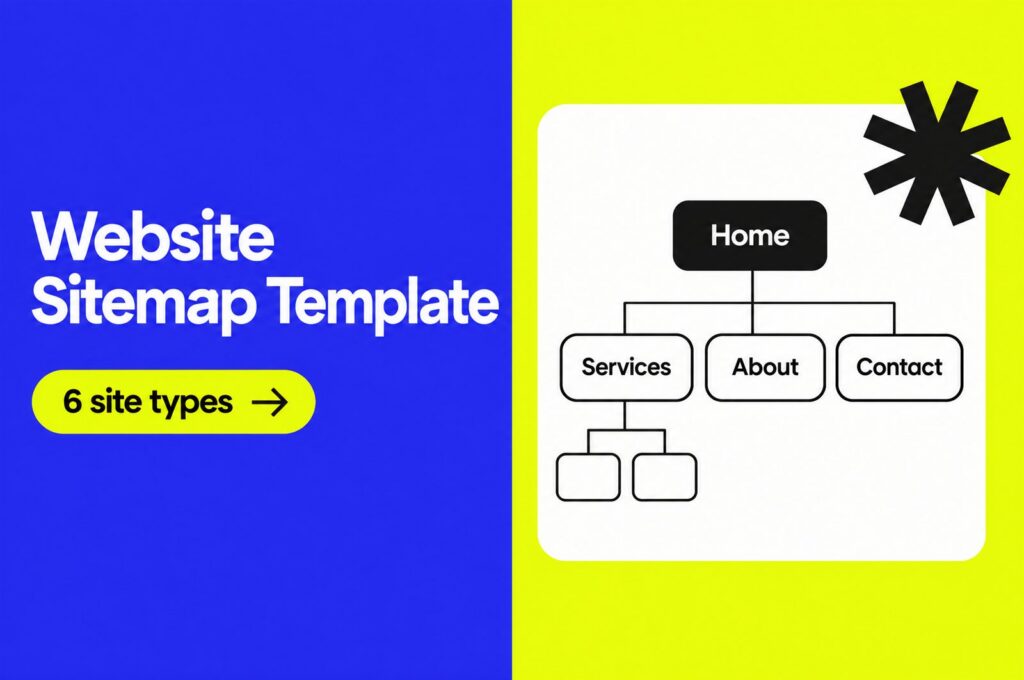
- Structure. Plan the sitemap and the user journey, then build wireframes for the key pages.
- Content. Write and collect the text, images and calls to action before the design is final. See our post on quality content in web design.
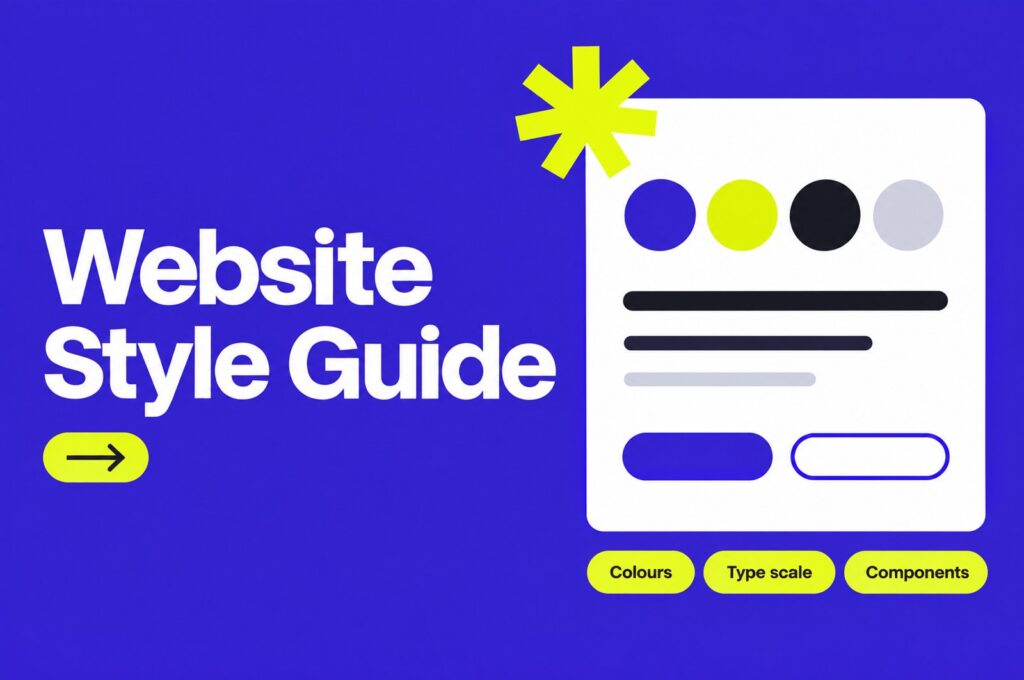
- Visual design. Set colours, typography and components, then design the key pages and the mobile versions.
- Development. Build the pages, connect the CMS and add forms and tracking.
- Testing. Check devices, browsers, speed, accessibility and links. Fix issues before launch.
- Launch and care. Publish, measure and improve. A website is never really finished.
Skipping early steps costs more later. Changing a layout in a wireframe takes minutes. Changing it after development takes days.
A good process also fits the size of the project. A five-page site for a local business needs a short brief, a simple sitemap and one round of design feedback. A large online shop needs more planning, more testing and clear sign-off at every stage. Use the same steps, but scale the detail to match the risk.
8 tips to improve your web design process
1. Have a plan
Before you open a design tool, write down what the website must achieve. Map the customer journey from the first visit to the moment someone enquires or buys. Ask which pages they will see, what they need to read and what action you want them to take.
Understanding this helps you design a site that leads visitors towards a goal instead of leaving them to wander.
2. Simplify your navigation
Visitors leave when they cannot find what they need. As a rule of thumb, keep the main menu to around seven items or fewer, and use descriptive labels such as “Pricing” instead of clever names. Our guide to website navigation has more tips.
Keep the navigation in the same place on every page. Consider a fixed header on long pages so the menu is always one click away.
3. Use white space
Clients sometimes ask to fill empty areas with more content. But white space is a design tool, not wasted room. It separates ideas, helps people focus and makes text easier to read. It can also make a brand look calm and confident.
The trade-off is length. A spacious page is longer, so choose what really earns its place.
4. Improve your calls to action
A call to action (CTA) tells visitors what to do next, such as “Book a call” or “Add to basket”. Make each page have one main CTA, use a clear verb and make the button stand out from the rest of the page.
If you use a contact form, ask only for what you need. Every extra field lowers the number of people who finish it.
5. Use your own images
Visitors judge a site quickly, and generic stock photos tell them very little about your business. Original photography and illustration show real people, products and places. If you must use stock, choose images that feel natural and edit them to fit your brand. Our guide to the hero image explains how to choose the one at the top of a page.
6. Be responsive and mobile-friendly
A large share of web visits happen on phones, so every page must work on a small screen. Design the mobile layout in parallel with desktop, not at the end. Keep text readable without zooming and buttons large enough to tap.
A well-built responsive site also supports search visibility, because Google predominantly uses the mobile version of a page for indexing. See our web design tips for SEO.
7. Keep typography consistent
In a book, every page follows the same rules: the same type size, spacing and layout. A website needs the same order. Headings, body text, links and captions should look the same from page to page. Set up text styles once and reuse them. Our typography tips show how.
8. Ask for feedback
Listen to the people who use the site. Add a short survey, watch a few visitors complete a task and check your analytics for pages where people leave. Test with real users before launch, and keep testing afterwards. Small improvements add up.
Common process problems and how to avoid them
- Starting with the look. Choosing colours and layouts before the goals are clear leads to rework. Agree the purpose and the structure first.
- Late content. Designing with placeholder text hides problems. Real headlines and images change how a layout works, so get them early.
- Too many decision makers. Name one person who gives final feedback, and collect comments in one place.
- Endless revisions. Agree how many feedback rounds each stage includes, and what counts as a change of scope.
- Forgetting after launch. Plan updates, security checks and performance reviews, so the site does not age quietly.
Most of these problems come from unclear expectations. Write the plan down, share it with everyone involved and revisit it at each stage.
Tools and habits that help the process
- A shared brief. One short document with the goal, audience, pages and deadlines keeps everyone aligned.
- A design system. A small library of colours, text styles and components speeds up design and keeps pages consistent.
- Staged approvals. Get sign-off on the structure, then the look, then the build. Avoid changing earlier decisions late.
- A launch checklist. Check forms, redirects, analytics, speed and accessibility before publishing.
If your current site is not delivering, the process might need a reset. Read our post on reasons for redesigning your website. For the principles behind good decisions, see our basic principles for successful web design.
Frequently asked questions
What are the steps of the web design process?
Most projects follow discovery, structure and wireframes, content, visual design, development, testing, launch and ongoing improvement. The names differ between teams, but the order rarely does.
How long does a web design project take?
It depends on size and how quickly feedback and content arrive. A small brochure site can take a few weeks. A larger site or online shop often takes a few months. Delays usually come from late content and slow approvals.
Should I design for mobile or desktop first?
Start with mobile. It forces you to focus on the most important content and actions. Then expand the design for larger screens.
Why is wireframing important?
Wireframes let you test structure and flow before spending time on visual design or code. Changing a wireframe is quick and cheap, so mistakes get caught early.
Need a website built for a client?
Inkyy is a white label design and development team for agencies. Our in-house team takes a project from wireframes to a finished website under your brand. See our design services or book a 15-minute call.