Website Sitemap Template: Ready Page Lists for 6 Site Types
 7 min read
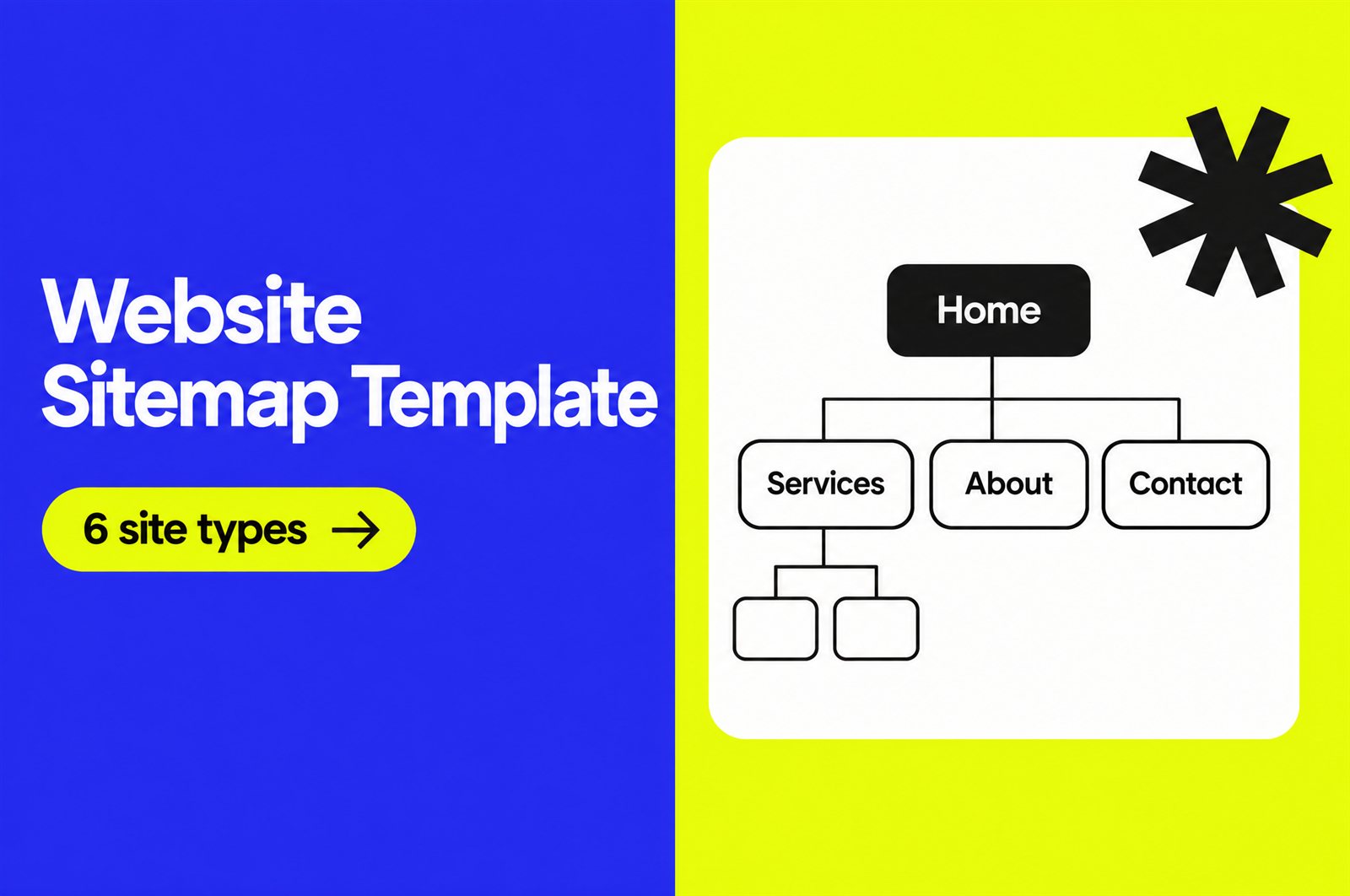
A website sitemap template gives you a starting list of pages and a clear hierarchy before anyone opens a design tool. For an agency, it is the cheapest place to catch scope problems. Moving a box on a sitemap takes seconds. Moving a page after it is designed, built and linked takes days.
Most template pages online give you an empty canvas in a whiteboard tool. This guide gives you the content instead: copy-ready page lists for six common site types, a simple format you can paste into any tool, URL rules, and a sign-off routine that stops the “can we just add one more page” conversation in week six.
What a website sitemap template is (and is not)
The word “sitemap” covers three different things. Agencies mix them up, and clients mix them up even more, so name the one you mean in every proposal.
| Type | Who it is for | When you make it | Format |
|---|---|---|---|
| Visual sitemap | Client, designers, developers | Discovery, before wireframes | Tree diagram or indented list |
| HTML sitemap | Visitors | During build, optional | A page on the site with links |
| XML sitemap | Search engines | At launch, usually generated by the CMS | sitemap.xml file |
This article is about the first one: the planning sitemap. It decides which pages exist, how they group, and how deep they sit. The XML file at launch should simply mirror it.
The simplest sitemap format that works
You do not need a special tool. An indented list in a doc or spreadsheet is enough, as long as every page has the same fields. Use this structure for each line:
- Page name: what appears in the navigation.
- URL slug: the planned path, for example /services/web-design/.
- Page type: home, hub, detail, article, legal, utility. This tells the designer how many templates are needed.
- Goal: one action the page should drive, such as “book a call” or “download the price list”.
- Content owner: client or agency.
- Status: new, keep, rewrite, merge or remove (for redesigns).
The “page type” column is the one most teams skip, and it is the one that drives cost. Twenty service pages built from one detail template are far cheaper than eight pages that each need a unique layout.
Copy-ready sitemap templates for 6 site types
Treat these as a first draft for the discovery call. Delete what the client does not need, then add what is specific to them. Indentation shows the hierarchy.
1. Local service business
- Home
- Services (hub)
- Service A
- Service B
- Service C
- Service areas (hub, only if they serve several towns)
- Town A
- Town B
- About
- Reviews or projects
- Contact or get a quote
- Privacy policy
2. B2B or SaaS company
- Home
- Product or platform
- Feature pages (one per major feature)
- Integrations
- Solutions (by industry or role)
- Pricing
- Customers or case studies
- Resources
- Blog
- Guides
- Help centre link
- Company
- About
- Careers
- Contact sales and book a demo
- Log in (utility link)
- Legal: terms, privacy, security
3. Ecommerce store
- Home
- Shop (all products)
- Category pages
- Product pages
- Category pages
- Collections or sale
- About or our story
- Help
- Shipping
- Returns
- FAQ
- Contact
- Cart, checkout, account (utility)
- Legal: terms, privacy, refund policy
For stores, agree early on whether filtered views (size, colour) get their own URLs. That decision affects both the build and SEO. Our post on landing pages vs product pages helps when the client wants campaign pages as well.
4. Agency or studio
- Home
- Services (hub)
- One page per service
- Work or case studies
- Case study pages
- Process
- About and team
- Blog
- Contact or start a project
- Privacy policy
5. Portfolio or personal brand
- Home
- Work
- Project pages
- About
- Services or speaking (optional)
- Contact
6. Single landing page with support pages
- Landing page (sections: hero, problem, offer, proof, FAQ, call to action)
- Thank you page
- Privacy policy
- Terms (if there is an offer or payment)
For a one-page site, the “sitemap” is really a section map. List the sections in order, because that order is what the client is approving. If you are unsure which model fits a client, our overview of different types of websites is a useful prompt for the discovery call.
How to build a sitemap with a client in 6 steps
- Start from goals, not pages. Ask what visitors must be able to do: book, buy, compare, apply. Every page in the sitemap should support one of those actions.
- Inventory what exists. On a redesign, export the current page list from the CMS or a crawl. Mark each page keep, rewrite, merge or remove. Pages that are removed need a redirect target, so note it now.
- Pick the closest template above. Paste it into your doc and edit it live with the client. People react faster to a draft than to a blank page.
- Keep it shallow. Most visitors should reach any important page within two or three clicks from the home page. If a section needs four levels, it usually needs a hub page instead.
- Add URLs and page types. Write the planned slug next to every page. Short, lowercase, hyphenated, no dates. Group pages under a parent path only when the parent page really exists.
- Get written sign-off. Send the final list as a PDF or locked doc and ask for a reply that approves it. New pages after this point are a change request.
The sitemap then feeds the next stages directly. Each page type becomes a wireframe, the top level becomes the main menu (see our guide to website navigation), and the full list becomes the content checklist. It is the backbone of a predictable web design process.
Sitemap checklist before you send it for approval
- Every page has one clear goal.
- No two pages target the same topic or search intent.
- Every page has a planned URL, and no URL repeats.
- The number of unique page templates is counted and matches the quote.
- Legal and utility pages (privacy, terms, 404, thank you) are listed.
- Content owners are named for every page.
- On redesigns, every removed or renamed URL has a redirect target.
- Main navigation items are marked, ideally seven or fewer at the top level.
- The client has approved it in writing.
From the planning sitemap to the XML sitemap
At launch, the search engine sitemap should match the pages you approved, minus anything that should not appear in search, such as thank you pages. A few facts from Google’s sitemap documentation are worth knowing:
- A single sitemap file is limited to 50,000 URLs or 50MB uncompressed. Larger sites split it and use a sitemap index.
- URLs must be fully qualified and absolute, for example https://www.example.com/services/, not /services/.
- Google ignores the priority and changefreq values. It uses lastmod only when it is consistently accurate.
- Google says a small, well-linked site (about 500 pages or fewer) may not need one, but it does not hurt.
In practice, WordPress generates a basic XML sitemap by default, SEO plugins such as Yoast replace it with their own, and Webflow can generate one automatically in site settings. The developer’s job is to check that the generated file matches the approved list and excludes test, tag or thank you pages. Add that check to your website launch checklist.
Common sitemap mistakes agencies make
- Copying the old site. A redesign is the moment to merge thin pages, not to rebuild them. Our website redesign guide covers what to keep.
- Organising by the client’s org chart. Visitors look for services and answers, not departments.
- Leaving the blog as one box. If content is part of the plan, list the main categories so the design covers them.
- Forgetting templates in the quote. Count unique layouts, not pages, and price from that.
- No sign-off. Without written approval, the sitemap stays open until launch.
From the studio: when a sitemap comes to us from a partner agency, the first thing we add is the page type column, then we count unique templates. That one number tells everyone the real size of the design and build work, and it is much easier to agree on scope, timeline and cost when the agency, the client and the build team all look at the same count.
Frequently asked questions
What is a website sitemap template?
It is a ready-made page structure for a type of website that you adapt for a specific project. It saves time in discovery and makes sure common pages, such as legal or contact pages, are not forgotten.
What is the difference between a visual sitemap and an XML sitemap?
A visual sitemap is a planning document for people that shows pages and hierarchy before design starts. An XML sitemap is a file for search engines that lists live URLs after launch.
What tool should I use to make a sitemap?
Any tool your client can comment on works: a doc, a spreadsheet, Figma, Miro or a dedicated sitemap tool. The fields and the sign-off matter more than the tool.
How many pages should a small business website have?
There is no fixed number. Start with home, one page per main service, about, contact and the legal pages, then add pages only when each one has its own goal and topic.
Does a sitemap help SEO?
A planning sitemap helps by giving every page a clear topic and a logical place in the site. The XML sitemap helps search engines discover URLs, though Google notes it does not guarantee they will be crawled or indexed.
Need a design and build team behind your sitemaps?
Inkyy is a white label design and development team for agencies. Send us an approved sitemap and we turn it into wireframes and web design, then WordPress, Webflow or custom builds, all under your brand. Book a call to talk through your next project.