What Is Graphic Design? Elements, Types and Careers
What is graphic design, what types of graphic design are there, and which basic information you have to know about graphic design, you will find out in this article.
 9 min read
What is graphic design? It is the craft of planning and arranging type, images, colour and space so that a message is clear and does a job. The poster that tells you when a gig starts, the logo you spot from across the street and the app screen you understand in a second are all graphic design at work.
This guide explains graphic design in plain English: where it came from, the elements and principles designers work with, the main types of graphic design, the tools of the trade and how people become graphic designers. A short FAQ follows at the end.
Graphic design: a simple definition
Graphic design is visual communication with a purpose. A designer combines words, pictures, shapes and colour to inform, persuade, guide or identify. The Interaction Design Foundation describes it in much the same way: a craft in which professionals create visual content to communicate messages.
That purpose is what separates graphic design from fine art. A painting can exist for its own sake. A graphic design always has a brief, an audience and a goal, such as selling a product, explaining a process or making a brand easy to recognise. Good design is judged by whether it works, not only by how it looks.
In practice, a graphic designer takes a messy set of inputs (a company’s story, a pile of content, a business goal) and turns it into something people can take in at a glance. That might be a logo, a brochure, a website layout, a social media campaign or the label on a jar.
Why graphic design matters
People judge a business by what they see before they read a word. A clear, consistent design makes a company look established and trustworthy. A messy one raises doubts, even when the product is excellent.
- Recognition: a consistent logo, colour palette and type style make a brand easy to spot and remember.
- Clarity: good layout helps people find the price, the next step or the key fact without effort.
- Persuasion: design sets the mood, so a premium product looks premium and a playful brand feels playful.
- Usability: on websites and apps, visual design decides whether people can complete a task or give up.
- Efficiency: templates and brand systems let teams produce new material faster and keep it on brand.
A short history of graphic design
People have used images to share ideas for as long as there have been people. Cave paintings, Egyptian hieroglyphs and medieval illuminated manuscripts all combine symbols and layout to tell a story. They are not graphic design in the modern sense, but they solve the same problem: how to make a message visible.
- Printing press: Gutenberg’s movable type in the 15th century made text cheap to reproduce, and typography became a craft of its own.
- Industrial posters and advertising: in the 19th century, lithography brought colour posters, packaging and branded products to the high street.
- The name: the American book designer William Addison Dwiggins is often credited with coining the term “graphic design” in the 1920s.
- Modernism: the Bauhaus school and later the Swiss International Style introduced grids, sans serif type and a clean, functional look that still shapes design today.
- Corporate identity: in the post-war decades, large companies began to commission complete identity systems, not only logos.
- Desktop publishing and the web: personal computers moved design from paste-up boards to screens, and the web and mobile apps turned interfaces into a major field of graphic design.
The tools have changed many times. The core job has not: arrange visual elements so the right people get the right message.
The elements of graphic design
Elements are the raw materials of every design. Learn to see them and you can take almost any layout apart.
- Line: the most basic element. Lines divide space, lead the eye, suggest movement and form the edges of shapes. Our guide to lines in graphic design covers each type and what it communicates.
- Shape: an area defined by an edge. Geometric shapes feel ordered and precise, organic shapes feel natural and friendly.
- Colour: the element with the strongest emotional pull. Hue, saturation and value all change how a design feels. See colours and branding for how brands use it.
- Typography: the choice and arrangement of type. Typeface, size, weight, spacing and line length decide whether text is pleasant to read or a chore. Good font pairing is a skill in itself.
- Texture: how a surface looks as if it would feel. Grain, paper and noise add depth and warmth to flat designs.
- Space: the empty area around and between elements. White space (or negative space) gives a layout room to breathe and makes the important parts stand out.
- Image: photography and illustration show what words cannot and set the tone faster than any headline.
The principles of graphic design
If elements are the ingredients, principles are the recipe. They describe how to combine elements so a design feels intentional. Lists differ from book to book, but these come up in almost all of them.
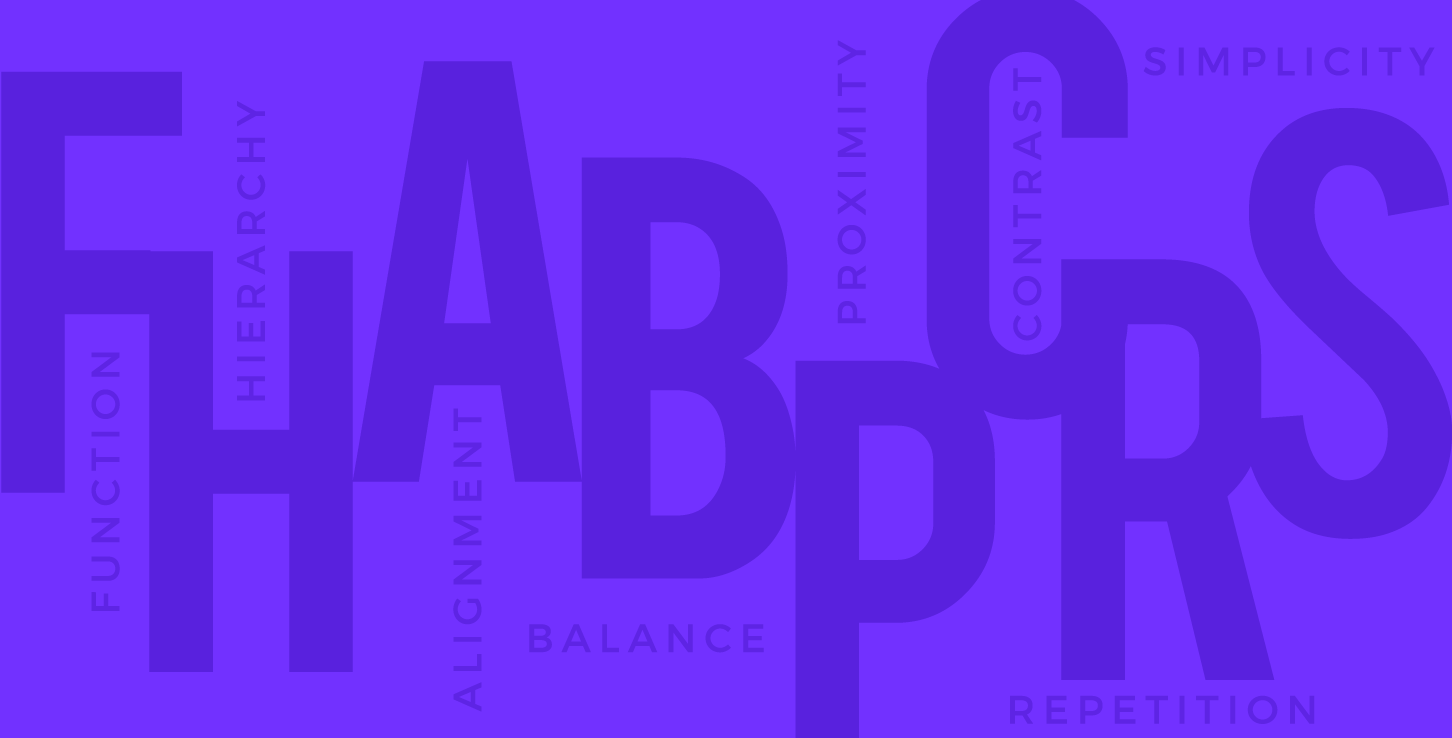
- Hierarchy: the order in which people notice things. Size, weight, colour and position tell the reader what to look at first. Read more about visual hierarchy.
- Alignment: lining elements up along shared edges or a grid. It is the quickest way to make a layout look tidy. A grid-based layout makes alignment consistent across pages.
- Balance: the visual weight on each side of a composition. Symmetry feels calm and formal, asymmetry feels dynamic.
- Proximity: items that belong together sit together. This is one of the Gestalt principles that explain how people group what they see.
- Contrast: difference in size, colour, weight or shape. Contrast creates focus and keeps text readable.
- Repetition: reusing colours, type styles and shapes so a design, or a whole brand, feels consistent.
- Proportion: the size of parts relative to each other and to the whole. Some designers use the golden ratio as a guide.
- Simplicity and function: everything on the page should earn its place and serve the goal.
Nielsen Norman Group’s guide to the principles of visual design in UX shows how the same ideas (scale, hierarchy, balance, contrast and Gestalt) apply to screens, not only print.
Types of graphic design
Graphic design is a broad field. Most designers work across several areas, but each one asks for its own skills and knowledge.
Brand identity design
Logos, colour palettes, typefaces, icons and the rules for using them. Identity designers turn a company’s personality into a visual system and document it in brand guidelines. It is strategic work that starts with research, as our brand design process guide explains.
Marketing and advertising design
Social media graphics, display ads, email templates, brochures, posters and trade show stands. Marketing designers work fast, to deadlines, and often in large sets of sizes. They need to understand the audience and the channel as well as the layout.
UI and web design
Websites, apps, dashboards and software interfaces. User interface designers apply layout, type and colour to screens people interact with, so they also think about states, responsiveness and accessibility. They usually work closely with UX designers and developers.
Packaging design
Boxes, labels, bottles, bags and tins. Packaging has to stand out on a crowded shelf, carry legal information and work as a 3D object. Designers need to understand dielines, print processes and materials.
Motion graphics
Animated logos, explainer videos, title sequences, social video and interface animations. Motion designers add timing and movement to the usual elements, often in tools like After Effects.
Environmental graphic design
Signage, wayfinding, wall graphics, exhibitions and retail interiors. Environmental designers connect people to physical places, so they think about viewing distance, materials and how people move through a space.
Publication design
Books, magazines, newspapers, annual reports and catalogues, in print and digital form. Publication designers are experts in grids, long-form typography and keeping hundreds of pages consistent.
Other specialisms include illustration, typeface design, data visualisation and infographics. The edges between all of these are blurry, and many projects need several at once.
Graphic design tools
Software does not make someone a designer, but every designer needs to be fluent in a few tools.
- Vector tools such as Adobe Illustrator and Affinity for logos, icons and illustrations that scale to any size.
- Image editors such as Adobe Photoshop for photo editing, retouching and compositing.
- Layout tools such as Adobe InDesign for brochures, books and other multi-page documents.
- Interface tools such as Figma for websites, apps, design systems and prototypes, with real-time collaboration.
- Motion tools such as Adobe After Effects for animation and video.
- Quick-turnaround tools such as Canva, useful for simple social posts and for clients who edit templates themselves.
- Analogue tools: a pencil and paper are still the fastest way to sketch ideas before opening any software.
How to become a graphic designer
There is no single route. Some designers study at art school or university, others teach themselves or switch careers later. What matters most to clients and employers is the portfolio.
- Learn the fundamentals first. Study the elements and principles above, plus colour theory and typography, before you chase styles or trends.
- Copy to learn, then create. Recreate designs you admire as private exercises to understand how they were built. Never publish copies as your own work.
- Learn the core software. Start with one vector tool, one image editor and Figma. Add others when a project needs them.
- Work on real briefs. Design for local businesses, charities, friends or invented clients with clear goals. Constraints teach more than blank pages.
- Build a focused portfolio. Show eight to twelve strong projects and explain the problem, your process and the result for each one.
- Get feedback often. Share work with other designers, join communities and accept critique without taking it personally.
- Choose a direction. In-house, agency and freelance roles feel very different. So do branding, UI and motion. Specialising usually helps you stand out.
Frequently asked questions
What does a graphic designer do?
A graphic designer turns a brief into visual work. That means talking to the client, researching the audience, sketching ideas, designing in software, presenting options, making revisions and preparing final files for print or screen.
What is the difference between graphic design and UX/UI design?
Graphic design covers visual communication in any medium. UI design applies it to interactive screens, and UX design focuses on how a product works for the user: research, flows and usability. Many UI designers start in graphic design.
Do you need a degree to be a graphic designer?
No, not usually. A degree gives structure, feedback and contacts, and some employers ask for one. Many successful designers are self-taught. A strong portfolio and the ability to explain your decisions count for more.
Is graphic design a good career?
It can be, if you enjoy solving problems visually and can take feedback. Demand is strongest for designers who add a specialism, such as UI, motion or brand strategy, and who understand the business goals behind a brief.
Can I learn graphic design on my own?
Yes. Books, online courses, free software trials and design communities make self-study possible. The hard part is getting honest feedback, so find a mentor or a critique group early.
What are the basic elements of graphic design?
Line, shape, colour, typography, texture, space and image. Designers combine them using principles such as hierarchy, alignment, balance, contrast and repetition.
Need graphic design for a client?
Inkyy is a white label design and development team for agencies. Our in-house designers create brand identities, marketing assets and UI designs that you deliver under your own brand. See our design services or book a 15-minute call.