Web Design for Beginners: How to Start Your Career
Find out how to change your life and become a web designer with this beginners guide for web design.
 6 min read
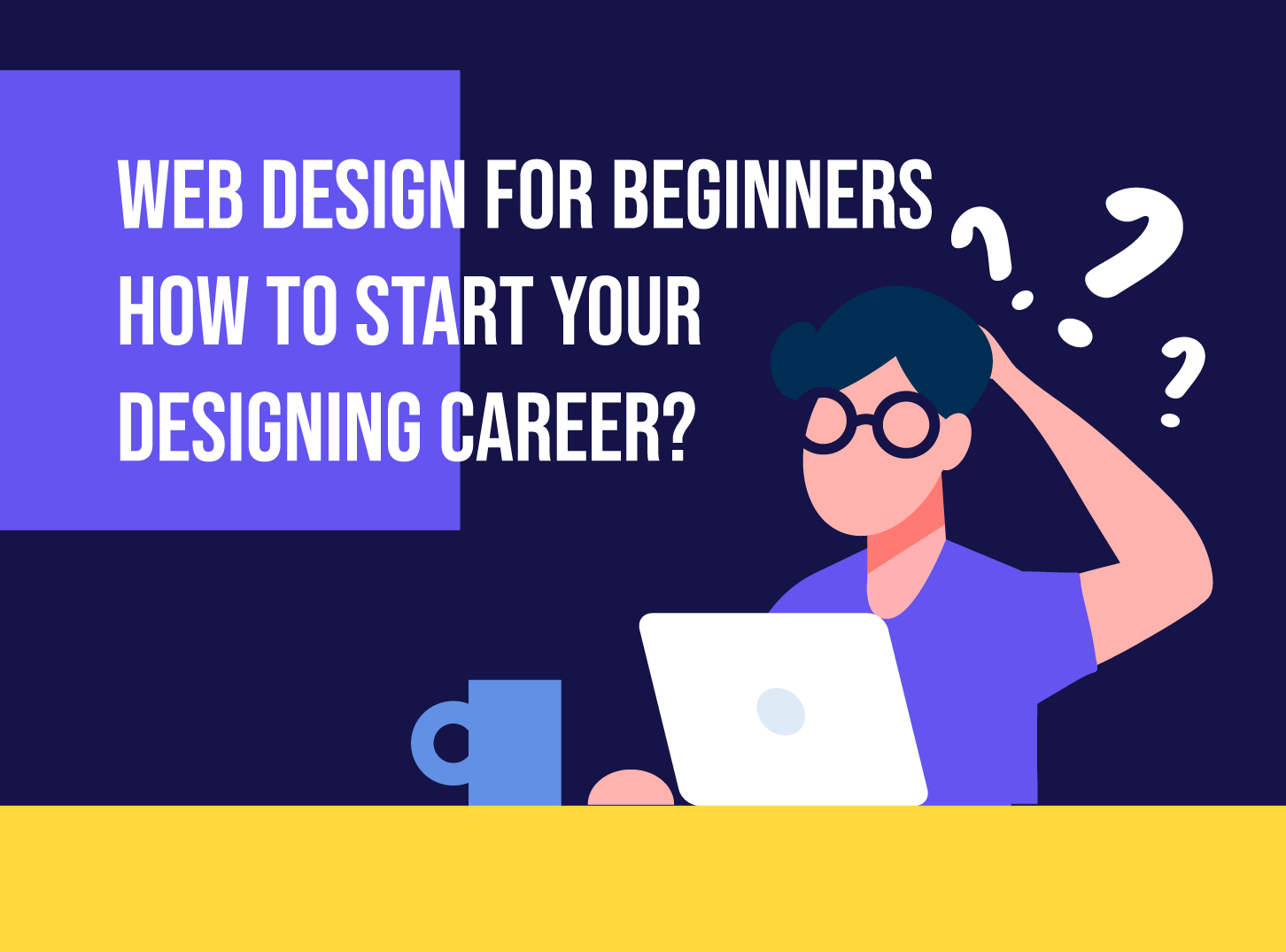
Web design for beginners can feel like a pile of unfamiliar words: wireframes, UX, CSS, responsive. The good news is that the core skills are learnable, and you can build a first real website within a few weeks of steady practice.
This guide explains what a web designer does, which skills to learn first, which tools to use, and how to build a portfolio that gets you your first client or job.
What does a web designer do?
A web designer plans how a website looks and works. That means deciding the layout, colours, type, images and the path a visitor takes from landing on the page to doing something, such as buying, booking or getting in touch. A good web designer solves a communication problem: how do we help this person find what they need quickly?
Web design is different from web development, although the two overlap. Designers decide how a site should look and behave. Developers build it so it works in a browser. Many designers learn some code, and many agencies pair designers with developers. Our guide to web development for beginners explains the other side.
Technical skills to learn first
Start with the fundamentals before you touch advanced tools. Because web design is broad, a beginner needs a little of several things.
Graphic and visual design
Web design is a subset of the larger field of visual design, so begin there. Learn colour theory, typography, grids, spacing and contrast. These choices make fonts and palettes work together and are the difference between a page that feels calm and one that feels messy. Our guides to visual hierarchy and choosing a font are a good place to start.

Design software
Figma is now the most common tool for designing websites and apps. It runs in the browser, lets teams work in the same file and covers layouts, prototypes and handoff to developers. Image editors such as Adobe Photoshop and Illustrator are still useful for photos and logos, and Sketch remains popular on Mac. Pick one tool, learn it well and build real pages in it. Whatever you choose, learn how to make a wireframe first, because a rough layout saves hours of rework.
User experience (UX)
UX describes how people feel when they use a website: calm, confused, frustrated. It means designing from the visitor’s side. Can they find what they need? Is the next step obvious? Do forms ask only for what is necessary? Good UX also means pages that load quickly, work on phones and tablets, and have clear navigation. Test your designs with a friend and watch where they hesitate.
HTML and CSS
You do not need to be a developer, but basic code is now expected. HTML gives a page its structure: headings, paragraphs, links and images. CSS controls how it looks: colours, fonts, spacing and layout. Even a small amount of knowledge helps you design things that can actually be built. The free Learn web development course from MDN is a reliable place to begin.
Responsive design and accessibility
Most visitors arrive on a phone, so design for small screens first, then scale up. Learn the basics of responsive design and make accessibility part of your routine from day one: readable text sizes, strong contrast, visible focus states and descriptive alt text for images.
Soft skills every web designer needs
Time management
Whether you want to freelance or join a studio, you will juggle several tasks at once. Learn to estimate work, split a project into stages and use a task board such as Trello, Notion or Jira. Being reliable matters as much as being talented.
Communication
People skills matter as much as pixel skills. You will need to explain your decisions to clients who are not designers, listen to feedback without taking it personally and report progress clearly. A short note on why you chose a layout often does more than a perfect mockup.
Business awareness
Understand what your client wants the site to achieve, whether that is more enquiries, sales or sign-ups. Design with that goal in mind. Sometimes a client does not need a full redesign. A few changes to navigation and page structure can be enough.
A simple learning plan for beginners
- Learn the basics of design. Spend the first two weeks on colour, type, spacing and layout.
- Pick one design tool. Rebuild three websites you like, to learn how they are put together.
- Learn HTML and CSS. Build a simple one-page site by hand.
- Design a real project. Make a site for a friend, a local business or a made-up brand, and follow a full web design process: research, wireframe, design, test.
- Show your work. Publish a portfolio with three to five case studies. Explain the problem, your solution and the result.
- Ask for feedback. Share your work with other designers and improve it.
Mistakes beginners make
- Copying trends without a reason. Ask what each choice does for the visitor.
- Using too many fonts and colours. Two fonts and a small palette are enough.
- Ignoring mobile. Check every design on a small screen early.
- Skipping research. Know who the site is for before you open a design tool.
- Waiting until the work is perfect. Ship a first version, learn from it and improve.
If you want to go further, read our advice on skills for a successful web design career and becoming a better web designer. Our guide to the principles of web design is also worth keeping close, and you can browse our design services to see what a professional studio delivers.
AI tools can now generate layouts and copy in seconds. Treat them as a fast way to explore ideas, not a replacement for judgement. You still need to know why a layout works and whether it serves the visitor.
Where to find your first projects
Your first clients rarely come from a job board. Start close to home and build from there.
- Friends, family and local businesses. A tradesperson, a café or a club often needs a simple site and will accept a lower fee in return for a testimonial.
- Your own project. Redesign a website you use every day and explain your choices. It shows how you think.
- Agencies and studios. Many agencies hire junior designers or freelancers. A tidy portfolio and clear communication count for a lot.
- Open source and community work. Charities and small projects often welcome design help and give you real feedback.
Whichever route you take, agree on the scope, timeline and number of revisions in writing before you start. It protects you and the client.
Frequently asked questions
Do I need to know how to code to be a web designer?
Not strictly, but basic HTML and CSS help a lot. They let you design layouts that are realistic to build and make it easier to talk with developers.
How long does it take to learn web design?
With regular practice, most people can design and build a simple website in two to three months. Becoming confident enough for client work usually takes longer, and learning never stops.
Which software should a beginner start with?
Start with Figma. It is free to begin with, runs in the browser and is widely used in agencies. Add an image editor and a code editor as you need them.
Can I learn web design for free?
Yes. Free courses, documentation and video tutorials cover almost everything a beginner needs. The harder part is practice, so build real projects as early as you can.
Need a website designed for a client?
Inkyy is a white label design and development team for agencies. Our in-house team designs and builds websites that you deliver under your own brand. See our design services or book a 15-minute call.