6 Free Samsung S20 Mockup Downloads (PSD and Figma)
 4 min read
The Samsung Galaxy S20 is several years old now, but it is still a common Android phone, and a case study or portfolio piece for an older app can look more honest on it than on the latest flagship. This Samsung S20 mockup list covers six free downloads that still work, in PSD, vector and Figma formats.
Want something newer? Our free Samsung Galaxy mockups list now covers newer models too, and we have 20 free iPhone mockups for the Apple side. We checked each link below and it works.
How to choose a Samsung S20 mockup
- Model: the S20, S20+ and S20 Ultra look similar from the front. The Ultra has a larger camera block, so pick the model your client uses.
- Format: PSD with a smart object is the fastest. Figma suits screens already in Figma. Ai or EPS vectors are easiest to resize and recolour.
- Resolution: look for 4000 px wide or more if you plan to crop or print. Our guide to what mockups are covers the basics.
- Licence: check that commercial use is allowed before using one in client work, and never resell the mockup file.
6 free Samsung S20 mockups
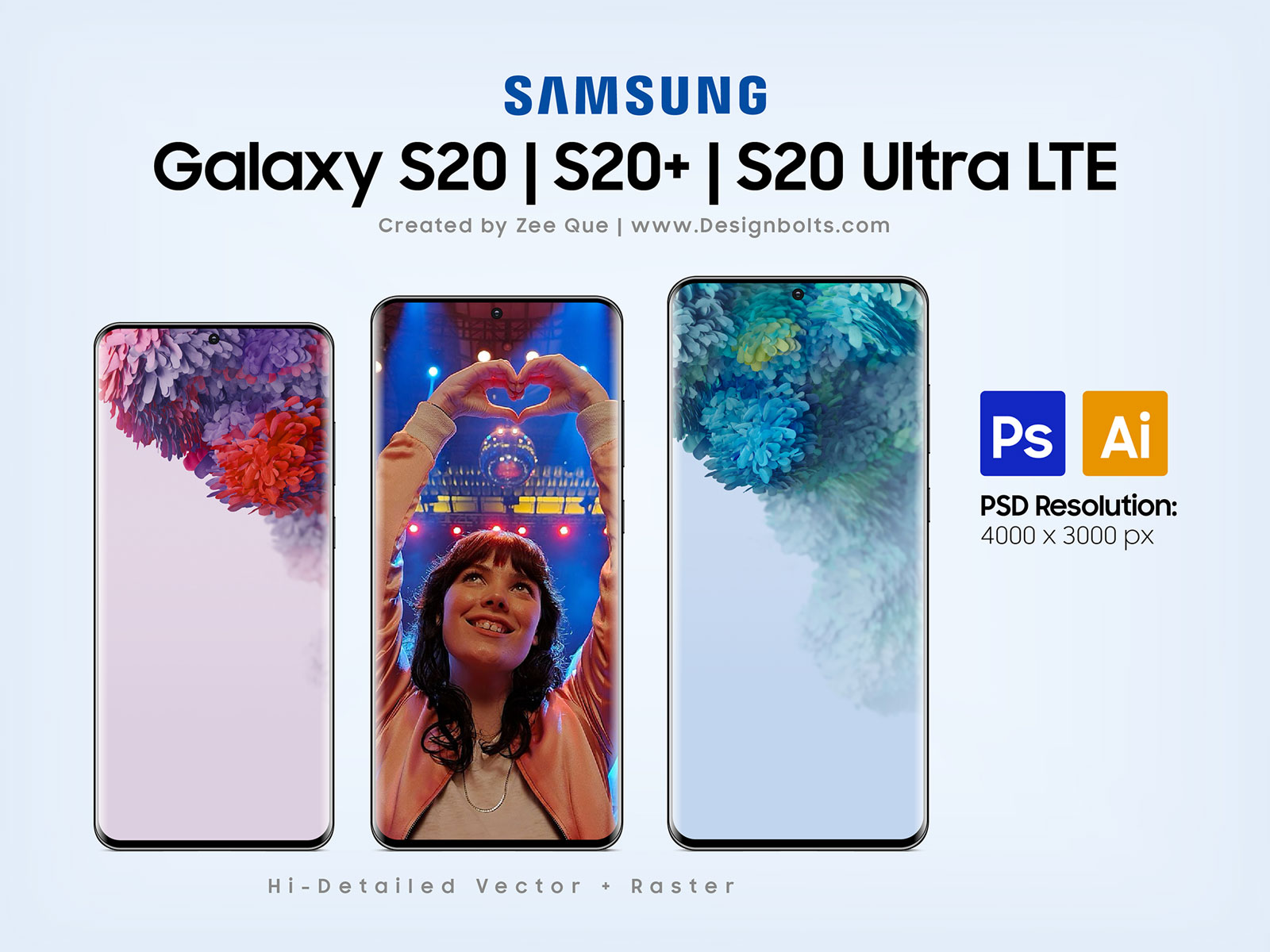
1. Galaxy S20, S20+ and S20 Ultra mockup
Three phones side by side, so one file covers the S20, S20+ and S20 Ultra. It comes as a layered PSD and as an Ai vector, which makes it a good starting point if you need to resize or restyle the device. The preview credits Zee Que. The author allows sharing online with a link back to the post.
- Format: PSD and Ai (vector)
- Size: PSD at 4000 × 3000 px
- Source: Download on Designbolts
2. Free Galaxy S20 Ultra mockup
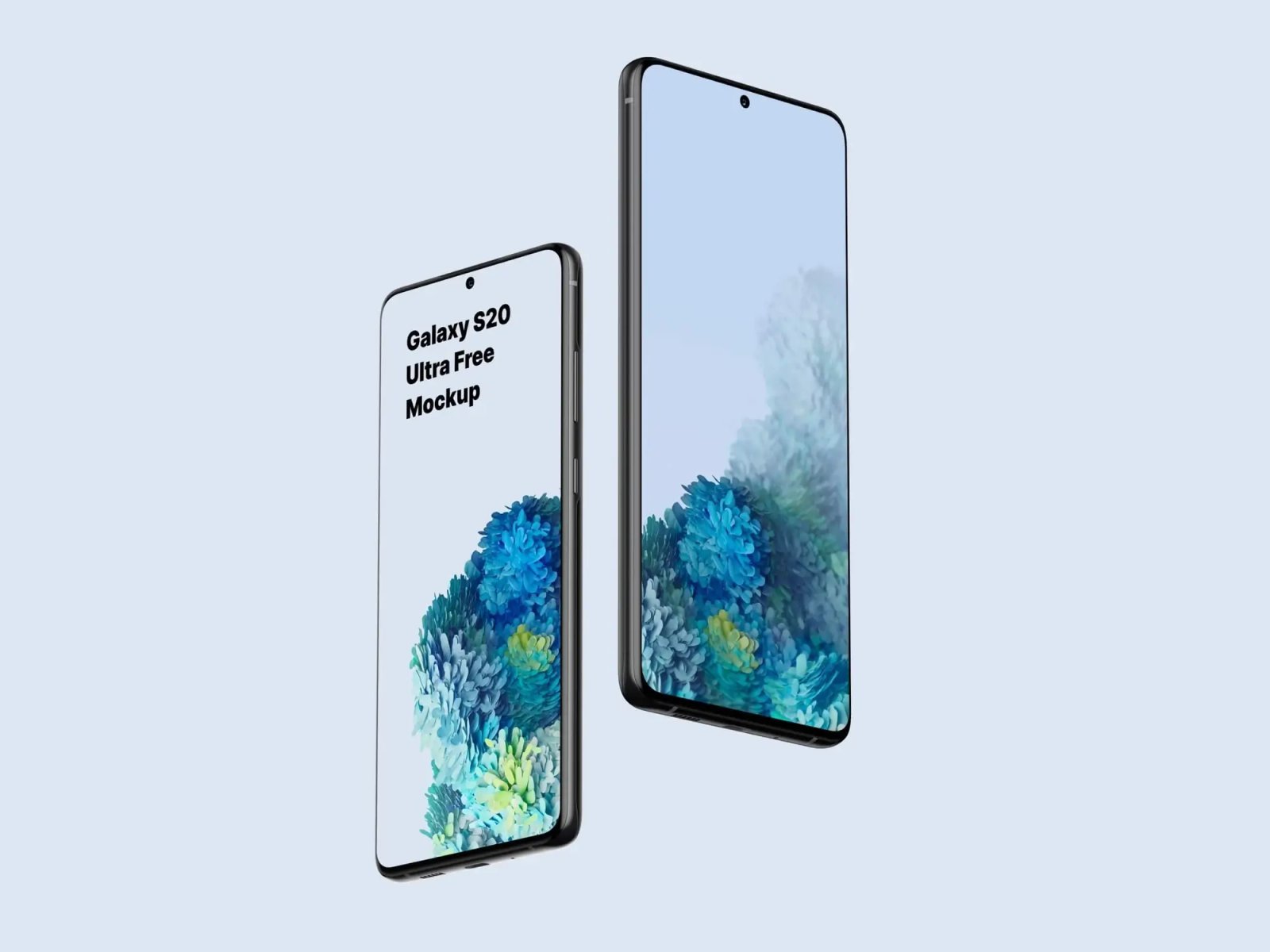
Two phones float at a slight angle on a pale blue background, one front and one in profile. The very large canvas leaves room to crop for social posts, headers or case-study images. A clean, neutral scene for Ultra-sized screens.
- Format: Works with Photoshop and Sketch
- Size: 6000 × 4500 px
- Licence: The page says it is for personal and commercial UI presentations
- Source: Download on ls.graphics
3. Samsung Galaxy S20 mockup, front and back
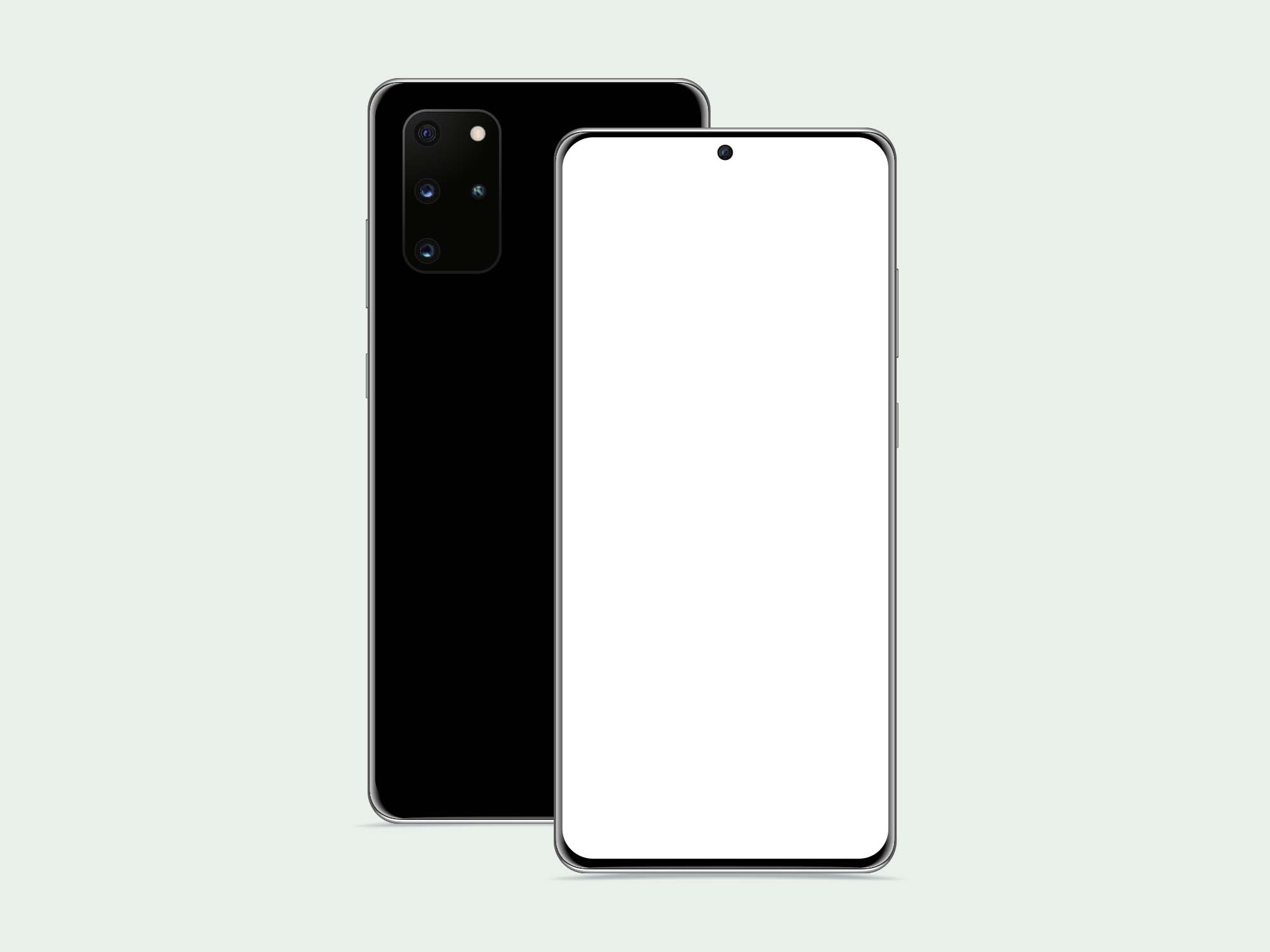
The back of the phone with its camera block sits beside the front with a blank white screen. It is a flat, vector-style scene, so it is easy to recolour and drop a UI into. A solid pick for app store screens and quick client presentations. By Graph Berry.
- Format: AI, EPS and PSD
- Size: 2800 × 2100 px
- Source: Download on Unblast
- Licence: Check the licence page linked on Unblast
4. Galaxy S20 Ultra Figma mockup
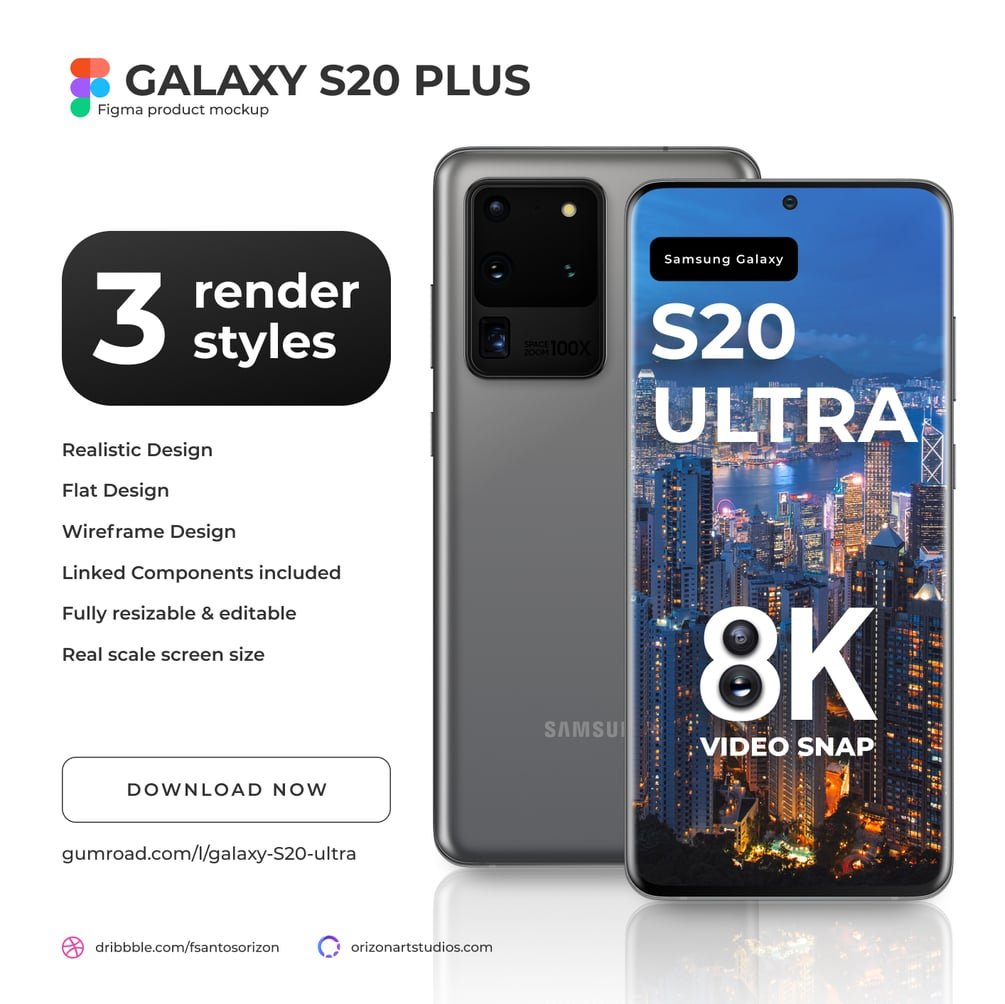
A Figma file with three views of the phone: realistic, flat and wireframe, plus linked components. It is the one to pick if your screens already live in Figma, so you can keep working without exporting to Photoshop. The price is listed as free, with an option to pay what you like. By Orizon Art Studios.
- Format: Figma (.fig) and SVG
- Source: Download on Gumroad
5. Samsung S20 Photoshop mockup
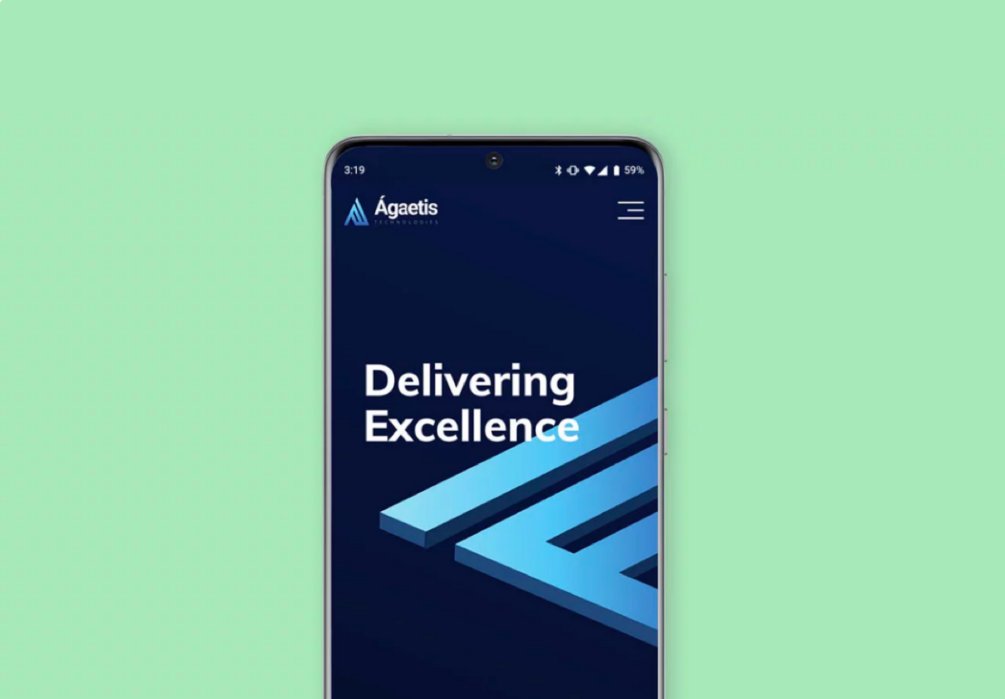
A single front-on phone on a mint green background with a dark app screen. The Photoshop file is layered and labelled, with the screen set up as a smart object and editable shadows and background. Straightforward and fast for a landing page or responsive design. By Ravi Java.
- Format: PSD with a smart object screen
- Source: Download on Gumroad
6. Galaxy S20 on a marble surface
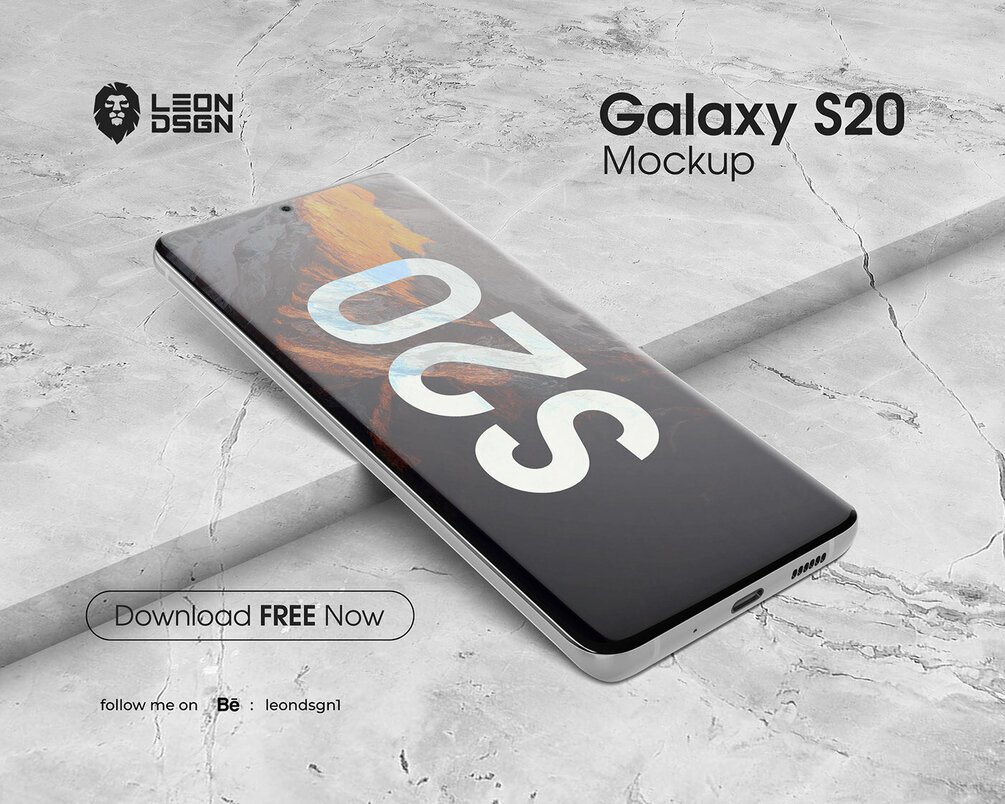
The phone lies at an angle on grey marble with a large S20 graphic on its screen. It has more atmosphere than a plain device shot and suits a portfolio or social post. The page lists it as free for personal and commercial use but does not state the file format, so open the download before you plan around it. The full version is offered through the author’s link. By Leon DSGN.
- Licence: Free for personal and commercial use, per the listing
- Source: Download on Gumroad
Tips for using a Galaxy S20 mockup
- Match the screen shape. The S20 has a tall 20:9 screen with a punch-hole camera, so a screenshot from another phone may need cropping.
- Use a real app screen. A realistic UI sells the mockup better than a gradient. See our mobile app design tips.
- Keep the background quiet. A plain scene lets the interface stand out. Use more atmosphere for hero images only.
- Export at the right size. Save a large file for the case study and a lighter one for the web.
Need more devices for a presentation? See our laptop mockups, a free mobile UI PSD mockup, and our tips for web design presentations. You can also browse all our design services.
Frequently asked questions
Are these Samsung S20 mockups free?
Yes. Each one can be downloaded for free. Check the licence on the download page before using a mockup in paid client work.
Can I use an S20 mockup for client work?
Usually yes, if the licence allows commercial use. Do not resell the mockup file, and keep any credit the author asks for.
Do I need Photoshop to edit a PSD mockup?
No. Photopea opens PSD files and smart objects in the browser for free.
Need app screens to put in these mockups?
Inkyy is a white label design and development team for agencies. Our in-house designers create app and web UI that you present under your own brand, mockups included. See our design services or book a 15-minute call.