20 Free iPhone 18 Pro Mockups (PSD and Figma)
 7 min read
Every new iPhone means a new round of mockups, and showing a client their app on last year’s phone makes the work look dated before they have read a word. We went through the big free mockup libraries and picked the best free iPhone 18 Pro mockups available right now, from clean front-on shots to bold campaign scenes.
All of them are free to download. Most are Photoshop files with smart objects, and a few also come as Figma files or can be edited in the browser. Check the license on each download page before you use a mockup in client work.
20 free iPhone 18 Pro mockups
1. iPhone 18 Pro mockup held front on
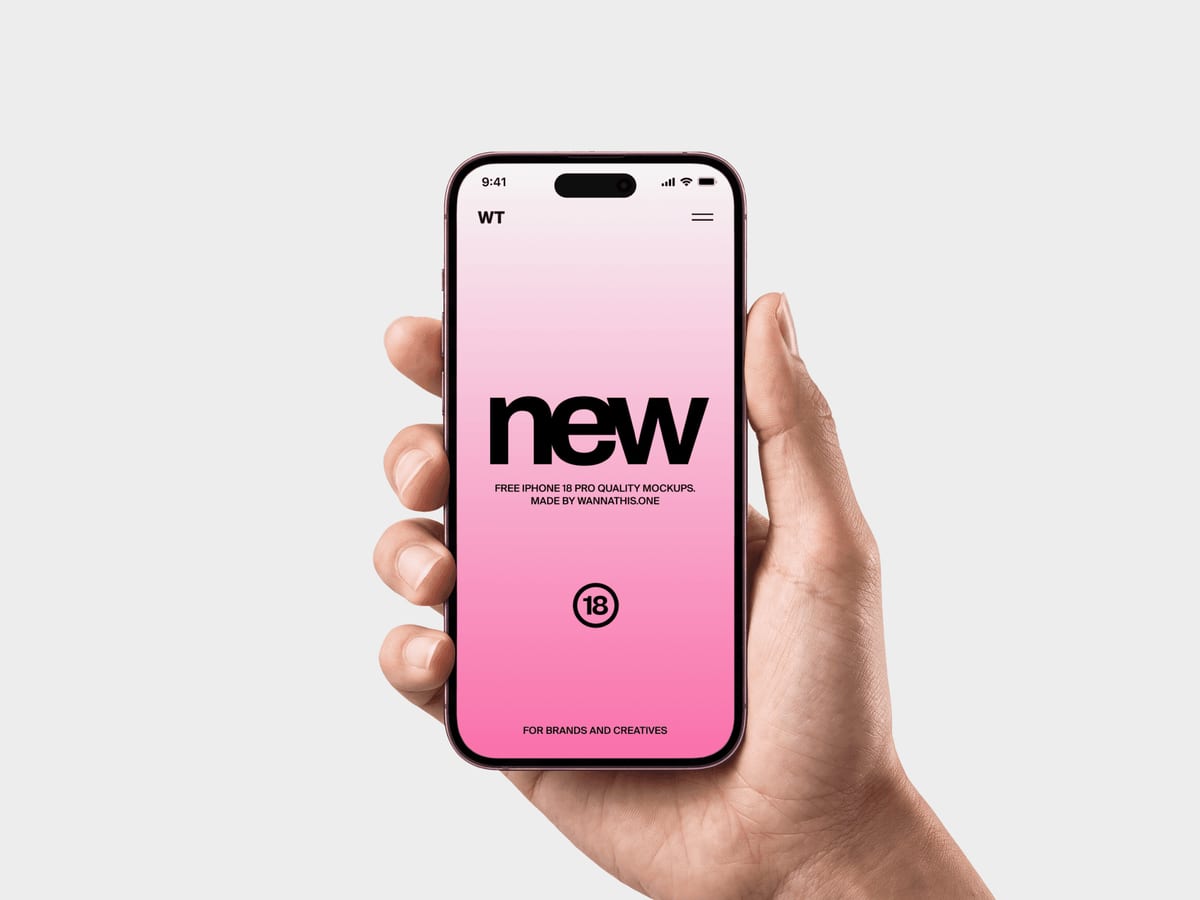
A hand holds the phone upright with the screen facing the camera straight on, so nothing in your layout is distorted by perspective. That makes it the safest pick when a client needs to judge a screen design accurately, such as an onboarding flow or a landing page on mobile.
- Format: PSD, Figma and online editor
- Size: 3680 × 2760 px
- Source: Download on Wannathis
2. iPhone 18 Pro mockup held at an angle
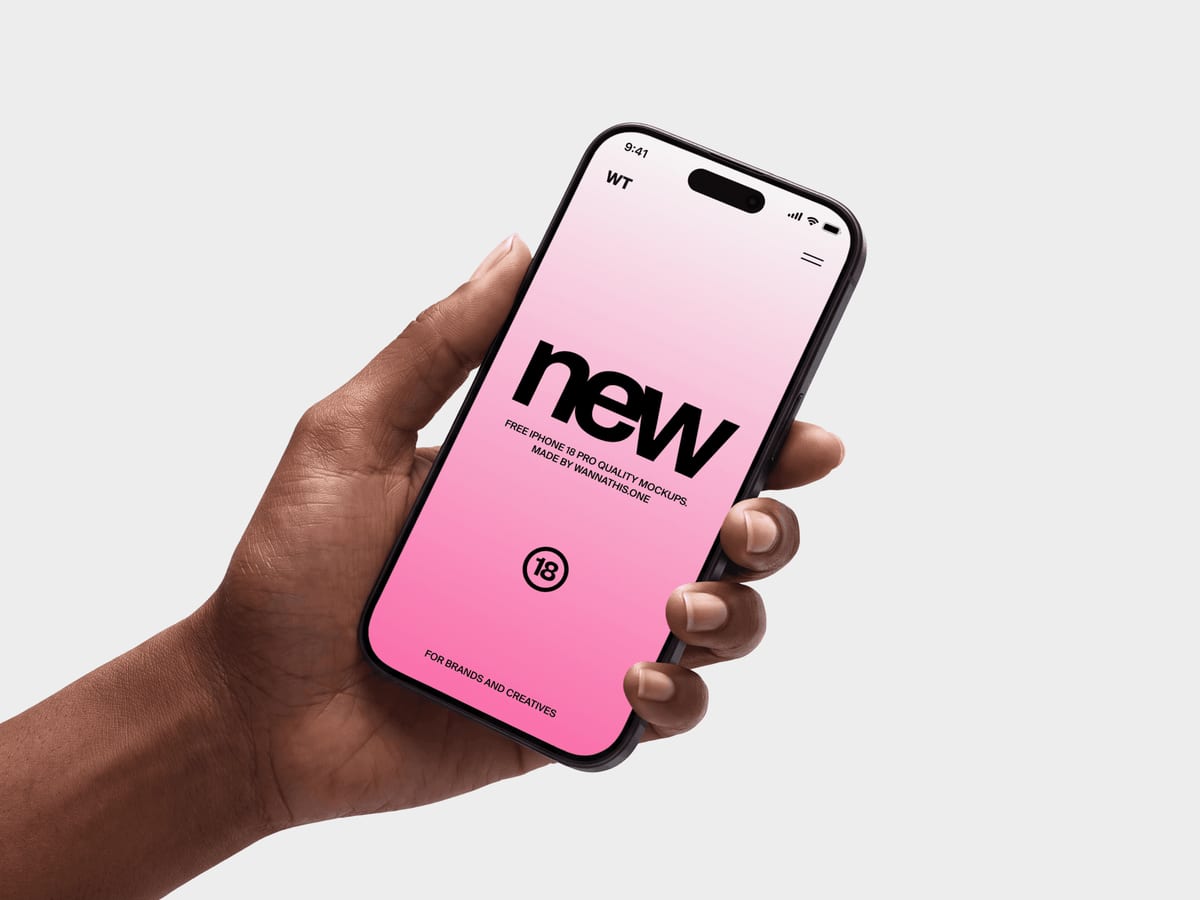
The same scene, turned slightly so the light catches the edge of the frame. The angle adds depth and works well as a hero image on a case study or app store promo, where atmosphere matters more than pixel-perfect reading.
- Format: PSD, Figma and online editor
- Size: 3680 × 2760 px
- Source: Download on Wannathis
3. Glacier iPhone 18 Pro held in hand
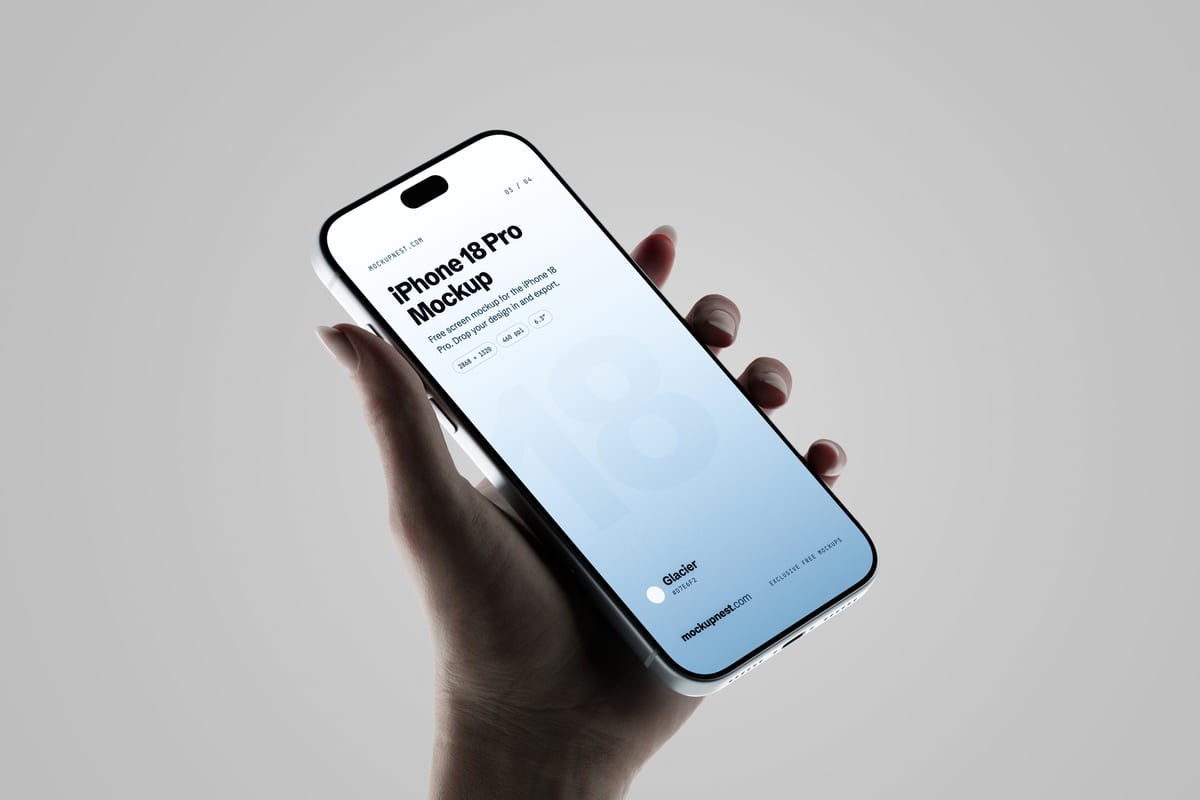
A hand holds the glacier blue iPhone 18 Pro at an angle against a soft grey background. It feels natural and human without distracting from the screen, so it works for almost any consumer app.
- Format: PSD and online editor
- Source: Download on Mockupnest
4. Hands holding an iPhone 18 Pro Max in landscape
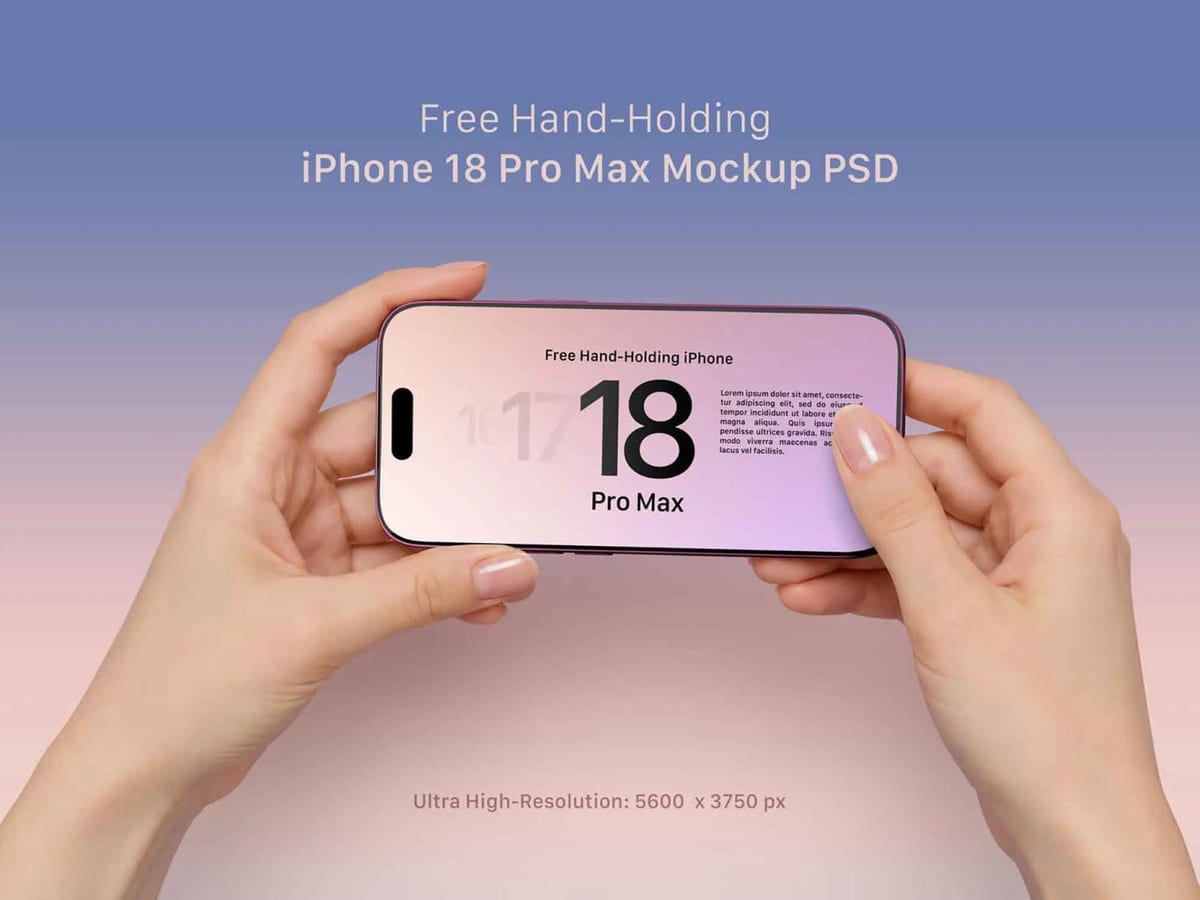
Two hands hold a burgundy iPhone 18 Pro Max sideways, the way people watch video or play games. One of the few landscape mockups around, so it is the one to use for games, streaming and video apps. The background colour can be changed.
- Format: PSD
- Size: 5600 × 3750 px
- License: Free for personal and commercial use
- Source: Download on Unblast
5. Gloved hand holding an iPhone 18 Pro
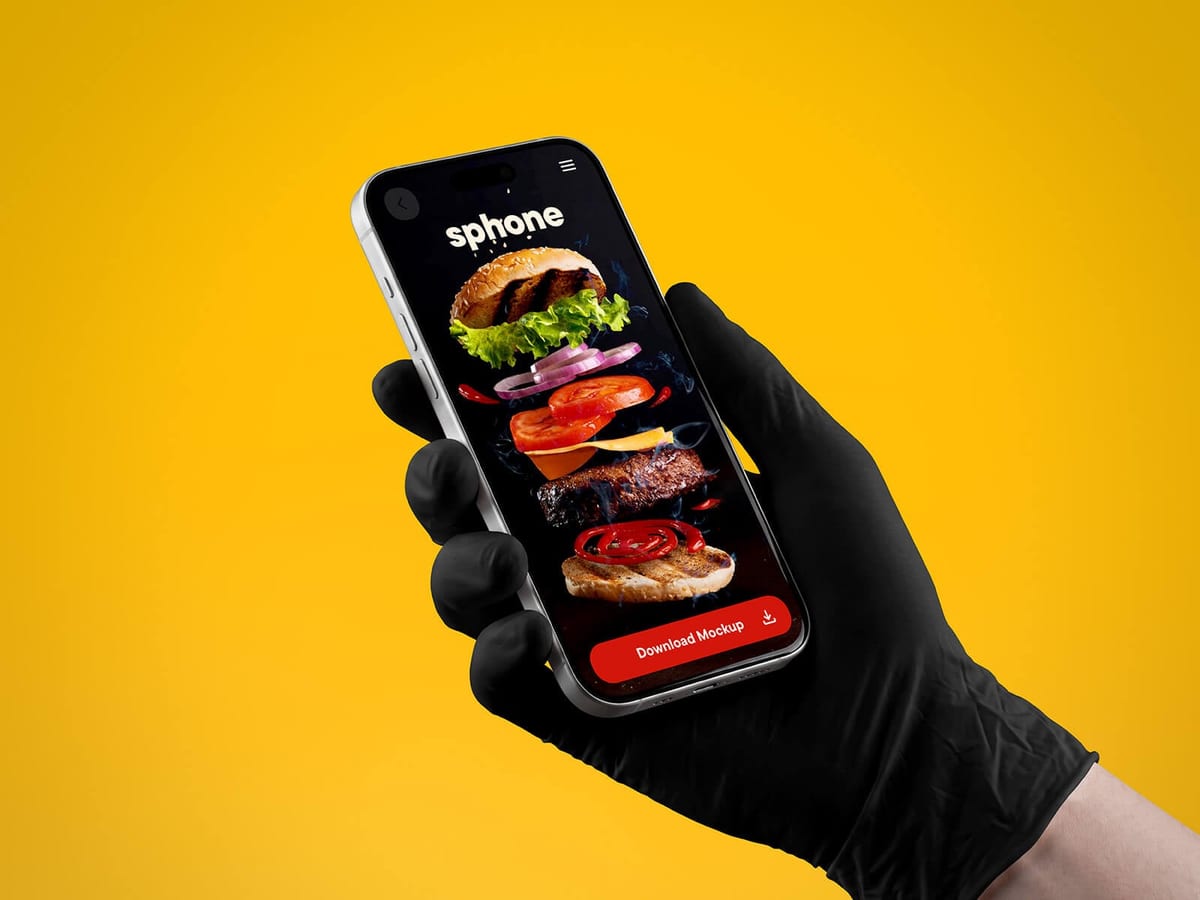
A hand in a black glove holds the phone against a bright yellow background. Bold and graphic, it works for food delivery, kitchen and service apps, or any campaign that needs to stop the scroll.
- Format: PSD
- Size: 6500 × 5000 px
- License: Free for personal and commercial use
- Source: Download on Good Mockups
6. Floating iPhone 18 Pro mockup
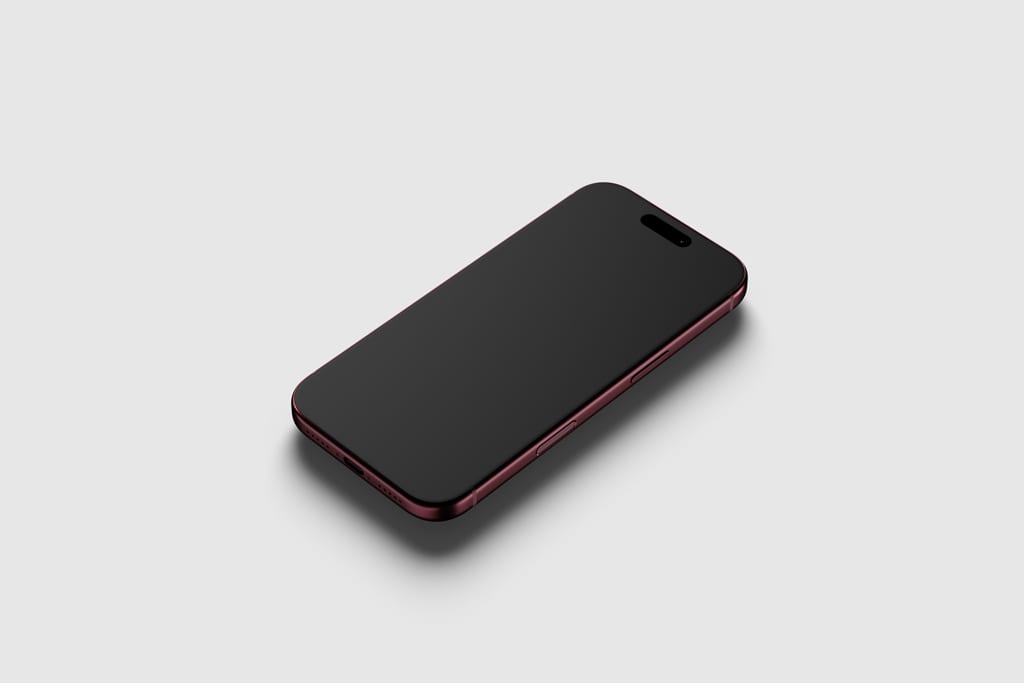
A single phone floating at a low angle on a clean background, with smart object layers for the screen. Use it for app interfaces, wallpapers or a minimal social post where the device itself is part of the look.
- Format: PSD
- Source: Download on Mockup World
7. Floating iPhone 18 Pro, front and back
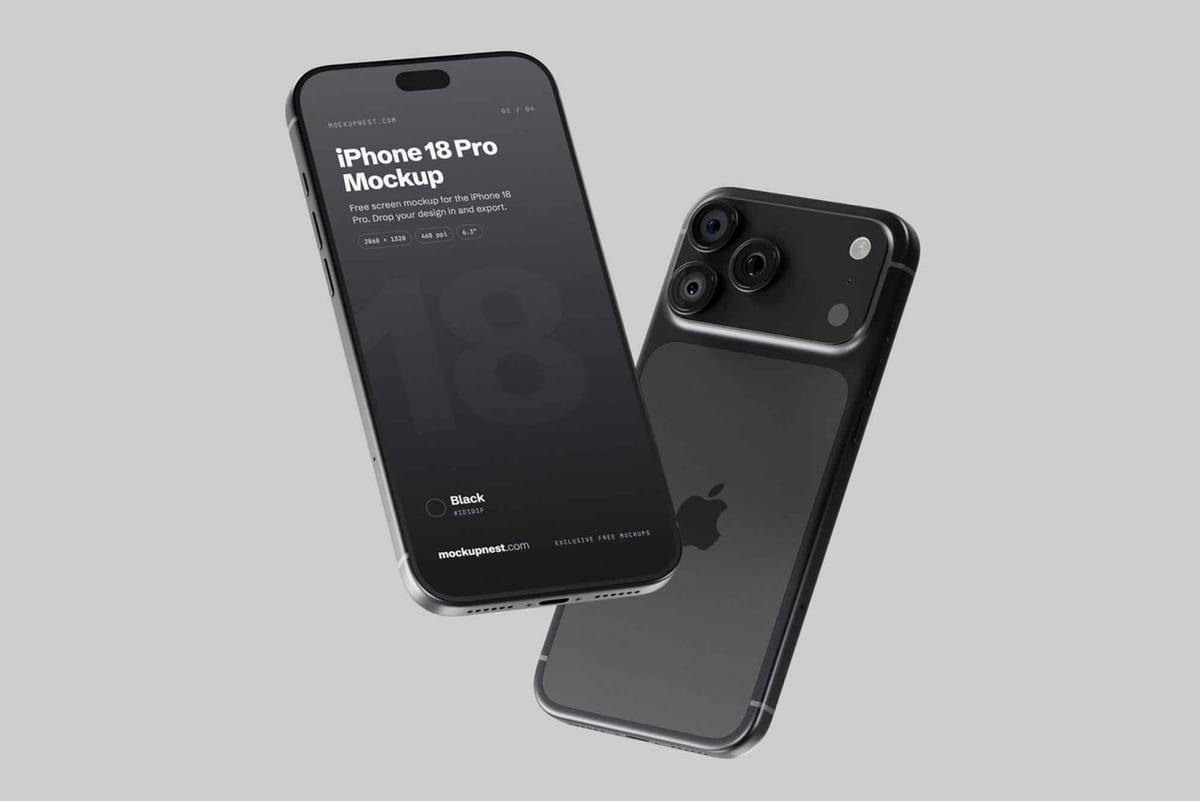
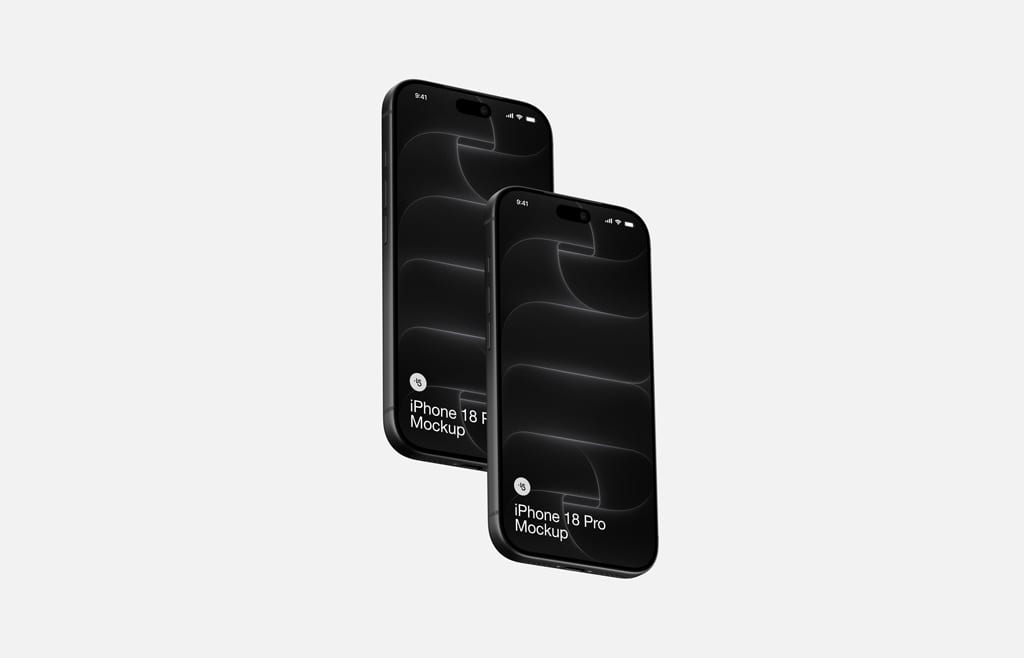
Two phones float on a grey studio background, one showing the screen and one showing the back with the camera module. Useful when you want the device itself to read as the new model, not just a generic phone.
- Format: PSD
- Size: 4500 × 3000 px
- License: Free for personal and commercial use
- Source: Download on Unblast
8. Two black iPhone 18 Pro devices mockup
Two black phones floating side by side at slightly different angles. Two screens let you show a before and after, a light and dark mode, or two steps of the same flow in one image, and the background colour can be changed.
- Format: PSD
- Size: 6000 × 4500 px
- Source: Download on Mockup World
9. Silver iPhone 18 Pro side perspective
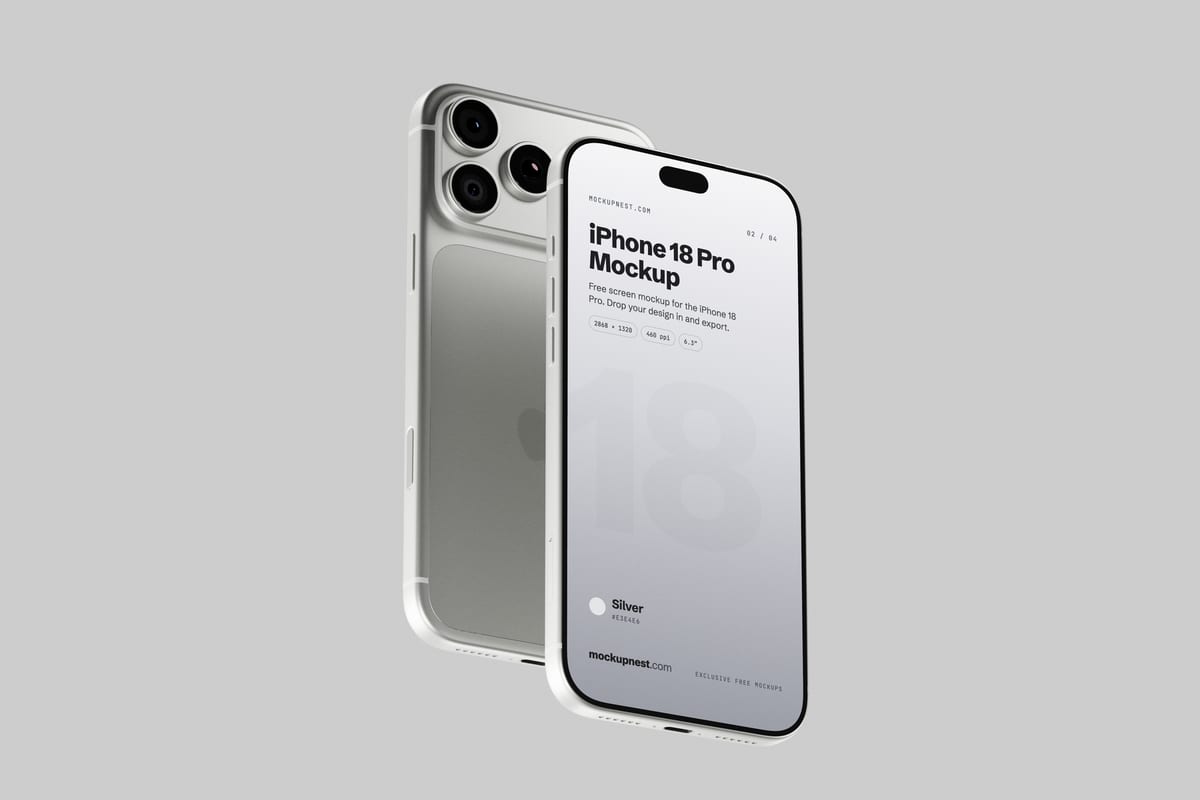
Two silver phones float side by side, one facing forward and one showing the camera, seen from a side angle. The light finish keeps the scene calm and clean, good for health, finance and productivity apps.
- Format: PSD and online editor
- Size: 4500 × 3000 px
- Source: Download on Mockupnest
10. Three burgundy iPhone 18 Pro mockup
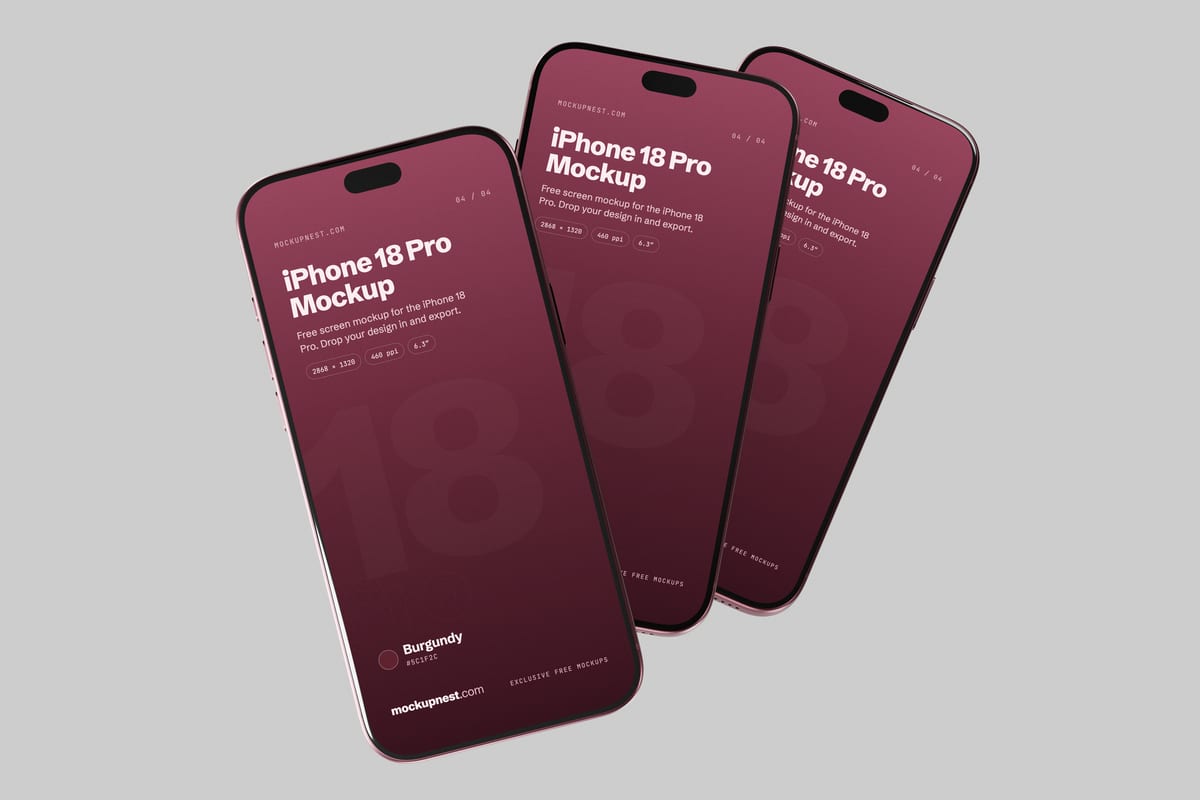
Three burgundy phones overlap at an angle on a light grey backdrop. Three screens side by side make it easy to show a short flow, such as sign up, home and checkout, in one image.
- Format: PSD and online editor
- Size: 4500 × 3000 px
- Source: Download on Mockupnest
11. Black iPhone 18 Pro on a surface, angled view
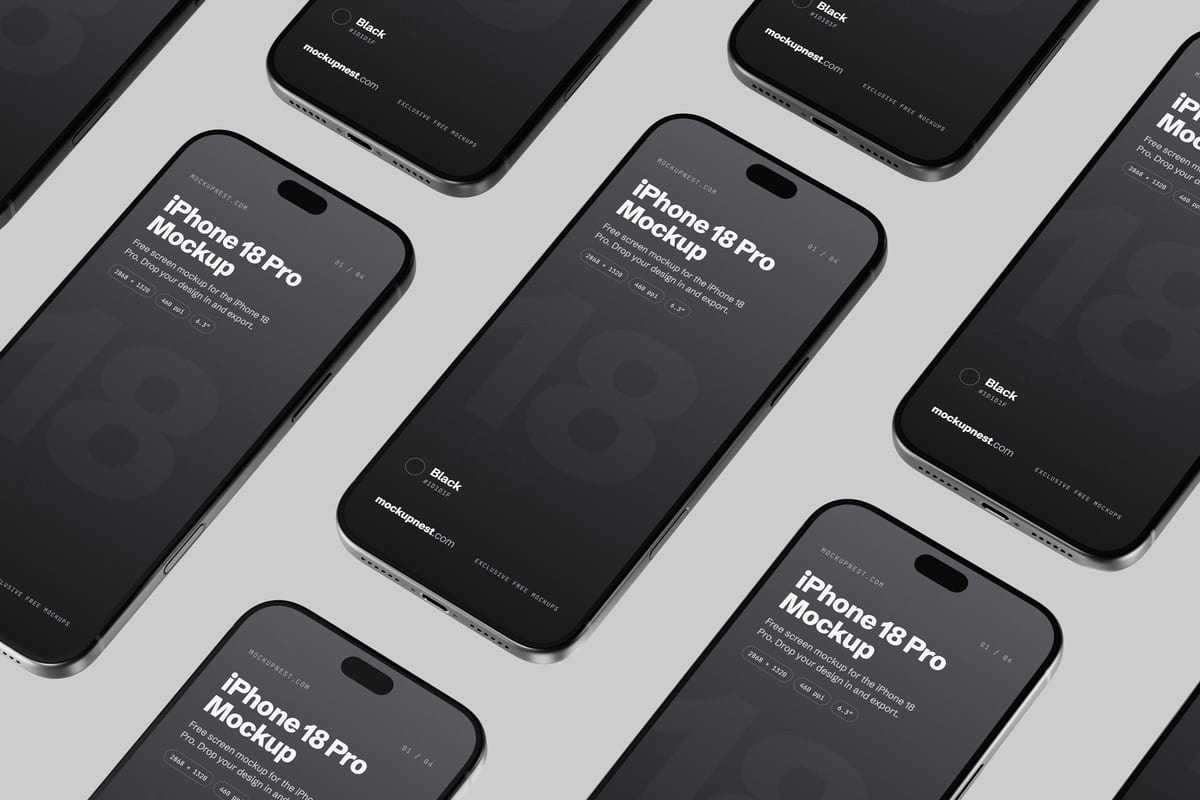
Black phones lie on a flat surface in a diagonal grid, shot from above. Many screens in one frame make it a strong cover image for an app case study or a UI kit.
- Format: PSD and online editor
- Size: 4500 × 3000 px
- Source: Download on Mockupnest
12. iPhone 18 Pro mockups in PSD and Figma
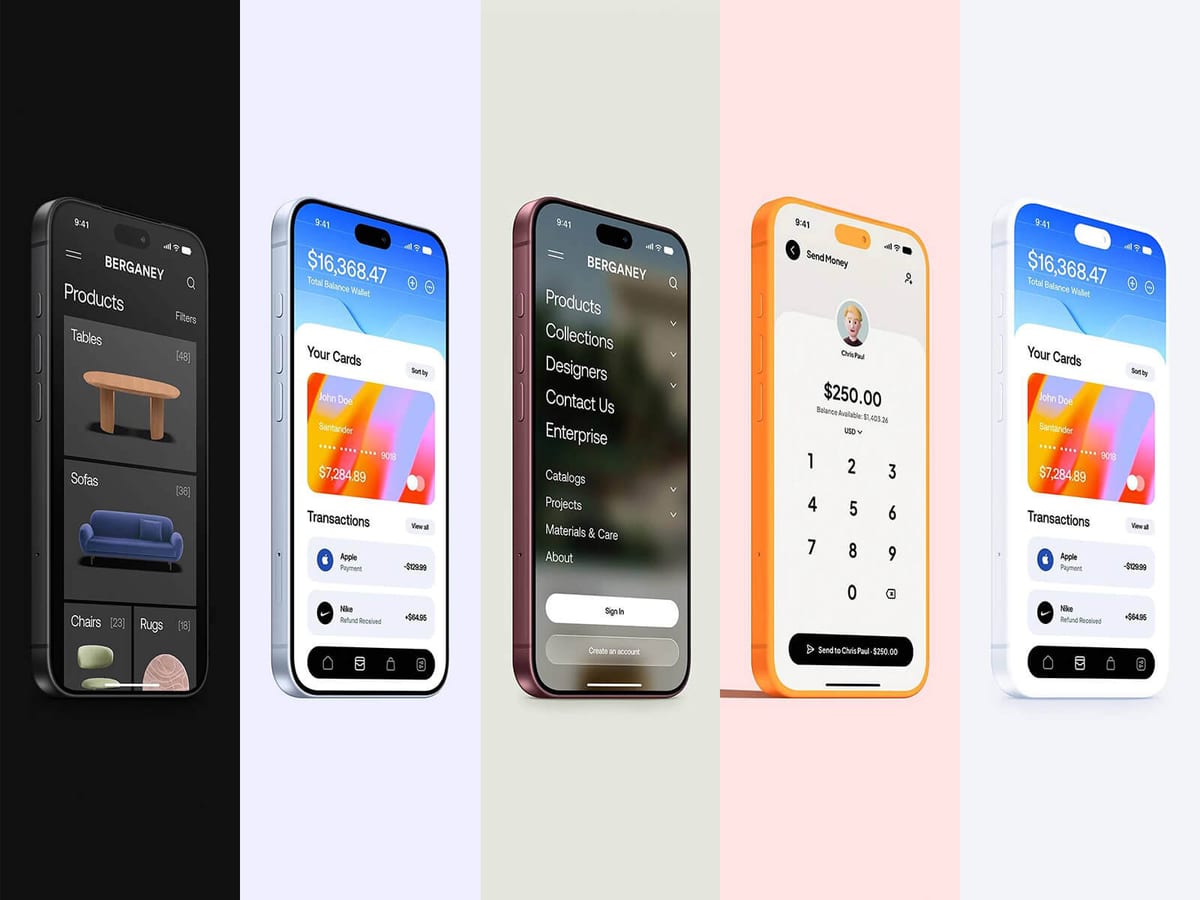
A row of iPhone 18 Pro devices in different finishes, each on its own coloured panel. Handy when you need a full app overview on one canvas, and it comes as both a Photoshop and a Figma file.
- Format: PSD and Figma
- Size: 9000 × 9000 px
- License: Free for personal and commercial use
- Source: Download on Good Mockups
13. 4 black iPhone 18 Pro Max mockups
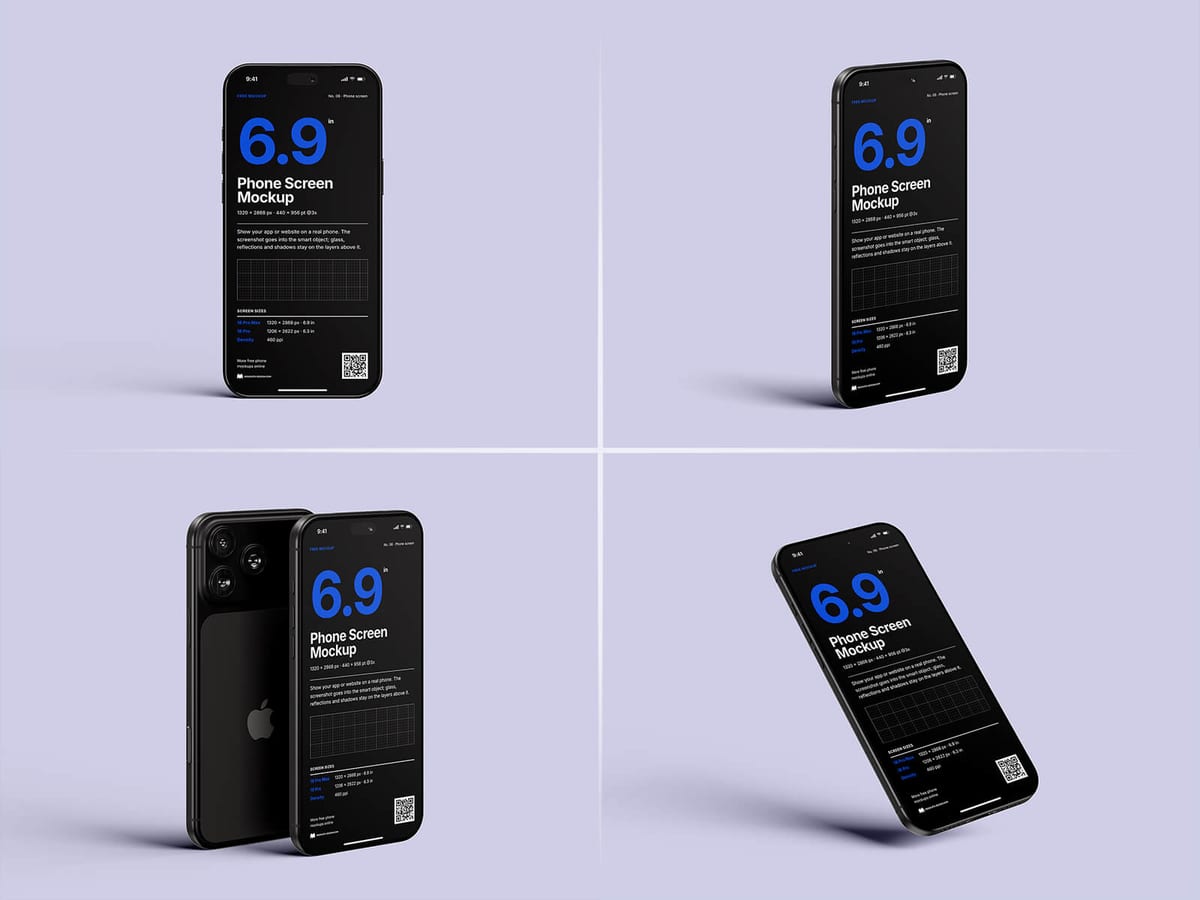
Four separate PSD files showing the iPhone 18 Pro Max from the front, at an angle and from the back. A good starter kit if you want matching shots for a whole presentation.
- Format: 4 PSD files
- Size: 4000 × 3000 px
- License: Free for personal and commercial use
- Source: Download on Good Mockups
14. iPhone 18 Pro mockup in a dark stone scene
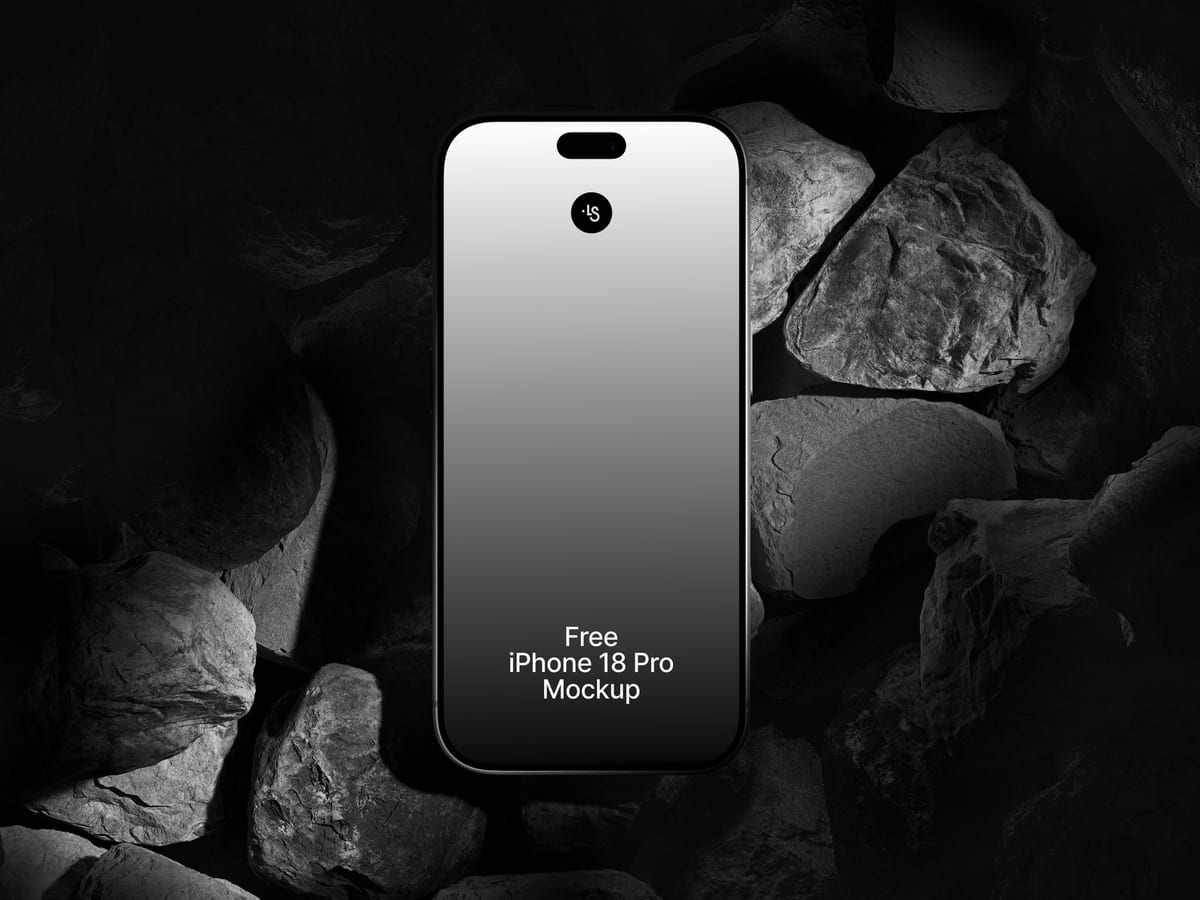
The phone stands among dark rocks lit from one side, so your screen is the brightest thing in the frame and its glow spills onto the stones. Lighting, glow and background are editable. A cinematic scene for app launches, gaming and premium brands.
- Format: PSD, Sketch, Figma and online editor
- Size: 6000 × 4500 px
- License: Free for personal and commercial use
- Source: Download on ls.graphics
15. iPhone 18 Pro on a metal structure
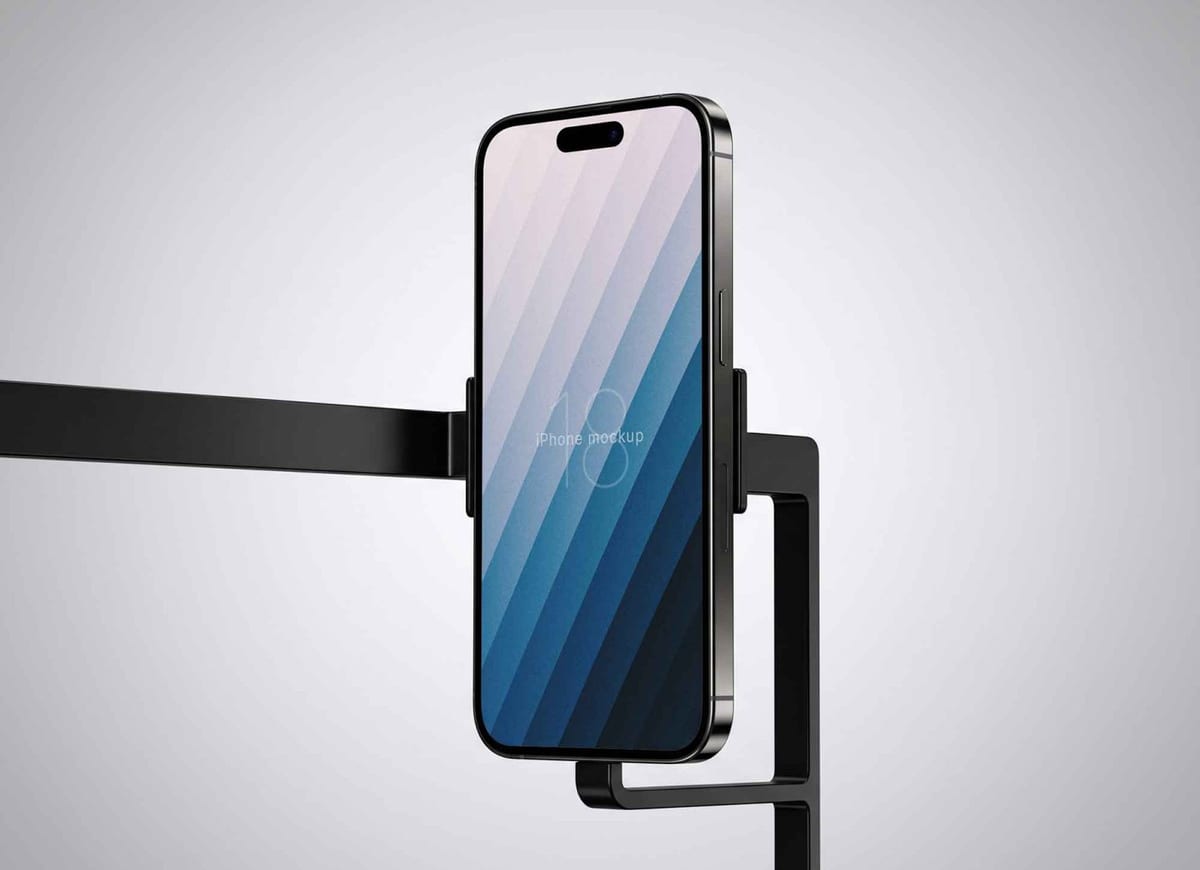
The phone is held upright on a slim black metal arm, shot straight on with soft directional light. It feels like a product photo from a launch event, which suits hardware-adjacent apps, tech brands and minimal portfolios.
- Format: PSD
- License: Free for personal and commercial use
- Source: Download on Unblast
16. iPhone 18 Pro perspective mockup
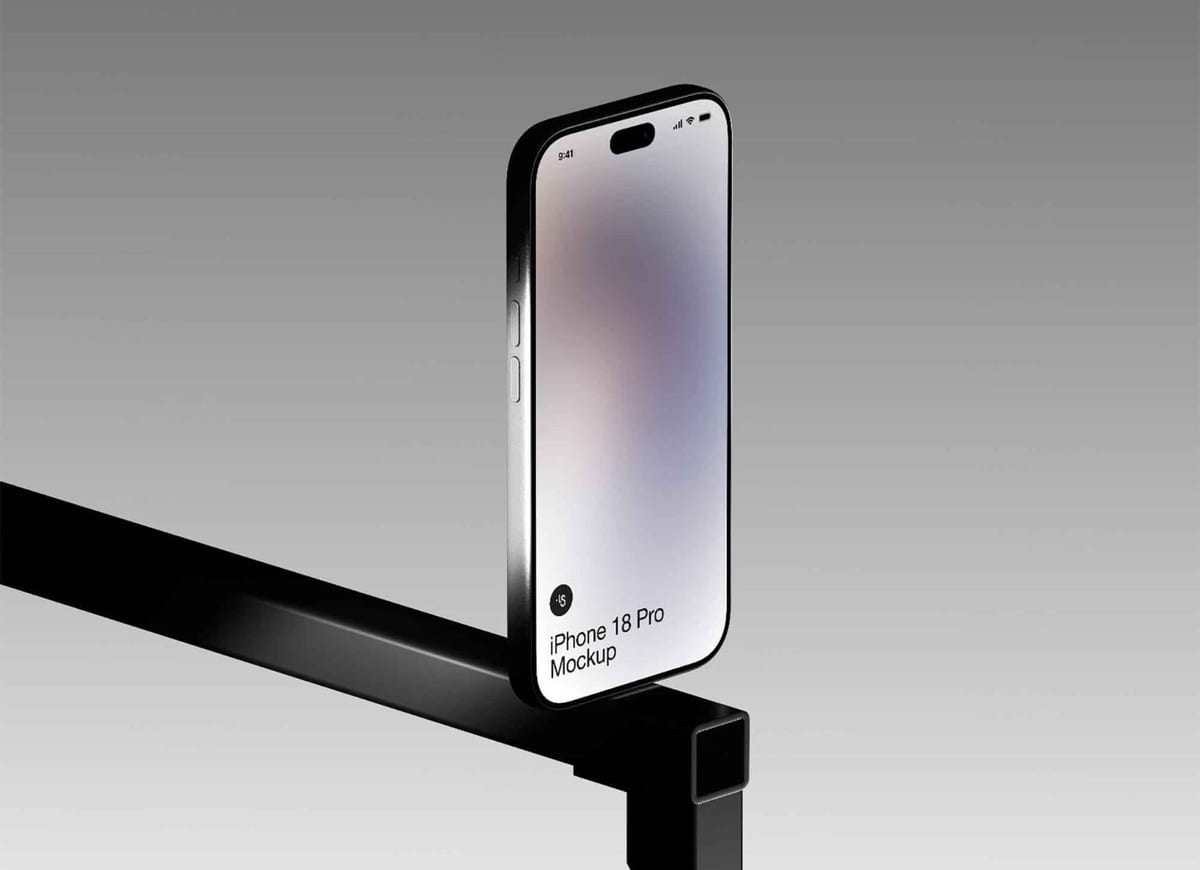
The phone rests on the edge of a black metal beam at a strong perspective angle. The tilt adds energy while the screen stays clearly visible. A good pick for landing page heroes and case study covers.
- Format: PSD
- License: Free for personal and commercial use
- Source: Download on Unblast
17. iPhone 18 Pro Max on a terrazzo table
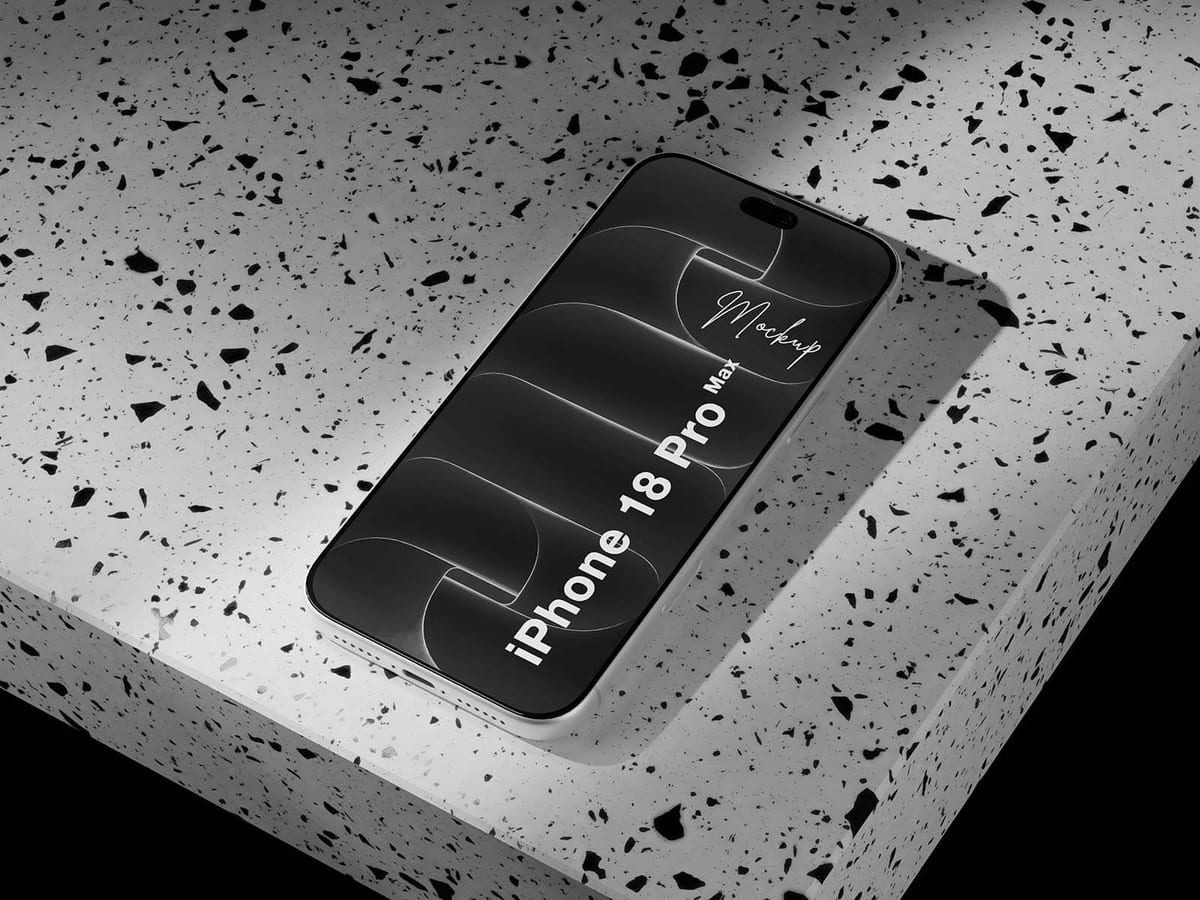
The phone lies flat on a speckled terrazzo surface, shot from above at an angle. The setting feels like a café or restaurant table, which suits menus, ordering apps and hospitality brands.
- Format: PSD
- Size: 4500 × 3000 px
- License: Free for personal and commercial use
- Source: Download on Good Mockups
18. Glossy burgundy vinyl iPhone 18 Pro
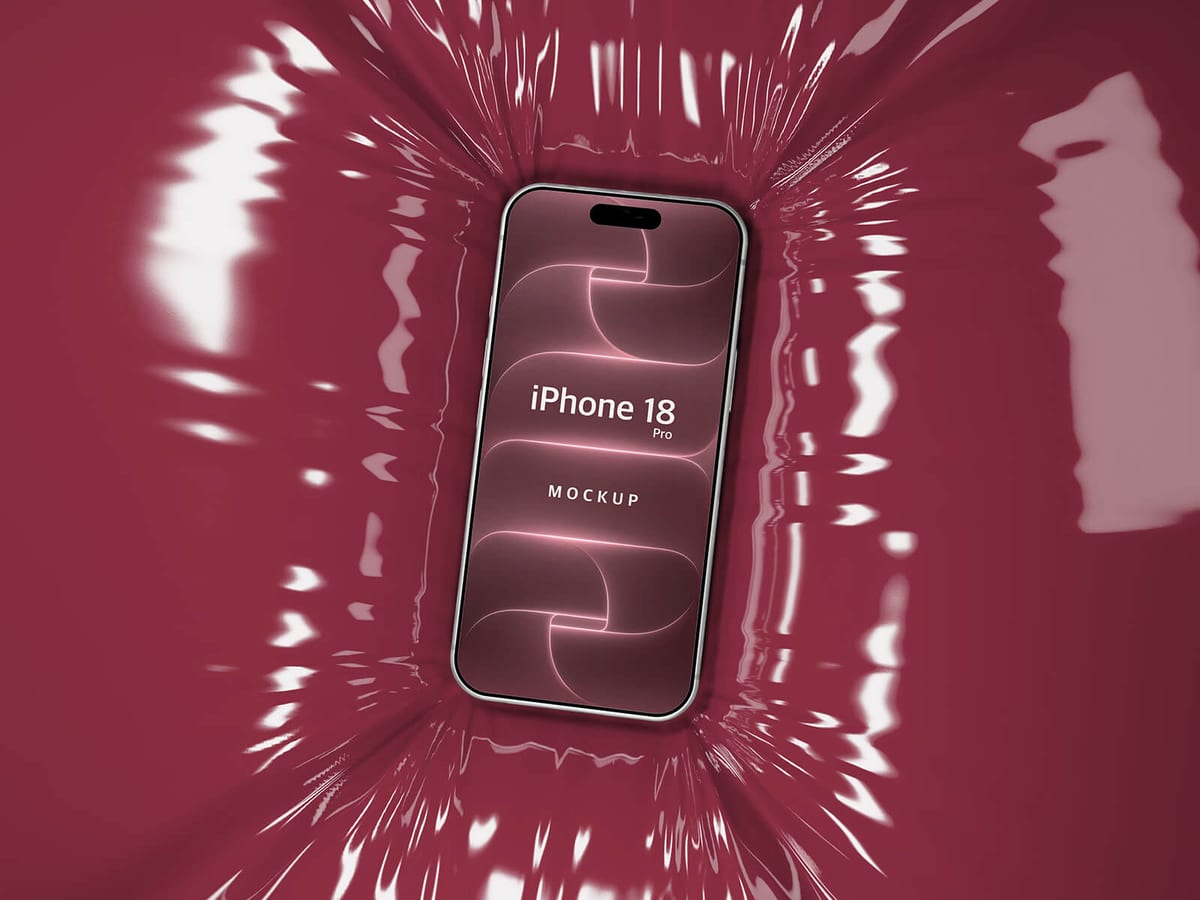
The phone sits in a sea of glossy burgundy vinyl with dramatic reflections. A moody, premium scene for fashion, beauty and luxury brands.
- Format: PSD
- Size: 5400 × 3600 px
- License: Free for personal and commercial use
- Source: Download on Good Mockups
19. iPhone 18 Pro carousel screens mockup
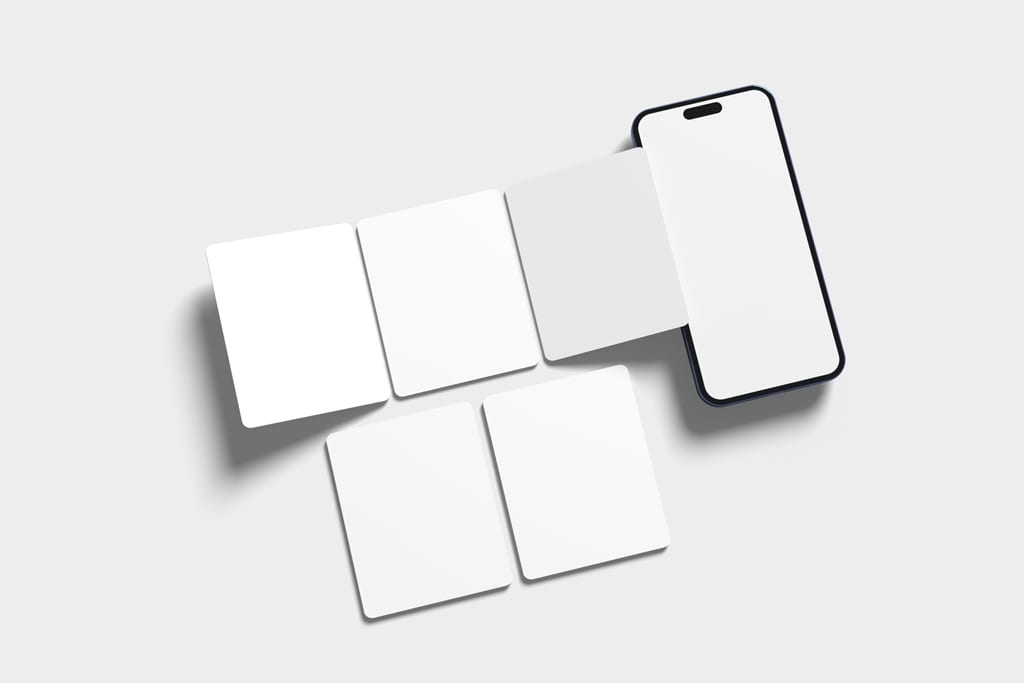
One phone plus five extra screens laid out next to it, each on its own smart layer. Built for presenting Instagram carousels and swipe-through app screens, so a client sees the whole sequence at once.
- Format: PSD
- Size: 4500 × 3000 px
- Source: Download on Mockup World
20. iPhone 18 Pro Instagram ad mockup
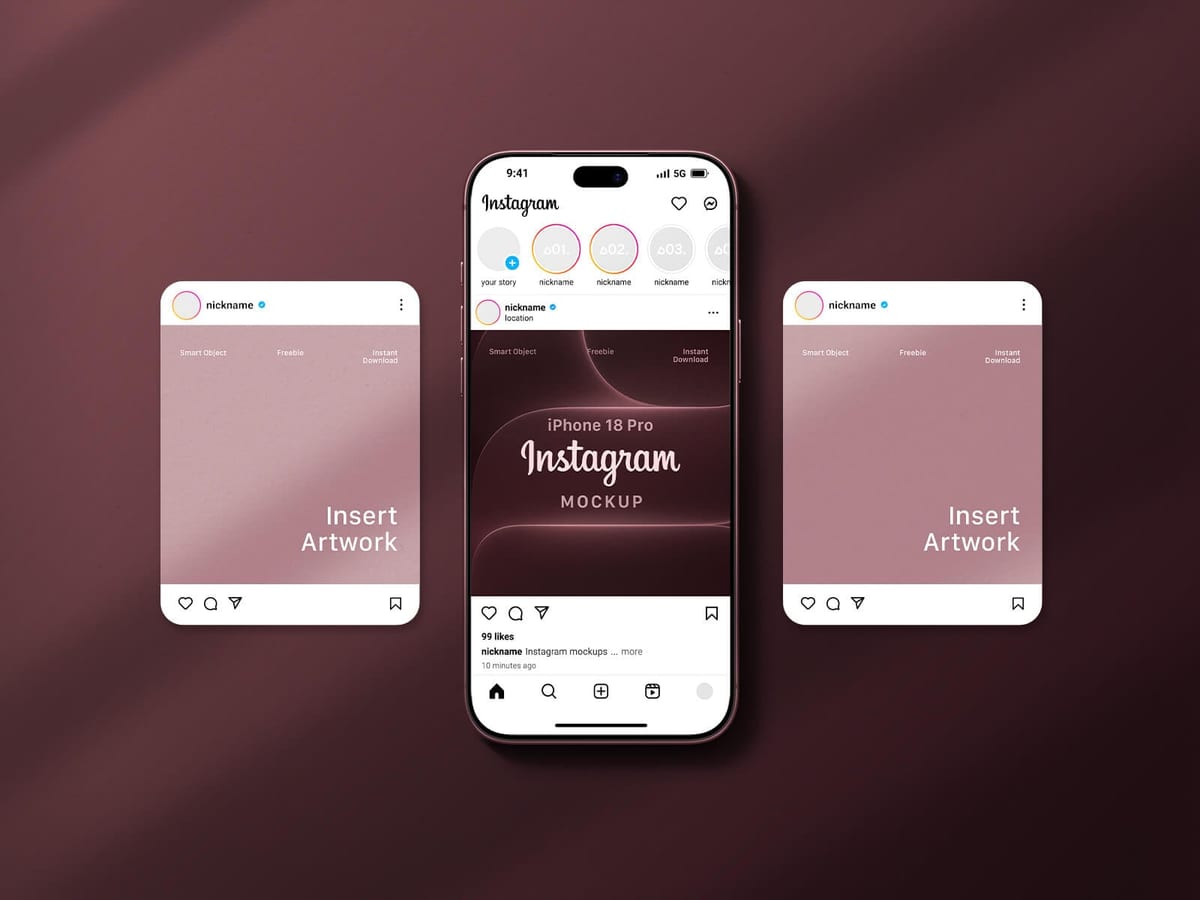
An Instagram feed on the phone, with two extra post frames floating beside it. Drop in your ad creative and the client sees it in context, exactly as it will appear in the feed.
- Format: PSD
- Size: 4500 × 3000 px
- License: Free for personal and commercial use
- Source: Download on Good Mockups
Which iPhone mockup should you use?
- To review a design: use the straight, front-on view (mockup 1) so the client judges the layout, not the angle.
- To make an app feel real: in-hand shots (mockups 2 to 5) show it in use. Pick 4 for games and video.
- For a case study or hero image: floating and angled devices (mockups 6 to 10) add depth.
- For a full app overview: the multi-device sets (mockups 11 to 13) fit many screens on one canvas.
- For a brand campaign: styled scenes like stone, metal, terrazzo or vinyl (mockups 14 to 18) add mood and context.
- For social and ad work: the carousel and Instagram mockups (19 and 20) show creative exactly as it appears in the feed.
How to use a free iPhone mockup
- Export your screen from Figma or Sketch at 2x or 3x so it stays sharp when it is scaled into the frame.
- In Photoshop, double-click the smart object layer, paste your screen, save and close. The perspective and reflections update on their own.
- In Figma, select the screen frame and replace its image fill, or paste your design into the screen frame.
- No Photoshop? Free tools like Photopea open PSD files in the browser, and some libraries offer an online editor.
- Match the details: use a real status bar, the right time format and content that looks like the actual product.
Need more devices for a presentation? See our roundups of Apple Watch mockups and laptop mockups, browse all free mockups, or read our mobile app design tips.
Frequently asked questions
Are these iPhone 18 mockups really free?
Yes, every mockup in this list can be downloaded for free. The files from ls.graphics, Unblast and Good Mockups state they are free for personal and commercial use. For the others, read the license on the download page before using them in paid work.
Can I use a free iPhone mockup for client work?
Usually yes, as long as the license allows commercial use. Do not resell the mockup file itself, and keep any credit the author asks for.
Which format should I choose, PSD or Figma?
PSD files give the most realistic results with lighting and reflections, which is best for final presentations. Figma files are faster when you want to drop live designs in and update them often.
Do I need Photoshop to edit a PSD mockup?
No. Photopea opens PSD files and smart objects in the browser for free, and some libraries let you edit a mockup online without downloading anything.
Need app screens to put in these mockups?
Inkyy is a white label design and development team for agencies. Our in-house designers create app and web UI that you present under your own brand, mockups included. See our design services or book a 15-minute call.