9 Free Samsung Galaxy Mockups (S26, S25 and S10 PSD)
 5 min read
A Samsung Galaxy mockup lets you show an Android app or interface design on a real device, which is what most clients expect to see. The free mockups below cover the latest Galaxy S26 and S25, the S24 and S23 Ultra, the Galaxy Z Fold 7 and three Galaxy S10 files.
We first published this list when the S10 was new, and most of its old download links have since died. We rechecked every source and kept only pages that are live today. Want iPhones instead? See our 20 free iPhone mockups.
How to choose a free Samsung Galaxy mockup
- Pick the right model. Show the phone your audience owns. The S10 is from 2019, so use it only for older Android work. For new projects, choose an S26 or S25 file.
- Check the format. Almost all of these are layered PSD files with a smart object for the screen. A few also include Figma files.
- Look at the size. A file around 4500 by 3000 pixels is enough for web and slides. Go larger for print.
- Read the licence. Where a page says free for personal and commercial use, we say so below. If it does not, read the terms before using the file in paid work.
Galaxy S26 and S25 mockups
1. Galaxy S26 mockup set
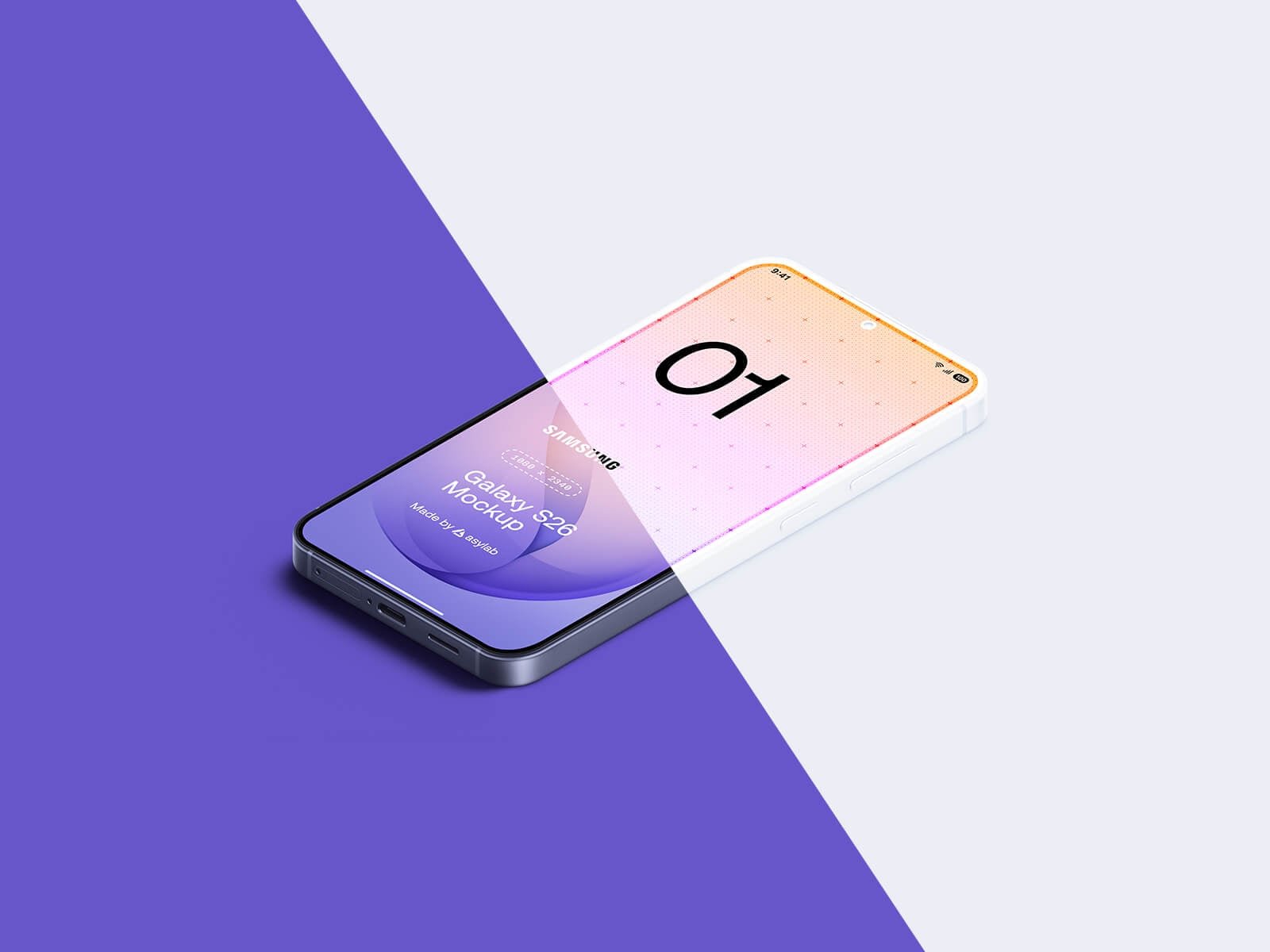
The newest phone on the list lies at an isometric angle across a split purple and lavender background, with a pink and lilac sample screen. The bright background colour can be changed, so it fits most brands. A good pick for a hero image or app launch graphic.
- Format: Layered PSD and Figma (2 PSD files)
- Size: 7000 × 4800 px
- Licence: Free for personal and commercial use
- Source: Download on Good Mockups
2. Galaxy S25 Ultra front and back
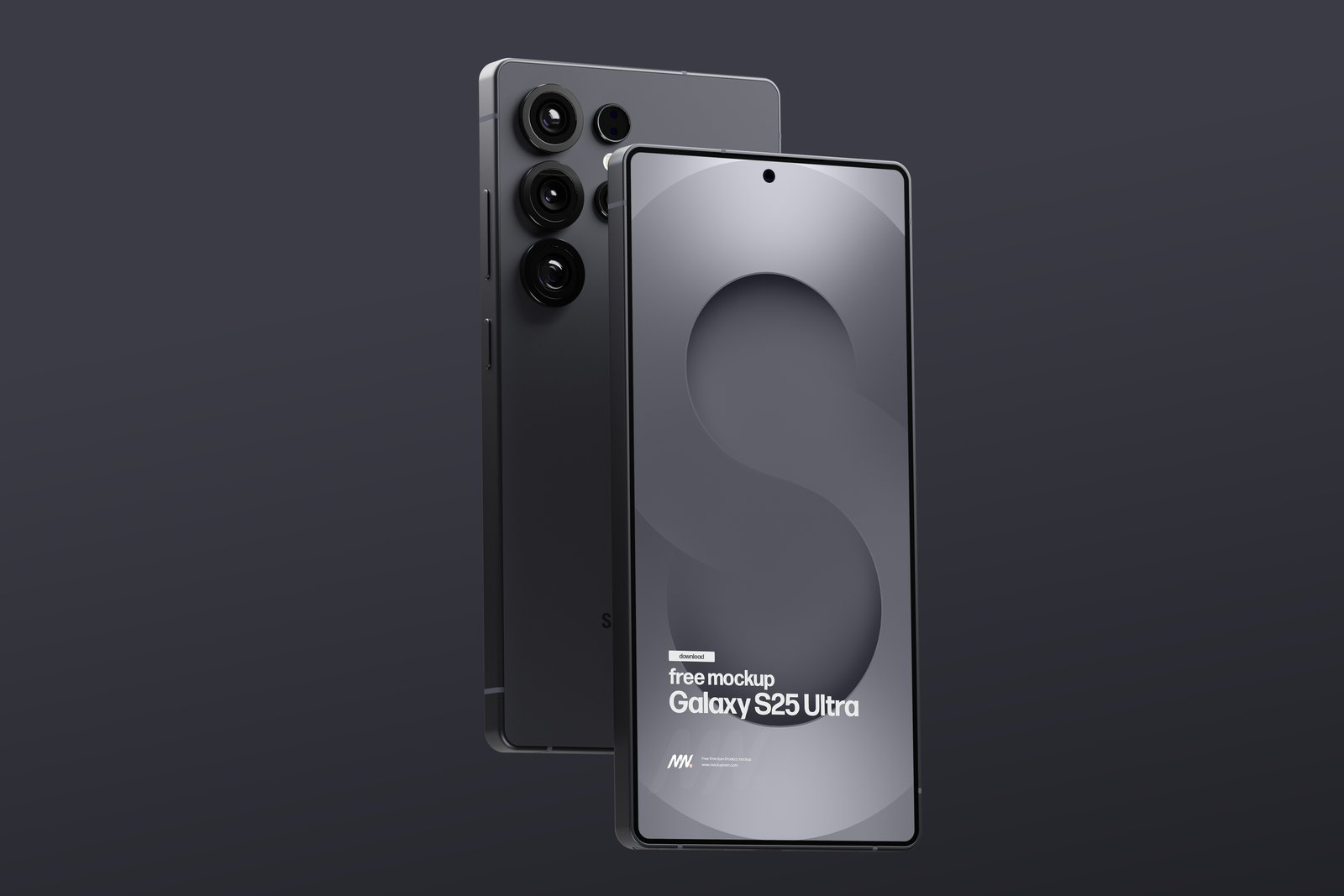
One phone shows its back with the camera lenses while another stands in front of it with the screen facing you. It is a neat way to show the device and your design in one image, on a calm dark grey background. Isolated shadow and background make it easy to restyle.
- Format: PSD with a smart object
- Size: 4500 × 3000 px
- Licence: Free download, no signup. Check the licence on the page.
- Source: Download on Mockupnest
3. Galaxy S25 clay and colour set
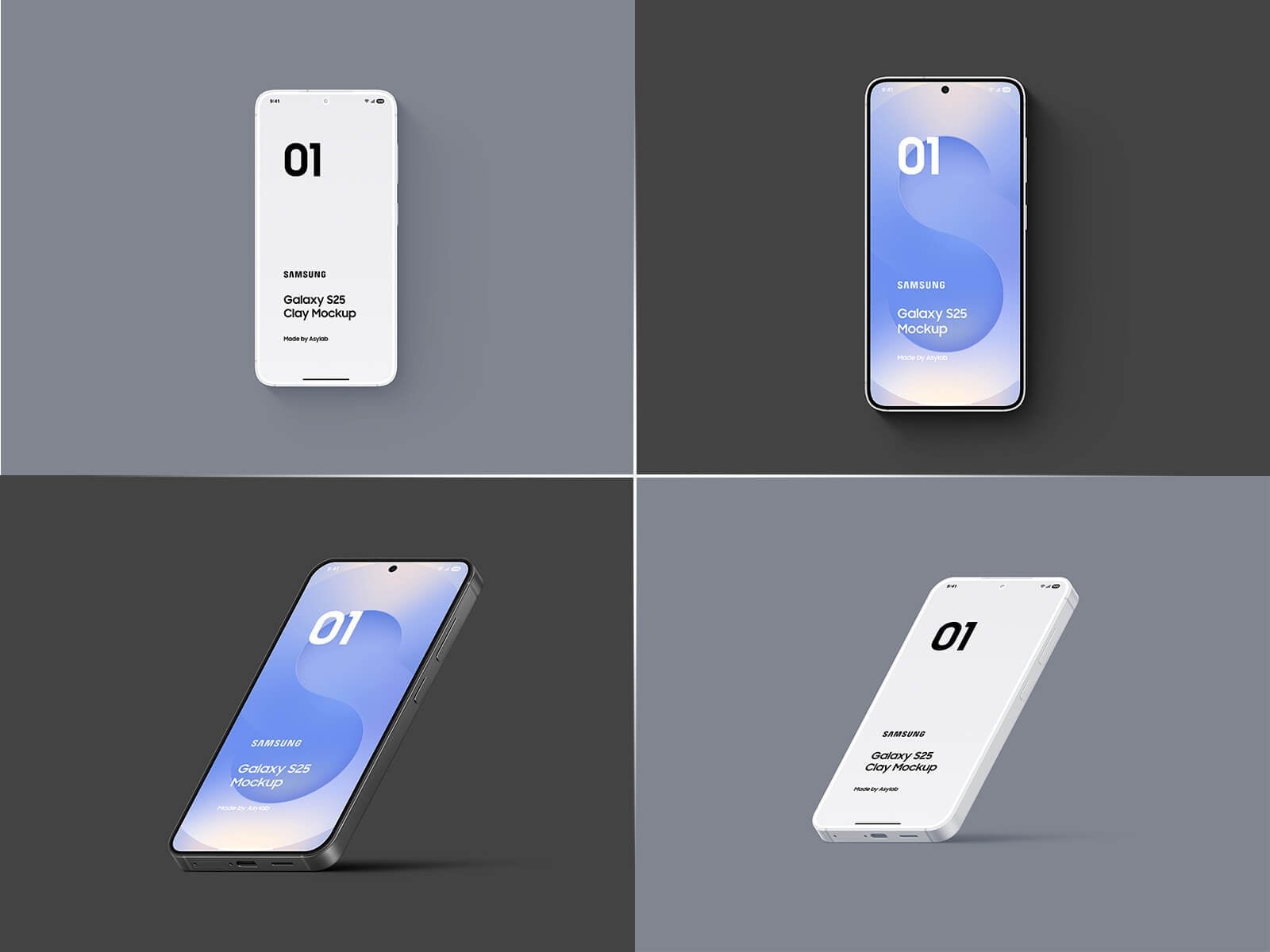
Four scenes on grey and dark grey tiles show the S25 front-on, tilted and standing, in both white clay and a coloured screen. The base colour, frame colour and background can all be changed. Clay versions suit wireframes and early client reviews. The page gives a discount code that makes the set free at checkout.
- Format: Layered PSD, 4 files including clay mockups
- Size: 8500 × 6000 px
- Licence: Free for personal and commercial use
- Source: Get it on Good Mockups
Galaxy S24, S23 and Z Fold 7 mockups
4. Galaxy S24 Ultra on dark stones
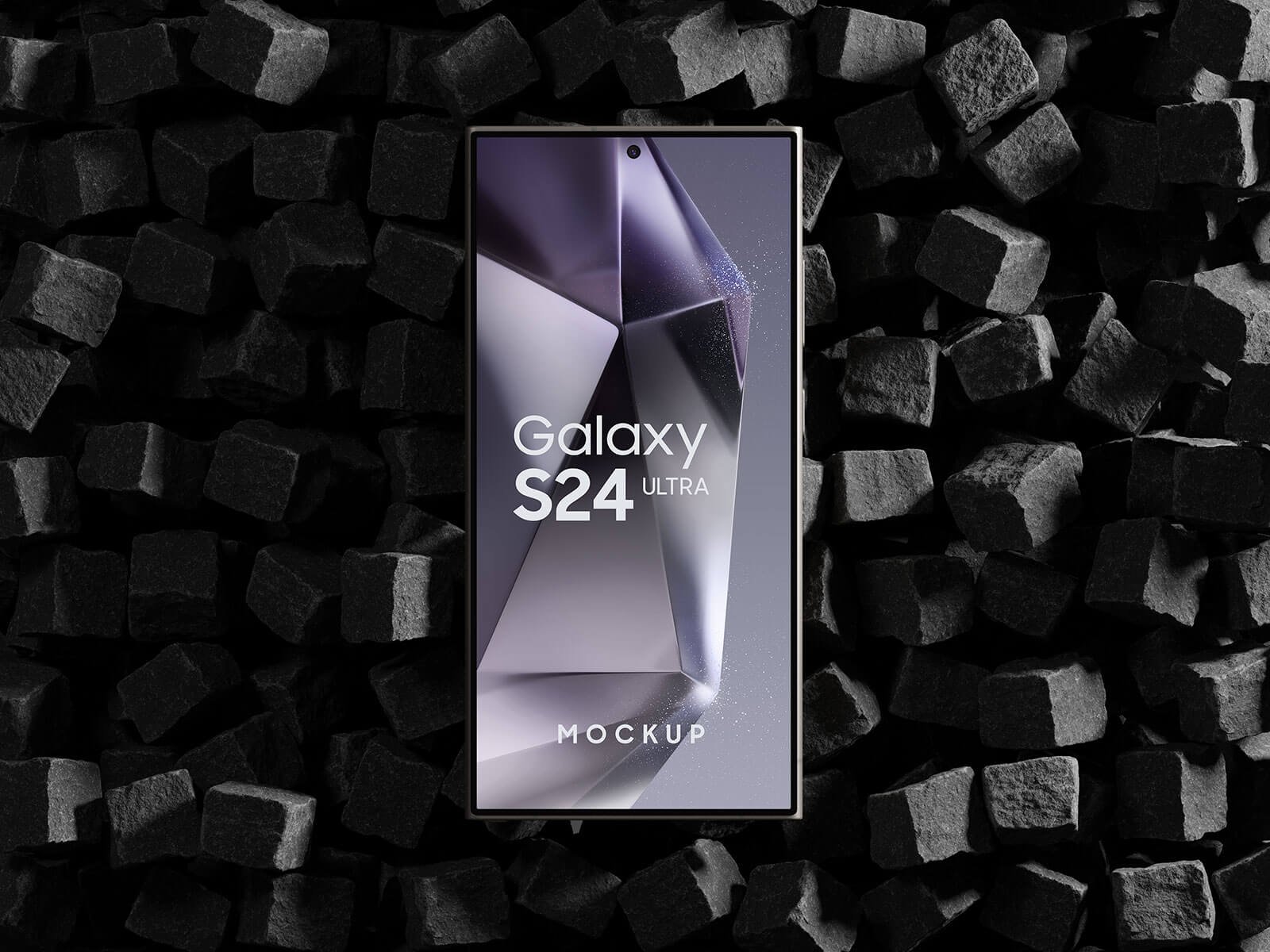
The phone stands upright on a bed of black stone blocks, with a purple geometric graphic on its screen. The textured, moody setting makes it a good choice for gaming, tech or premium product presentations, and it keeps all attention on the screen.
- Format: Layered PSD with smart object
- Size: 4500 × 3000 px
- Licence: Free for personal and commercial use
- Source: Download on Good Mockups
5. Galaxy S23 Ultra, two phones
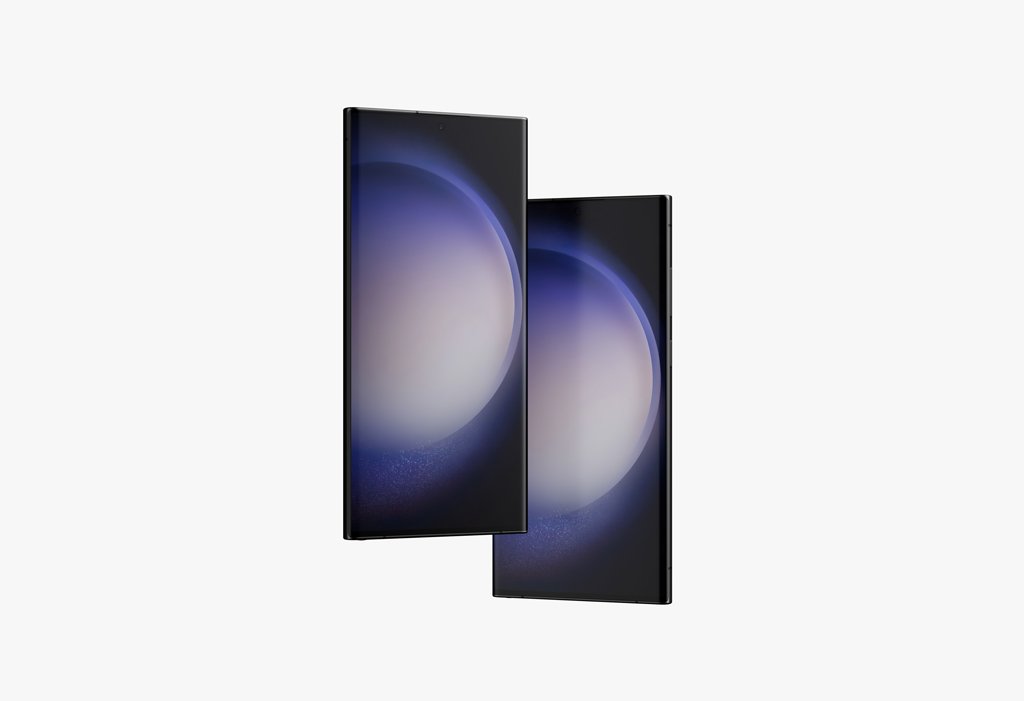
Two S23 Ultra phones overlap on a plain off-white background, each with its own smart object. That lets you show two screens, such as a login and a dashboard, side by side. The background colour is changeable. The credit goes to Anthony Boyd Graphics.
- Format: PSD with two smart objects
- Size: 5000 × 3750 px at 300 dpi
- Licence: Free download. Check the licence on the page.
- Source: Download on Mockup World
6. Galaxy Z Fold 7
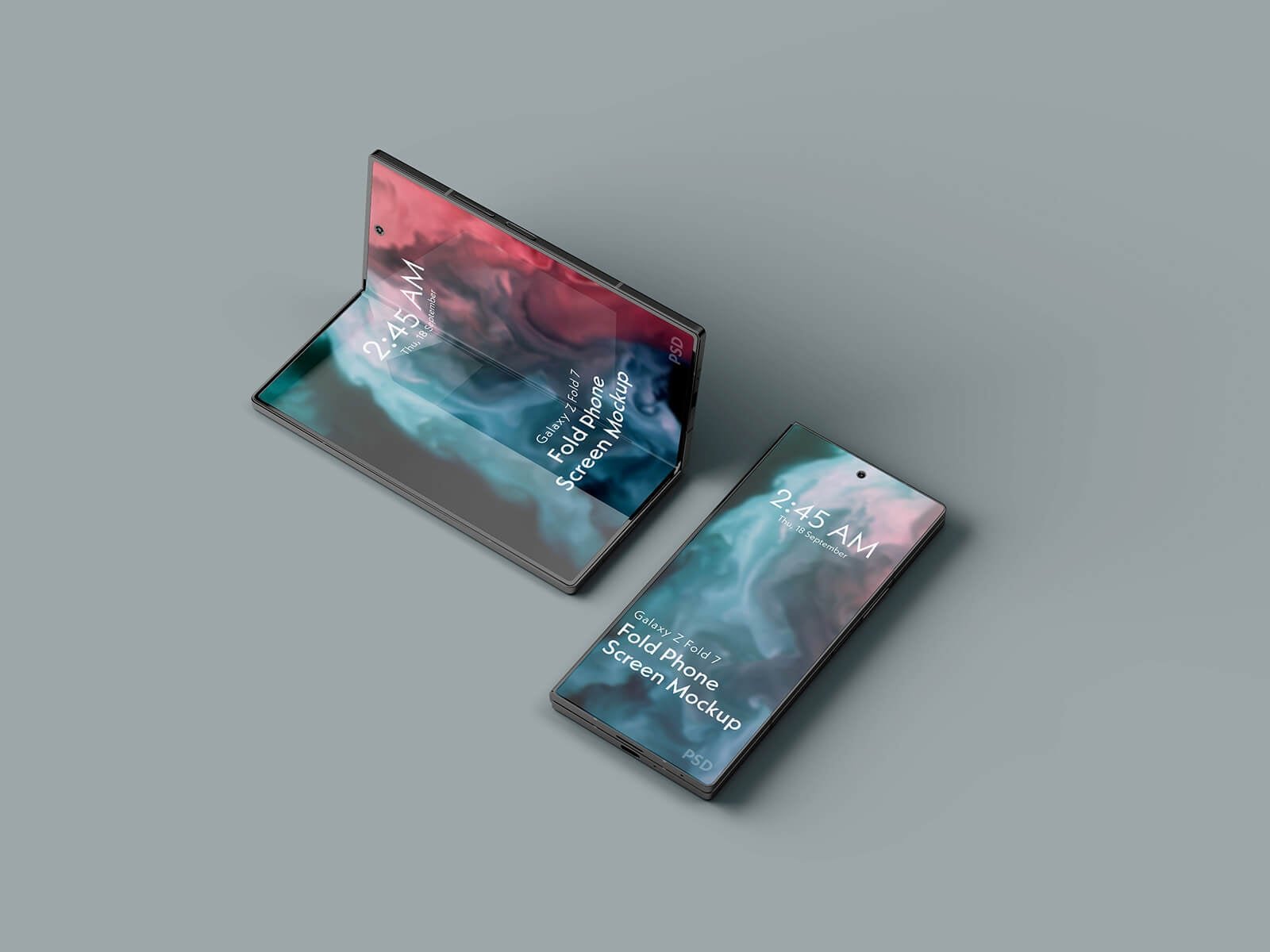
One foldable stands half open like a tent while a second lies flat on a grey-blue surface, each with a swirling red and teal wallpaper. Foldables give designers two screen layouts to test, so this is the one to use when a client asks how an app behaves on a larger inner display.
- Format: Layered PSD with smart object
- Size: 4500 × 3000 px
- Licence: Free for personal and commercial use
- Source: Download on Good Mockups
Galaxy S10 mockups
The S10 is an older phone, but plenty of people still use it, and these free files are still online.
7. Galaxy S10 isometric
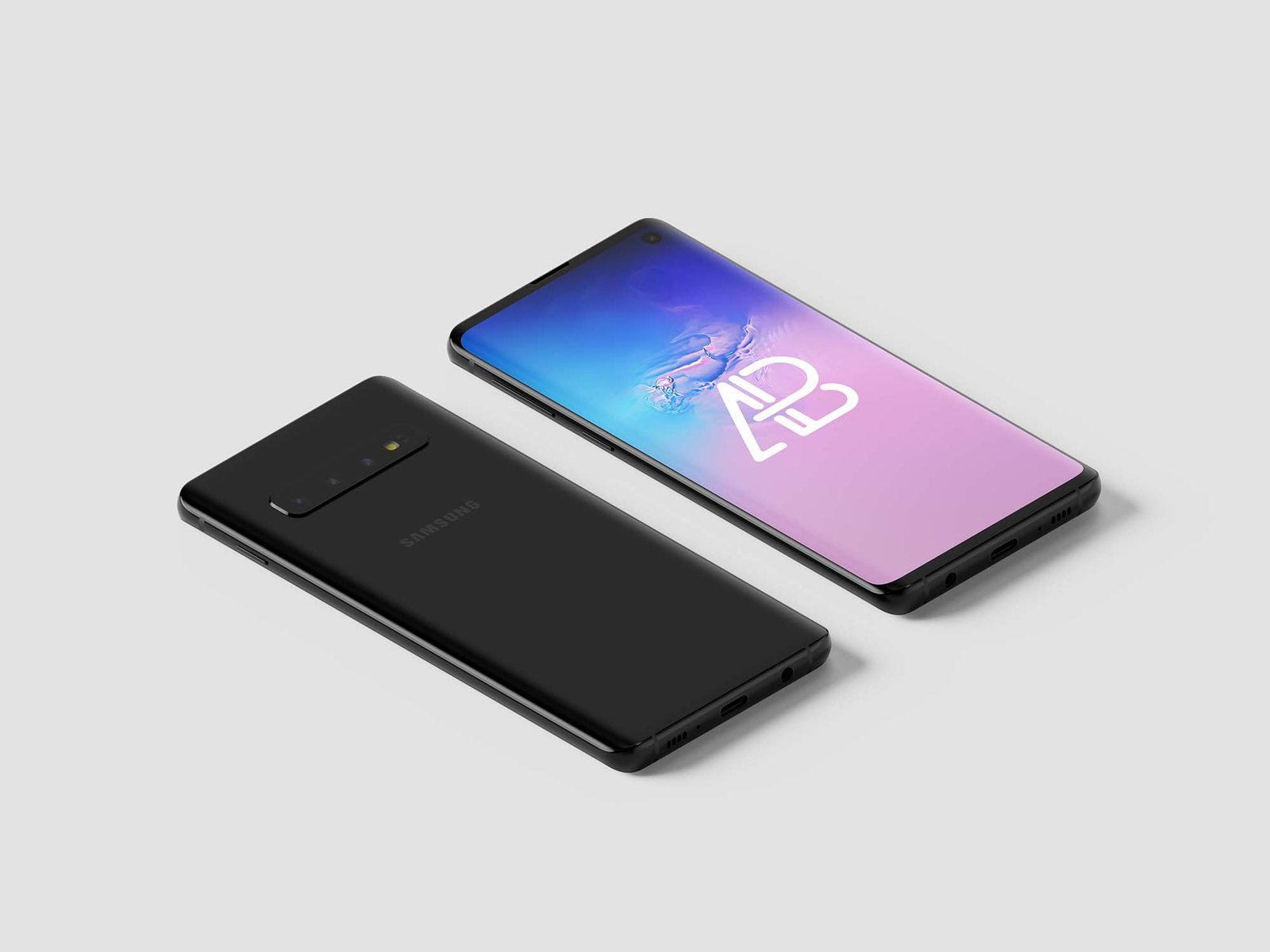
Two black S10 phones lie side by side at an isometric angle, one showing its triple camera and one showing the screen, on pale grey. Smart objects take your design, and the background colour is easy to swap. By Anthony Boyd Graphics.
- Format: PSD with smart objects
- Size: 5000 × 3750 px
- Source: Download on Unblast
8. Galaxy S10+ in hand
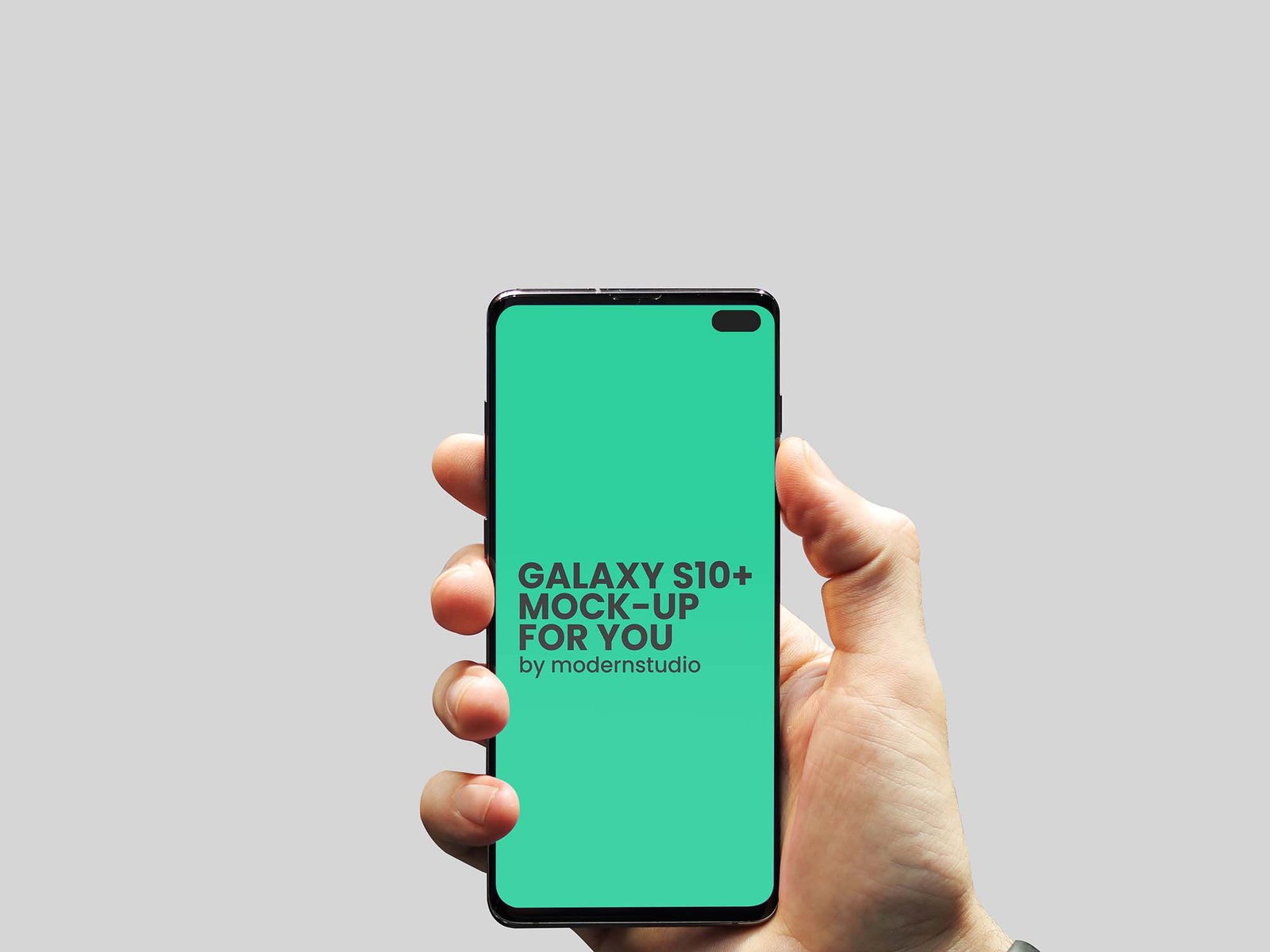
A hand holds the S10+ upright, facing the camera, against light grey. It reads as natural and human, so it suits consumer apps and social screens. Layers are organised for quick editing. Shared on Unblast by Mehran Shahid Chowdhury.
- Format: PSD with organised layers
- Source: Download on Unblast
9. Galaxy S10 front and back
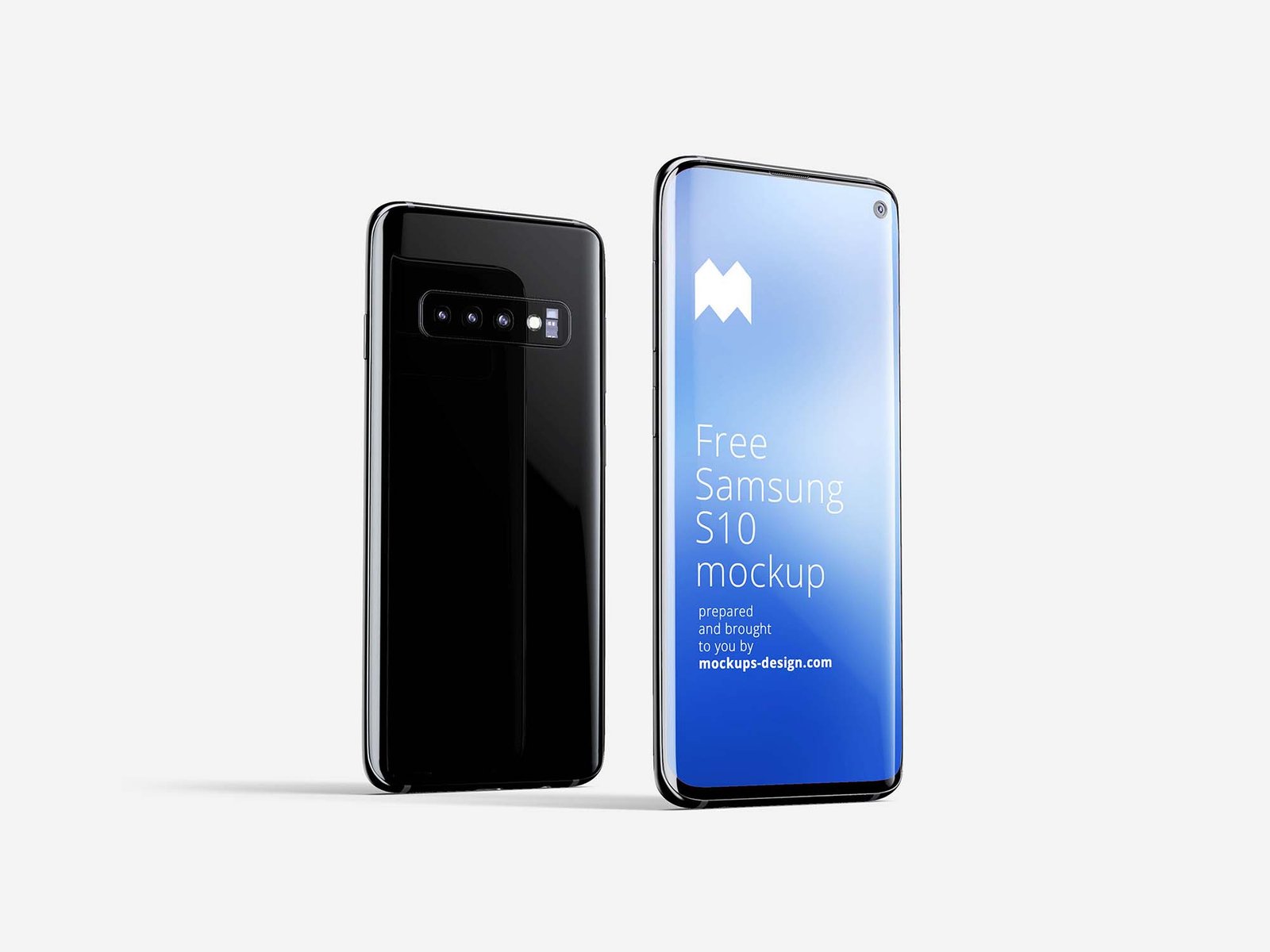
The back of a black S10 stands next to a front view with a blue screen on a light background. The download has several scenes, some with one phone and some with front and back, which is handy for slides and social posts. Made by Mockups Design.
- Format: PSD, several scenes
- Licence: Personal and commercial use
- Source: Download on Unblast
Tips for using Samsung Galaxy mockups
- Design at the real screen size. Export your screen at the phone’s resolution so text stays sharp inside the smart object.
- Match the system UI. Add an Android status bar and navigation bar, or the mockup will look like an iPhone design on the wrong phone. See our mobile app design tips.
- Keep backgrounds simple. A plain background keeps attention on your screen. Our guide on what mockups are and why to use them explains more.
- Credit when asked. If a page asks for credit, give it, and never resell the file itself.
Need more? Browse our Galaxy S20 mockups, iPhone 11 mockups and laptop mockups.
Frequently asked questions
Are there still free Samsung Galaxy S10 mockups?
Yes. The three S10 files above were live when we checked them. Many older S10 links have gone offline, so check a page before you rely on it.
Can I use these Samsung Galaxy mockups for client work?
Often yes. Good Mockups states that its files are free for personal and commercial use. For the others, read the licence on the download page, do not resell the files and keep any credit the author asks for.
Do I need Photoshop to edit a PSD mockup?
No. Photopea opens PSD files and smart objects in the browser for free. The S26 file also comes as a Figma file, which suits teams that work in Figma.
Need app screens to put in these mockups?
Inkyy is a white label design and development team for agencies. Our in-house designers create app and web UI that you present under your own brand, mockups included. See our design services or book a 15-minute call.