16 Free Laptop Mockups (MacBook, PSD and Figma)
 9 min read
A good laptop mockup turns a flat website design into something a client can picture in use. Instead of sending a screenshot, you show the site on a real MacBook on a desk, in someone’s hands or floating in a clean scene, and the work instantly feels finished.
We checked the big free mockup libraries and picked 16 free laptop mockups that are live and downloadable right now: desk scenes, floating laptops, in-hand shots, multi-device sets, long-scroll pages, plus Figma, animated and browser-based options. Each one lists its format, size, licence where the author states it, and a direct link to the download page.
How to choose a laptop mockup
- Format. Most free laptop mockups are PSD files with smart objects for Photoshop. If you design in Figma, pick a mockup that includes a .fig file. No software at all? Use a browser generator, or open the PSD in Photopea.
- Resolution. For web and social, 3000 px wide is plenty. For print, hero banners or cropping in close, choose 4500 px or more. Check the screen resolution too, so your design is not blurred when it is scaled in.
- Smart objects and layers. A good mockup has the screen on a smart object, plus separate layers for shadows, reflections and the background, so you can change colours and move things around.
- Angle. Front-on views are best when a client needs to review a layout. Angled, floating and in-hand shots add mood for case studies and marketing.
- Licence. “Free” does not always mean free for commercial work. Read the licence on the download page, never resell the mockup file, and keep any credit the author asks for.
Desk and workspace laptop mockups
A laptop on a real desk tells the client “this is a product people use every day”. These scenes suit websites, SaaS dashboards and portfolio case studies.
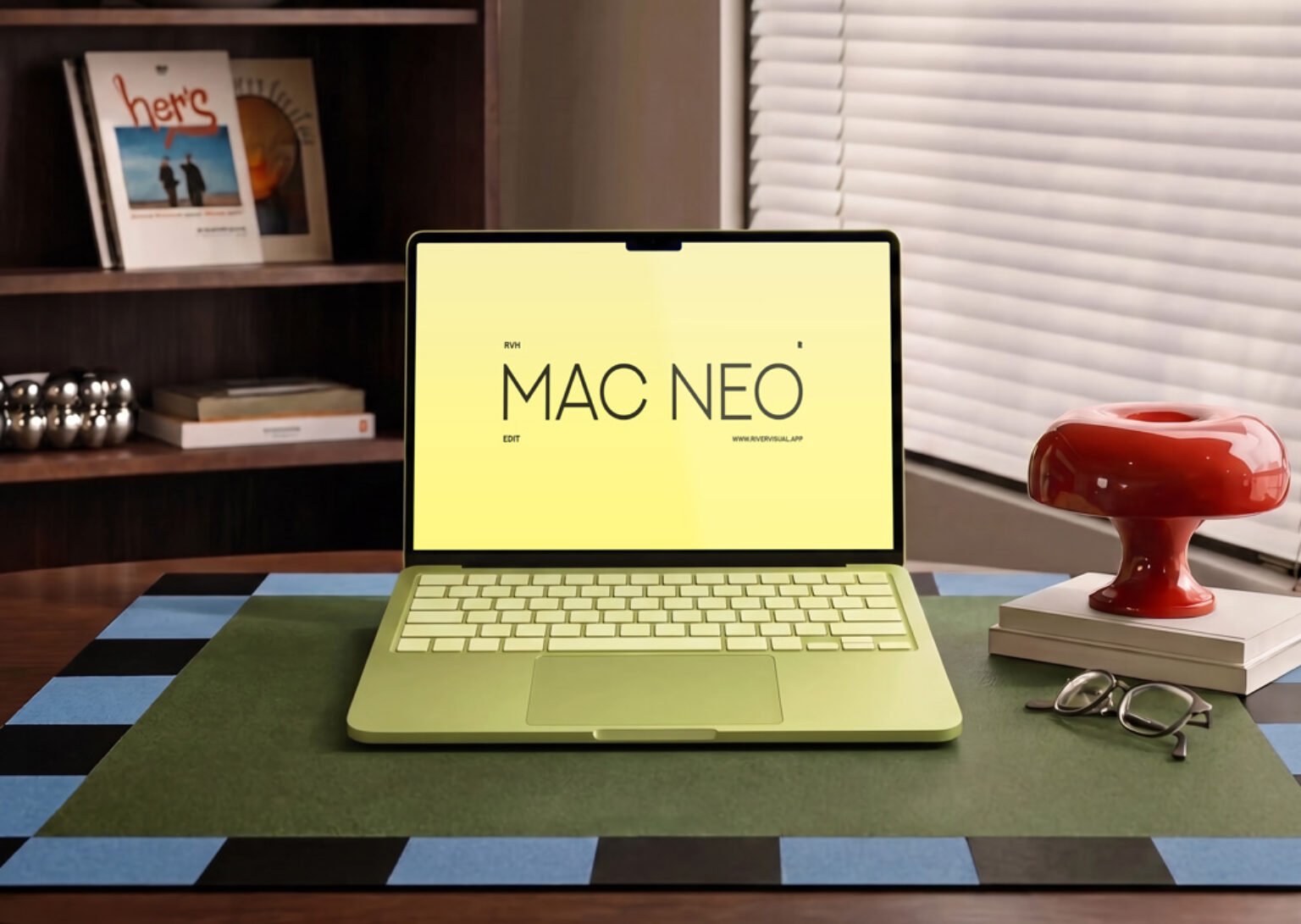
1. MacBook Neo on desk mockup
A yellow MacBook Neo sits on a green desk mat, with a bookshelf, a red lamp and a pair of glasses around it. The warm, styled office makes it a good fit for lifestyle brands, creative studios and personal portfolios. The screen is a smart object, so you drag your design in and save.
- Format: PSD with smart object
- Size: 6000 × 4500 px
- Source: Download on Mockup World
2. MacBook Pro on a café table mockup generator
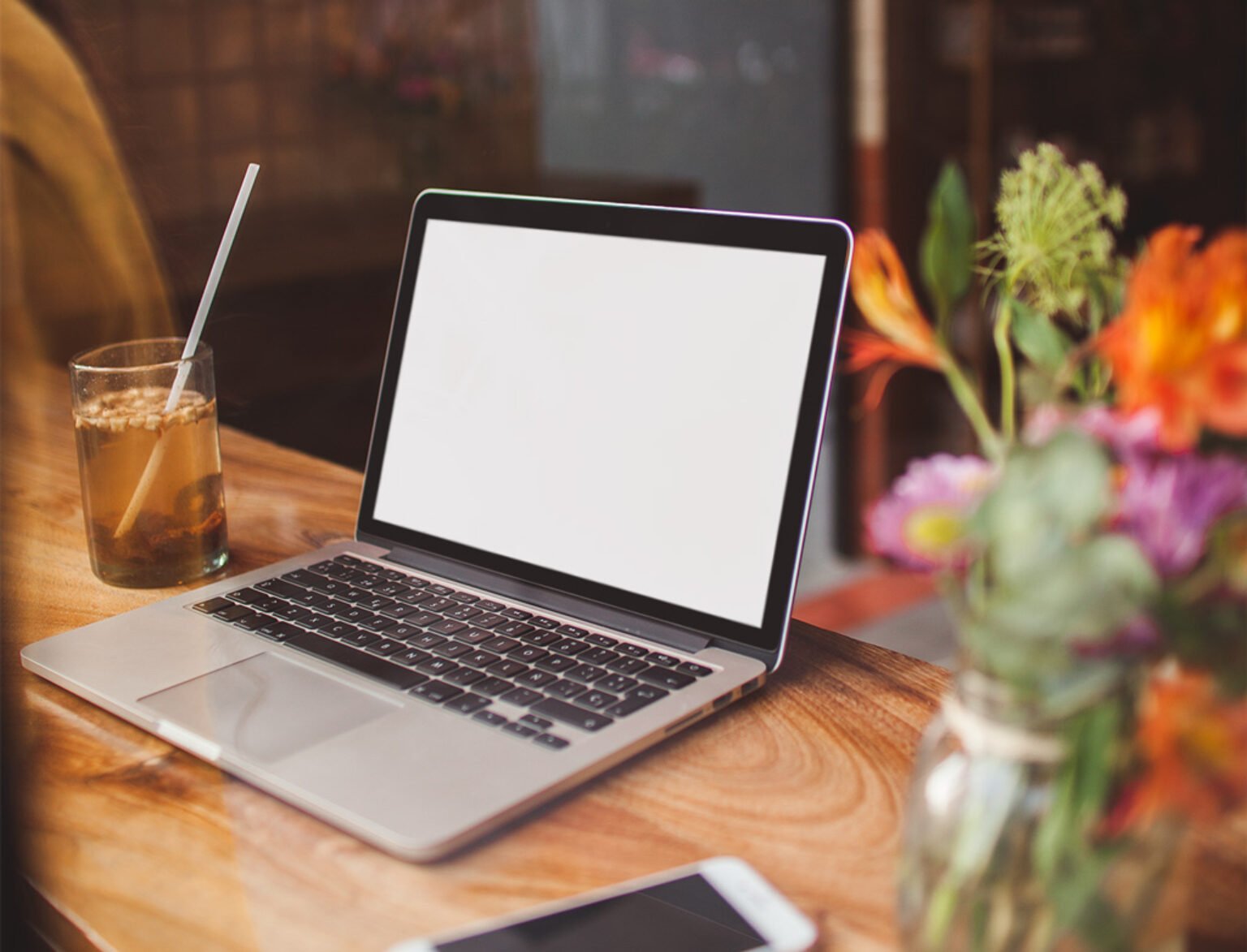
A silver MacBook Pro on a wooden café table, with an iced drink and flowers softly blurred in the front. You do not need Photoshop: upload your screen in the browser and download a PNG. Handy for quick social posts, blog headers and anyone without Adobe software.
- Format: Online generator, PNG export
- Size: 1440 × 1920 px
- Source: Download on Mockup World
3. MacBook Pro on table workspace mockup

A MacBook Pro on a desk in a dark home studio, with an external monitor and a speaker behind it. The moody light works well for developer tools, music software and dark-mode interfaces. The screen sits on a smart layer, and the file is free for personal and commercial use.
- Format: PSD with smart layer (80 MB download)
- Licence: Free for personal and commercial use
- Source: Download on Free-Mockup.com
4. Minimal MacBook Pro mockup

A front-on MacBook Pro on a clean background split into orange and white. Because the screen faces you straight on, nothing in your layout is distorted, which makes it ideal for showing a website for review. Custom Scene allows commercial use for presenting your own or your client’s work, but not reselling the file.
- Format: PSD, plus JPG and PNG
- Size: 6000 × 4000 px, 300 DPI
- Designer: Custom Scene
- Licence: Free, commercial use allowed for presenting work (no resale)
- Source: Download on Custom Scene
Floating laptop mockups
Floating mockups remove the background clutter, so the design and the device are the whole story. They work well as hero images, in pitch decks and on Behance or Dribbble shots.
5. Floating MacBook Pro mockup
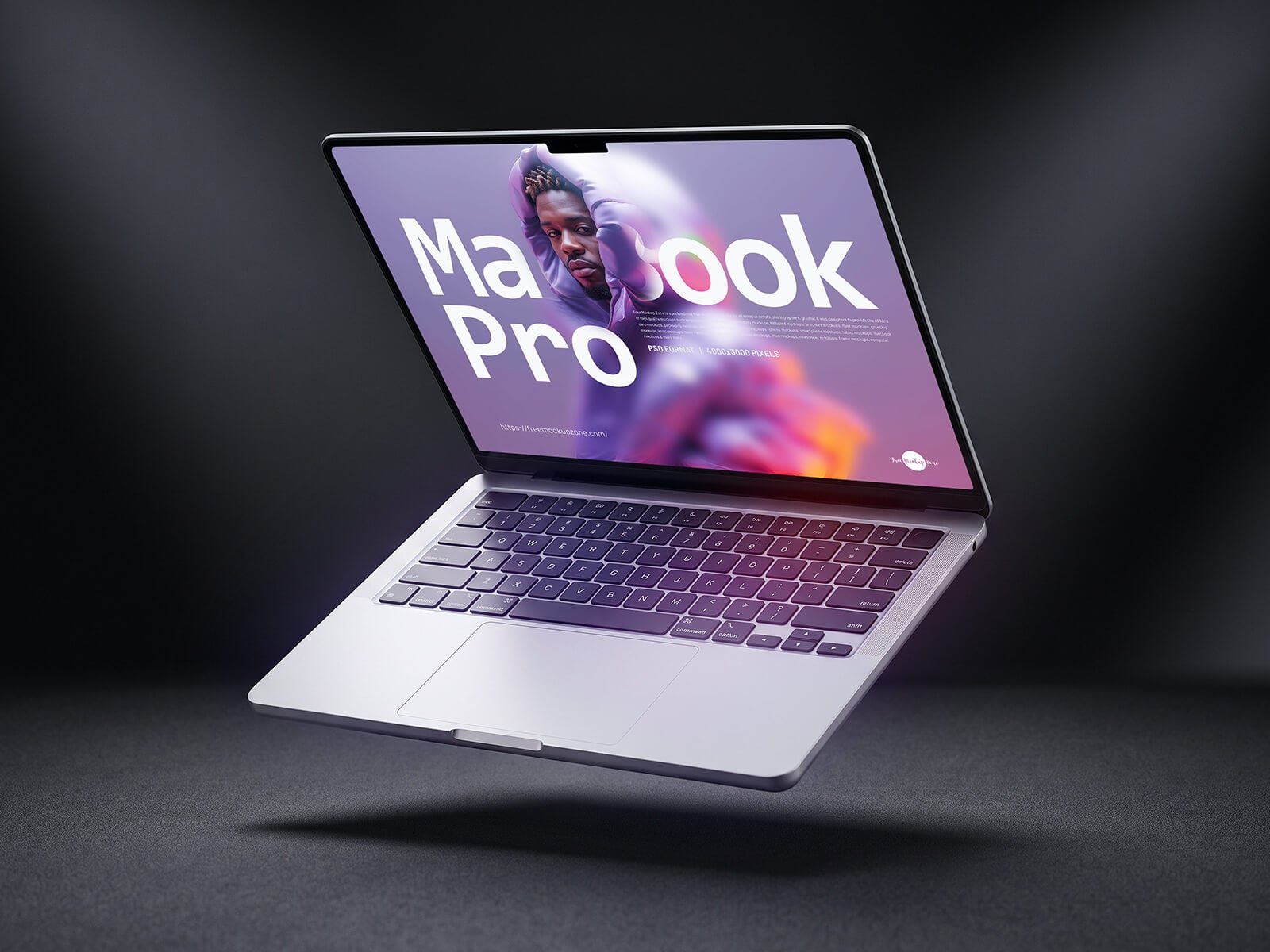
A silver MacBook Pro tilted in mid-air above a dark floor, with a soft shadow below. The dark scene makes bright, colourful screens stand out, so it suits creative portfolios, music and gaming sites.
- Format: Layered PSD with smart object
- Size: 4000 × 3000 px
- Licence: Free for personal and commercial use
- Source: Download on Good Mockups
6. Floating MacBook mockup generator
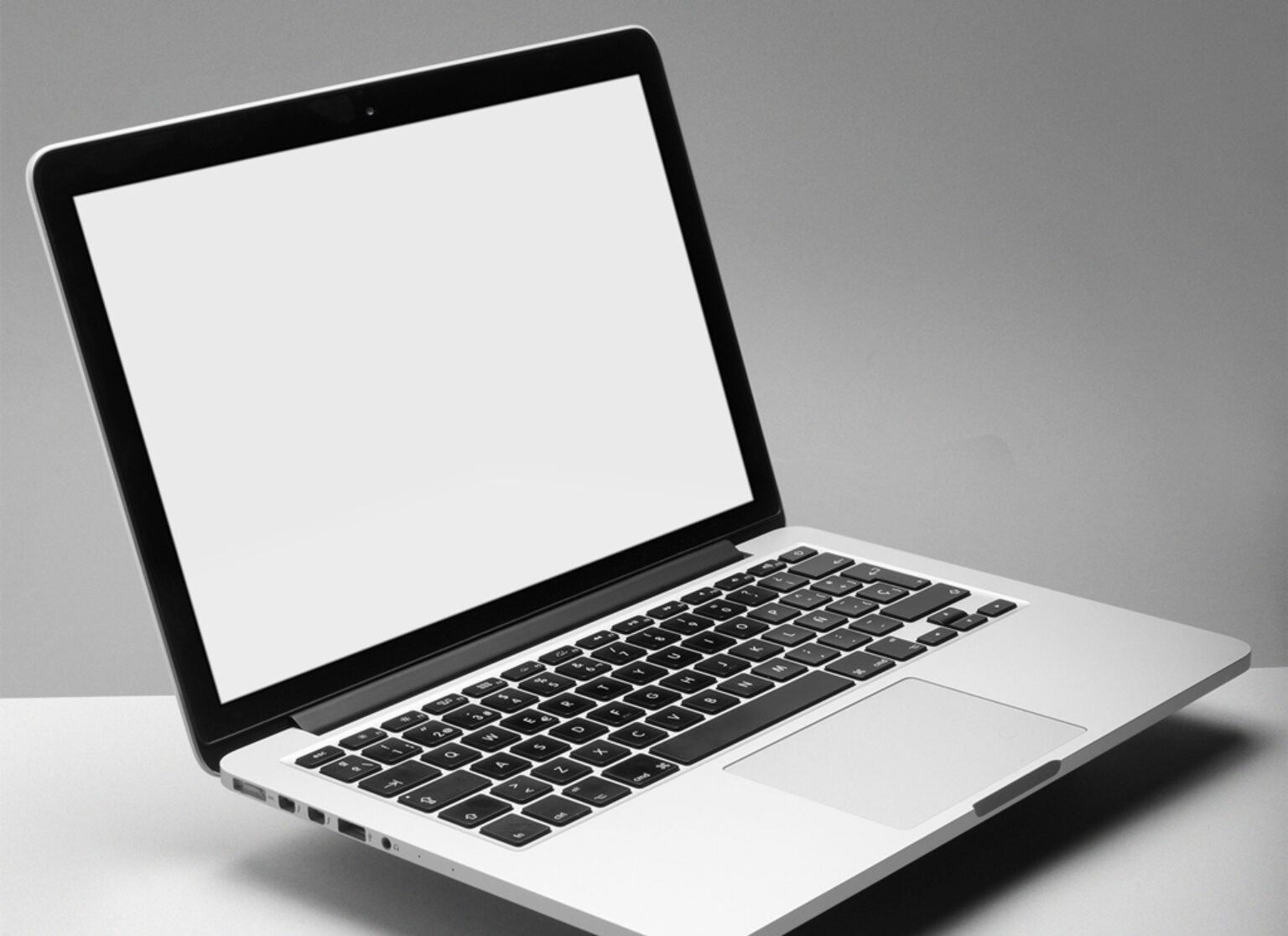
A clean, tilted MacBook on a light grey background that you edit in the browser. Upload your screen, change the background colour and export a PNG. A quick way to get a polished laptop shot without opening Photoshop.
- Format: Online generator, PNG export
- Size: 1440 × 2160 px
- Source: Download on Mockup World
7. Two floating MacBook Pro mockups

Two open laptops float at different angles, so you can show a homepage and an inner page side by side. The file comes with two background colours, coral and aquamarine, and you can swap in your own.
- Format: Layered PSD with smart objects
- Size: 2500 × 1800 px
- Licence: Free for personal and commercial use
- Source: Download on Good Mockups
8. MacBook Pro top view mockup

A MacBook Pro seen from directly above on a yellow background. The device can be moved and the shadows are on separate layers, so you can build your own flat-lay compositions. The author allows commercial and personal use, including promotions and portfolios.
- Format: PSD with smart object (12 MB zip)
- Size: 2000 × 1500 px
- Designer: VisconDesign
- Licence: Free for personal and commercial use
- Source: Download on VisconDesign
In-hand laptop mockups
A hand on the device adds scale and makes the design feel real and touchable. Use these for consumer products, education and anything that should feel personal.
9. MacBook Pro held by hands mockup
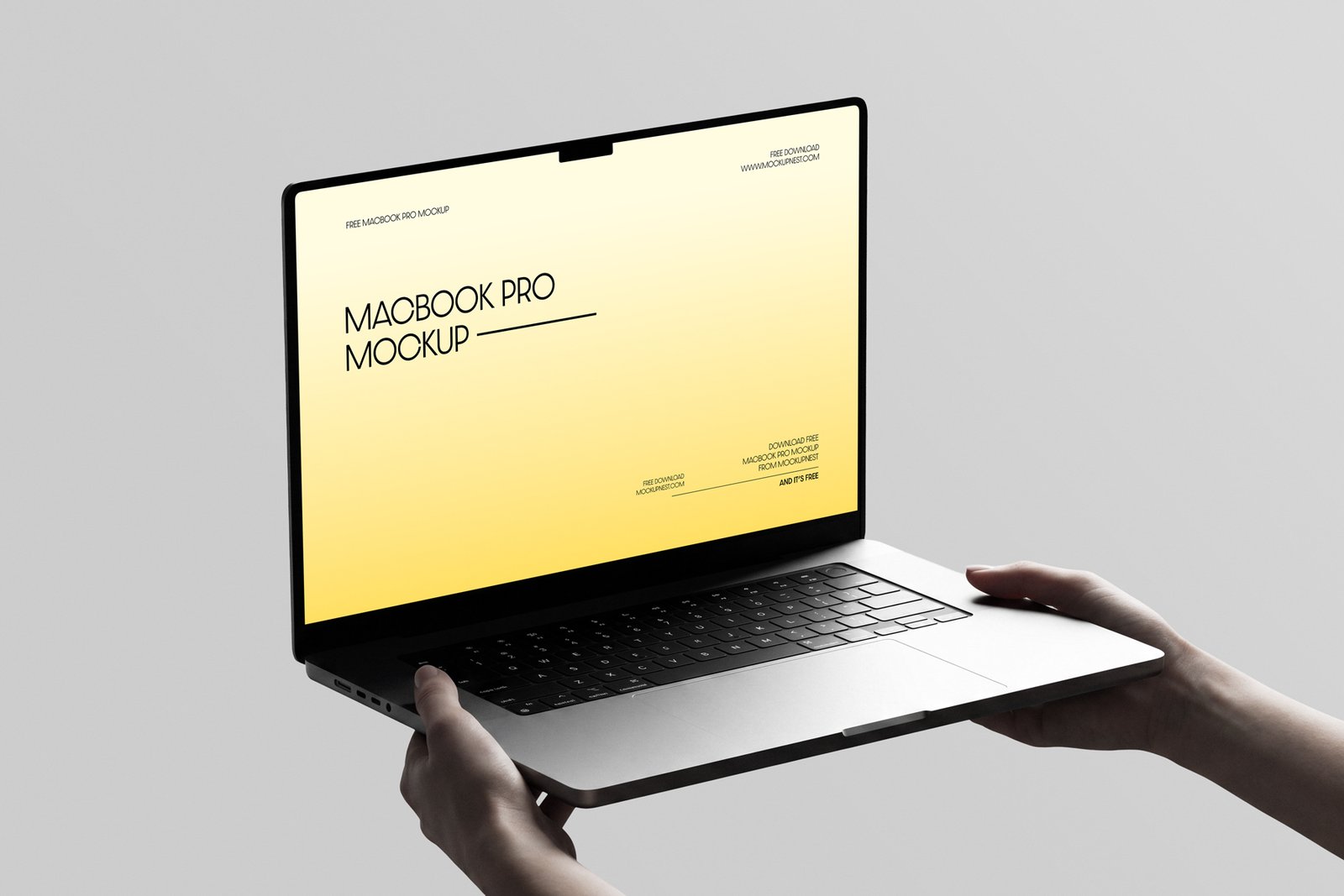
Two hands hold an open MacBook Pro at a slight angle against a light grey background. It looks like someone is showing the screen to you, which is a nice touch for landing pages and product launches. You can also edit it online if you do not use Photoshop.
- Format: PSD with smart object, plus online editor
- Size: 4500 × 3000 px
- Source: Download on Mockupnest
10. Hand holding MacBook Neo mockup
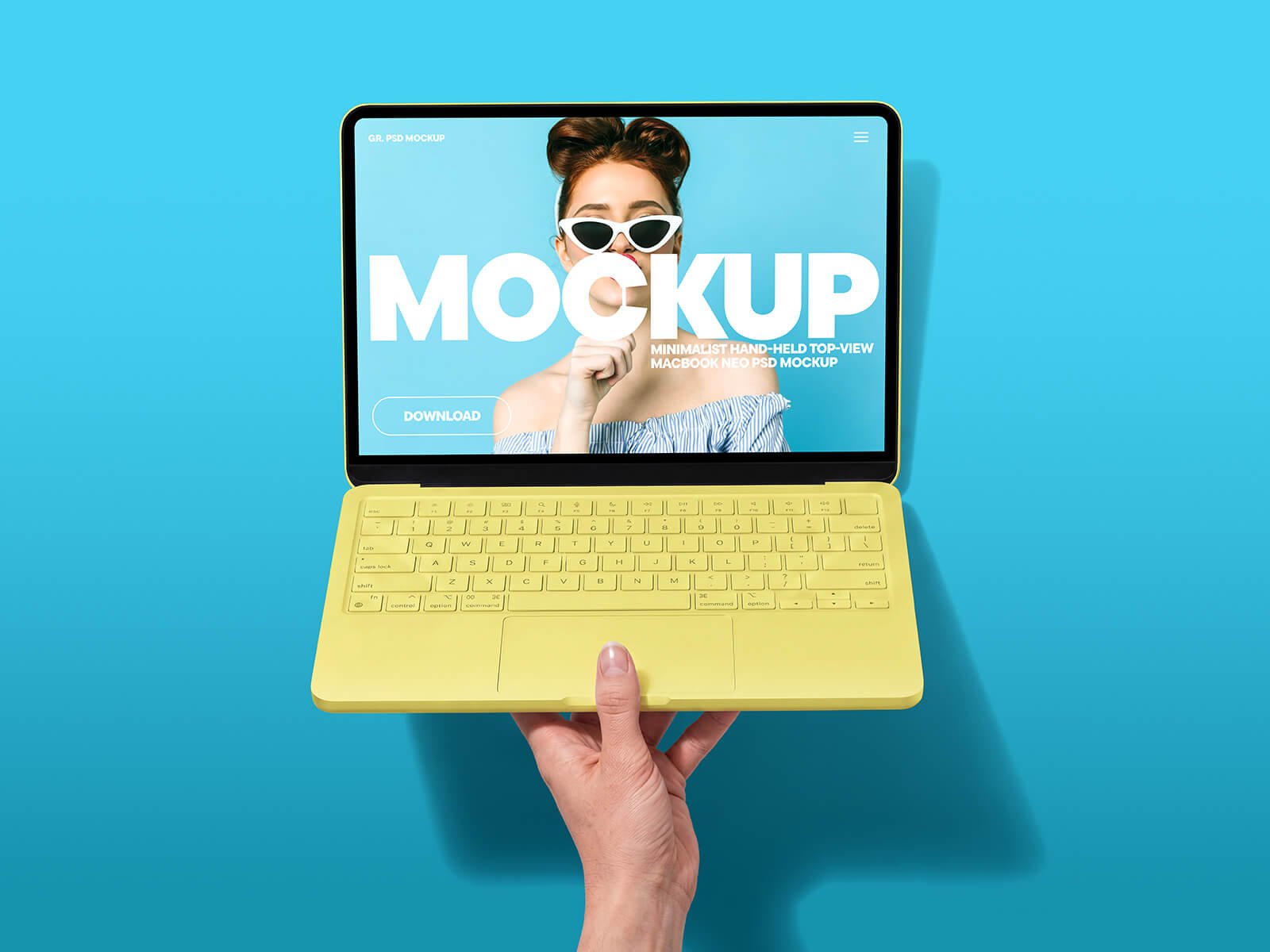
One hand holds a yellow MacBook Neo from below, against a bright blue background you can recolour. It is bold and playful, so it works for social ads, youth brands and colourful campaigns.
- Format: Layered PSD with smart object
- Size: 6500 × 5000 px
- Licence: Free for personal and commercial use
- Source: Download on Good Mockups
Multi-device and long-scroll mockups
Clients want to see that a website works everywhere. These mockups show a design across screen sizes, or the full length of a page, in one image.
11. iPhone Pro and MacBook Pro multi-device mockup
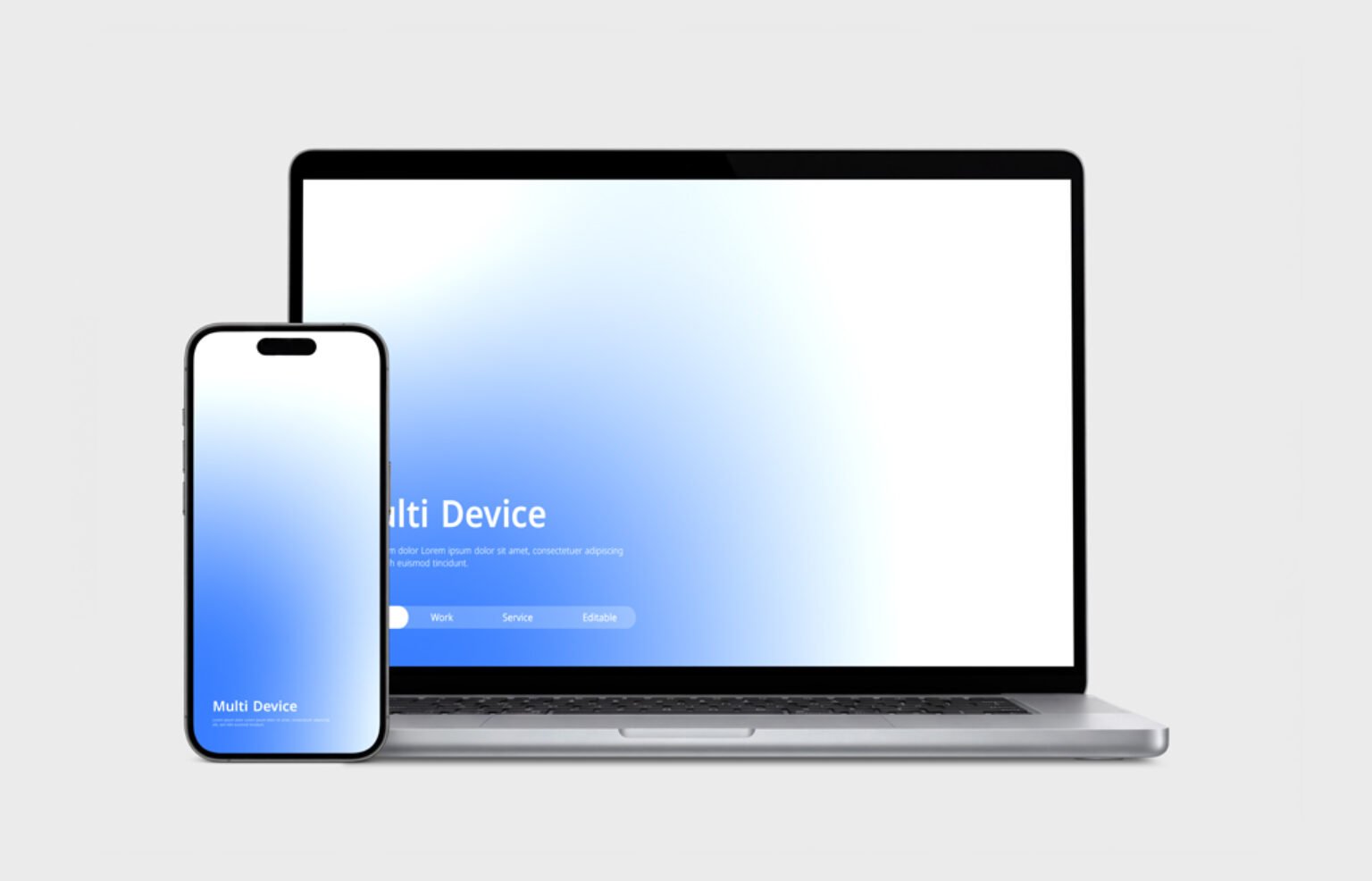
An iPhone Pro stands in front of a MacBook Pro on a light grey background. Each screen has its own smart object, and you can change the device colours and the background. The simplest way to show a responsive website on desktop and mobile together.
- Format: Layered PSD with smart objects
- Size: 6500 × 4171 px, 300 DPI
- Source: Download on Mockup World
12. Laptop, tablet and phone responsive mockup
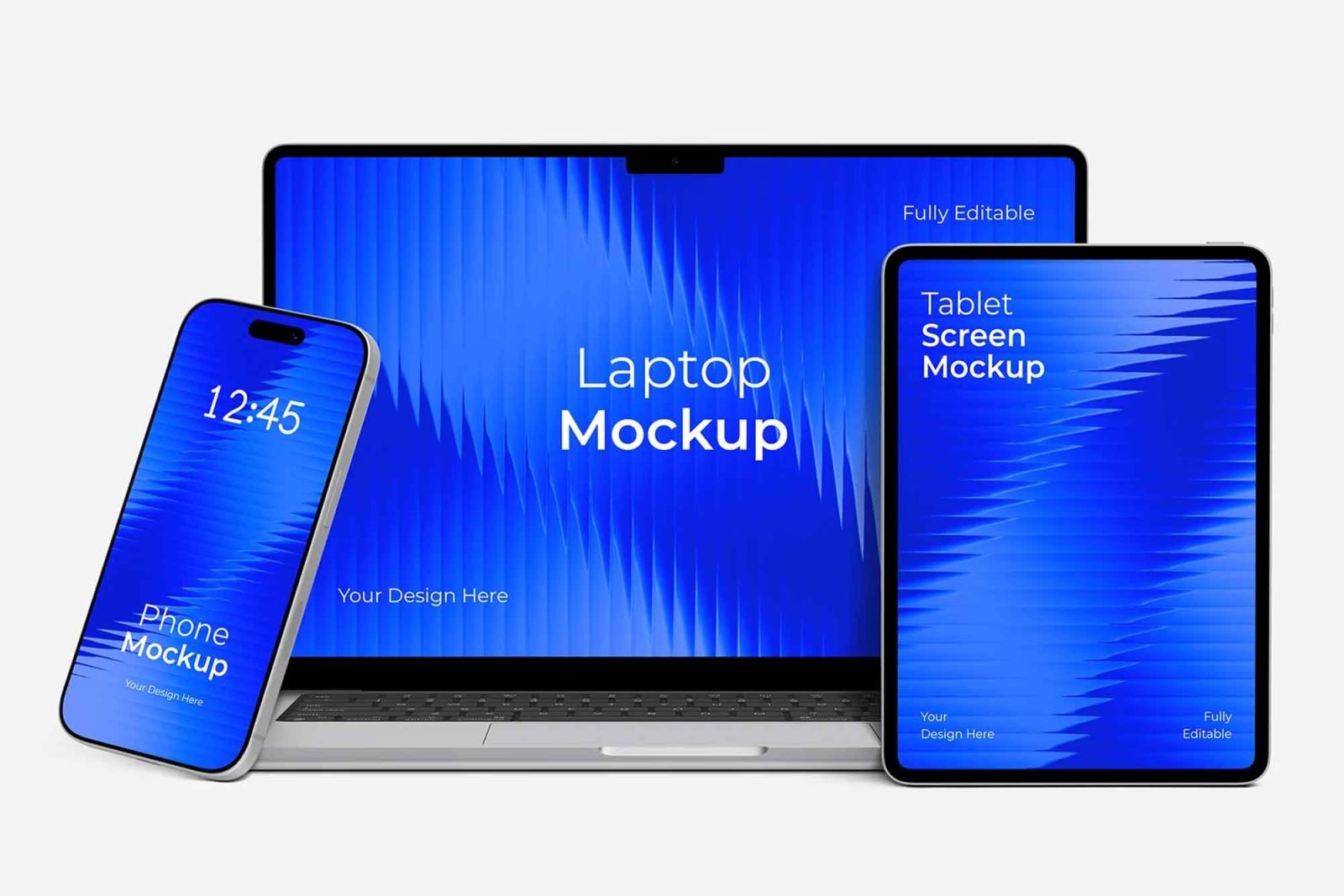
A laptop, a tablet and a phone grouped together, each with its own screen. The devices, shadows and background are on separate layers, so you can rearrange them into different layouts from one file. Good for web design proposals and case studies.
- Format: PSD with smart objects
- Size: 6033 × 4194 px, 300 DPI
- Source: Download on Unblast
13. Long-scroll laptop screen mockup set
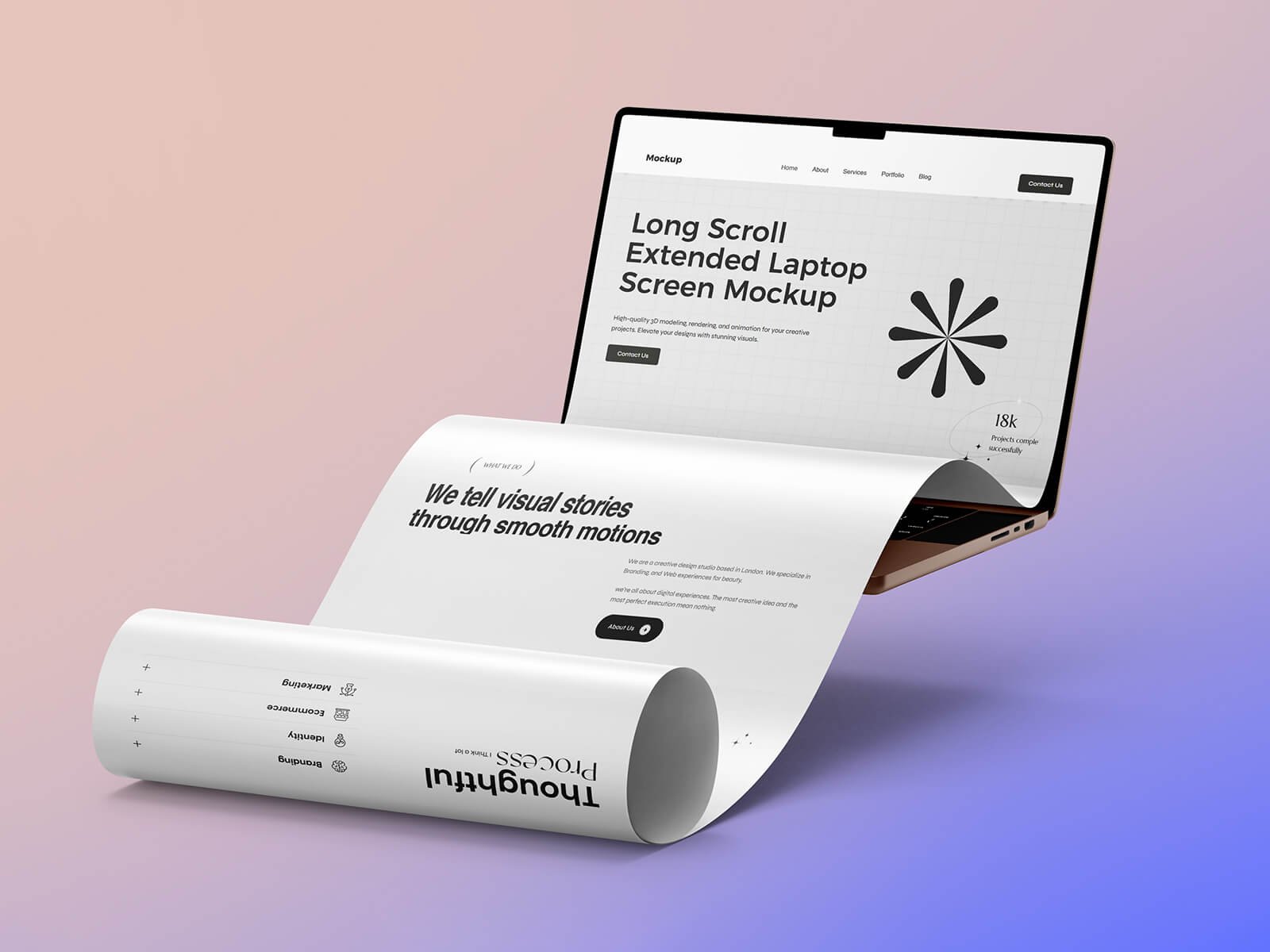
The web page rolls out of the laptop screen like a long sheet of paper, so you can show a whole landing page in one image. It is a creative way to present one-page websites and long sales pages without cutting them into screenshots.
- Format: Layered PSD set with smart objects
- Size: 4000 × 2667 px
- Licence: Free for personal and commercial use
- Source: Download on Good Mockups
Figma, animated and Windows laptop mockups
Not everyone works in Photoshop, and not every client uses a Mac. These mockups cover Figma users, motion presentations and a Windows laptop.
14. Nature scene MacBook Pro mockup
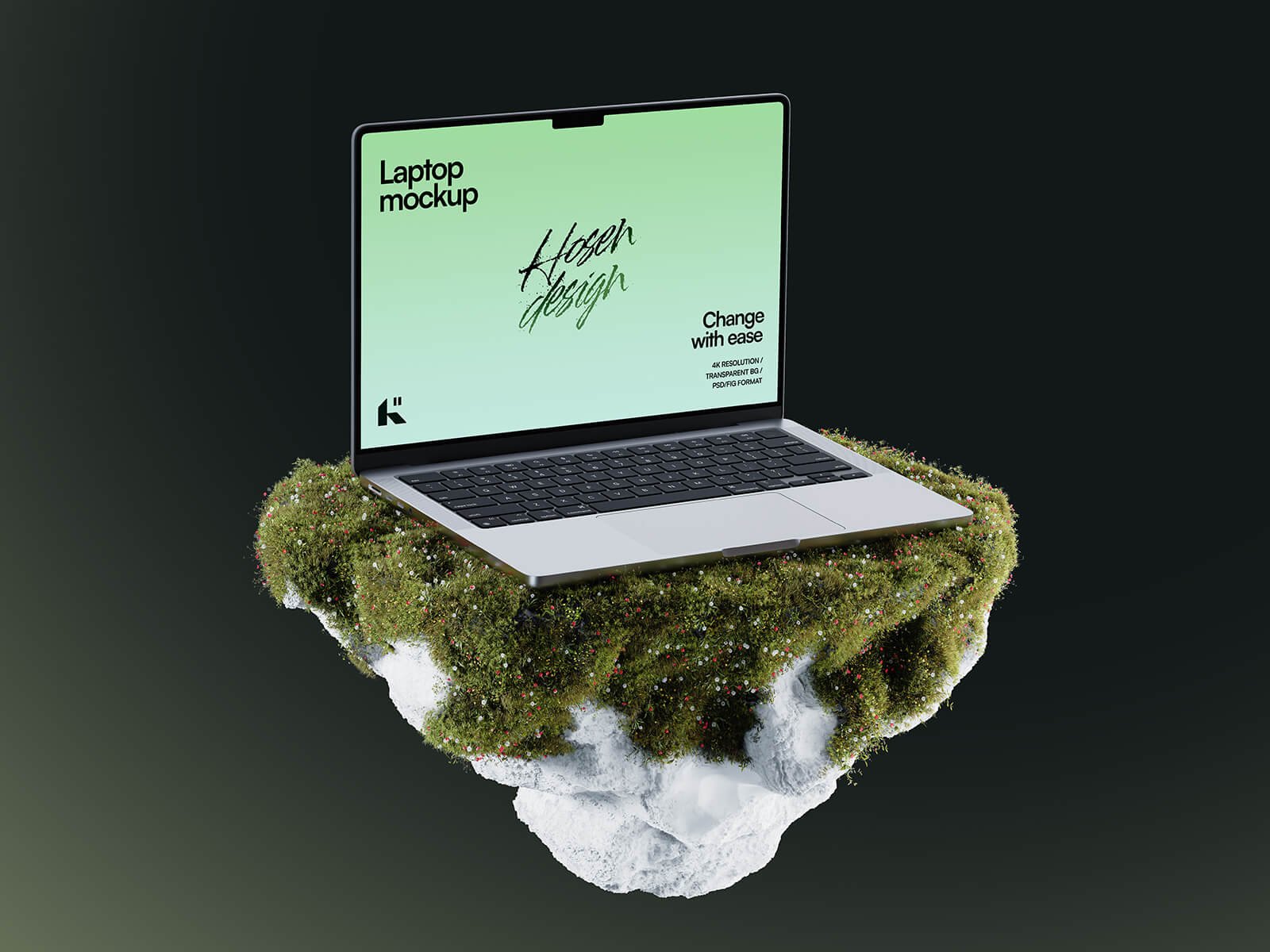
A MacBook Pro sits on a floating island of moss and rock against a dark background. It comes as both a PSD and a Figma file, so you can drop in live designs directly in Figma. A strong choice for eco brands, travel and outdoor products.
- Format: PSD and Figma
- Size: 4000 × 6000 px
- Licence: Free for personal and commercial use
- Source: Download on Good Mockups
15. MacBook Pro animated mockup
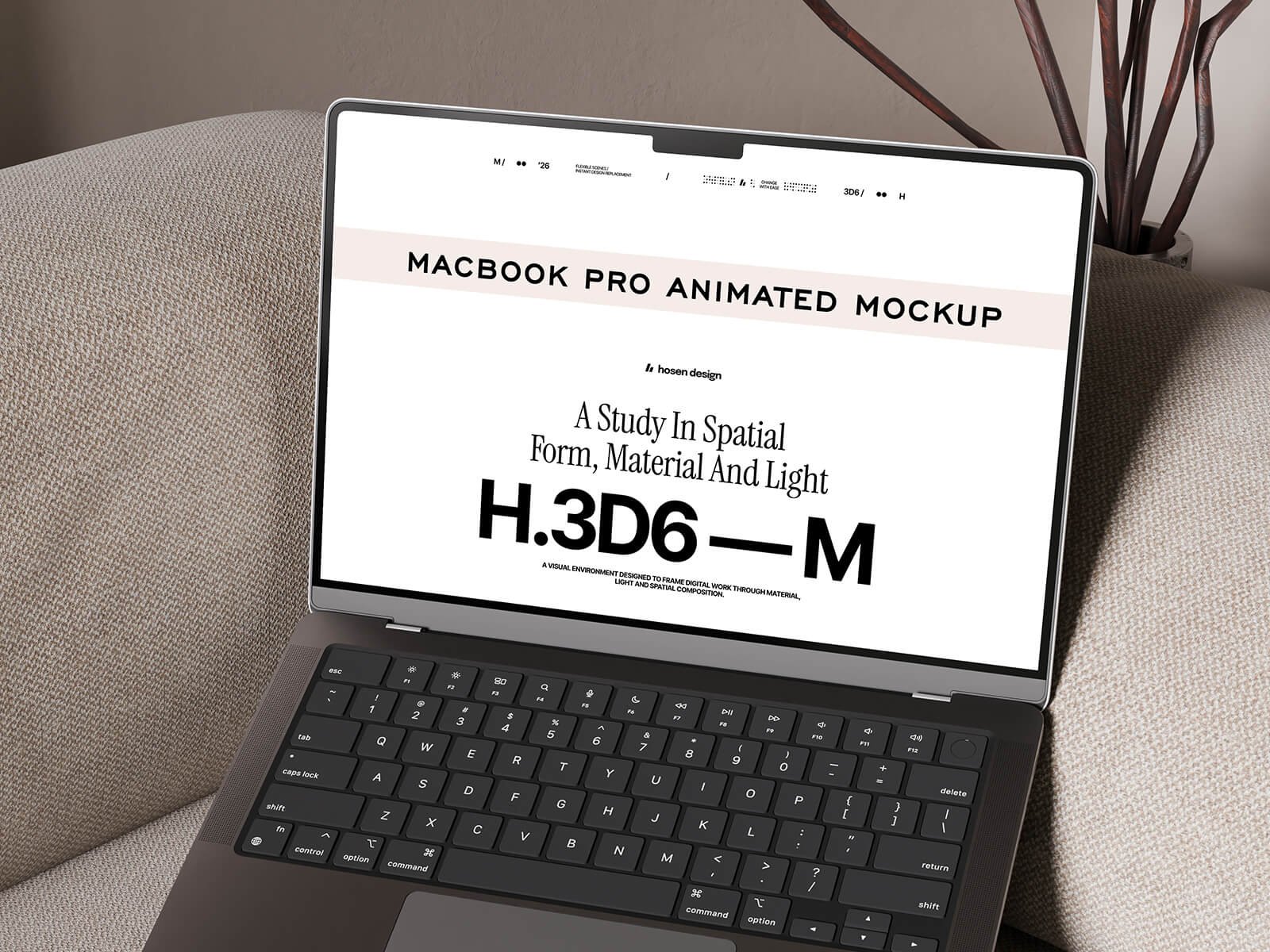
A dark MacBook Pro resting on a beige sofa, with a website on the screen. Besides the PSD and Figma files, it includes an After Effects project, so you can show a scrolling site as a short video. Motion presentations stand out in pitches and on social media.
- Format: PSD, Figma and After Effects
- Size: 4000 × 6000 px
- Designer: hosendesign
- Licence: Free for personal and commercial use
- Source: Download on Good Mockups
16. Asus Zenbook laptop mockup
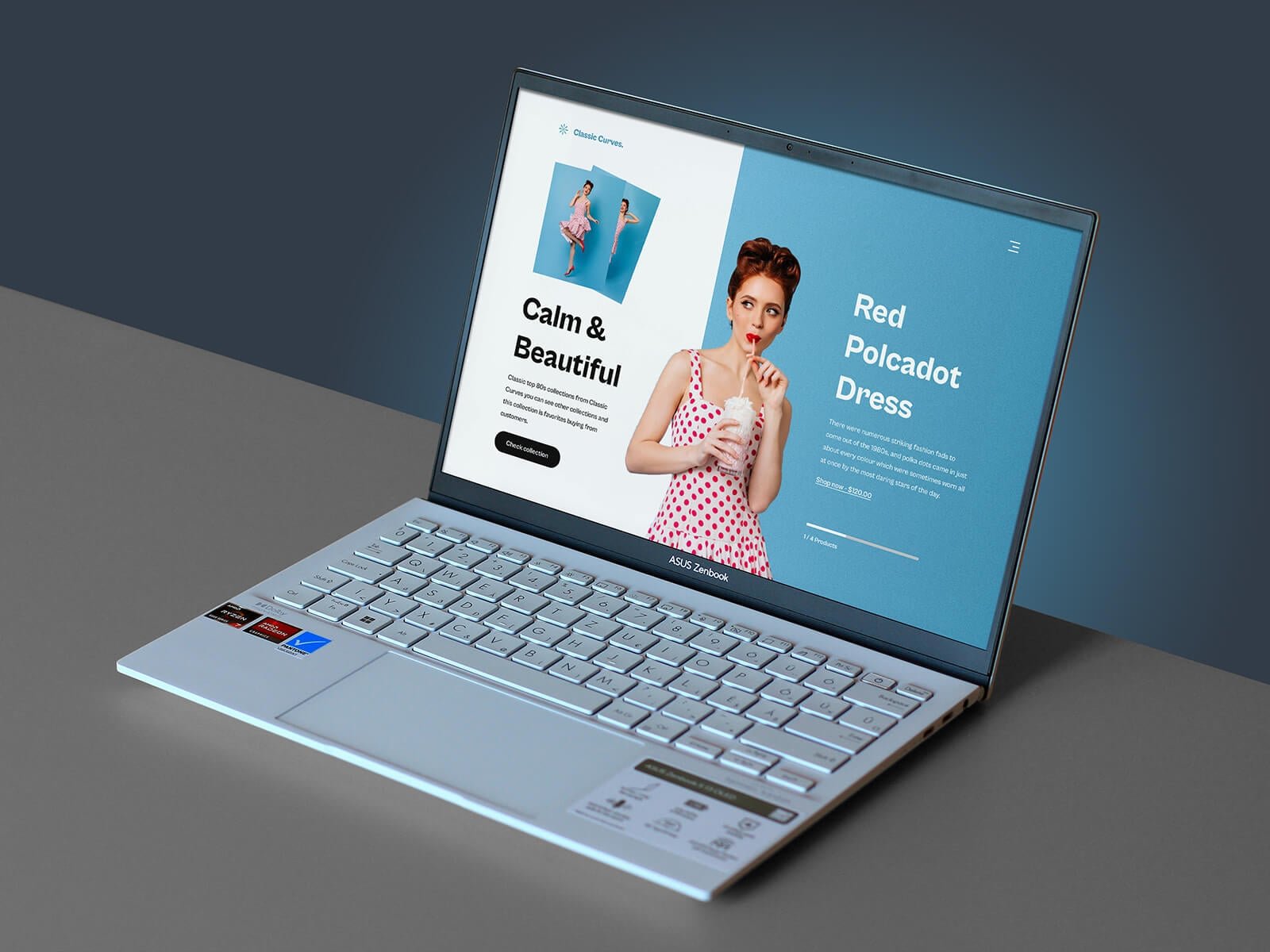
A light blue Asus Zenbook at an angle on a grey and blue background. Use it when the client’s users are on Windows, or when an Apple device would feel wrong for the brand, such as business software or corporate training.
- Format: Layered PSD with smart object
- Size: 4500 × 3000 px (screen 2880 × 1800 px)
- Licence: Free for personal and commercial use
- Source: Download on Good Mockups
Tips for using laptop mockups well
- Export at 2x. Export your screens from Figma or Sketch at double size so they stay sharp inside the smart object. A 1440 px wide design should go in at 2880 px.
- Use real content. Real headlines, real photos and a real browser bar look far more convincing than lorem ipsum. Clients judge the content as much as the design.
- Match the scene to the brand. A dark studio desk suits a developer tool. A café table suits a lifestyle brand. A floating laptop on a flat colour fits almost anything.
- Keep the screen readable. Strong angles and heavy reflections look great in a hero image but make text hard to read. Use a front-on mockup for the review stage.
- Show the whole journey. Combine a laptop mockup with a phone mockup or a long-scroll mockup to show how the site works across devices and from top to bottom.
Want to learn more? Read our explainer on what mockups are and why to use them and our best examples of web design presentation. For other devices, see our free iPhone mockups and Apple Watch mockups, and for print work our free stationery mockups.
Frequently asked questions
Are these laptop mockups free for commercial use?
All 16 are free to download. The Good Mockups, Free-Mockup.com and VisconDesign files state that they are free for personal and commercial use. Custom Scene allows commercial use for presenting your work, but not reselling the file. For the others, read the licence on the download page before using them in paid work.
How do I put my design into a laptop mockup?
In Photoshop, double-click the smart object layer on the screen, paste your design, then save and close it. The perspective and reflections update automatically. In Figma, replace the image fill of the screen frame. In a browser generator, upload your screen image and download the result.
Can I use a laptop mockup without Photoshop?
Yes. The two Mockup World generators work in the browser, Mockupnest offers an online editor, and the nature scene and animated MacBook Pro mockups include Figma files. Photopea, a free online editor, also opens PSD files with smart objects.
What size should a laptop mockup be?
For websites and social media, around 3000 px wide is enough. For print, large hero images or close crops, pick a file of 4500 px or more, such as the 6000 × 4500 px MacBook Neo on desk mockup.
Need mockup-ready designs for a client?
Inkyy is a white label design and development team for agencies. Our in-house designers create websites, web apps and landing pages under your brand, and present them in clean, client-ready mockups. See our design services or book a 15-minute call.