Gestalt Principles in Design: 9 Principles With Examples
 9 min read
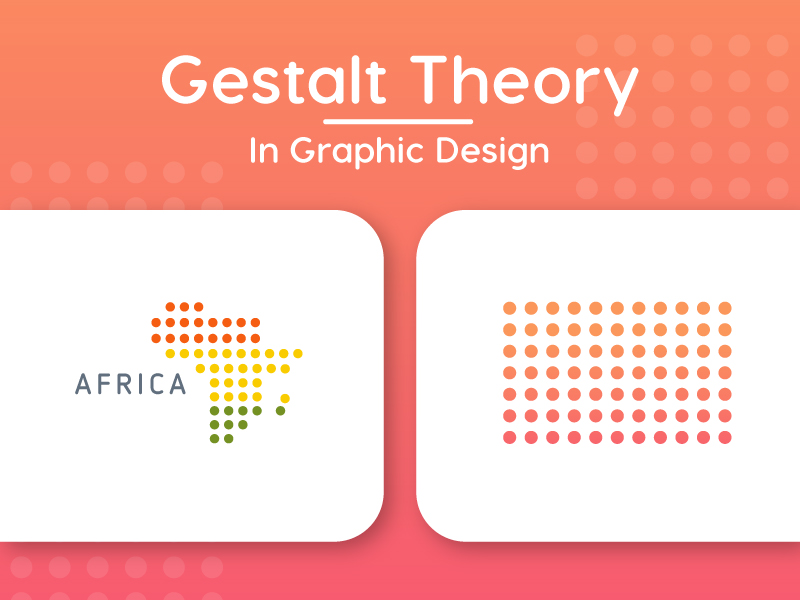
Gestalt principles describe how people group what they see into patterns and whole shapes, instead of reading every line and dot on its own. They explain why a row of dots can look like a butterfly, why we read a hidden arrow in the FedEx logo, and why a form with tight label spacing feels easier to fill in. For designers, they are a practical toolkit for making logos, websites and interfaces that people understand at a glance.
This guide covers nine Gestalt principles of design: proximity, similarity, continuity, closure, figure and ground, common region, symmetry, common fate and prägnanz. For each one you get a short definition, a logo example and a UI example, followed by advice on applying them in logo, web and UI design.
What are the Gestalt principles?
Gestalt is the German word for “shape” or “form”. The principles come from a group of psychologists working in the early 20th century, led by Max Wertheimer, Wolfgang Köhler and Kurt Koffka. Their key finding was that the brain organises what we see into the simplest whole it can find. The whole is perceived differently from the sum of its parts.
The list has grown over time. Common region, for example, was added much later by the psychologist Stephen Palmer. Design writers today usually work with seven to ten principles. The Interaction Design Foundation has a good overview, and the usability researchers at Nielsen Norman Group have tested how several of them affect real interfaces.
The 9 Gestalt principles, with logo and UI examples
1. Proximity
Definition: elements that sit close together are seen as a group. Elements that are far apart are seen as separate. Distance is often stronger than colour or shape, which makes spacing one of the most powerful tools a designer has.
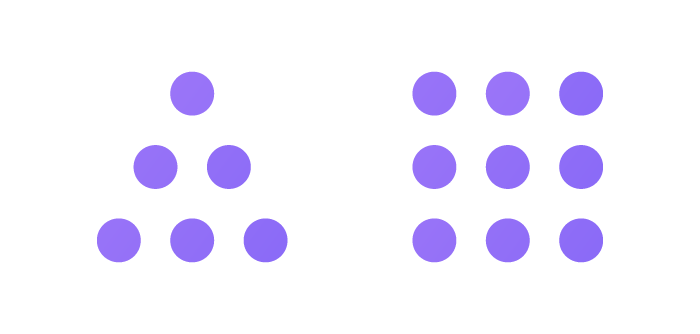
In the diagram above, nobody counts fifteen dots. We see two objects, a triangle and a square, because of how the dots are spaced.
Logo example: the butterfly mark below is just a cluster of teal dots. Placed close together in two wing shapes, the dots read as one butterfly.

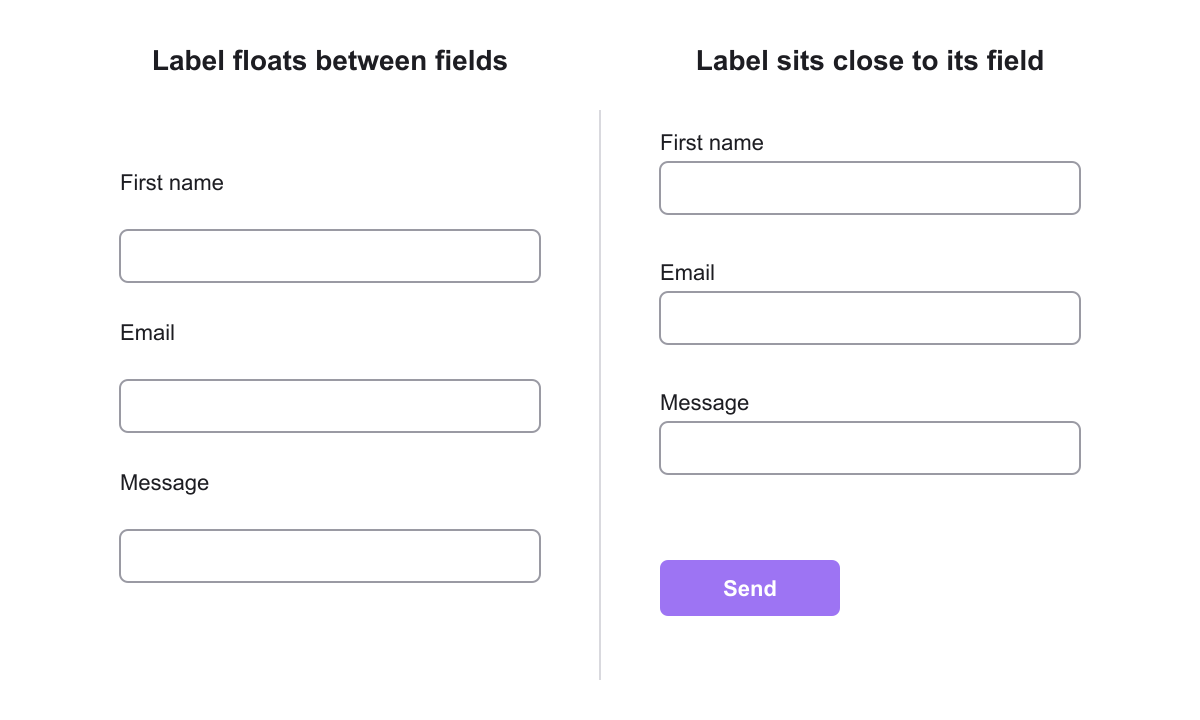
UI example: forms are where proximity matters most. When a label sits halfway between two fields, people have to work out which field it belongs to. Put the label close to its own field and leave more space between field groups.
2. Similarity
Definition: elements that look alike, in colour, shape, size or texture, are seen as related, even when they are not close together. The opposite is also true: the one element that looks different stands out.
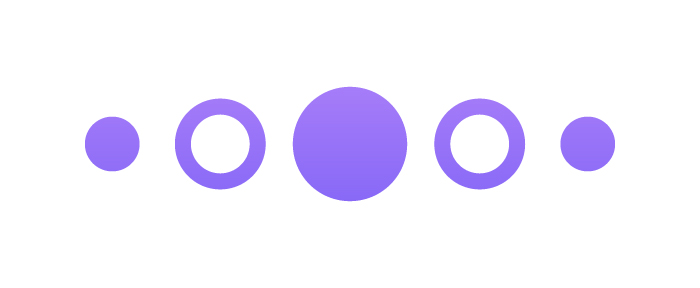
Here we pair the filled dots with each other and the outlined rings with each other, even though they alternate along the row.
Logo example: the six feathers of the NBC peacock share one shape and differ only in colour. Similarity makes them read as a single fan, and the colour change keeps each feather distinct.
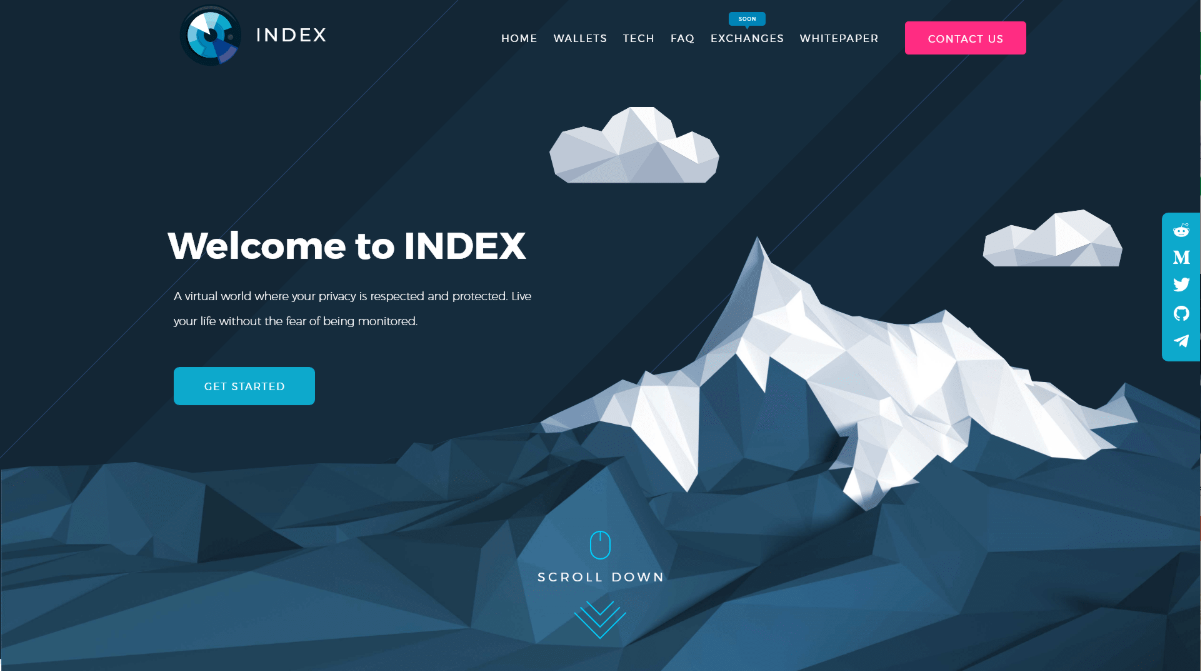
UI example: keep every link, button and icon of the same type looking the same, so people learn the pattern once. Then break the pattern on purpose for the main action. In the landing page below, the menu links are plain white text and the only pink element is the Contact us button, so it draws the eye first.
3. Continuity
Definition: the eye follows lines, curves and paths, and prefers to see one smooth, continuous shape rather than separate pieces. Elements arranged along a line are seen as related.
Logo example: the Amazon smile is a single curved arrow that runs from the a to the z. The eye follows the curve, so the logo suggests both a smile and the idea that the store sells everything from A to Z.

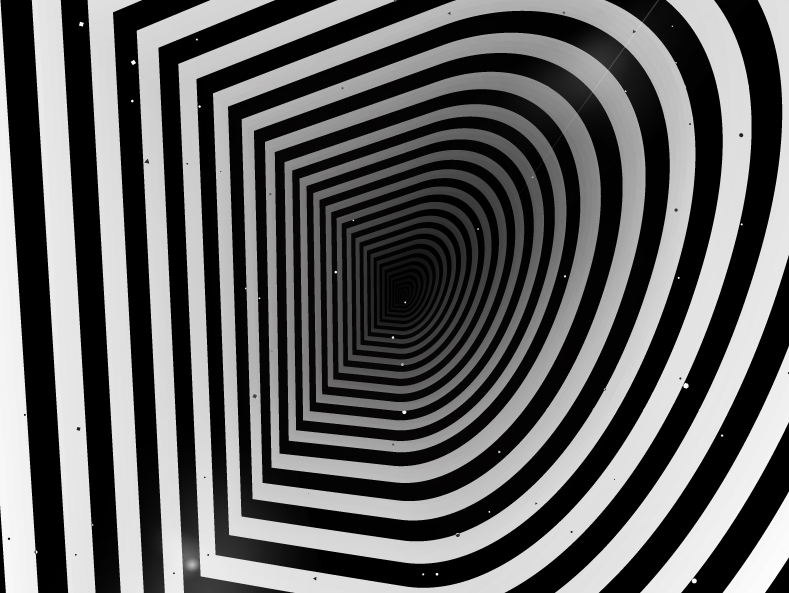
Continuity can also create depth. In this lettering piece, black and white stripes follow the same path inwards until they read as one tunnel in the shape of a letter D.
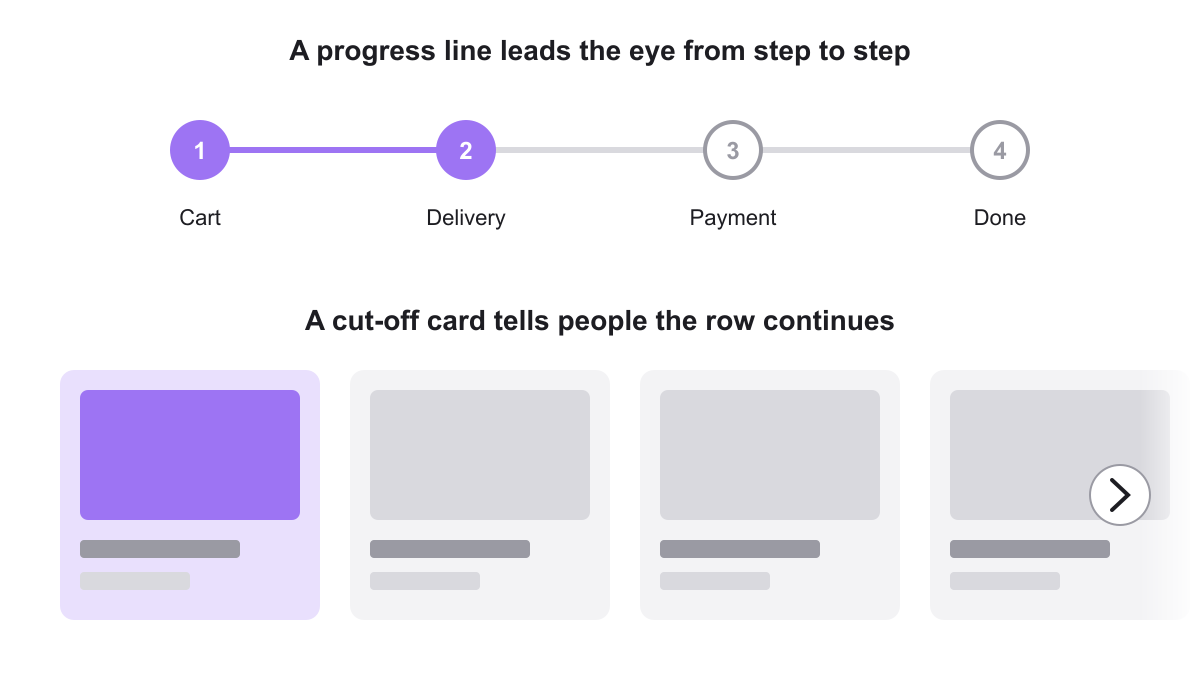
UI example: progress steppers use a line to lead people from one step to the next. Carousels use continuity too: a card cut off at the edge of the screen tells people the row carries on.
4. Closure
Definition: when parts of a shape are missing, the brain fills in the gaps and sees the complete shape. This lets designers say more with fewer lines.
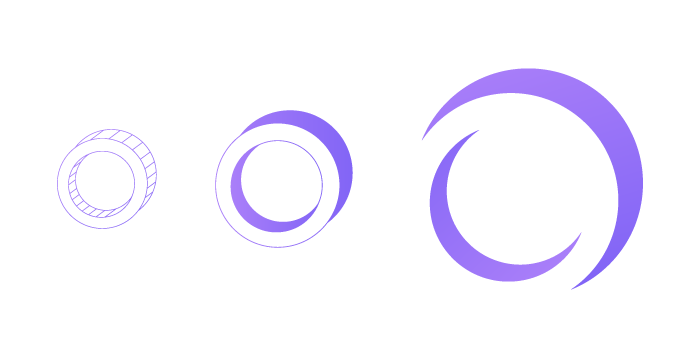
Logo example: the IBM logo, designed by Paul Rand, is made of horizontal stripes with gaps between them. There are no complete letters at all, yet everyone reads I, B and M.

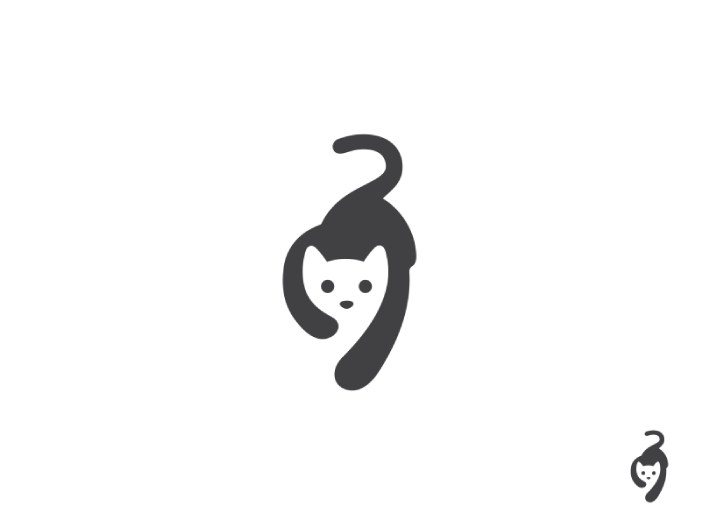
Closure is the engine behind most negative space logos. In this cat mark, a single dark shape and a curl for the tail are enough for us to see a cat’s face and body.
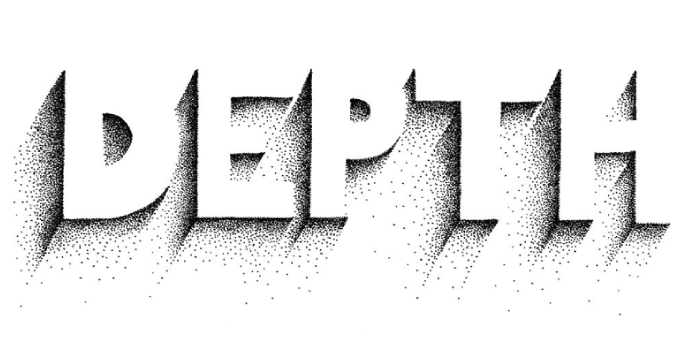
The same idea works in lettering. The word below has no outlines, only stippled shadows, and we still read DEPTH.
UI example: icons rely on closure. A magnifying glass, a hamburger menu or a cloud icon is a few simple strokes that the brain completes. Keep icons simple and consistent so people can recognise them at small sizes.
5. Figure and ground
Definition: we separate what we see into a figure, the object in focus, and a ground, the background behind it. When both can be read as shapes, a design can hold two images at once.

Logo example: the FedEx logo by Lindon Leader is the classic case. The white space between the E and the x forms an arrow, a hidden symbol of speed and direction that people remember once they have seen it.
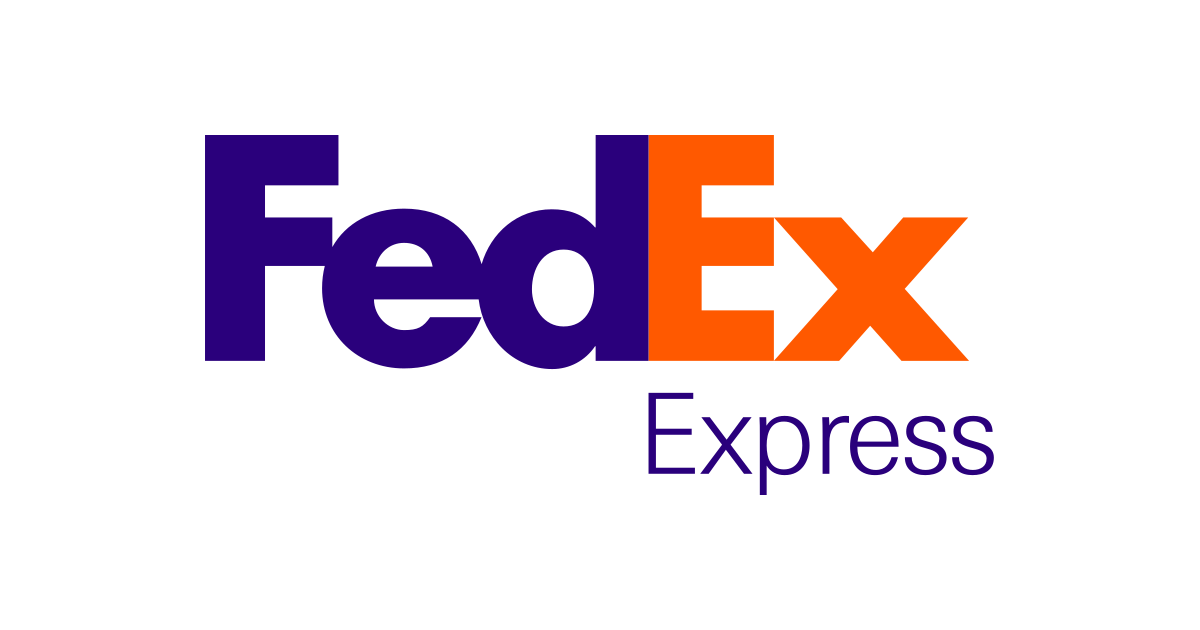
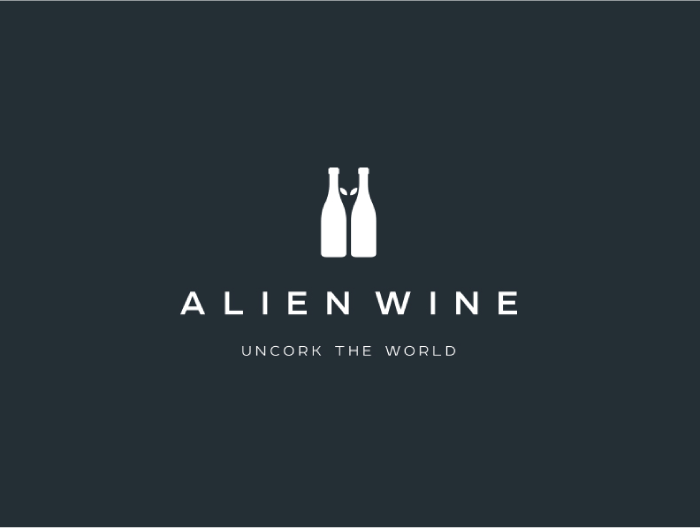
More concept logos use the same trick. In the first mark below, a blue question mark full of stars holds a polar bear’s head in its upper curve and an eagle’s head below it. In the second, the gap between two wine bottles forms the head of an alien.

UI example: modals and drop-down menus use figure and ground. Dimming the page behind a dialog pushes it into the background and makes the dialog the clear figure. Strong contrast between text and background does the same for readability.
6. Common region
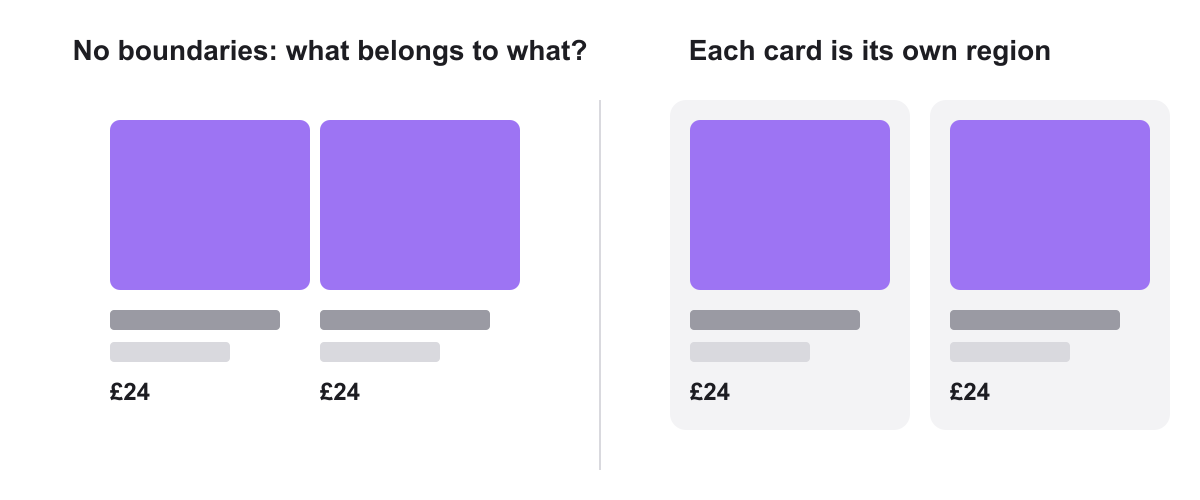
Definition: elements inside the same boundary, such as a box, a card or a background colour, are seen as a group. Common region is so strong that it can override proximity: two items in the same box belong together even if they are far apart.
Logo example: the BBC logo places each letter in its own black square. The squares turn three letters into three equal, separate units, and the matching squares hold them together as one mark.
UI example: cards are common region in action. Without a background, it is hard to tell which title and price belong to which image. A card around each product answers that instantly. The social icons in the blue tab of the landing page above work the same way. Nielsen Norman Group explains common region in more detail.
7. Symmetry and order
Definition: we see symmetrical elements as belonging together and perceive symmetrical compositions as stable and balanced. The brain looks for order and prefers it to chaos.

Logo example: the Slack logo is built from four similar rounded shapes arranged around a centre. Rotational symmetry, together with similarity, makes it feel balanced and complete.
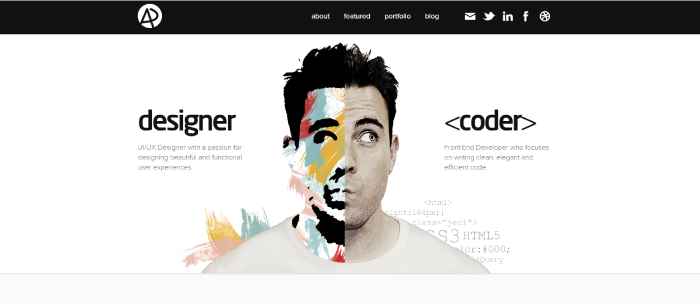
UI example: symmetry can also tell a story. This designer and developer portfolio splits the hero in half: “designer” on the left, “<coder>” on the right, and a portrait split down the middle. The balanced layout presents two sides of one person.
8. Common fate
Definition: elements that move in the same direction, or change at the same time, are seen as a group. Common fate is mainly about motion, which makes it more important now that interfaces are animated.
Logo example: in a static logo, common fate shows up as elements that all point or lean the same way, such as parallel speed lines. It matters most in animated logos: when parts of a mark move together in an intro animation, people read them as one unit.
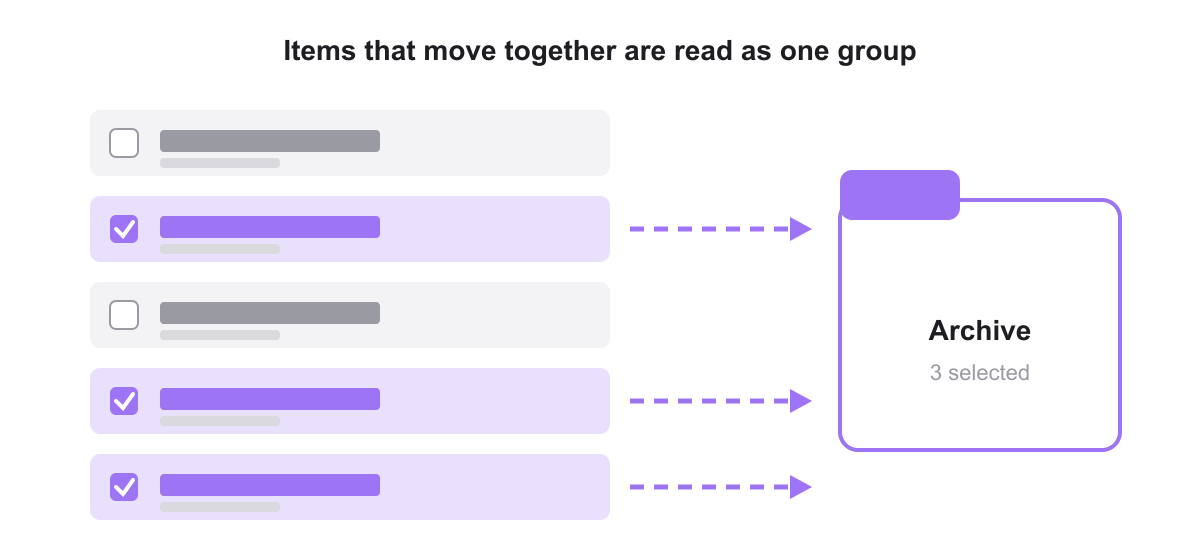
UI example: when someone selects several emails or files, the selected items should highlight and move together, for example into an archive. Menus that slide in as one block and items that fade in together follow the same rule.
9. Prägnanz (simplicity)
Definition: prägnanz, also called the law of simplicity or good figure, says the brain interprets complex images in the simplest way it can. It is the idea behind all the other principles.
Logo example: the Olympic rings could be read as a tangle of curved shapes. Instead, everyone sees five simple overlapping circles, because that is the simplest reading.
UI example: simple icons, clear layouts and a limited number of shapes are processed faster. If a screen needs explaining, it is probably not simple enough yet.
How to apply Gestalt principles in your design work
In logo design
- Use closure and figure/ground for a second meaning. A hidden arrow or animal gives people a small reward and makes the mark memorable. Make sure the main shape still works if nobody spots the trick.
- Test at small sizes. Gaps that create closure can fill in on a favicon or a printed pen. Check that the shape survives at 16 pixels.
- Use similarity and symmetry for systems. Repeated shapes, like the Slack pieces or the NBC feathers, give a brand an icon set and patterns for free.
- Keep it simple. Prägnanz rewards logos with few elements. Our key principles of logo design and minimalist logo ideas show this in practice.
In web design
- Space by meaning. Use small gaps inside a group and larger gaps between groups. A spacing scale and a grid-based layout make this consistent.
- Make the main action different. Use similarity for everything else and give the primary button its own colour. This supports a clear visual hierarchy.
- Group with backgrounds, not lines. Cards and soft background colours create common region with less clutter than borders and dividers.
- Lead the eye. Use continuity, such as aligned edges, directional images and lines, to guide people from headline to call to action.
In UI design
- Keep labels next to their fields and related controls in one region, so forms and settings screens scan quickly.
- Animate groups together. Selected items, menus and notifications should move as a unit, so people understand what changed.
- Be consistent. The same component should always look and behave the same. Our mobile app design tips cover more patterns.
- Check contrast. Figure and ground only work when text and controls stand out clearly from the background.
Frequently asked questions
How many Gestalt principles are there?
There is no fixed number. The early Gestalt psychologists described several laws of grouping, and later researchers added more, such as common region. Most design guides list between six and ten. The nine in this guide are the ones designers use most.
What is the most important Gestalt principle for UI design?
Proximity is usually the most useful, because spacing is in every screen you design. Similarity and common region come close behind, as they decide how people read buttons, links and cards.
What is an example of a Gestalt principle in a logo?
The FedEx logo uses figure and ground to hide an arrow between the E and the x. The IBM logo uses closure, because its striped letters are never complete. The Amazon logo uses continuity, with an arrow that runs from a to z.
Is the Gestalt theory still relevant in design?
Yes. The principles describe how human perception works, which has not changed. They are the reason spacing systems, cards, consistent components and simple icons work in modern interfaces.
Need a logo or interface built on solid design principles for a client?
Inkyy is a white label design and development team for agencies. Our in-house designers apply principles like these to every logo, brand identity, website and app we create under your brand. See our design services or book a 15-minute call.