



9 WordPress Themes for Web Design: 2 Free, 7 Paid
Inkyy's designers wanted to write you a little list of 9 attractive WordPress themes that you can use for your design and make your website "pop". Here it is. Enjoy!
 7 min read

The right WordPress themes for web design give you a strong layout, flexible editing and a fast site, without weeks of custom coding. If you build websites for clients, or showcase your own work online, a good theme can cut a lot of time from the project.
We checked every theme in this list and confirmed that each one is still available today. Two are free and seven are paid, and we say clearly which is which. The list covers free starters, multipurpose themes with ready-made demos, and themes built for portfolios.
How to choose a WordPress theme for web design
A theme decides how easy a site is to build and to maintain. Before you buy or install, check these points:
- Free or paid. Free themes cost nothing but may offer limited support. Paid themes usually include support and updates for a period, and renewing may cost extra. Check the licence terms for how many sites you can use it on.
- Page builder. Builders such as Elementor, WPBakery and Divi Builder are quick to use, but they tie your content to that builder. The block editor keeps things closer to core WordPress.
- Demos and import. A one-click demo import helps you start fast, but check that you can remove the demo content cleanly.
- Speed. Heavy themes with many effects load slowly. Test the demo on your phone and run a speed test before you commit.
- Updates. Look at when the theme was last updated and whether it works with the current version of WordPress. An abandoned theme becomes a security risk.
- Plugins. If you need shop features, forms or multilingual support, check that the theme works with the plugins you plan to use.
- Source. Buy or download only from WordPress.org or the vendor. “Nulled” copies on random sites often contain malware.
Free WordPress themes
Free themes cost nothing to start with, and both of these have paid upgrades if you outgrow them. They suit small portfolios, personal sites and client projects with a tight budget.
1. Kadence
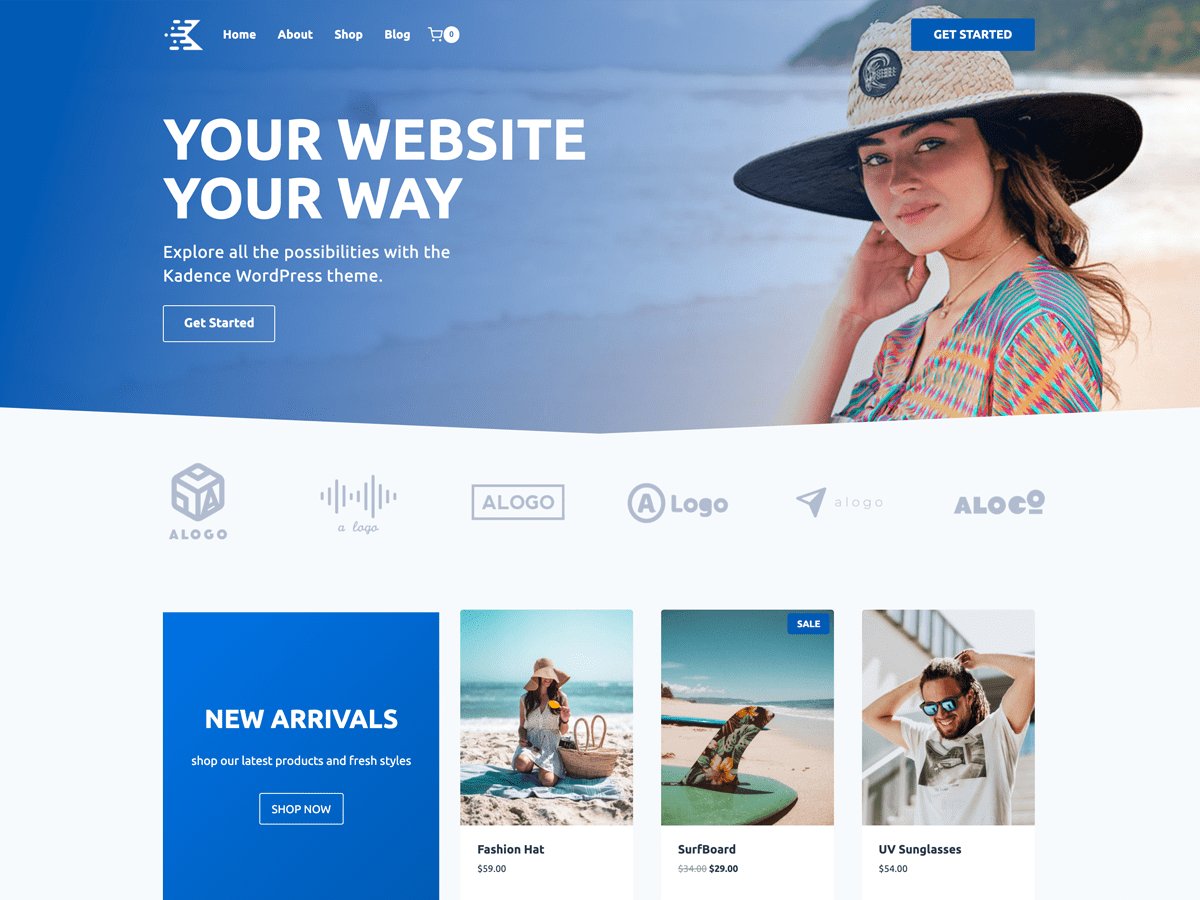
Kadence is a free theme from the official WordPress.org directory with more than 500,000 active installations. It is light, works with the block editor and comes with header and footer controls, so a designer can build a custom layout without code. It gives the list a solid free option for agencies.
- Cost: Free on WordPress.org, with optional paid upgrades
- Built with: The WordPress block editor
- Best for: Business sites, blogs and portfolios on a budget
- Source: Kadence on WordPress.org
2. Pile

Pile is a portfolio design from Pixelgrade, made for photographers, illustrators, typographers and creative agencies. It is now a free starter design inside the free Pixelgrade LT stack, so the original Pile theme page no longer exists on WordPress.org. The optional paid Plus plan adds WooCommerce styling, advanced block controls, premium fonts and extra support.
- Cost: Free starter design; Pixelgrade Plus is a paid upgrade
- Built with: The free Pixelgrade LT stack
- Best for: Visual portfolios and creative studios
- Source: Pile on Pixelgrade
Paid multipurpose and page-builder themes
These themes come with large libraries of ready-made demo sites and a built-in way to edit pages. They save the most time on projects where a client needs a full site quickly.
3. Divi

Divi from Elegant Themes combines a theme with its own visual page builder, so you design on the page itself and see the result at once. It ships with hundreds of ready-made layouts and has a large community of tutorials and extensions. The catch is lock-in: if you stop using Divi, its shortcodes stay behind in your content.
- Cost: Paid, from Elegant Themes
- Built with: Divi Builder (visual, drag and drop)
- Best for: Agencies that build many sites and want one toolkit
- Source: Divi on Elegant Themes
4. Webify

Webify is an Elementor-based theme from ThemeBubble with more than 50 ready-made demo websites and a set of premium plugins included. It is aimed at designers who want to import a demo, swap the content and launch. The vendor lists it at $59 on its demo page at the time of writing.
- Cost: Paid, one-off price listed by the vendor
- Built with: Elementor
- Best for: Fast launches from a demo site
- Source: Webify demos by ThemeBubble
5. Sway
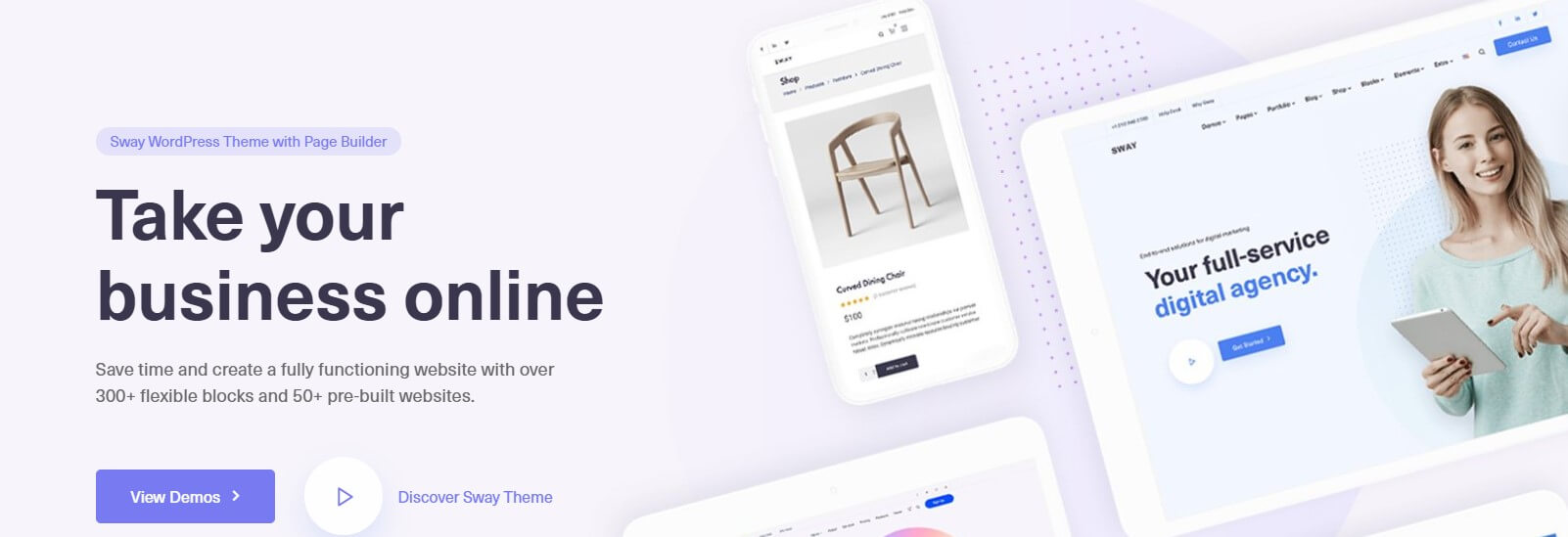
Sway from KeyDesign is a multipurpose theme with more than 60 demos built for specific industries. It bundles the WPBakery page builder and works with WooCommerce. Because it is a broad theme, it suits agencies that need to cover many niches rather than designers who want one distinctive portfolio look.
- Cost: Paid, sold on ThemeForest at $69 when we checked
- Built with: WPBakery Page Builder
- Best for: Business sites across many industries
- Source: Sway on ThemeForest
6. Bridge
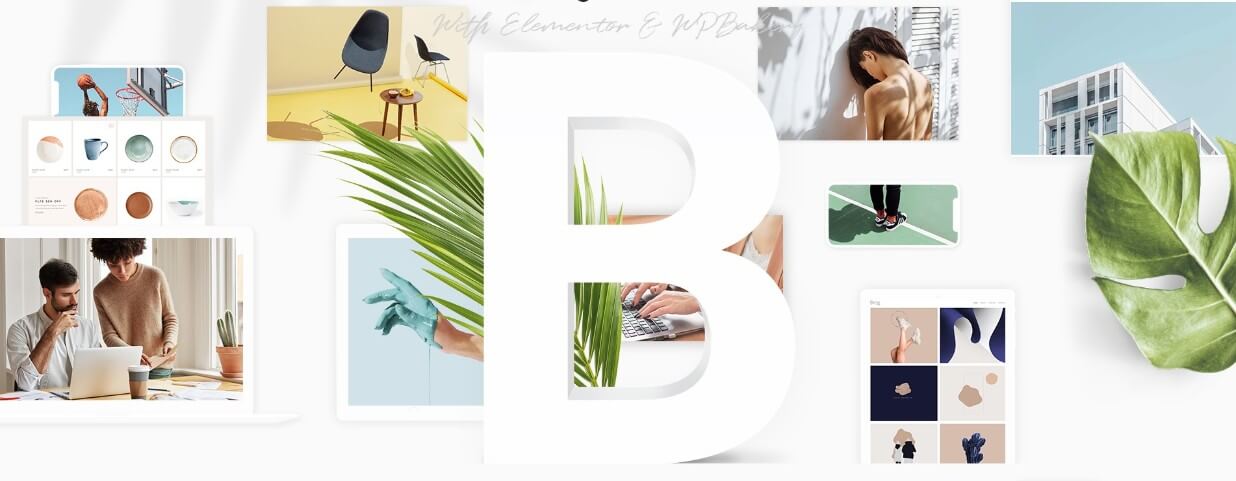
Bridge from Qode Interactive is a long-running multipurpose theme that now supports Elementor, WPBakery or the block editor, so you can choose the builder you prefer. It has a large set of demos and is compatible with WooCommerce. A long history means plenty of documentation and a big pool of developers who already know it.
- Cost: Paid, listed at $69 on the vendor page when we checked
- Built with: Elementor, WPBakery or the block editor
- Best for: Agency sites, portfolios and small shops
- Source: Bridge by Qode Interactive
Paid portfolio themes
These themes are built around showing work. They give you gallery layouts, hover effects and case study pages that a general-purpose theme may not have.
7. Calafate

Calafate, by VanKarWai, is a portfolio theme with WooCommerce built in, so a designer can show work and sell products or services from one site. It focuses on large visuals and animated hero areas. It suits freelancers who want a showy portfolio with an online shop attached.
- Cost: Paid, sold on ThemeForest
- Built with: A portfolio theme with WooCommerce support
- Best for: Creative portfolios that also sell products
- Source: Calafate on ThemeForest
8. RyanCV
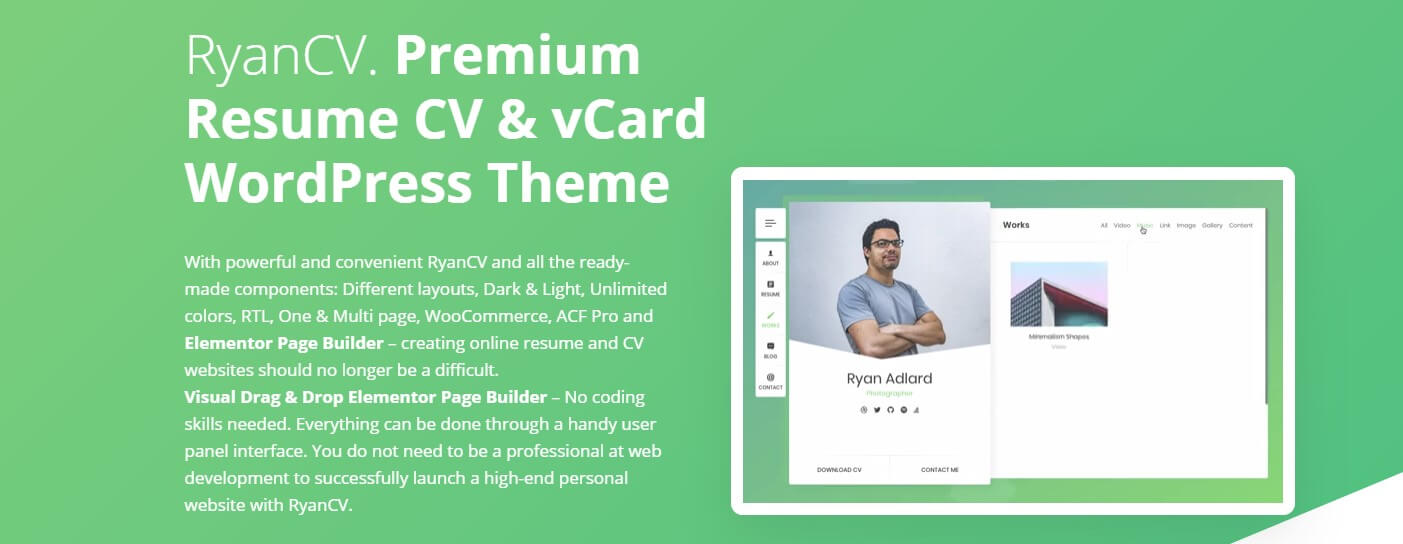
RyanCV from bslthemes is a personal portfolio and resume theme. The vendor lists 22 live demos, light and dark modes, Elementor support and WooCommerce compatibility. It is best for individual designers and developers who need a clean one-page or multi-page profile rather than a full agency site.
- Cost: Paid, from bslthemes
- Built with: Elementor
- Best for: Personal portfolios, resumes and freelancer sites
- Source: RyanCV live preview
9. Werkstatt
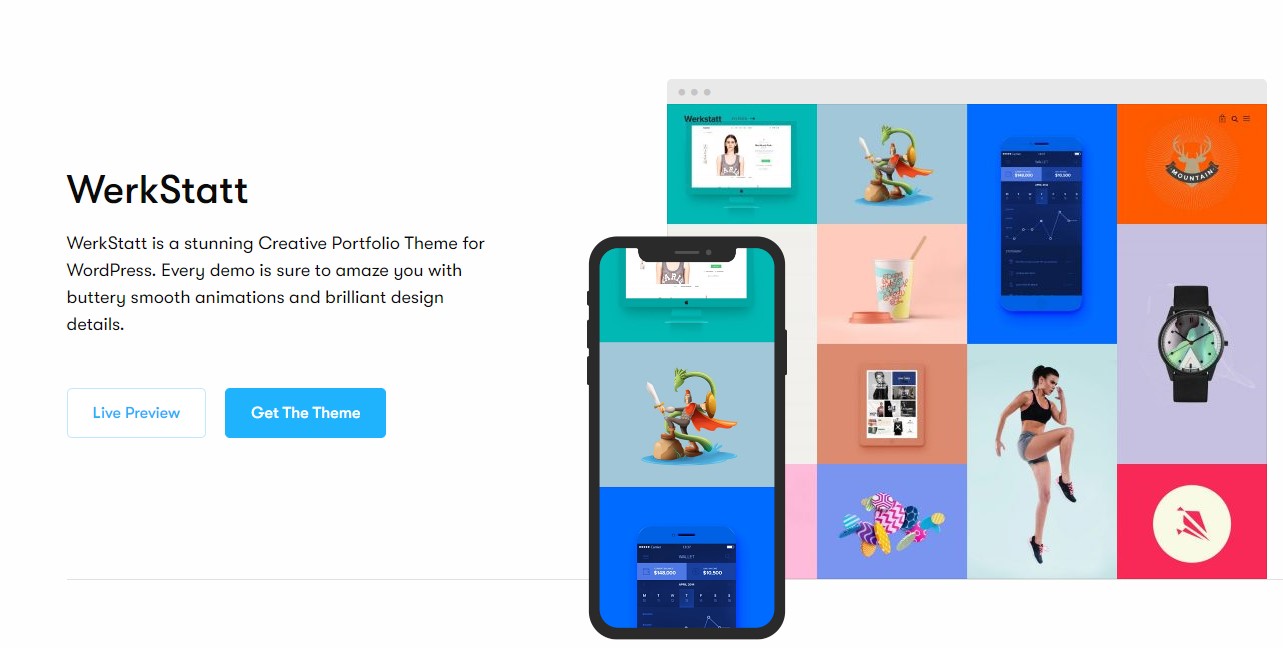
Werkstatt, from Fuel Themes, is a creative portfolio theme with many demos for agencies, photographers and studios. It includes WooCommerce support and animation-heavy layouts that suit work-focused sites. The old Fuel Themes theme page now returns a 404, so we link to the vendor’s current Werkstatt post.
- Cost: Paid, sold on ThemeForest
- Built with: Drag-and-drop page building with ready-made demos
- Best for: Design studios and photographers
- Source: Werkstatt by Fuel Themes
Free vs paid at a glance
- Free: Kadence (WordPress.org) and Pile (Pixelgrade LT stack). Both have optional paid upgrades.
- Paid, multipurpose: Divi, Webify, Sway and Bridge.
- Paid, portfolio: Calafate, RyanCV and Werkstatt.
Tips for working with WordPress themes
- Build on a staging site. Test the theme, plugins and demo import before you touch a live site.
- Use a child theme if you plan to edit the theme’s code, so updates do not overwrite your changes.
- Plan the content first. A wireframe and real text make the choice of theme much easier. Our web design process guide shows the steps.
- Keep the site secure. Update the theme and plugins regularly, use strong passwords and consider a WordPress security audit.
- Choose good hosting. A fast theme on slow hosting is still slow. See our list of WordPress hosting options.
- Do not install a theme for its demo alone. Pick one whose structure fits the content you really have.
You may also like our beginner guides to web development and website design, our tutorial on creating the perfect UI in WordPress, and our photographer portfolio website example. Typography matters just as much as the theme, so read about beautiful fonts for websites. You can also browse our design services.
Frequently asked questions
What is the best WordPress theme for a web designer portfolio?
It depends on how much control you want. Kadence is a good free start. RyanCV, Werkstatt and Calafate are built around portfolios. Divi and Bridge give more freedom if you also want to build client sites with the same tool.
Are paid WordPress themes worth it?
Often, if you build several sites or need support and a large set of demos. A paid theme can save hours of work. For a simple site, a good free theme is usually enough.
Can I use one theme license for several client sites?
Usually not. Most marketplace licences cover one site, and an extended or multi-site licence is needed for more. Check the vendor’s licence terms before you reuse a theme for clients.
How do I know a WordPress theme is still maintained?
Check the last update date, the compatible WordPress version, recent support replies and whether the vendor still sells the theme. Themes from WordPress.org show the last update date on their page.
Need a WordPress site built for a client?
Inkyy is a white label design and development team for agencies. We choose the right theme or build a custom one, then design, develop and launch the site under your brand. See our design services and development services, or book a 15-minute call.


