This free mobile app mockup is a set of three Photoshop files made by the Inkyy team. Each one shows app screens floating at an isometric angle on a coloured background, so you can present a UI design without a phone body getting in the way.
You get a three-screen scene, a single-screen scene and a six-screen scene. Every screen is a smart object, so you paste your design in and Photoshop handles the angle and shadows. Below you will find what is in the download, how to use it and a few tips for showing app work to clients.
What is inside the mobile app mockup
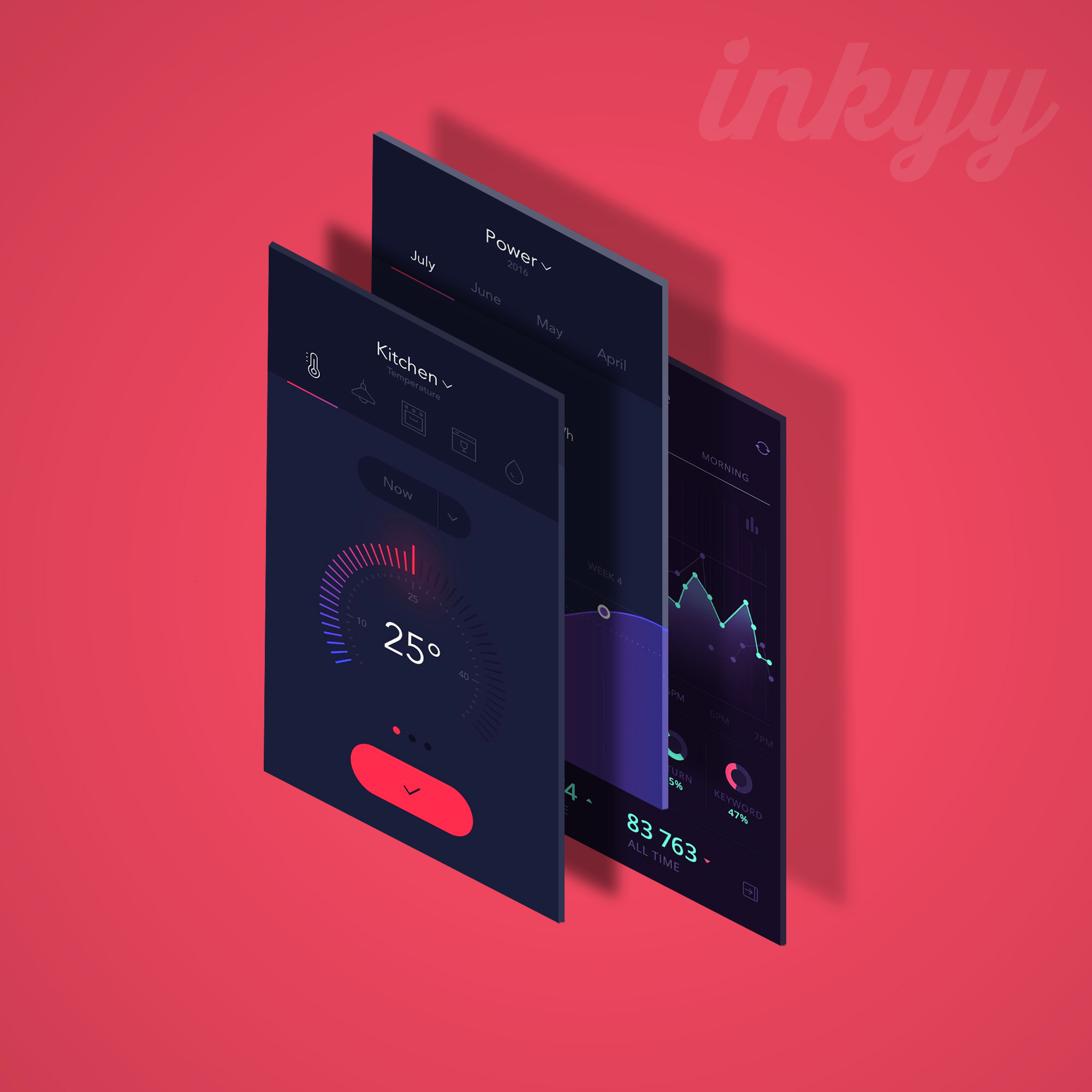
The ZIP holds three layered PSD files and a JPG preview of each one. The previews show sample dark dashboard screens: a kitchen thermostat set to 25°, a monthly power chart in kWh and an analytics screen. These are placeholders for your own design.
1. Three-screen mockup
Inkyy.com Iphone Mockup.psd (2000 × 2000 px). Three screens stand upright one behind the other, each with its own shadow. Each screen has a separate smart object, so you can show three different steps of a flow, such as a home screen, a detail view and a settings page.
2. Single-screen mockup
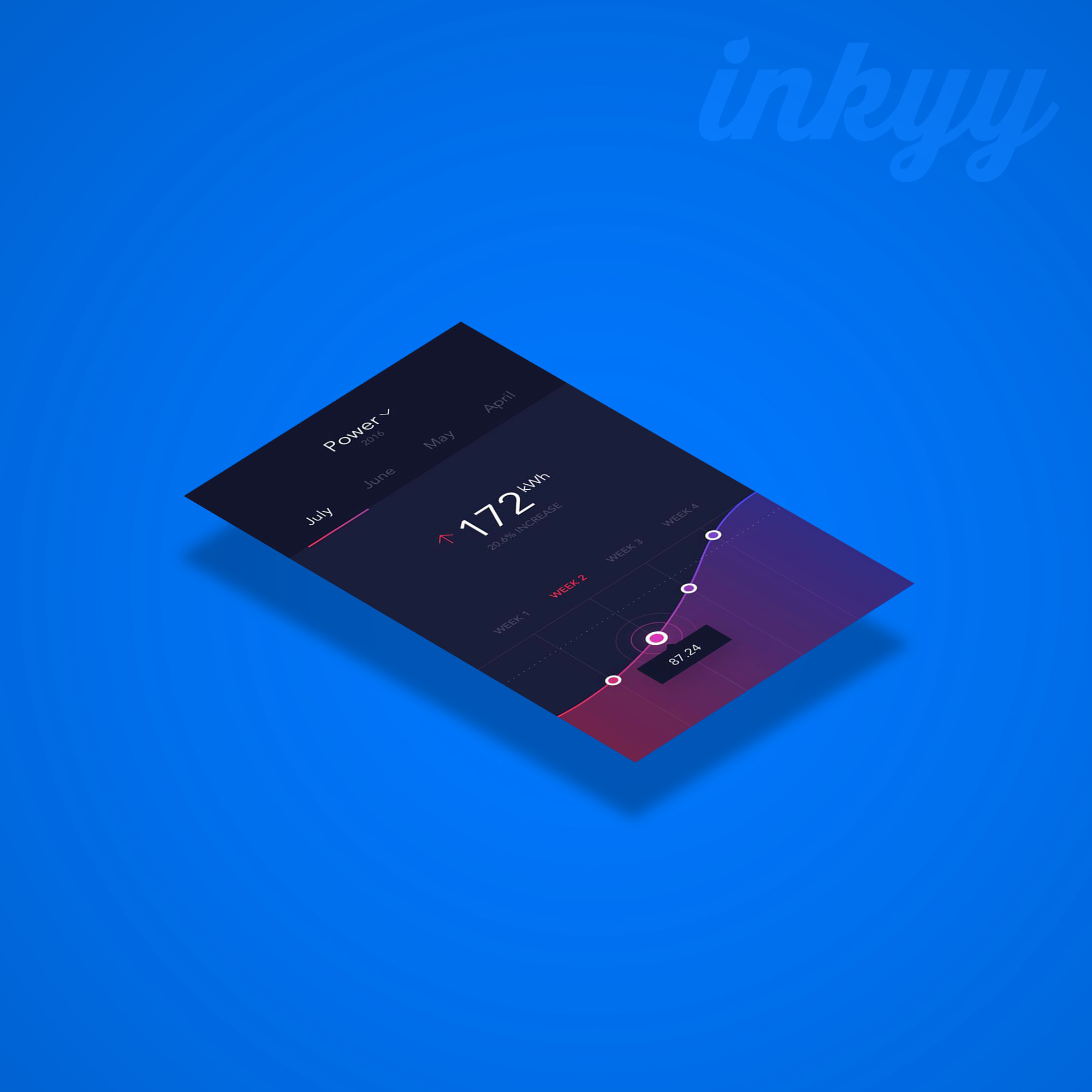
Inkyy.com Iphone Mockup 1 screen.psd (2000 × 2000 px). One screen lies flat and floats above the background with a soft shadow underneath. It is the cleanest of the three and works well as a hero image for a case study or a social post about one key screen.
3. Six-screen mockup
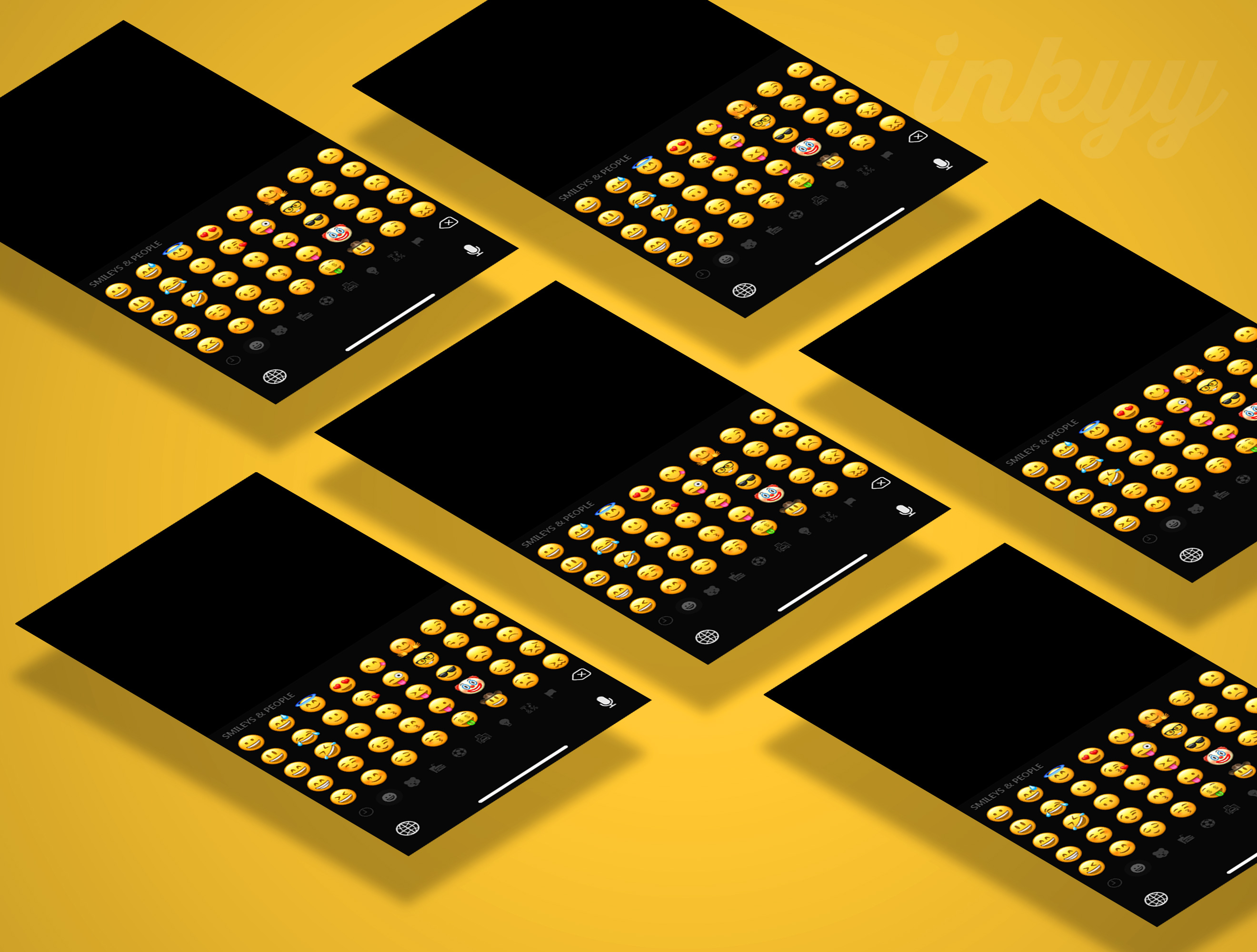
Inkyy.com Iphone Mockup multy.psd (2640 × 2000 px). Six flat screens are laid out in a staggered grid. All six use the same smart object, so one edit fills every screen at once. That makes a strong pattern-style background for a presentation cover or a website header.
How to add your design with the smart objects
- Export your screens from Figma, Sketch or Adobe XD at 1080 × 1920 px. That is the size of the smart object documents in every file.
- Open the PSD and expand a screen group. Each one holds a smart object called “Place Your Design here” and its shadow. In the three-screen file you can also use the Screen 001, 002 and 003 layers in the top group.
- Double-click the smart object thumbnail, paste your design on top, then save and close it. The angled screen in the scene updates on its own.
- Change the background with the “BG COLOR” layer. There is also a gradient fill layer and a Hue/Saturation adjustment in the “Adjustments” group.
- Hide the Inkyy.com layer if you want a plain background. It is the faint logo you can see in the top right of the previews.
Modern phones use a taller screen than 1080 × 1920 px. If your design is taller, place it at full width and crop the bottom, or pick the part of the screen that tells the story best.
File details
- Format: 3 layered PSD files plus 3 JPG previews
- Size: 2000 × 2000 px (two files) and 2640 × 2000 px (six-screen file), RGB, 300 ppi
- Screen size: 1080 × 1920 px smart objects
- Editable: screens, background colour, gradient, shadows and colour adjustment
- Device: bare screens with no phone frame, so they suit iOS and Android apps
- Download: ZIP, 28 MB
- License: free for personal and commercial use with a link back to our website
How to present app UI designs well
- Use real content. Real names, prices and dates make a screen feel finished. Lorem ipsum makes it feel like a draft.
- Tell a short story. Three screens in order, such as sign up, browse and checkout, explain an app faster than ten random ones.
- Match the background to the brand. Pull the background colour from the app’s palette so the scene feels like part of the product.
- Show flat screens too. Angled mockups sell the idea, but clients review details better on straight, front-on screens. Use both.
- Check it small. Most people will see your mockup in a feed or a slide. Make sure the key screen still reads at that size.
For more device scenes, see our free iPhone mockups and Samsung Galaxy mockups. New to mockups? Start with what mockups are and why to use them. To get the screens right first, read our mobile app design tips and rules of mobile app design, or grab our free Adobe XD mobile UI kit.
Frequently asked questions
Is this mobile app mockup free for commercial use?
Yes. It is free for personal and commercial use with a link back to our website.
What size should my app screens be?
Export them at 1080 × 1920 px. That matches the smart objects exactly, so nothing gets stretched or cut off.
Can I edit the PSD without Photoshop?
Yes. Photopea is a free browser editor that opens PSD files and lets you edit smart objects.
Does it work for Android apps?
Yes. The screens have no phone frame, so the mockup works for iOS, Android and web app screens alike.
Need mockup-ready app designs for a client?
Inkyy is a white label design and development team for agencies. Our in-house designers create app and web UI that you present under your own brand, mockups included. See our design services or book a 15-minute call.
 Book a Meeting