15 Free Polaroid Mockups: Frames, Stacks and Collages (PSD)
 8 min read
A polaroid mockup lets you show a photo, an artwork or a brand visual inside a white instant photo frame, without printing anything. We checked dozens of freebies and kept the 15 best free polaroid mockups we could still download, from single frames and stacks to photos hanging on a string, in a hand or spread across a table.
Every download link below was live when we checked it. For each mockup we list the format, the size or file size, the licence where the author states one, and who made it. Most are Photoshop files with smart objects, so you only need to paste in your photo.
How to choose a polaroid mockup
- Format. Almost every free polaroid mockup is a PSD file with smart objects. You double-click the layer, paste your photo, save and the frame, shadows and lighting update. No Photoshop? Photopea opens PSD files and smart objects in the browser for free.
- Figma. We could not find a free polaroid frame mockup for Figma that we could verify. The easy route is to render the scene in Photoshop or Photopea and place the exported image in your Figma file.
- Photo shape. Classic Polaroid film has a square image with a thick bottom border. Instax Mini and wide-format mockups use a rectangle. Pick the frame that matches your photo, or you will lose part of it when you crop.
- Resolution. For social posts and web, 2000 px on the long side is plenty. For print, pick a mockup at 300 dpi and 3000 px or more.
- Licence. “Free” does not always mean free for client work. Pixelbuddha freebies, for example, cover personal use only. Read the licence on the download page before you use a mockup in paid work.
15 free polaroid mockups
We grouped the mockups by scene, so you can jump to the one that fits your project: single frames, in-hand shots, stacks and pairs, hanging and table-top scenes, then collages and grids.
Single polaroid frame mockups
1. Polaroid frame mockup on black paper
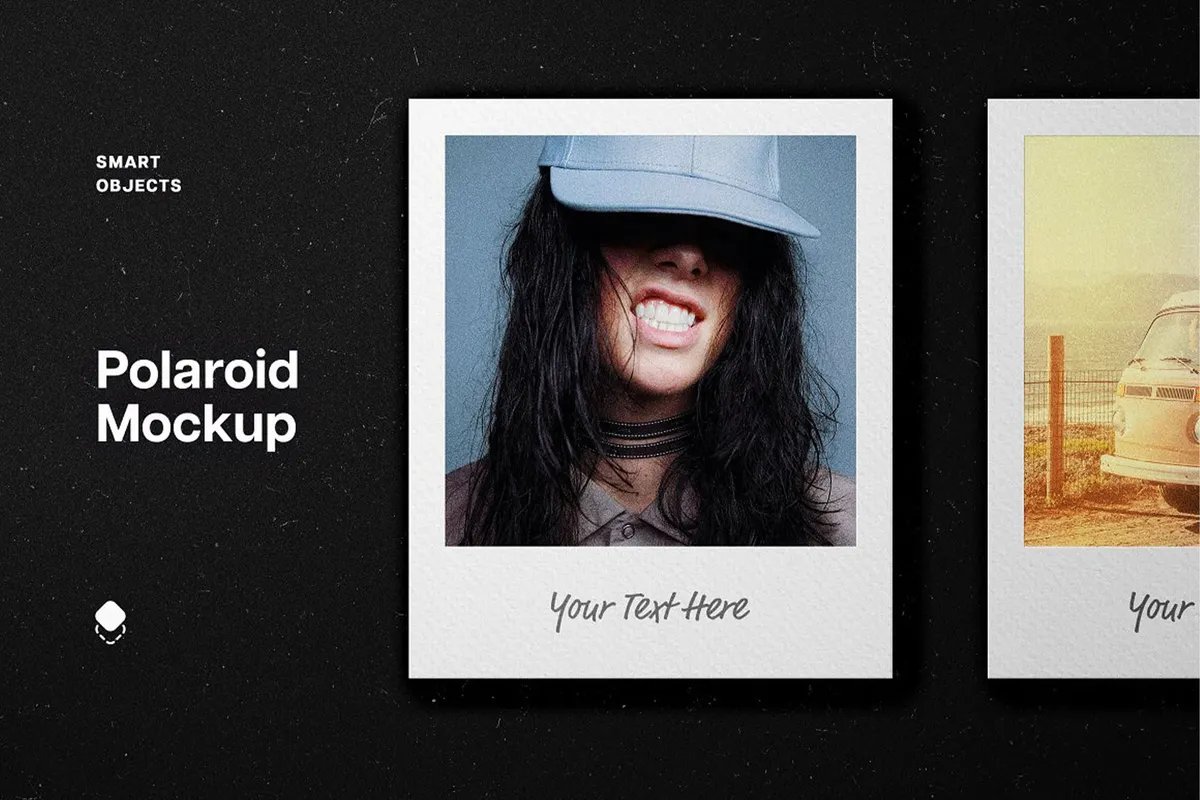
A clean white instant frame sits on dark, grainy paper with a “Your Text Here” caption line under the photo. The dark background makes the photo the brightest thing in the scene, which suits portrait photographers, music artwork and fashion brands. By Pixelbuddha Studio.
- Format: PSD with smart objects
- File size: 86.1 MB
- Licence: Free for personal use. Commercial use needs the paid extended licence
- Source: Download on Pixelbuddha
2. Polaroid frame mockup with a light beam
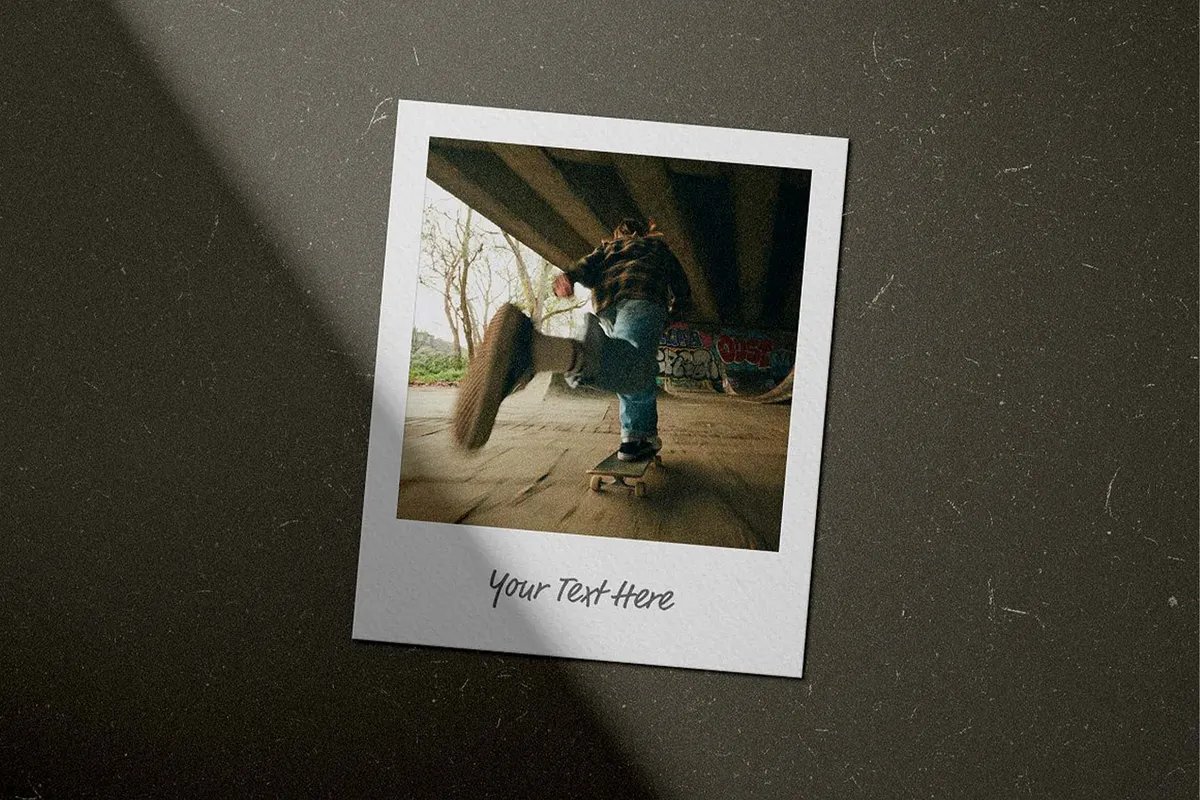
One tilted frame on dark, scratched paper, with a diagonal beam of light crossing the scene. You can change the background, and the file has the scratch texture and the shadow overlay on separate layers. It gives street, skate and lifestyle shots a moody, film look. By Pixelbuddha Studio.
- Format: PSD with smart objects
- File size: 90.6 MB
- Licence: Free for personal use. Commercial use needs the paid extended licence
- Source: Download on Pixelbuddha
3. Polaroid mockup on satin
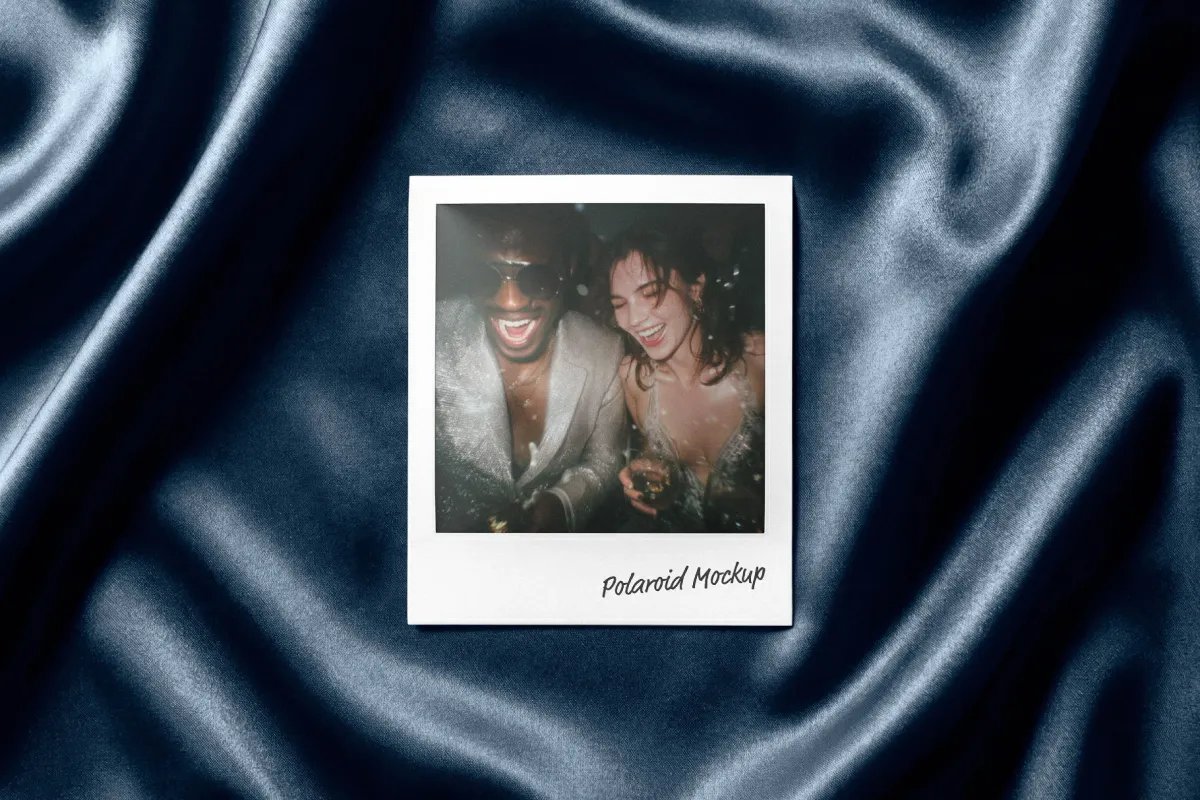
A single print lies on dark blue satin with deep folds and soft highlights. The background colour and the caption under the photo are both editable. It feels like evening and suits event recaps, album promos, wedding stationery and beauty brands. By Pixelbuddha Studio.
- Format: PSD with smart objects
- File size: 104.2 MB
- Licence: Free for personal use. Commercial use needs the paid extended licence
- Source: Download on Pixelbuddha
Polaroid mockups in hand
4. Hand holding a polaroid
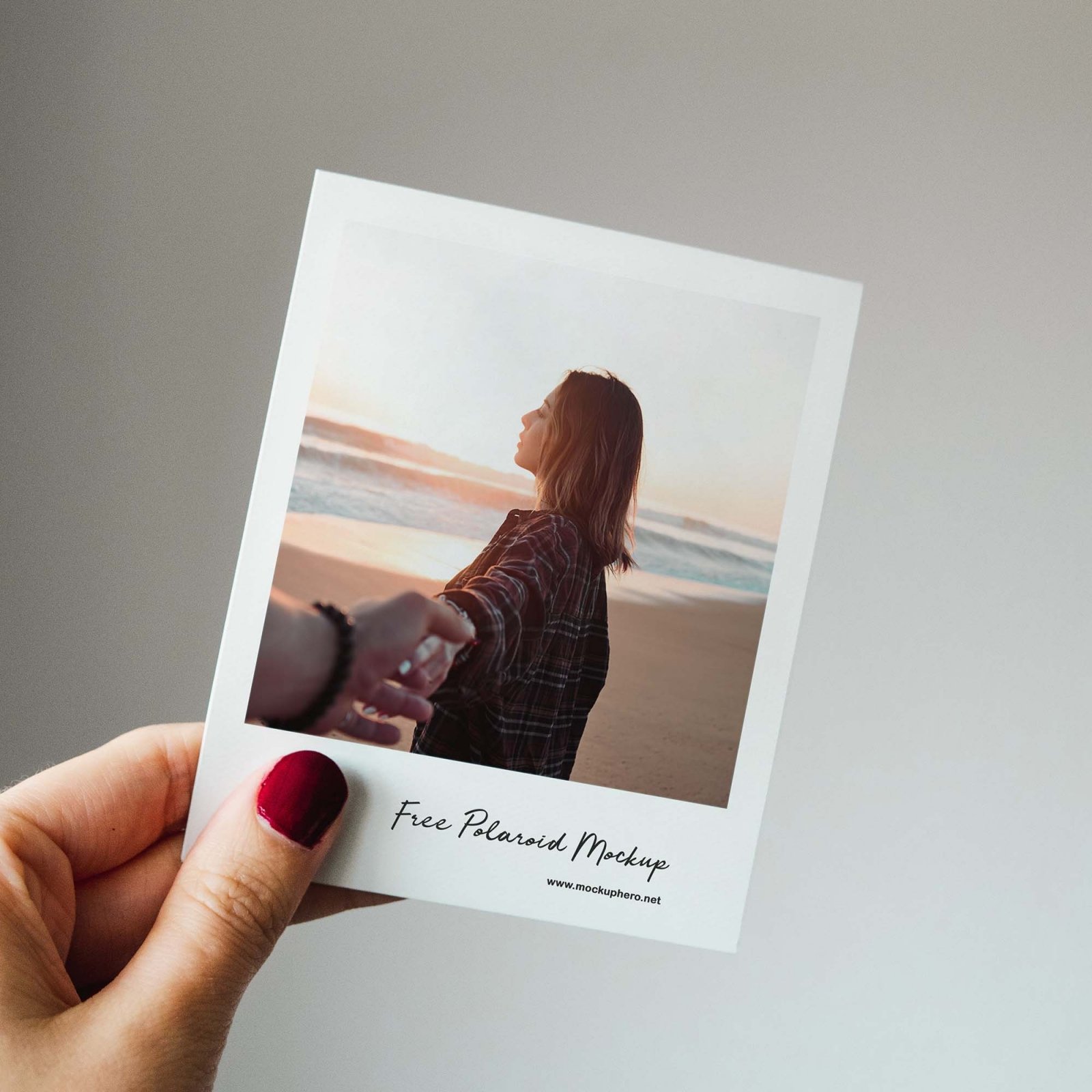
A hand with red nails holds an instant photo up against a plain grey wall. The hand makes the print feel real and personal, so it works well for photographers, travel brands and social posts. Made by Mockup Hero and shared on Unblast.
- Format: PSD with smart objects
- Size: 4000 × 6000 px
- Source: Download on Unblast
5. Hand holding a polaroid frame
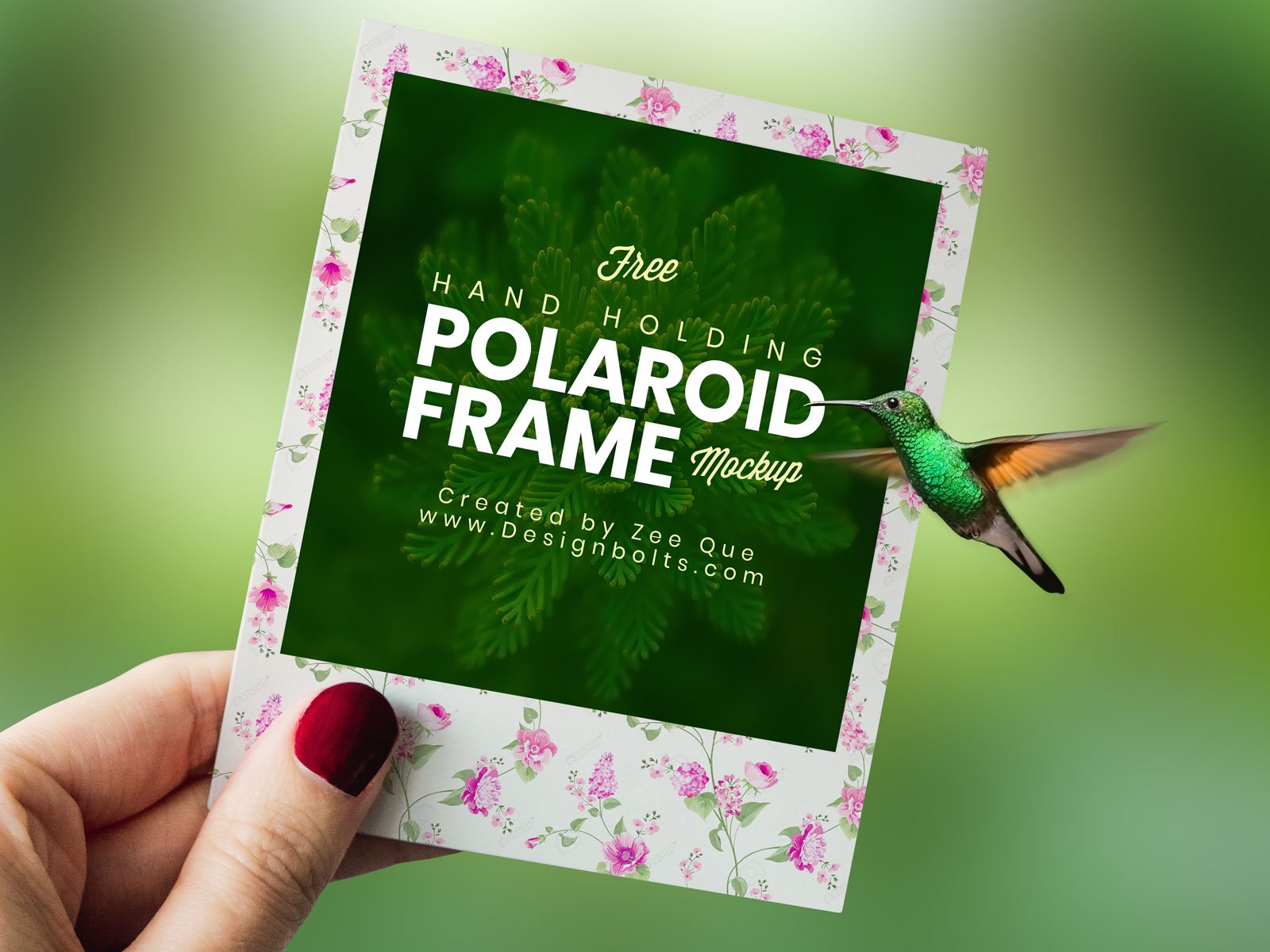
A close-up of a hand holding a square frame in front of a blurred green background. The demo frame has a floral border around a green design with a hummingbird. It suits greeting cards, event favours and printed photo products. By Zee Que for Designbolts.
- Format: PSD
- Size: 4000 × 3200 px
- Licence: Free for personal and commercial use
- Source: Download on Designbolts
Stacks and pairs
6. Old polaroids mockup
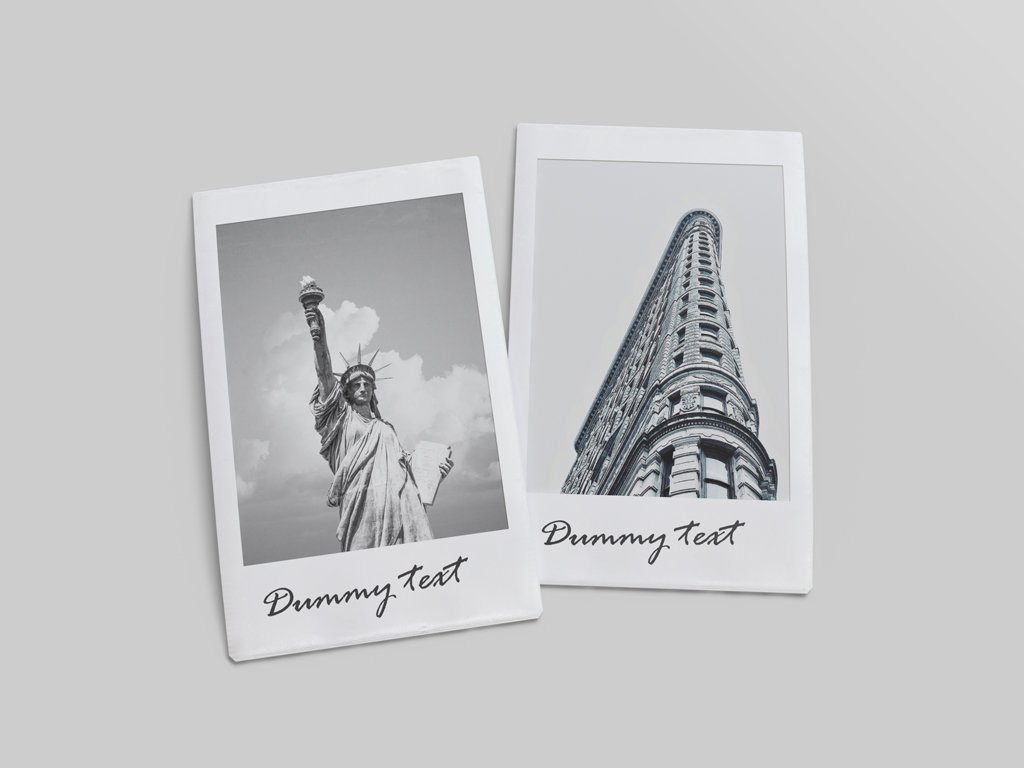
Two instant photos lie side by side on a light grey background, each with a handwritten caption. There are four smart layers, one for each photo and one for each label, and you can change the background. Good for before and after shots or a pair of product photos. It is a free sample from a larger set.
- Format: PSD with smart objects
- Size: 3000 × 2250 px at 300 dpi
- Source: Download on Mockup World
7. Landscape instant photo stack
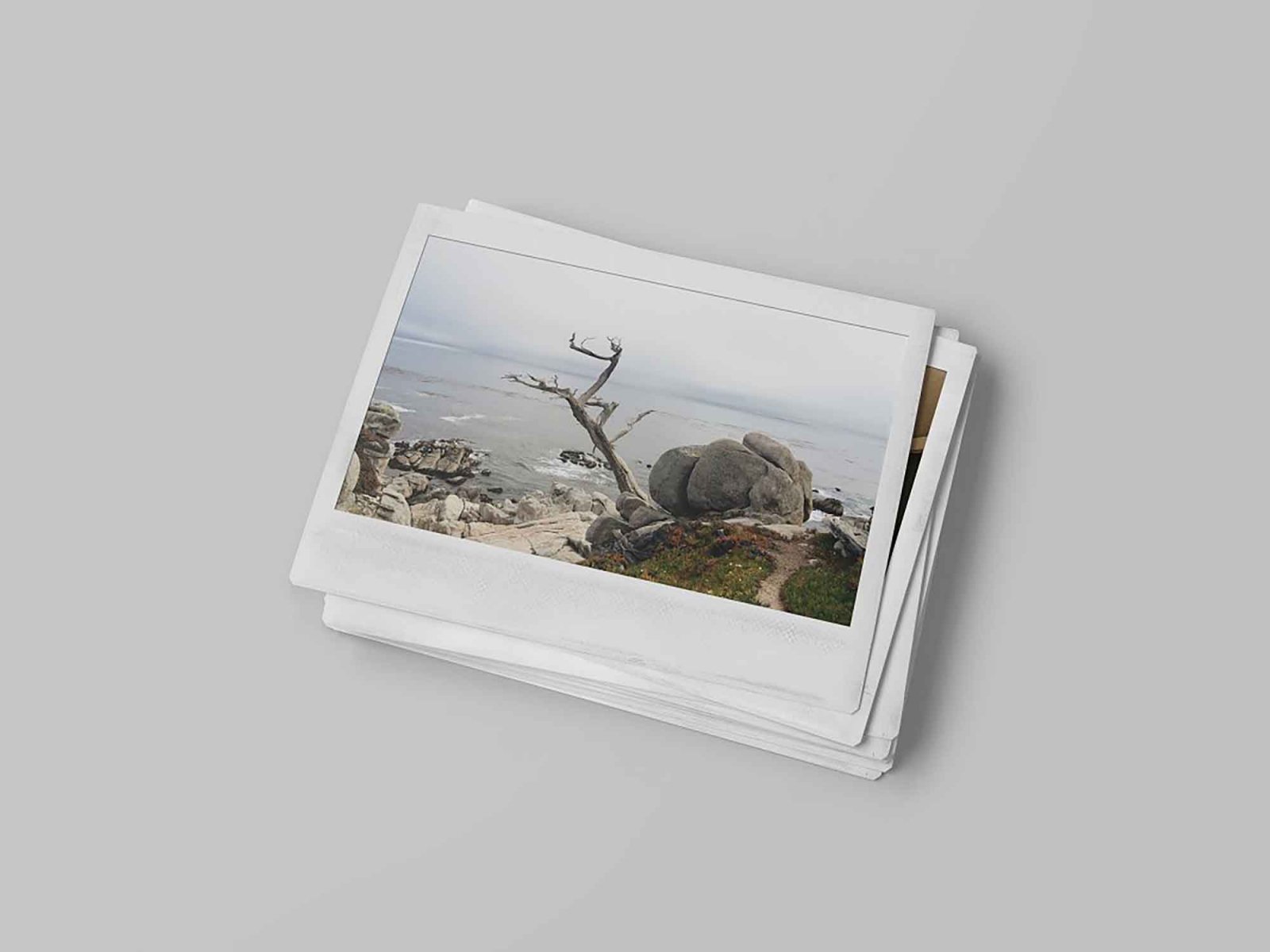
A stack of wide-format instant photos with a coastal scene on top. The pack has 12 shots from different angles, with control over lighting, gloss, background and shadow strength. Landscape and travel photographers will get the most out of it. Created by Darko Kipet.
- Format: PSD, 12 scenes
- Size: 3500 × 2333 px
- Source: Download on Unblast
8. Taped polaroid photo frames
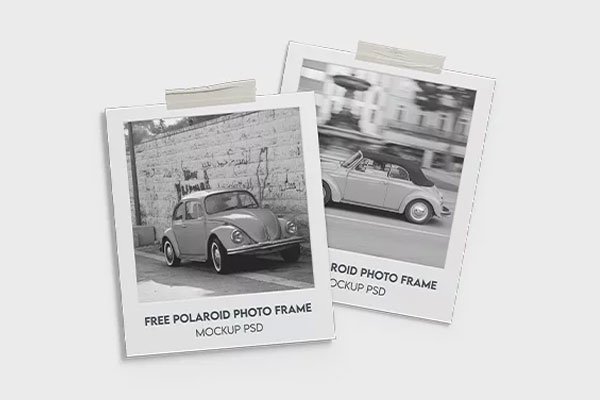
Two overlapping frames, each held up with a strip of tape, shown here with black and white photos of a vintage car. The set has three mockups, and you edit them through smart objects. It suits scrapbook, journal and moodboard layouts. By MockupFree.
- Format: PSD with smart objects, 3 mockups
- Size: 5000 × 5000 px at 300 dpi
- Licence: Free for personal and commercial use, with attribution
- Source: Download on MockupFree
Hanging and table-top scenes
9. Polaroids hanging on a string
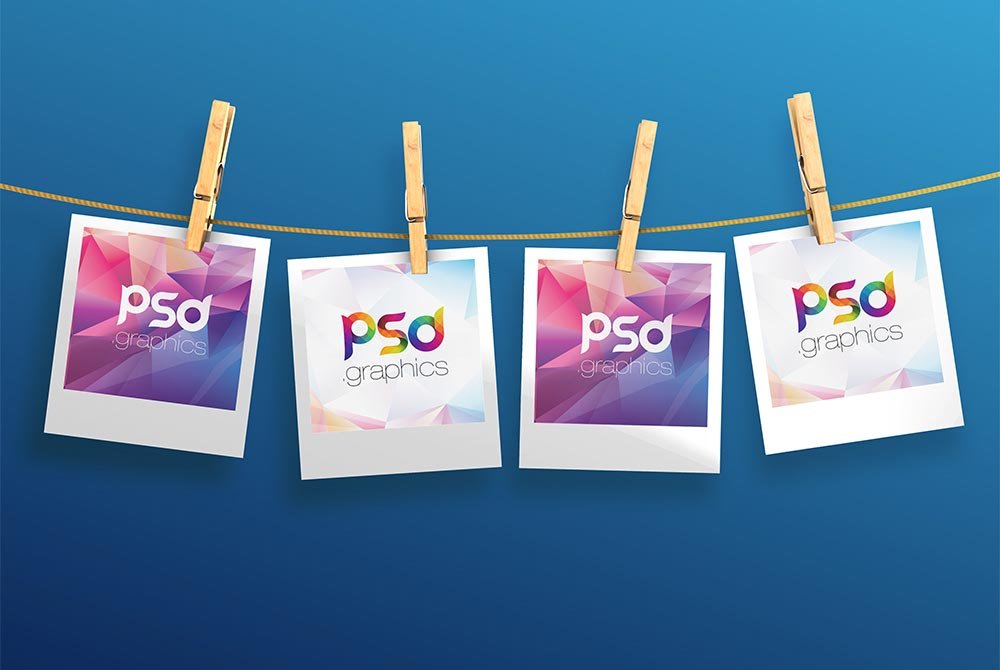
Four instant photos hang from a string with wooden clothespins, on a blue background. It is the only free hanging polaroid mockup we could verify, and it works well for a photo series, a team page or a product range shown side by side. The layered file is organised in named groups. By PSD Graphics.
- Format: Layered PSD
- Resolution: 300 dpi, 12 MB file
- Source: Download on Mockuptree
10. Polaroid frames with an instant camera
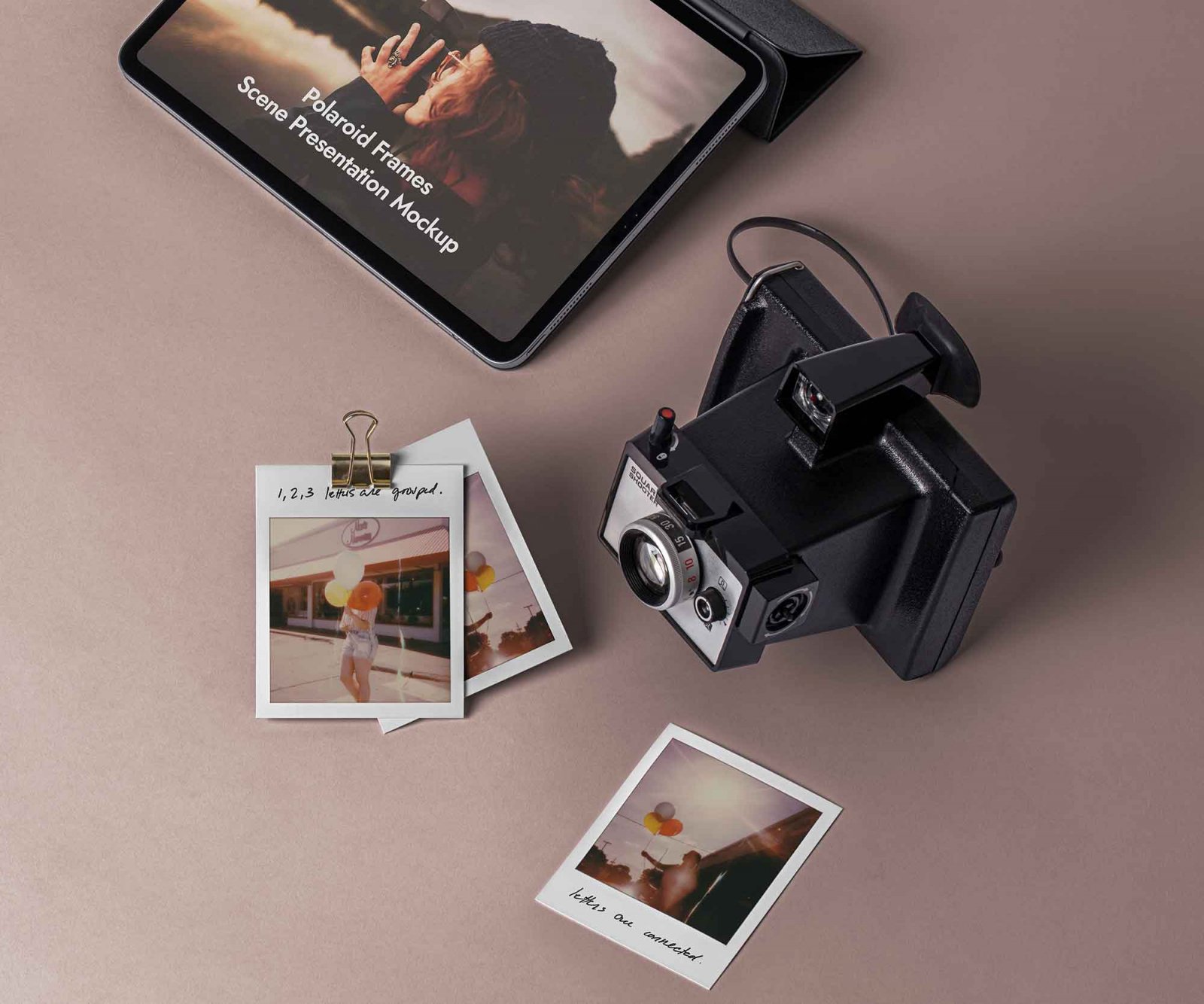
A flat lay on a dusty pink surface, with a vintage instant camera, a tablet and photos held by a binder clip. You can edit the background, the photos and the handwritten notes. It is ideal for presenting a photographer’s portfolio or a photo app. By Pixeden, shared on Unblast.
- Format: PSD
- Licence: Free for personal and commercial use
- Source: Download on Unblast
11. Polaroid collage around a camera
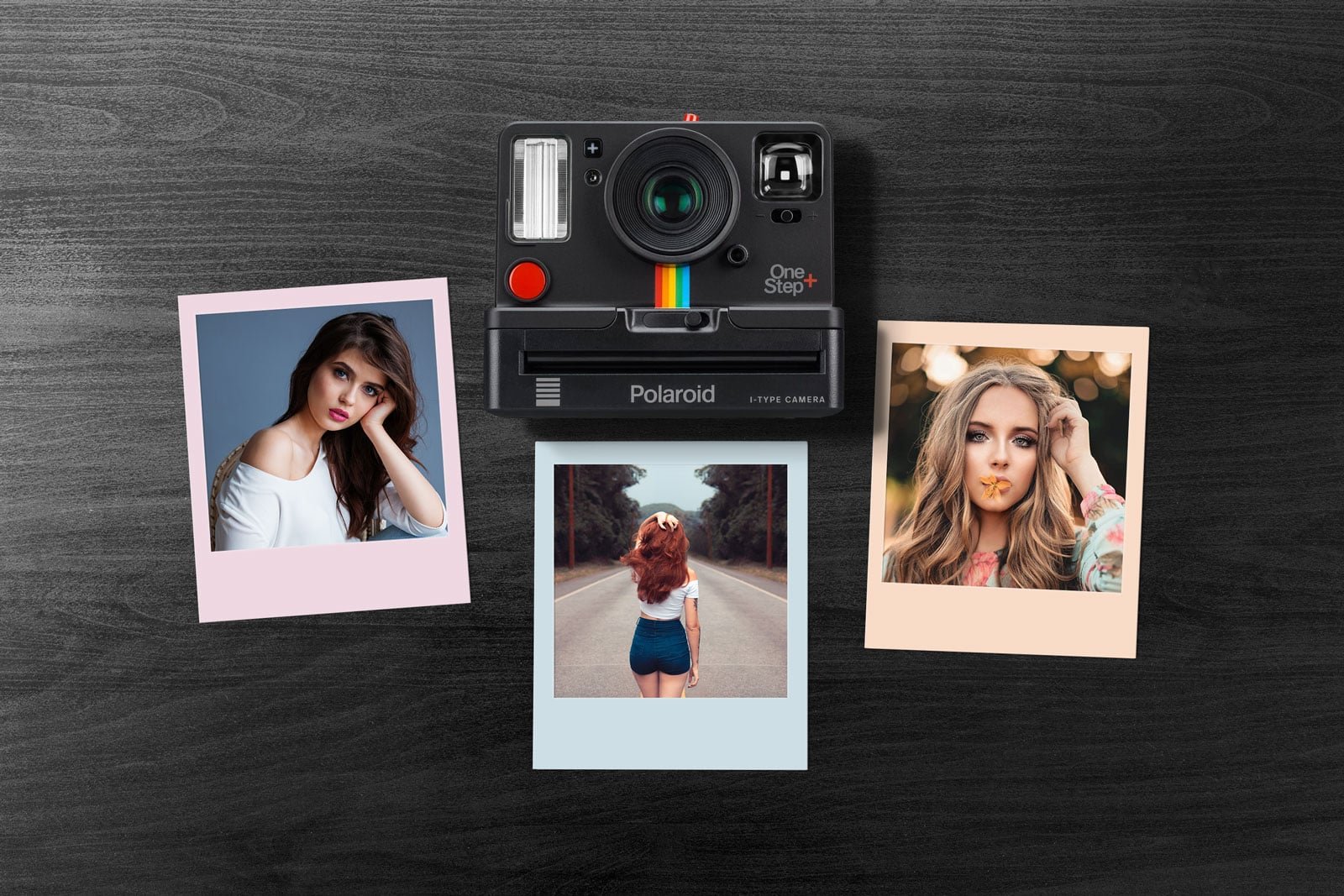
Three photos with pastel pink, blue and peach frames are laid around an instant camera on a dark wooden table. The coloured frames make it a good fit for playful brands, influencers and social media templates. By Designbolts.
- Format: PSD
- Size: 3000 × 2000 px
- Licence: Free for personal and commercial use
- Source: Download on Designbolts
Collages and grids
12. Polaroid mockup scene
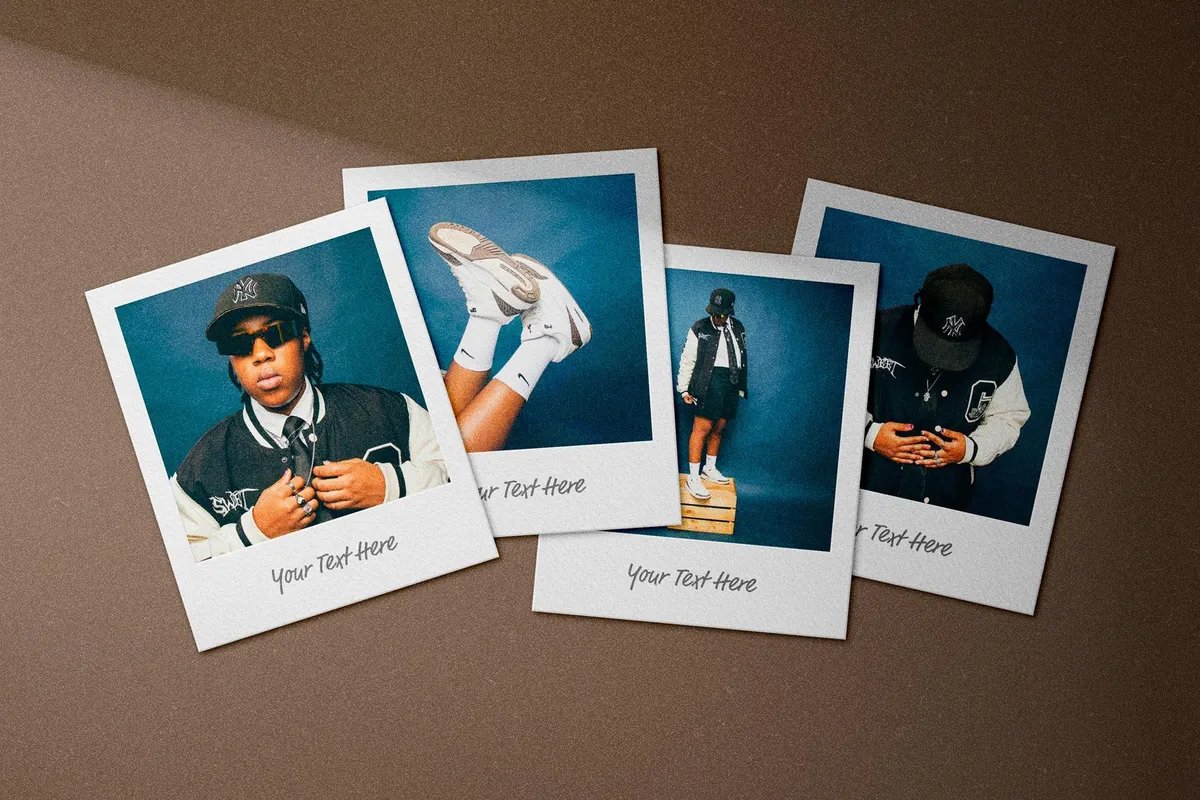
Four overlapping photos lie on a warm brown surface under soft shadows, each with its own caption line. Four images in one scene make it handy for a lookbook, a campaign set or a band’s photo series. By Pixelbuddha Studio.
- Format: PSD with smart objects
- File size: 102.8 MB
- Licence: Free for personal use. Commercial use needs the paid extended licence
- Source: Download on Pixelbuddha
13. Scattered polaroid cards
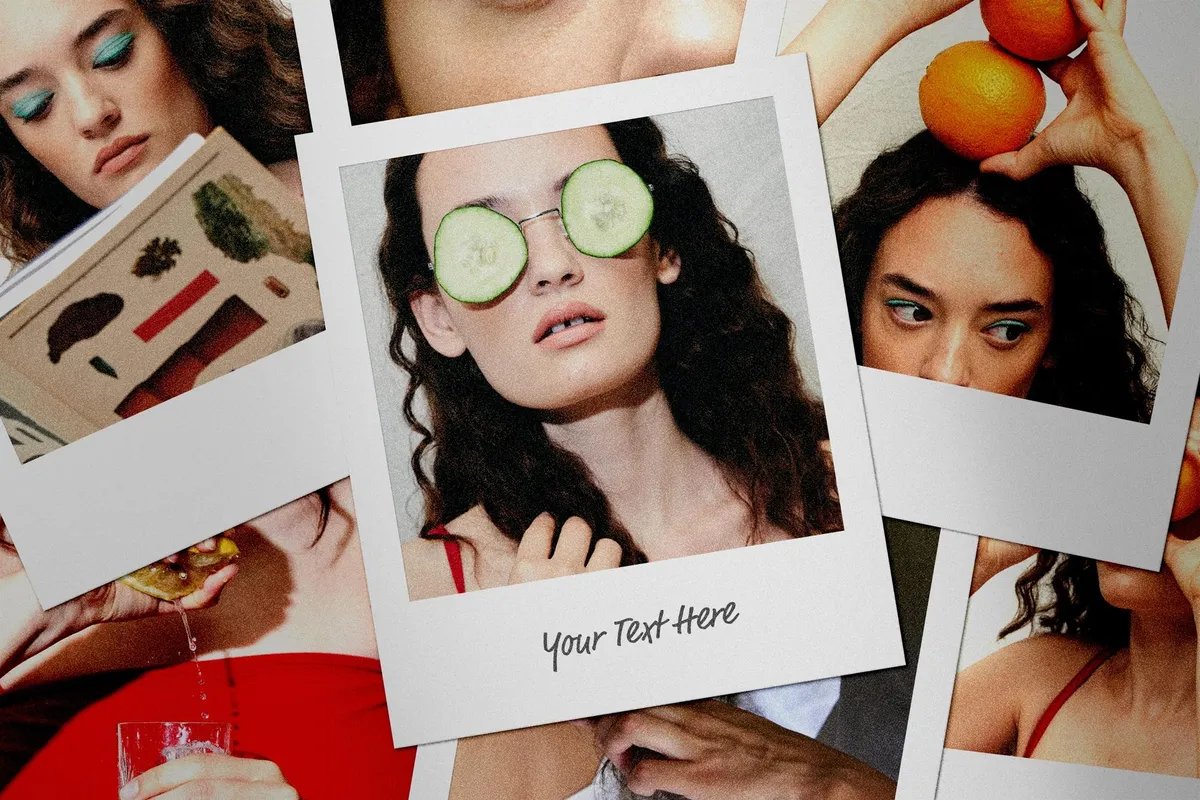
Instant photos are scattered edge to edge, with one large print in the middle and a caption you can write on. It feels like a bedroom wall collage, which suits fashion, beauty and youth brands. By Pixelbuddha Studio.
- Format: PSD with smart objects
- File size: 126.6 MB
- Licence: Free for personal use. Commercial use needs the paid extended licence
- Source: Download on Pixelbuddha
14. Polaroid instant cards grid
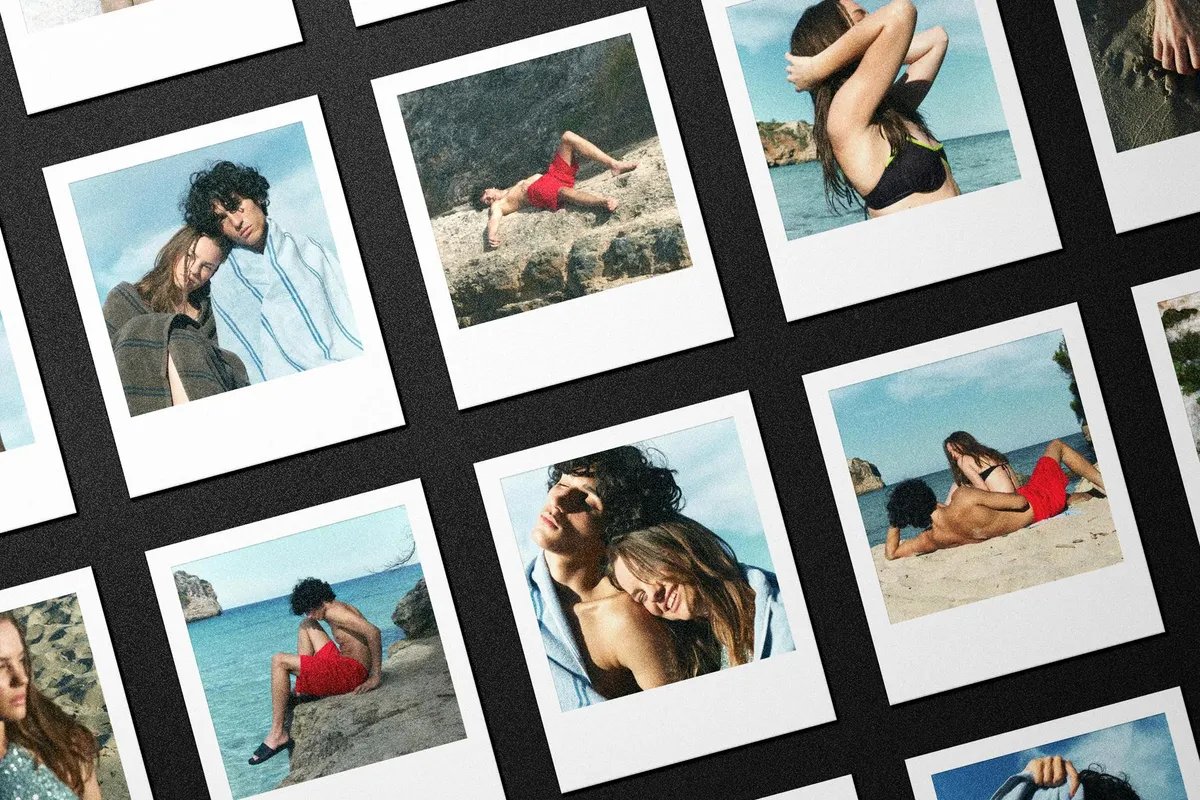
A neat grid of instant photos laid at an angle on a black surface. It shows a whole photo set at once, so it works for portfolio covers, editorial spreads and Instagram grid previews. By Pixelbuddha Studio.
- Format: PSD with smart objects
- File size: 147.2 MB
- Licence: Free for personal use. Commercial use needs the paid extended licence
- Source: Download on Pixelbuddha
15. Polaroid mockup collection
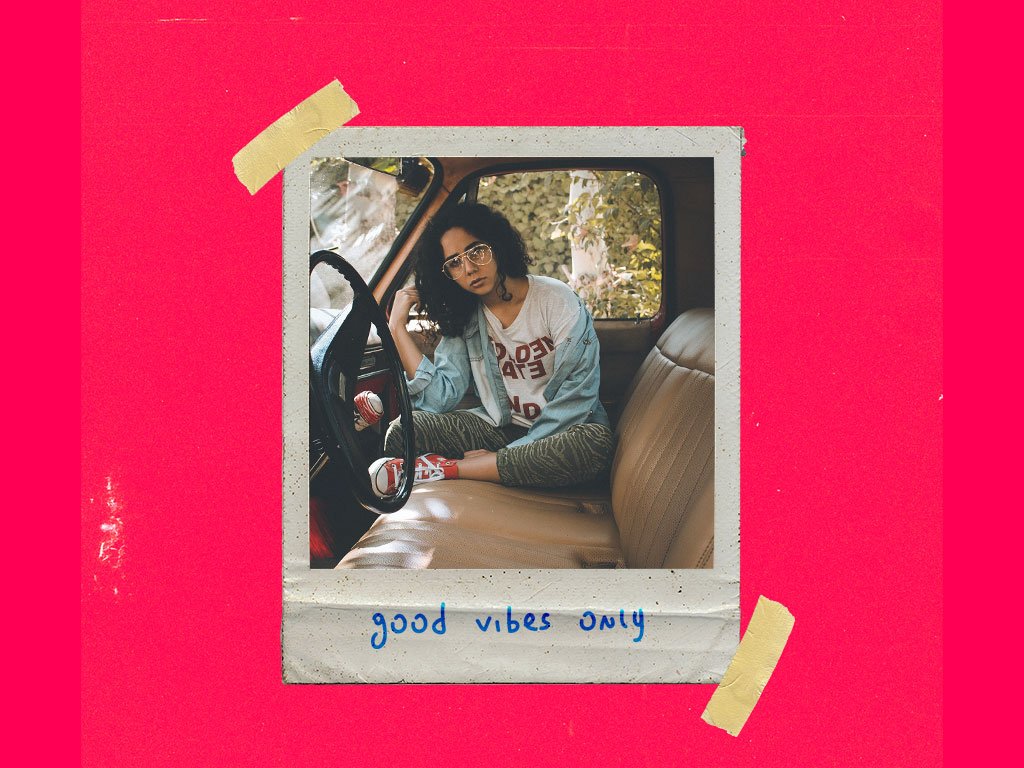
Nine layouts in one layered file, from a single taped print on a bright pink background to overlapping sets. The frames look worn and aged, which suits music, zine and streetwear projects. By Nathanael Arias. The download is on Gumroad, where you enter $0 to get it for free.
- Format: Layered PSD, 9 layouts
- Size: 3000 × 3000 px
- Source: Download on Mockup World
Which polaroid mockup should you use?
- For one hero image: a single frame (mockups 1 to 3) keeps all the attention on one photo.
- To make it feel personal: in-hand shots (4 and 5) add a human touch.
- To compare two or more images: stacks and pairs (6 to 8) show a short series or a before and after.
- For a series or a team: the hanging photos (9) line up four images in a row.
- For a full story: table-top scenes, collages and grids (10 to 15) show a whole set at once.
Tips for using polaroid mockups well
- Crop before you paste. Square frames need square photos. Crop with the subject in the centre so the thick bottom border does not cut into it.
- Grade the photo. A slightly warm tone, lifted blacks and a little grain make a digital photo look like real instant film.
- Use the caption. A short handwritten line under the photo makes the print feel real. Use a handwriting font or write it by hand and scan it.
- Keep the shadows. Do not delete the shadow and texture layers. They are what make the frame look like paper instead of a flat white box.
- Match the background to the brand. Most of these files let you change the background colour. Use a brand colour so the mockup fits the rest of the campaign.
- Export at the right size. Save a 1080 × 1350 px version for Instagram and a larger one for your website or portfolio.
New to mockups? Start with our guide on what mockups are and why designers use them. For more freebies, see our roundups of free poster mockups, stationery mockups and iPhone mockups. If your polaroids are going to print, read how to get high-quality prints, and for more nostalgic style ideas browse these retro and vintage logos.
Frequently asked questions
Are these polaroid mockups free for commercial use?
Some are. The Designbolts mockups and the Unblast frames with an instant camera are free for personal and commercial use, and the MockupFree set needs attribution. The Pixelbuddha files are free for personal use only. For the rest, check the licence on the download page before using them in client work.
Can I use a polaroid mockup in Figma?
Not directly. These are Photoshop files, and Figma cannot edit smart objects. Place your photo in Photoshop or Photopea, export the finished scene as a JPG or PNG and use that image in Figma.
What size should my photo be for a polaroid frame?
Open the smart object to see its exact size, then crop your photo to that ratio. Classic Polaroid frames take a square image, while Instax Mini and wide frames take a rectangle.
Do I need Photoshop to edit a polaroid mockup?
No. Photopea is a free browser editor that opens PSD files and lets you edit smart objects.
Need mockup-ready designs for a client?
Inkyy is a white label design and development team for agencies. Our in-house designers create brand visuals, social media graphics and print designs that you present under your own brand, mockups included. See our design services or book a 15-minute call.