19 Free Calendar Mockups for Wall and Desk Calendars
 9 min read
A calendar mockup lets a client see their calendar on a wall or a desk before a single copy is printed. It turns flat page designs into a realistic photo, which makes sign-off faster and gives you a ready-made image for the client’s website, shop or social posts.
We checked the big free mockup libraries and picked 19 free calendar mockups that still download today: wall calendars in A3, A4, A5 and square formats, spiral and single panel designs, and desk calendars from tent stands to tear-off pads. Each entry lists the format, size and license, with a link to the download page.
How to choose a calendar mockup
Start with the product you are actually selling. A wall calendar mockup should match the real paper size and binding, and a desk calendar mockup should match the stand. If the client is printing an A4 spiral calendar, a square or tear-off scene will only confuse them.
- Format and size: check that the mockup matches the print size (A3, A4, A5, DL or square) and orientation. Some files list the artwork size, which tells you how big to export your pages.
- Resolution: look for at least 3000 px wide. That is enough for a full-width hero image and a sharp close-up of the dates.
- Smart objects: the best files give the cover, the month page and the base their own smart objects, plus colour layers for the binding and background.
- File type: almost every free calendar mockup is a Photoshop PSD. Free Figma calendar mockups are rare, so if you do not use Photoshop, pick a file with an online editor or open the PSD in Photopea.
- License: most files here allow commercial use. A few ask for attribution, so read the terms before you use one in paid client work.
19 free calendar mockups
The list is split into wall calendars and desk calendars. Every image below is the author’s own preview.
Wall calendar mockups
1. Horizontal wall calendar mockup

A landscape wall calendar hangs from a single hook, with the lower edge curling away from the wall so it looks like real paper. The dark night photo shows how well a full-bleed image reads on this format. It suits photography calendars and corporate gifts. Made by Mockups Design and shared on Mockuptree.
- Format: PSD with smart object, 2 angles
- Resolution: 300 DPI
- License: Free for use
- Source: Download on Mockuptree
2. Portrait wall calendar mockup

A classic portrait wall calendar with a wire binding and hanger, shown straight on against a pale blue wall. The top half takes a photo and the bottom half the month grid, which is the most common layout for promotional calendars. You can change the wall colour and texture. Also made by Mockups Design.
- Format: PSD with smart object
- License: Free for use
- Source: Download on Mockuptree
3. Wall calendar on a textured wall

A tall wall calendar on a rough beige wall, with a large header image and a big, readable month grid. The plain front view makes it easy to check type sizes and spacing. Good for a quick client preview of a single month.
- Format: PSD with smart objects
- License: Free for personal and commercial use, attribution required
- Source: Download on Mockupfree
4. A3, A4 and A5 wall calendar mockup
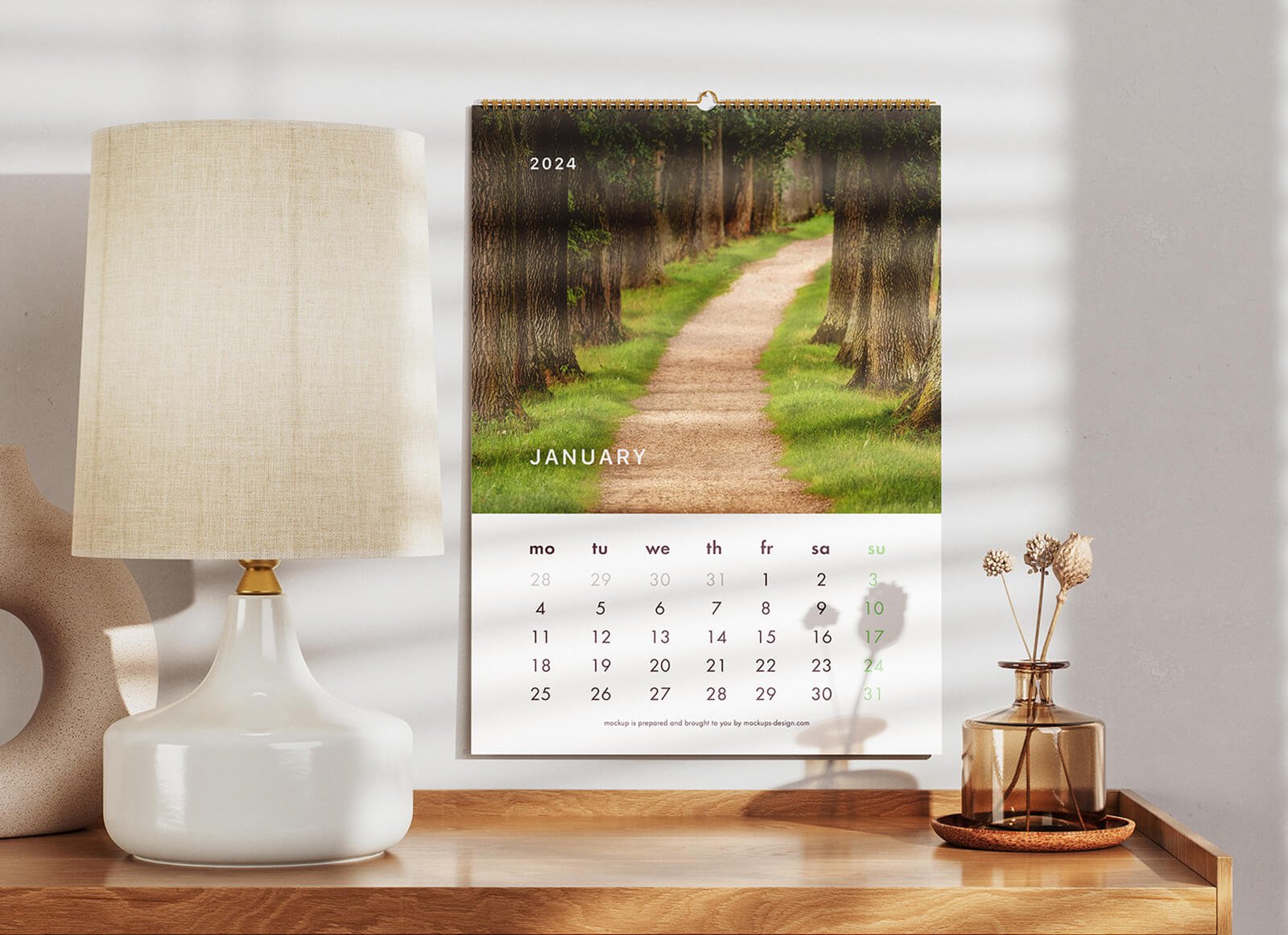
A portrait wall calendar hangs above a wooden sideboard with a table lamp, a vase and soft window shadows. The home setting helps a client picture the calendar in use, which makes it a strong cover image for a print project. The artwork sizes cover A3, A4 and A5.
- Format: 2 PSD files with smart objects
- Size: 4000 × 3000 px, artwork 2480 × 3508 px
- License: Free for personal and commercial use
- Source: Download on Good Mockups
5. Landscape and portrait wall calendar mockup
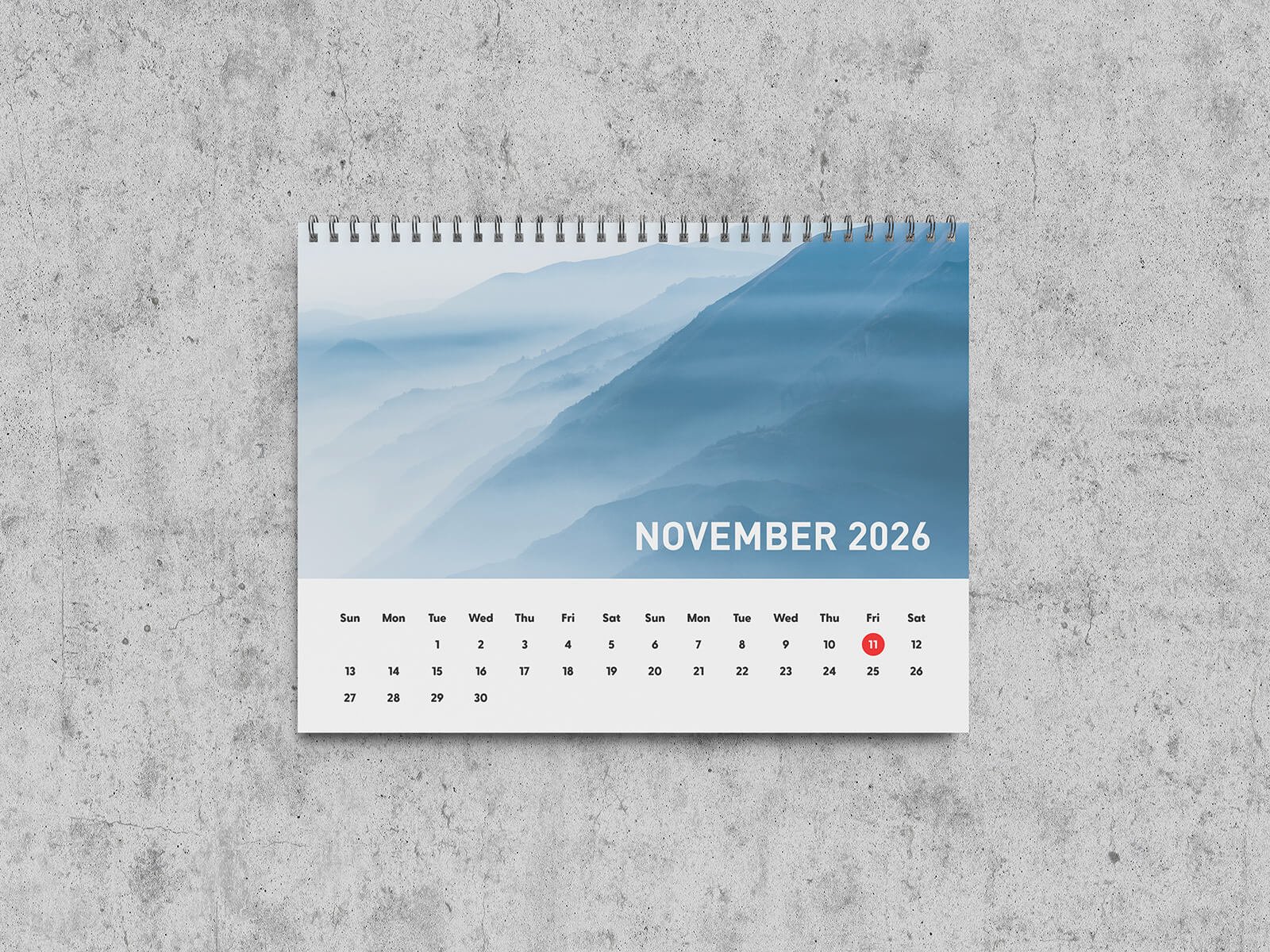
A landscape spiral calendar on a grey concrete wall, with a misty mountain photo above the month grid. The set also includes a portrait version, so you can show both orientations to a client. The cool, plain background suits architecture, travel and outdoor brands.
- Format: 2 PSD files with smart objects
- Size: 5000 × 3750 px
- License: Free for personal and commercial use
- Source: Download on Good Mockups
6. Ring binding wall calendar mockup set
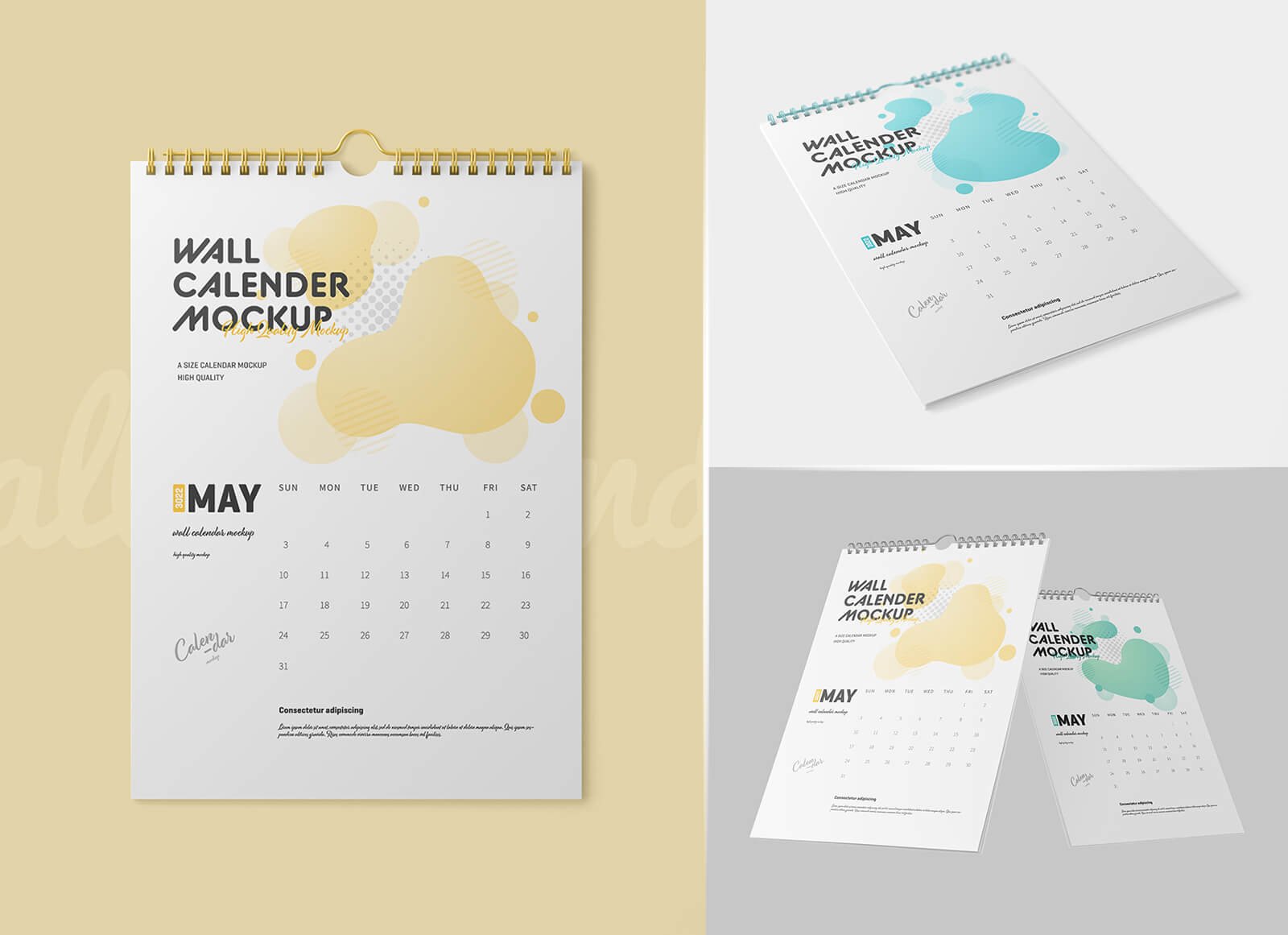
Three scenes of a white portrait calendar with gold wire binding: a front view, an angled view and two calendars side by side. The clean layout keeps the focus on your page design. The background colour can be changed to match a brand.
- Format: 3 PSD files with smart objects
- Size: 3000 × 2000 px
- License: Free for personal and commercial use
- Source: Download on Good Mockups
7. Two spiral wall calendars mockup
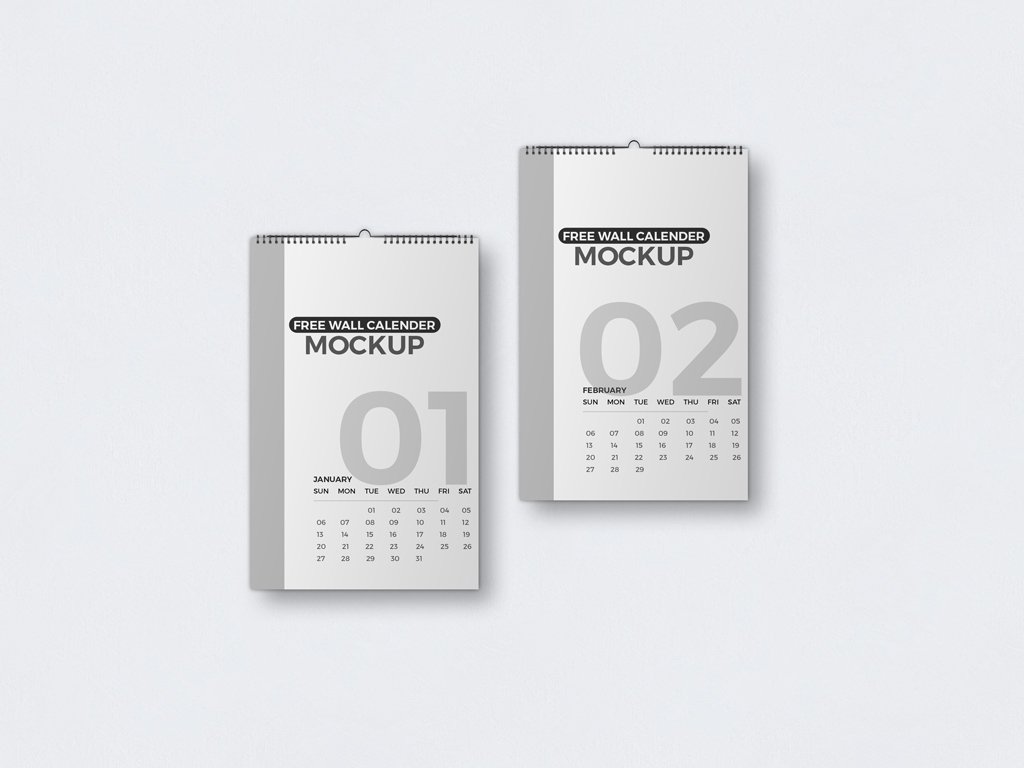
Two spiral-bound wall calendars hang side by side, so you can show a cover next to an inside month, or two months of the same design. Each calendar has its own smart object, and a background layer lets you change the wall colour or texture.
- Format: PSD with 2 smart objects
- Size: 4000 × 3000 px
- Price: Pay what you want, enter $0 to download it free
- Source: Download on Mockup World
8. Square wall calendar mockup
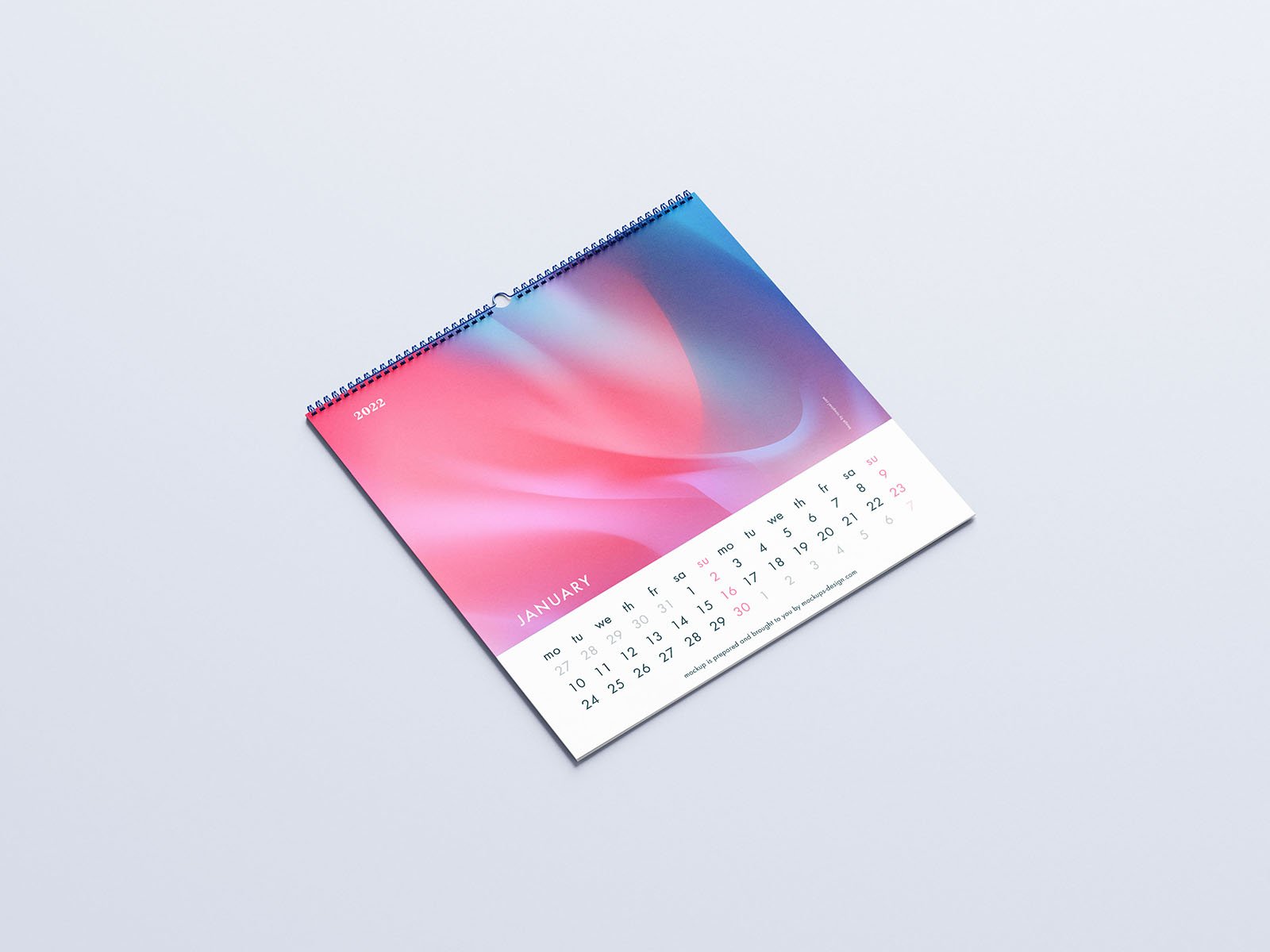
A square spiral calendar lies at an angle on a pale background, with a gradient image above the dates. Square calendars are popular for art and illustration sets, and this one comes in five shots. You can edit it in Photoshop or in the browser.
- Format: 5 PSD files and online editor
- License: Commercial use, no attribution required
- Source: Download on Mockups Design
9. Single panel wall calendar mockup
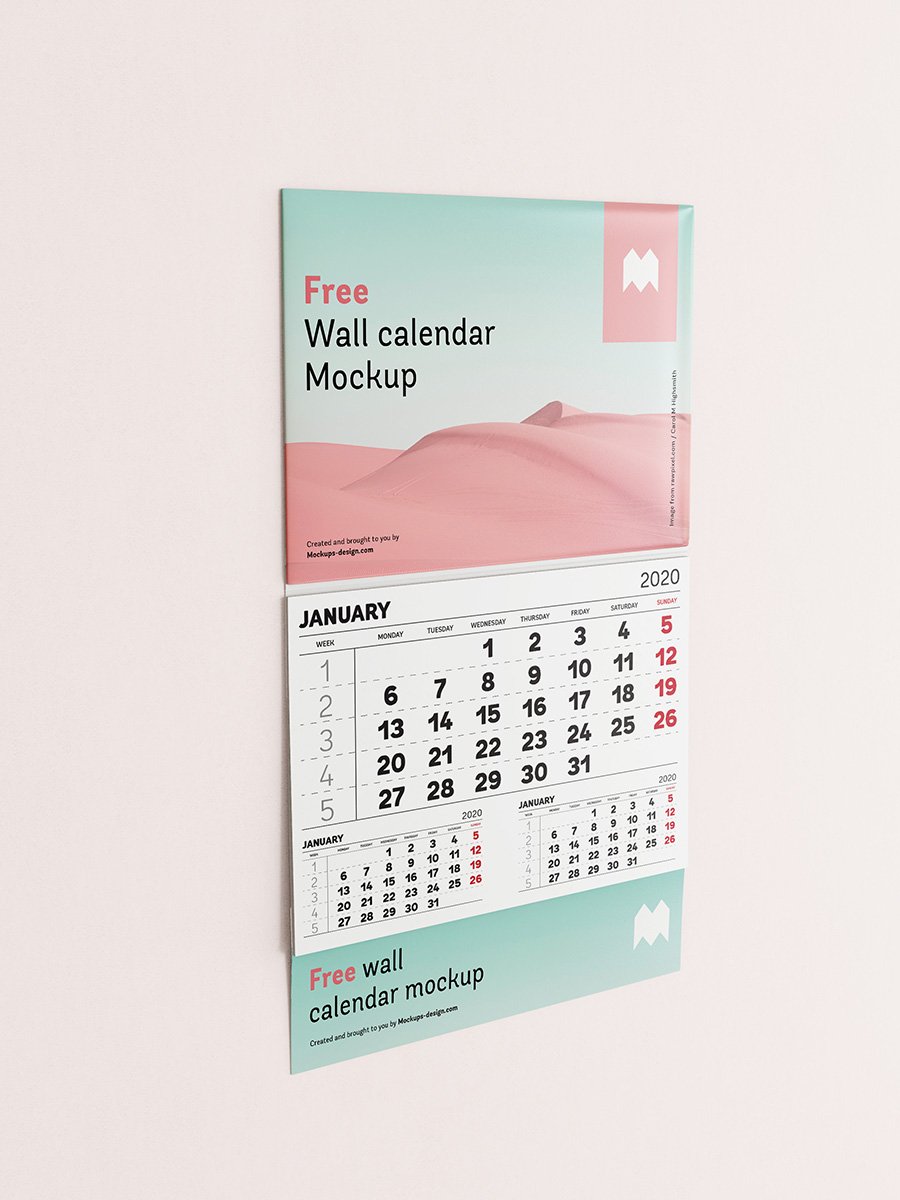
A tall, one-sheet office calendar with a header panel, a large month grid, a strip of smaller months and a footer panel for contact details. This poster-style format is a classic promotional gift for businesses. Every part of the calendar can be recoloured.
- Format: 2 PSD files and online editor
- License: Commercial use, no attribution required
- Source: Download on Mockups Design
10. Kraft paper wall calendar mockup
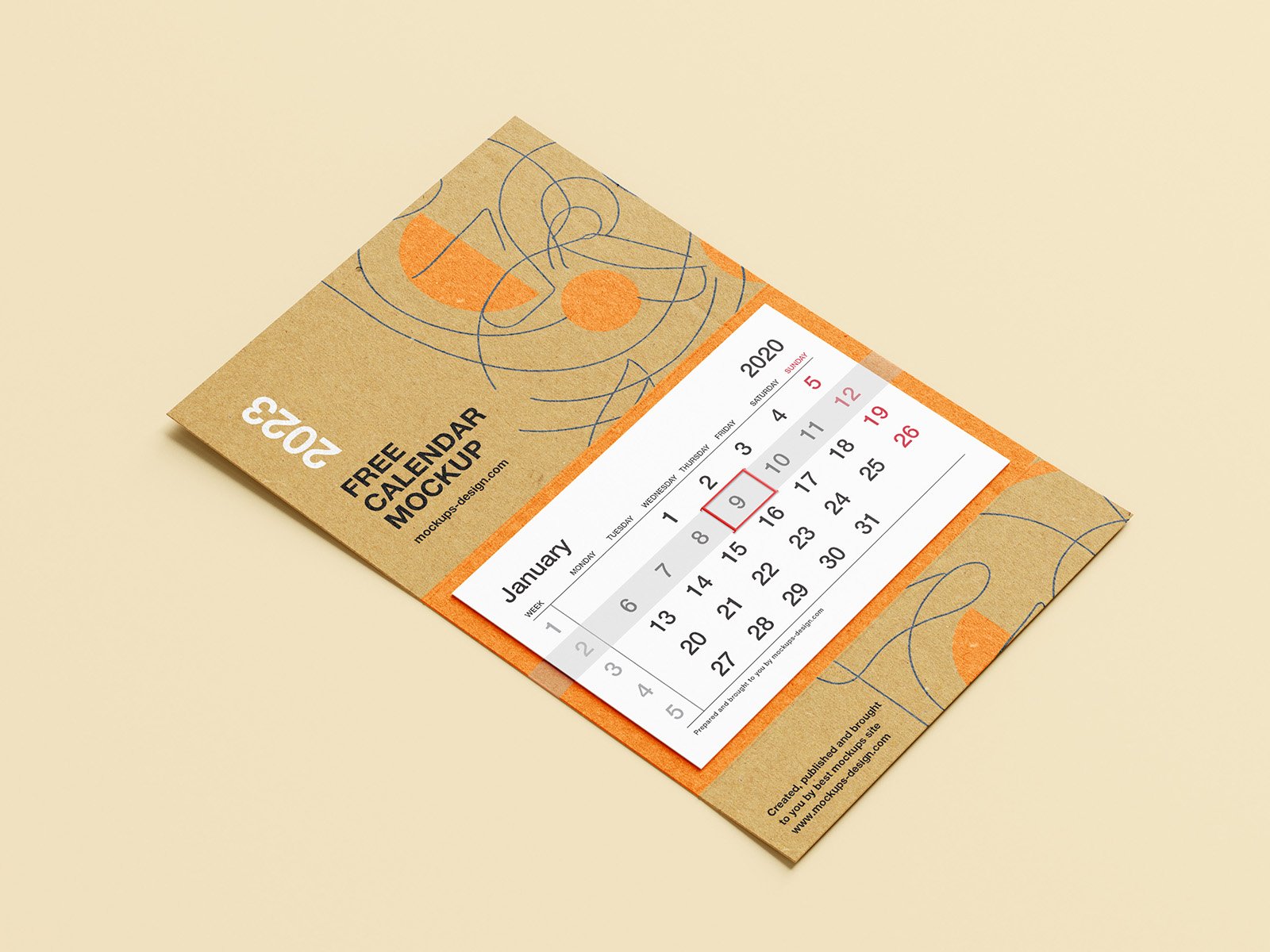
A brown kraft card calendar with a white date strip and a red date selector, lying on a warm yellow background. You can change the background, paste in both the calendar and the card design, and turn the selector on or off. A good fit for eco, craft and food brands.
- Format: 2 PSD files and online editor
- License: Commercial use, no attribution required
- Source: Download on Mockups Design
Desk calendar mockups
11. Tent desk calendar mockup

A blue tent calendar with a spiral binding, shot at an angle on a light blue background. The photo and month grid sit side by side on one page, a common layout for corporate desk calendars. Three shots are included, and the backgrounds can be changed.
- Format: 3 PSD files and online editor
- License: Commercial use, no attribution required
- Source: Download on Mockups Design
12. Pink tent calendar mockup

A simple tent calendar with a bright pink cover on a dark grey surface. The strong contrast makes the cover the hero, so it works well for a brand-led cover or a gift calendar. The preview carries the site’s banner and sticker.
- Format: 1 layered PSD, 300 DPI
- License: Free download, check the site license for commercial use
- Source: Download on Free PSD Templates
13. Desktop calendar mockup

A spiral tent calendar on a coral background, with the cover photo and month grid on one page. The flat, colourful backdrop suits restaurants, food brands and lifestyle shops. Made by Freemockupzone and shared on Mockuptree.
- Format: PSD with smart object
- Size: 3000 × 2000 px
- License: Free for use
- Source: Download on Mockuptree
14. Desk calendar with pen mockup
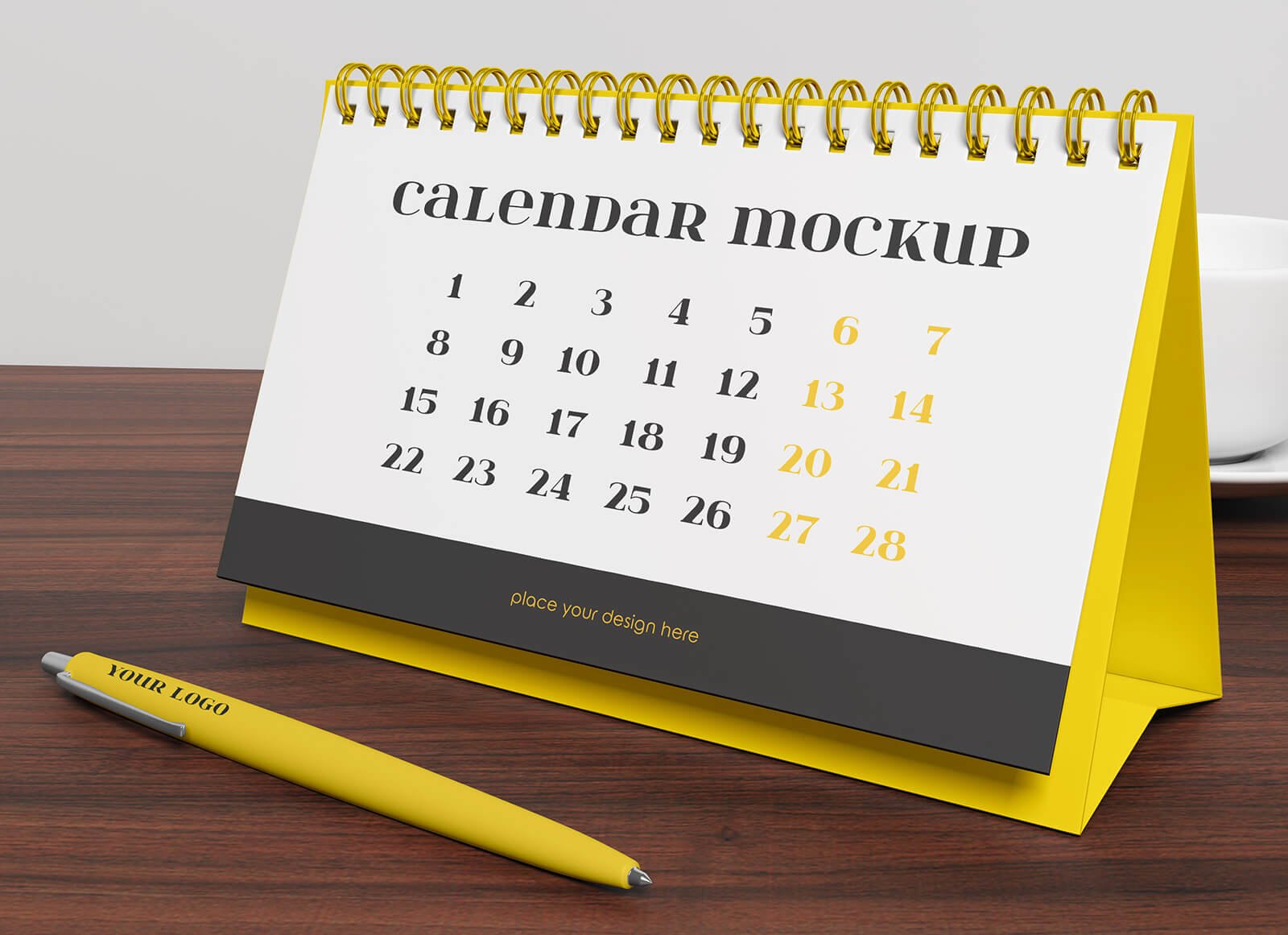
A tent calendar with a yellow base and gold spiral stands on a dark wooden table next to a matching branded pen. The pen colour can be changed, so the scene doubles as a small branded merchandise set.
- Format: PSD with smart object
- Size: 3840 × 2160 px
- License: Free for personal and commercial use
- Source: Download on Good Mockups
15. Front view desk calendar mockup

A desk calendar shown straight on, with a spiral top, a pastel month page and a dark base strip for contact details. The flat front view is ideal for showing layouts accurately. Add your design with the smart layer and change the calendar colours.
- Format: PSD, 36 MB
- License: Free download, see the Pixeden license
- Source: Download on Pixeden
16. Vertical desk calendar mockups

Two tall desk calendars stand side by side, one with a page caught mid flip. The motion shows that the calendar has several pages, which helps when you present a full set. You can change the spiral colour with a colour picker.
- Format: PSD with smart objects, 2 previews
- License: Free for personal and commercial use
- Source: Download on Vectogravic
17. Wooden stand desk calendar mockup
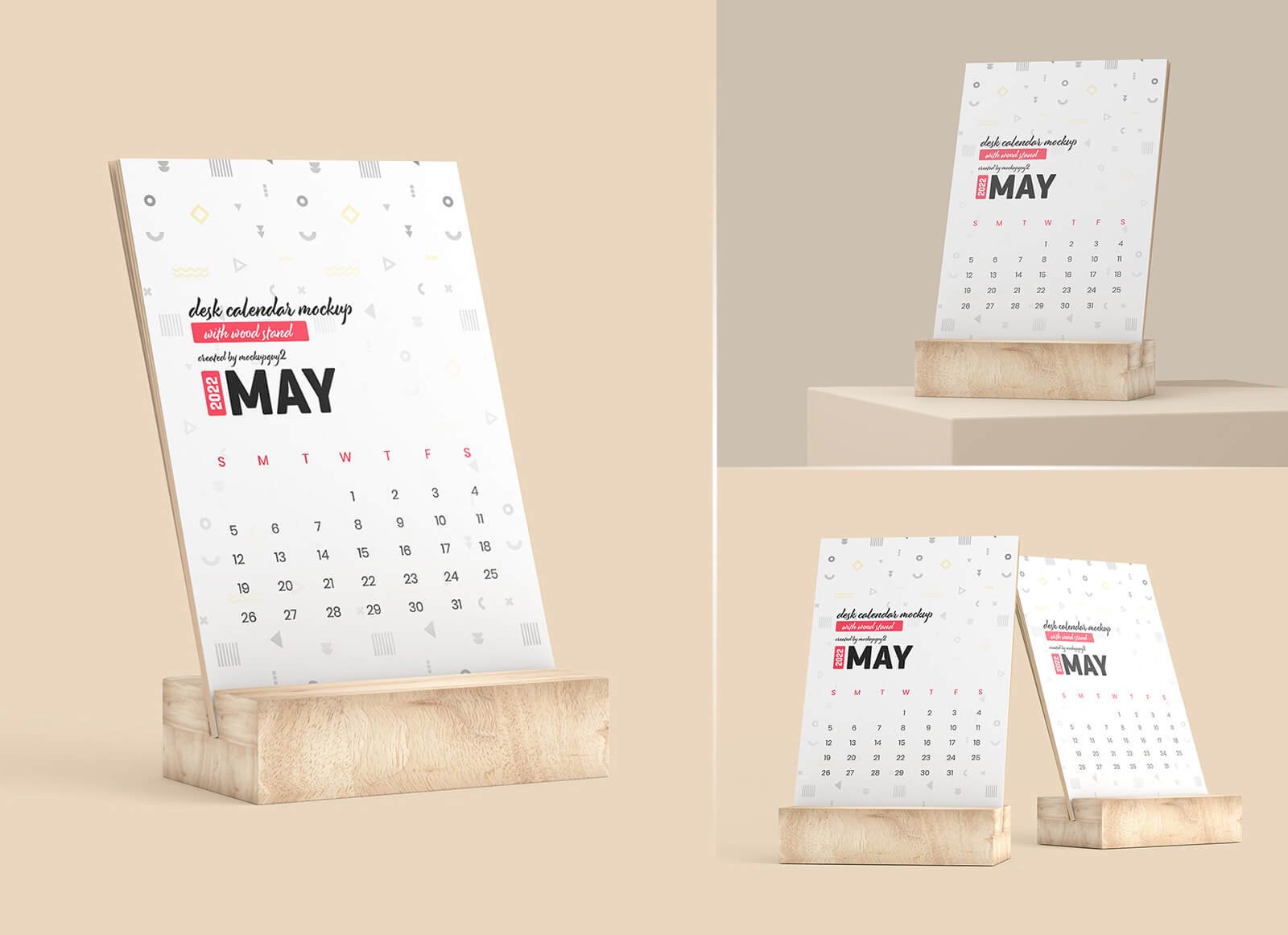
A card calendar slotted into a light wooden block, shown in three scenes on a beige background. The natural wood gives it a calm, premium feel that suits interior, wellness and boutique brands.
- Format: 3 PSD files with smart objects
- Size: 3000 × 2000 px
- License: Free for personal and commercial use
- Source: Download on Good Mockups
18. Desk ring calendar mockup
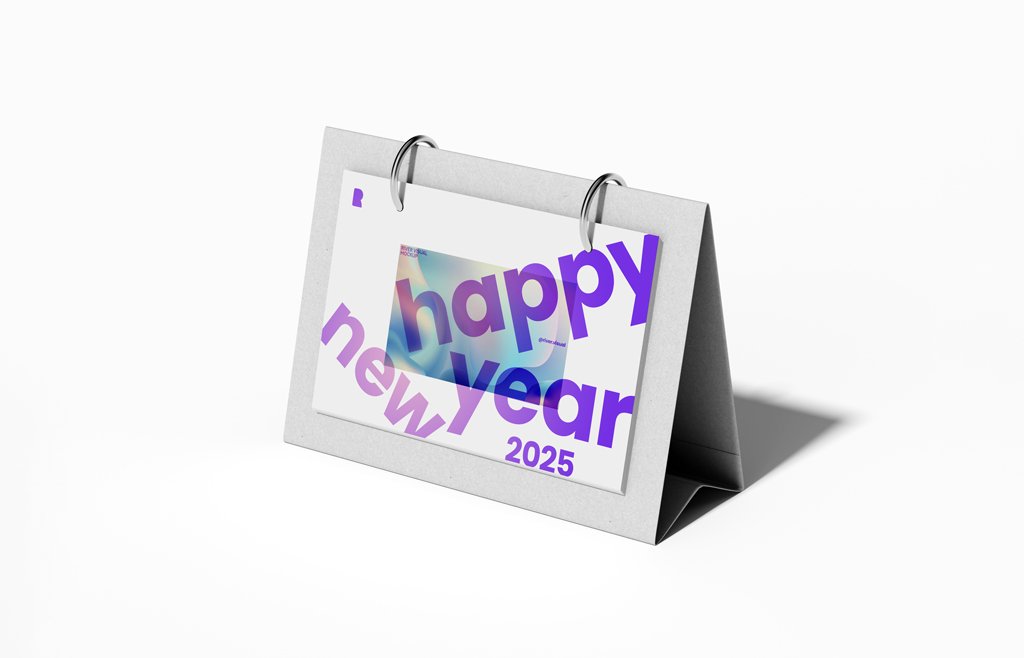
A landscape flip calendar held by two metal rings on a white tent stand, on a plain white background. Separate layers let you change the calendar face, ring, paper and background colours. It also works for flip charts and countdown designs.
- Format: Layered PSD
- Size: 6000 × 4500 px
- Source: Download on Mockup World
19. Tear-off calendar pad mockup
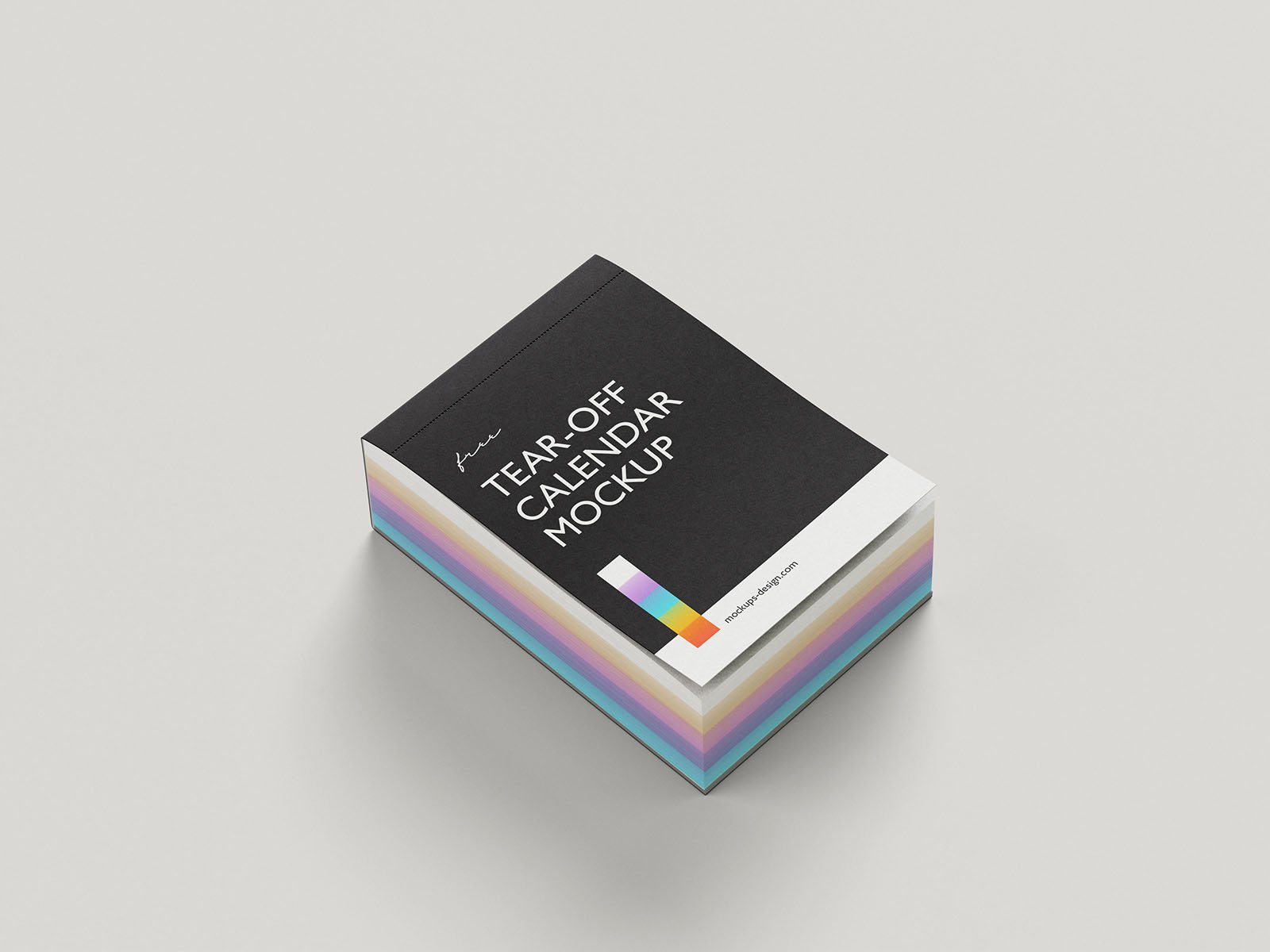
A thick tear-off pad with a black cover and colourful page edges, lying on a grey surface. Tear-off calendars make a fun branded gift, and the five shots include different angles. The pad measures 85 × 120 mm.
- Format: 5 PSD files and online editor
- License: Commercial use, no attribution required
- Source: Download on Mockups Design
Which calendar mockup should you use?
- For a classic photo calendar: the portrait and landscape wall calendars (mockups 1 to 5) show a large image above the month grid.
- To show several pages at once: the ring binding set and the two spiral calendars (mockups 6 and 7) put a cover and an inside page side by side.
- For special formats: pick the square, single panel or kraft calendar (mockups 8 to 10).
- For corporate gifts: the tent desk calendars (mockups 11 to 15) are the format most companies print.
- For something different: the vertical, wooden stand, ring and tear-off designs (mockups 16 to 19) suit boutique brands and small runs.
Tips for presenting calendar designs
- Export at print size. An A4 page at 300 dpi is 2480 × 3508 px. Export your pages at that size (or the size the mockup lists) so the dates stay sharp when you zoom in.
- Show the cover and one inside month. Clients judge a calendar on the cover, but the month grid is what they live with all year. Use a two-calendar scene or two separate shots.
- Use real dates. Lay out the real year you are designing for, with the right weekday start and local holidays. Placeholder dates are easy to spot.
- Match the binding and stand. Change the spiral, ring and base colours to match the brand, and keep the background calm so the calendar stays the focus.
- Check print details before sign-off. A mockup hides bleed and paper issues. Read our guide to getting high-quality prints before the files go to the printer.
Calendars are usually part of a wider print set. Browse our free stationery mockups and free poster mockups for the rest of the brand, or read what mockups are and why you should use them. For the type on the month grid, our font pairing tips help you pick a clear heading and number font, and a brand guideline document keeps every printed piece consistent.
Frequently asked questions
What is a calendar mockup?
A calendar mockup is a layered image file, usually a PSD, that shows a realistic calendar in a scene. You paste your page designs into smart objects and the mockup applies the perspective, binding and shadows for you.
Are these calendar mockups free for commercial use?
All of them are free to download. Most state that commercial use is allowed. The Mockupfree file asks for attribution, and for Free PSD Templates and Pixeden you should read the site license before using the file in paid work. Never resell the mockup file itself.
What size should a wall calendar design be?
The most common sizes are A4 (210 × 297 mm) and A3 (297 × 420 mm). Design at 300 dpi, which is 2480 × 3508 px for A4, and add 3 mm of bleed on every side for printing.
Can I edit a calendar mockup without Photoshop?
Yes. Photopea opens PSD files and smart objects for free in the browser. The Mockups Design files in this list also have their own online editor, so you can place your design without downloading anything.
Need calendar designs to put in these mockups?
Inkyy is a white label design and development team for agencies. Our in-house designers create calendars, stationery and full print sets that you present under your own brand, mockups included. See our design services or book a 15-minute call.