20 Free Hoodie Mockup Templates (PSD)
 10 min read
A good hoodie mockup shows a client how their print will really look on fabric, with folds, shadows and texture, long before anything goes to the printer. We went through the big free mockup libraries and picked 20 free hoodie mockups that still download today: front and back views, hoodies worn by models, flat lays, hanging shots, zip-ups and oversized fits.
Every file below is free. Most are Photoshop PSD templates with smart objects, so you paste in your design and the folds and shadows update on their own. For each one we list the format, size, licence where the source states it, and a link to the original download page.
How to choose a hoodie mockup
- Format: a PSD with smart objects is the standard. If you do not have Photoshop, Photopea opens PSD files in the browser for free. Free hoodie mockups in Figma format are rare, so plan on PSD.
- Resolution: for print previews and lookbooks, look for files around 4000 px wide or more. 2000 to 3000 px is enough for social posts and shop listings.
- Editable layers: check that you can change the garment colour, and ideally the hood lining, cuffs and drawstrings too. Separate shadow and background layers make it easier to place the hoodie on your own colour.
- View: front and back templates suit merch listings and print briefs. On-model shots sell the fit and mood. Flat lays and hanging shots look like product photos.
- Licence: most files here are free for personal and commercial use, but always read the terms on the download page. You can use the finished images in client work. You cannot resell or share the mockup file itself.
20 free hoodie mockups
The mockups are grouped by type, so you can jump to the view your project needs.
Front and back hoodie mockups
1. Red hoodie mockup, front and back
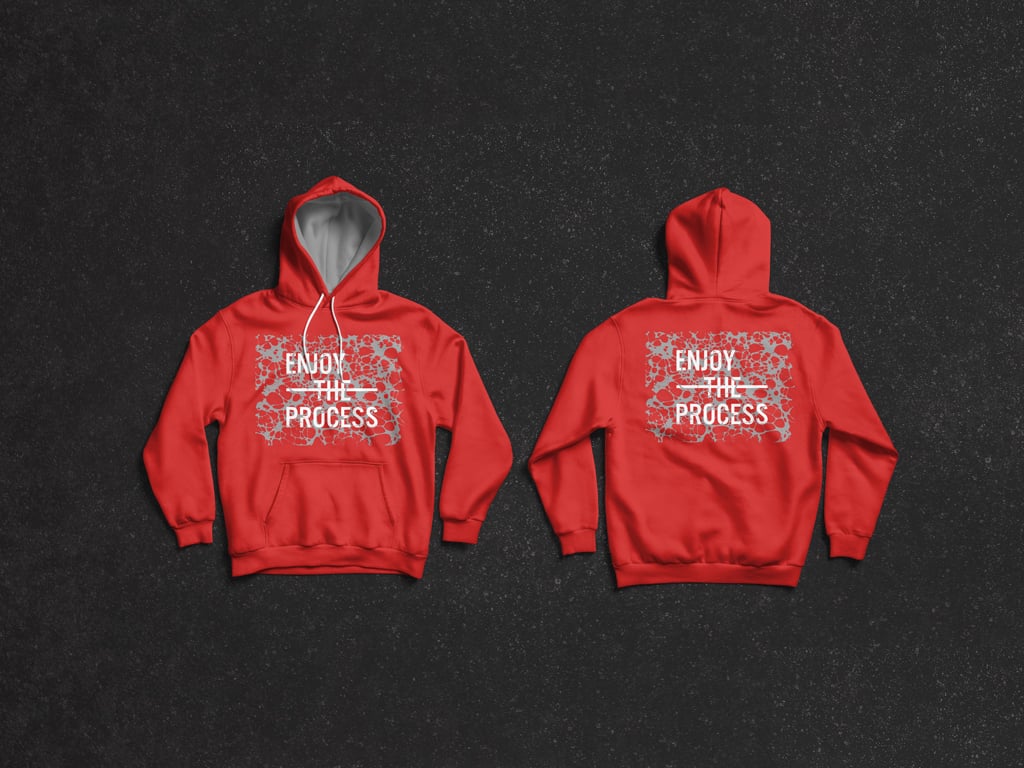
A red pullover hoodie shown front and back, laid flat on a dark textured surface, with a print on the chest and a matching one across the back. Smart objects let you change the garment colour and place artwork so it follows the folds. A safe pick for band merch, streetwear drops and any print brief that needs both sides.
- Format: Layered PSD with smart objects
- Size: 4000 × 3500 px
- Licence: Free for personal and commercial use
- Source: Download on GraphicBurger
2. Grey hoodie mockup, front and back
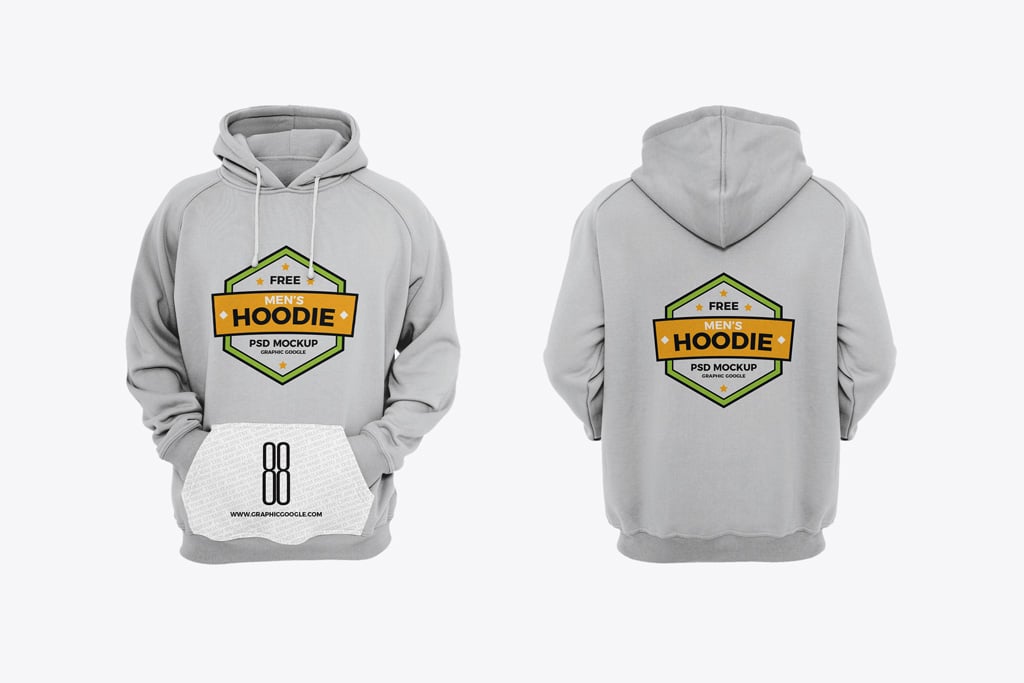
A light grey hoodie seen front and back on a plain light background, with no model or props. The file has four smart layers, so you can cover the chest, the back and the kangaroo pocket. Good for online shop listings and print briefs where the client needs a clean, neutral view. The file is made by Graphic Google and listed on Mockup World.
- Format: PSD with 4 smart layers
- Size: 6000 × 4500 px
- Source: Download on Mockup World
3. Navy zip-up hoodie mockup, front and back
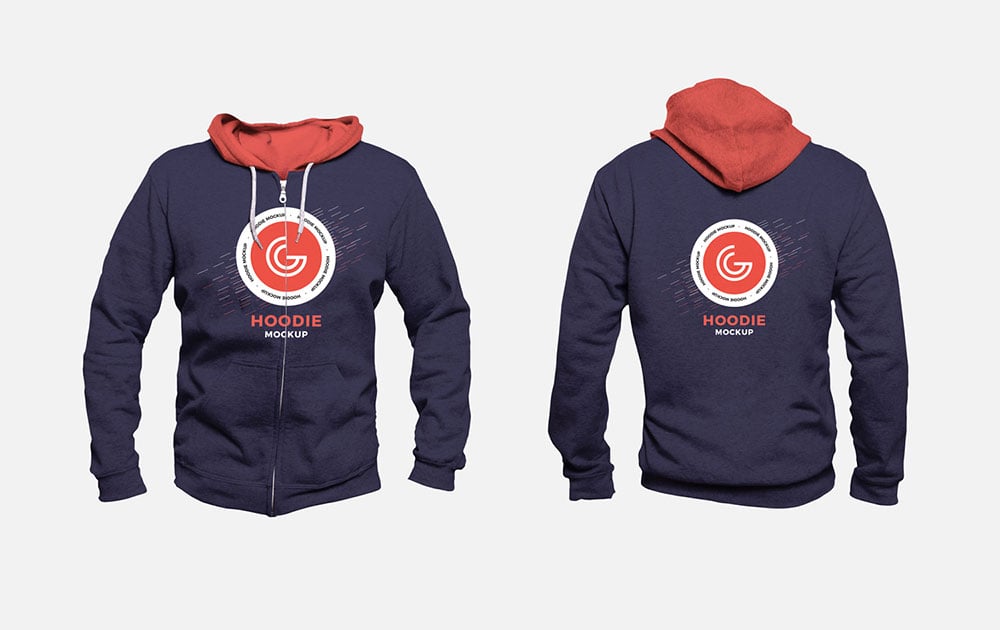
A navy zip-up hoodie with a red hood lining, shown front and back on a light grey background. Your artwork goes onto smart object layers, and the garment colours can be changed. The zip makes it a good match for team wear, club merch and staff jackets. Designed by Graphic Google.
- Format: PSD with smart objects
- Size: 4000 × 4000 px
- Licence: Free for use (see the download page)
- Source: Download on Mockuptree
4. Pullover hoodie mockup, front and back
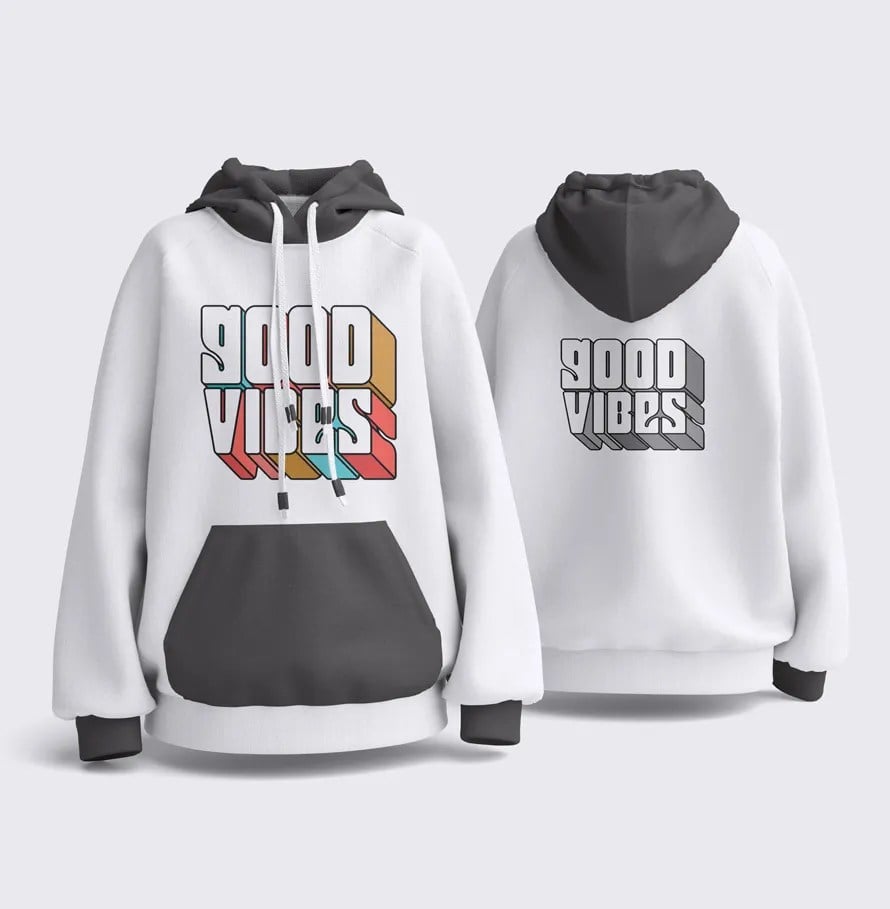
A pullover hoodie shown front and back side by side in a clean studio setting. One of the previews uses a dark hood, pocket and cuffs on a white body, so you can test colour-block versions as well as plain ones. Designed by Yasir Jawaid for Graphic Design Junction.
- Format: Layered PSD with smart objects
- Licence: Free for personal and commercial use
- Source: Download on Graphic Design Junction
5. Oversized hoodie mockup, back view
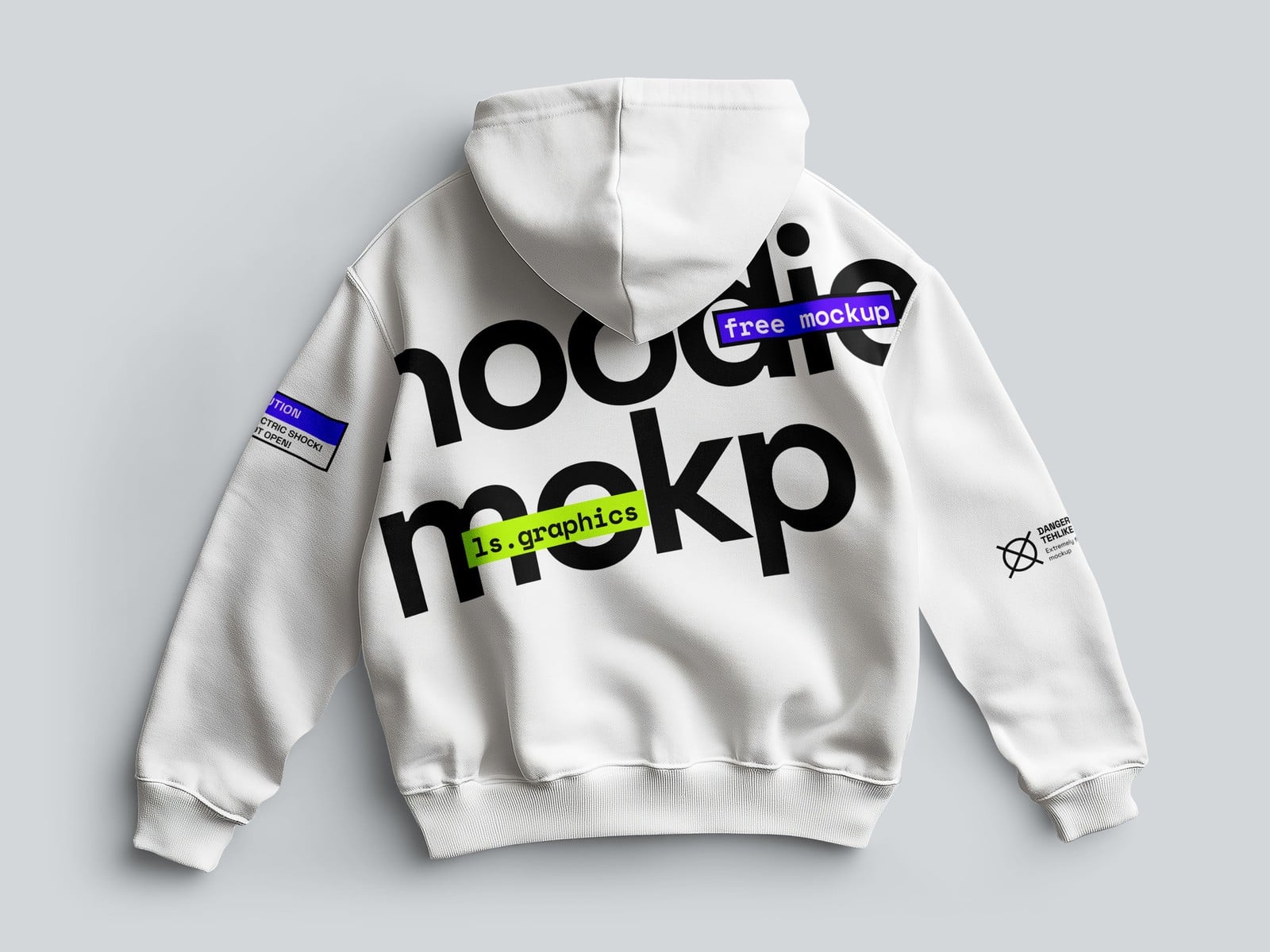
A white oversized hoodie lying flat, seen from the back, with soft natural shadows on a light grey background. The back is where most streetwear graphics go, and this view gives them the whole canvas. It also opens in the ls.graphics online editor if you do not use Photoshop.
- Format: PSD and online editor
- Size: 6000 × 4500 px
- Source: Download on ls.graphics
Hoodie mockups worn by models
6. Man wearing a grey hoodie
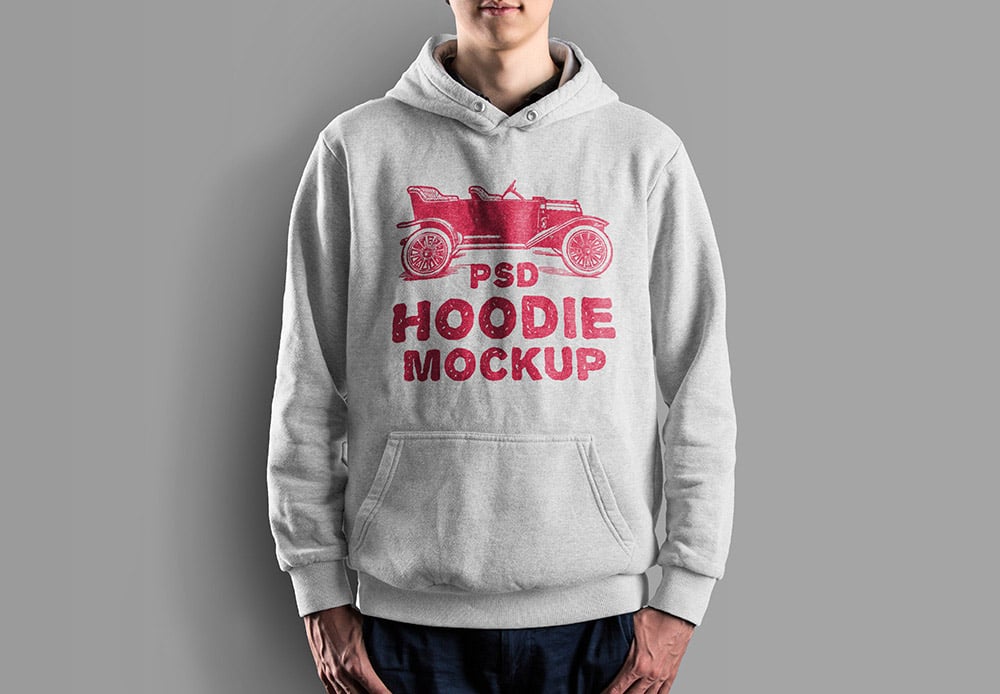
A man in a heather grey pullover hoodie, cropped at the chin, against a grey studio background. Smart objects handle the print and the garment colour. A straightforward on-model view for apparel shops that want a consistent catalogue look. Made by Graphicsfuel.
- Format: PSD with smart objects
- Size: 4500 × 3500 px
- Licence: Free for use (see the download page)
- Source: Download on Mockuptree
7. Man in a blue hoodie on the street
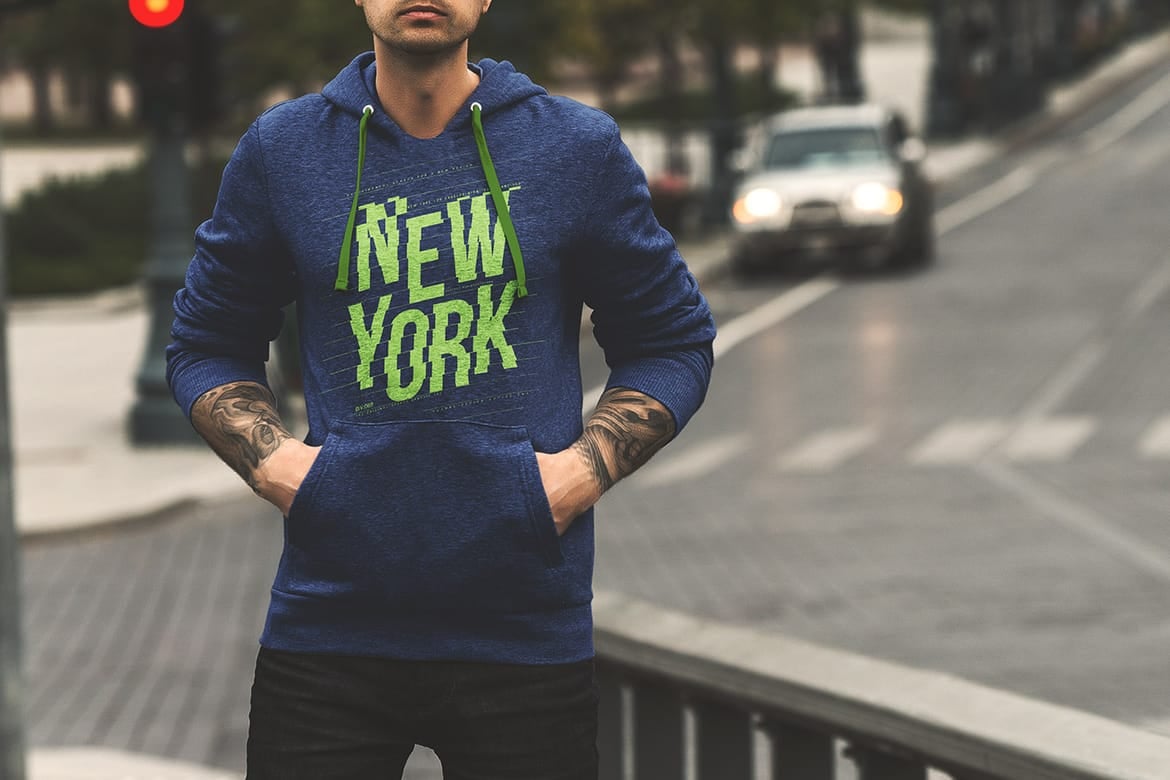
A man stands on a city street in a navy marl hoodie with his hands in the front pocket and a car blurred behind him. You can change the hoodie, drawstring and zip colours, and the download includes a classic and a zip-up version. The free scene comes from a paid set, so the rest of the set is not included.
- Format: PSD with smart objects
- Size: 3500 × 2336 px
- Licence: Personal and commercial projects (Mockup Cloud licence)
- Source: Download on Mockup Cloud
8. Young man in a red hoodie outdoors
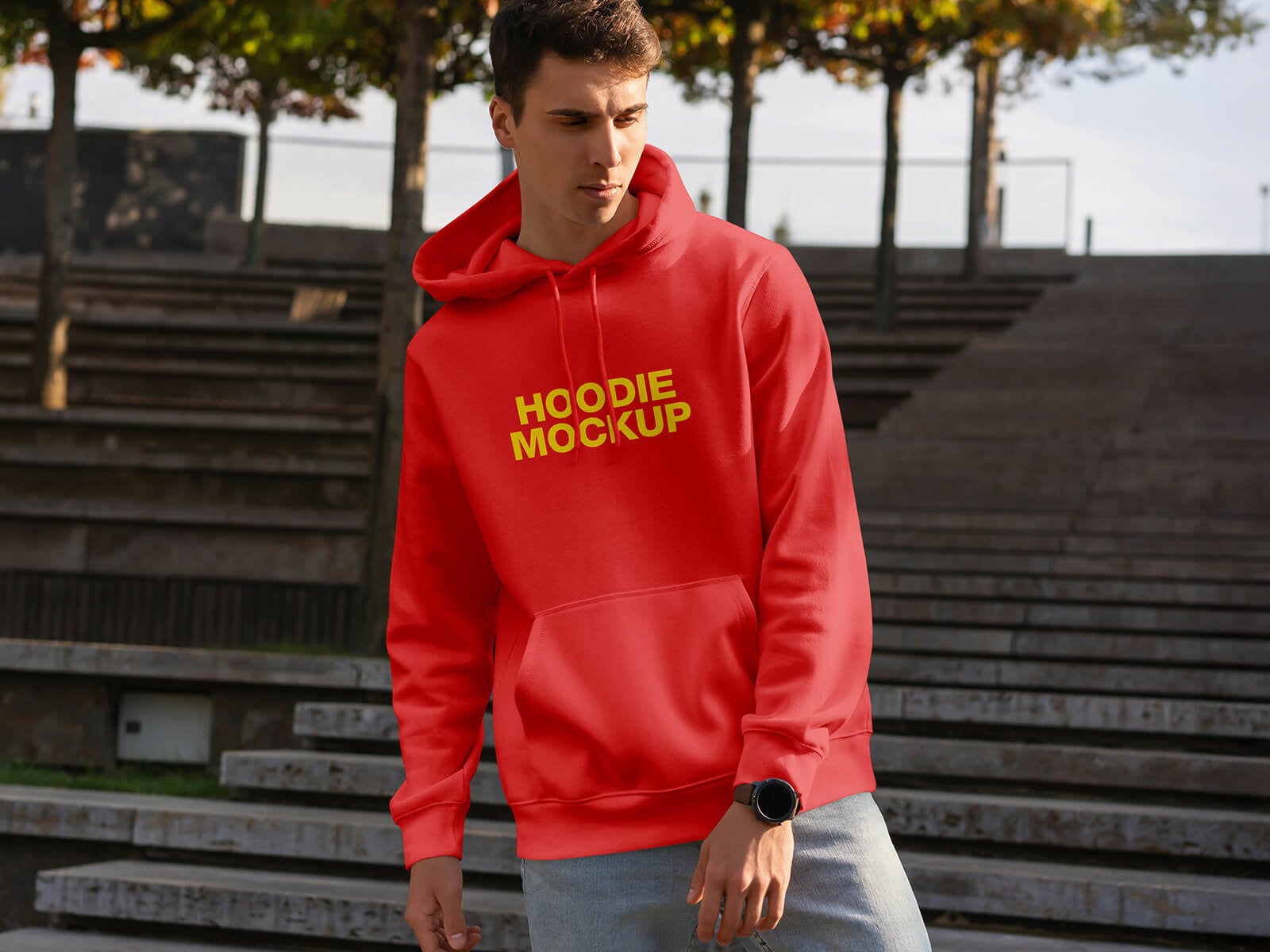
A young man walks down outdoor concrete steps in a red pullover hoodie, with trees behind him. It looks like a real campaign photo, so it works for social posts and launch graphics for streetwear, college and youth brands.
- Format: Layered PSD with smart objects
- Size: 4500 × 3000 px
- Licence: Free for personal and commercial use
- Source: Download on Good Mockups
9. Woman in a yellow hoodie
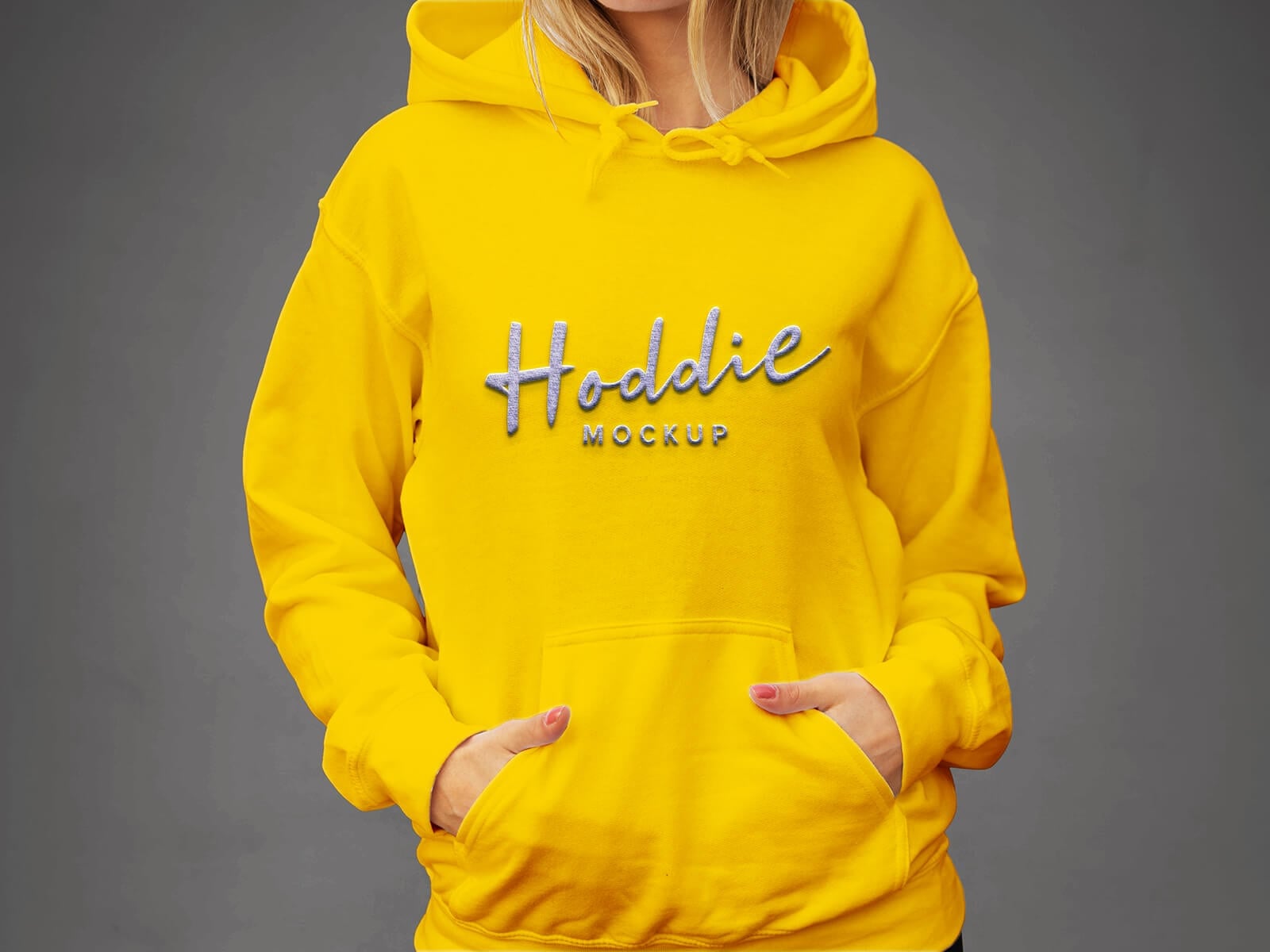
A woman in a bright yellow hoodie, cropped at the face, with her hands in the front pocket against a dark grey wall. The tight crop puts the chest print front and centre. Use it to show logo placement on women’s and unisex ranges.
- Format: Layered PSD with smart objects
- Size: 4500 × 3000 px
- Licence: Free for personal and commercial use
- Source: Download on Good Mockups
10. Woman wearing a mustard hoodie

A woman in a textured mustard hoodie stands against a warm brown background, with a printed hang tag on the drawstring. The tag gives you a second spot for branding, which helps when you present labels and packaging together with the garment.
- Format: Layered PSD with smart objects
- Size: 2000 × 1700 px
- Source: Download on Designhooks
Flat lay and folded hoodie mockups
11. Two zip-up hoodies flat lay
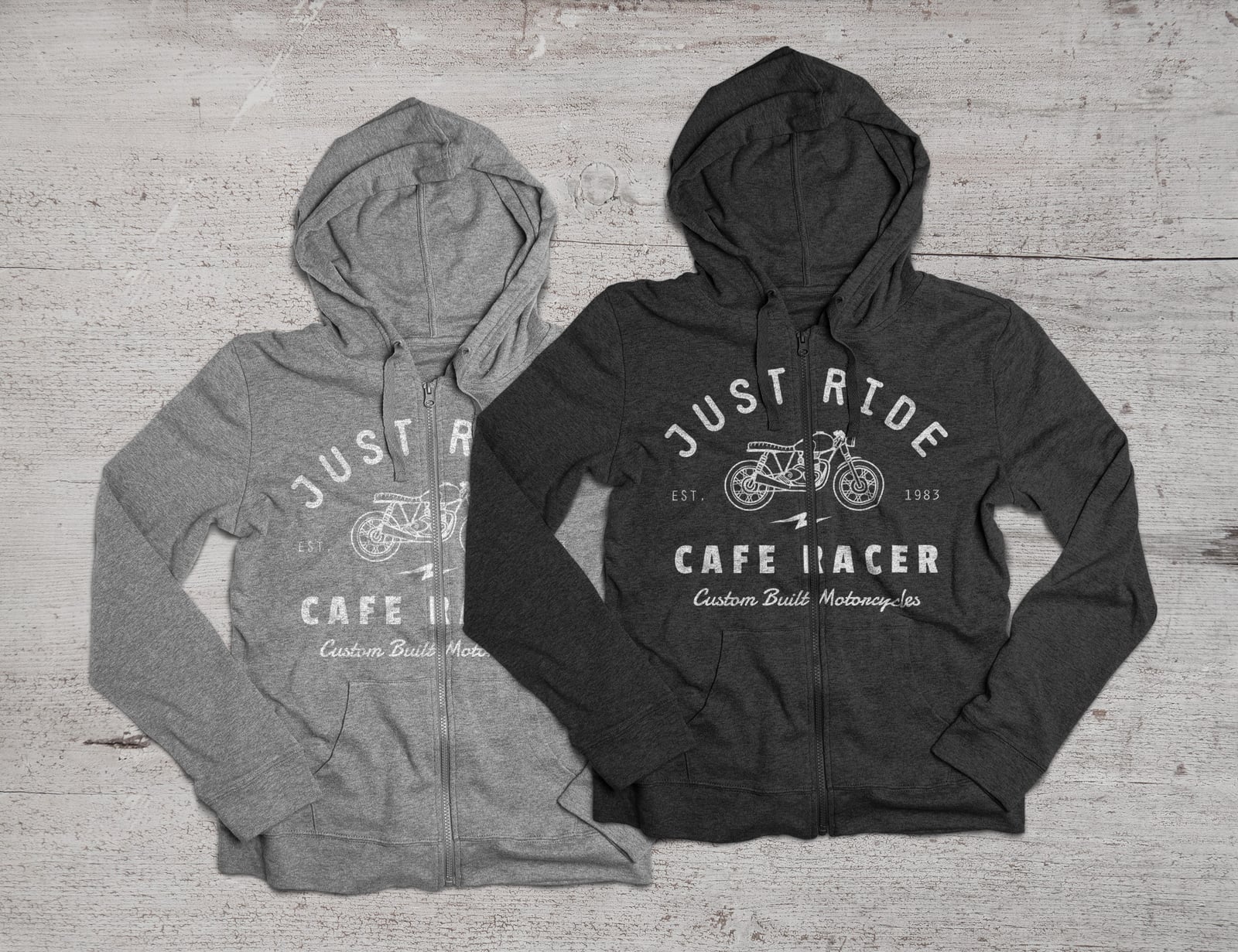
A grey and a charcoal zip-up hoodie lie side by side on a light wooden floor, shot from above. You can change the garment colour, and the design follows the folds and creases. A classic, slightly vintage scene that suits motorbike, workwear and heritage brands.
- Format: Layered PSD with smart objects
- Size: 2600 × 2000 px
- Licence: Free for personal and commercial use
- Source: Download on GraphicBurger
12. Colour-block hoodie, top view
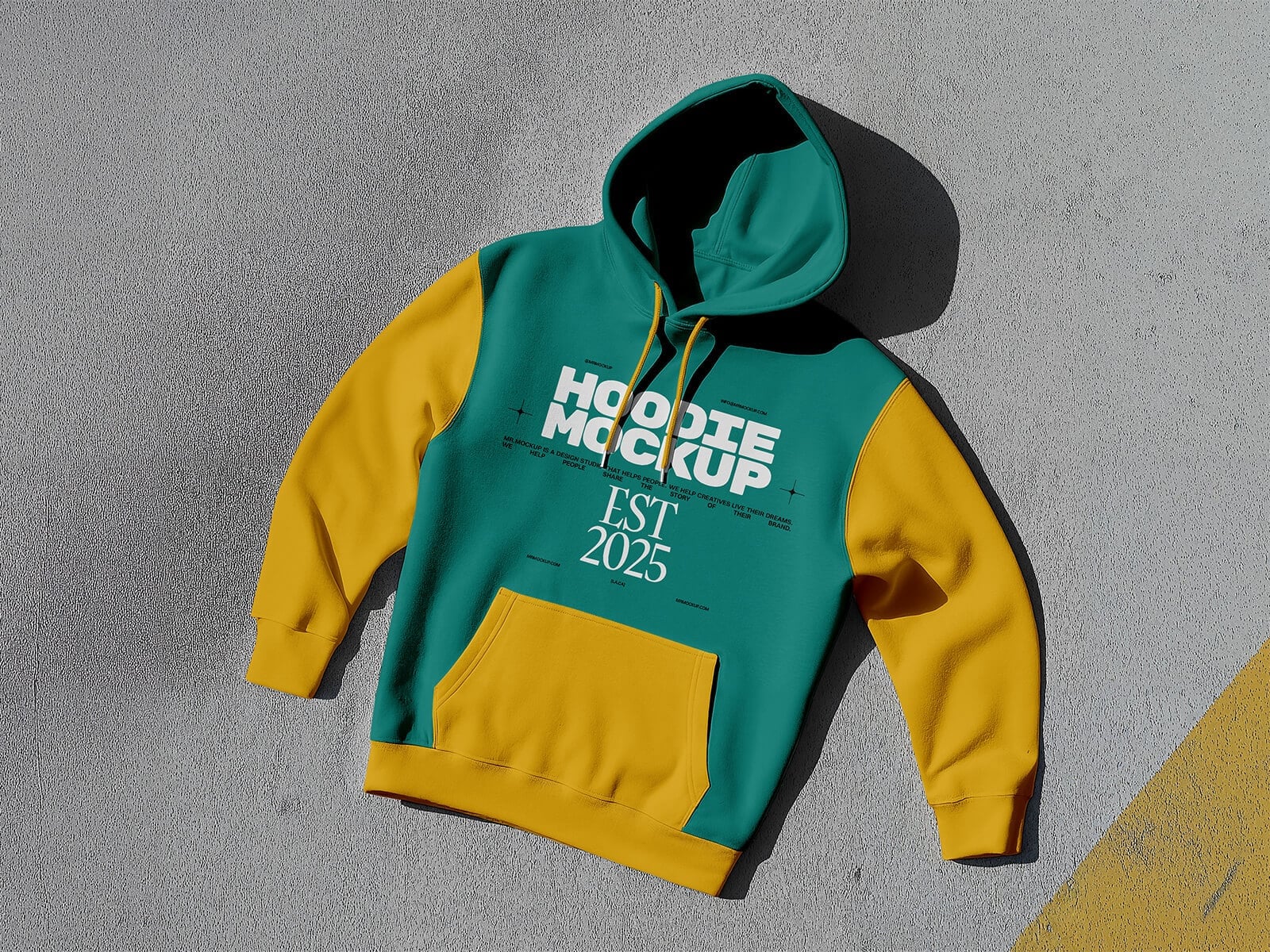
A two-tone hoodie, green body with yellow sleeves and pocket, lies on grey concrete with a strong shadow. The sleeves and hood colours can be changed separately, so it is easy to test colour-block designs for a client.
- Format: Layered PSD with smart objects
- Size: 4500 × 3000 px
- Licence: Free for commercial use
- Source: Download on Good Mockups
13. Folded hoodie in perspective
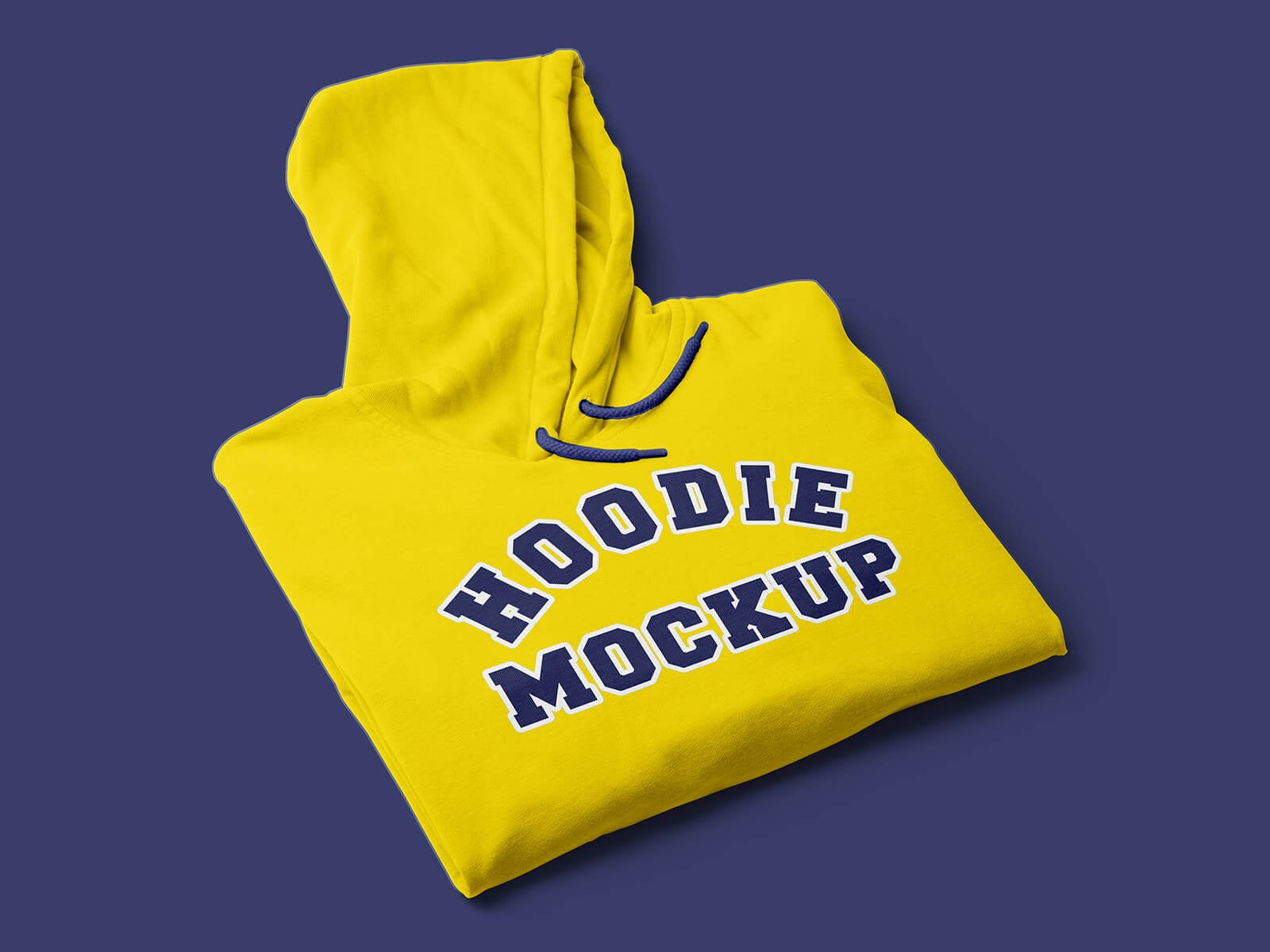
A yellow hoodie folded with the hood on top, shot at an angle on a flat navy background. Folded shots look like retail product photos, so use this one for shop thumbnails, merch bundles and subscription boxes.
- Format: Layered PSD with smart objects
- Size: 4500 × 3000 px
- Licence: Free for commercial use
- Source: Download on Good Mockups
14. Two hoodies in two colourways
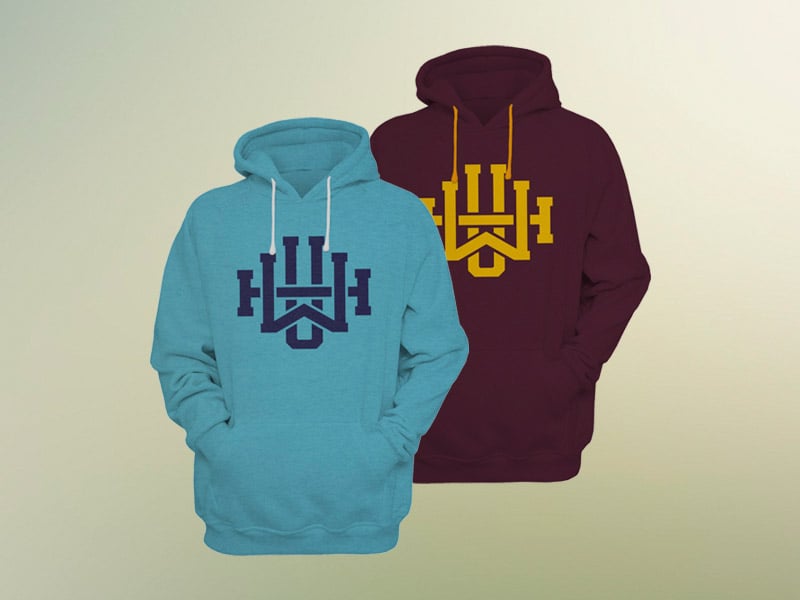
Two pullover hoodies, one teal and one burgundy, overlap on a soft gradient background with no model. Each layer is a smart object you can resize and replace. Handy for showing two colourways of the same logo in one image.
- Format: PSD with smart objects
- Size: 300 dpi
- Licence: Free for use (see the download page)
- Source: Download on Mockuptree
Hanging and mannequin hoodie mockups
15. Hoodie hanging from a rope
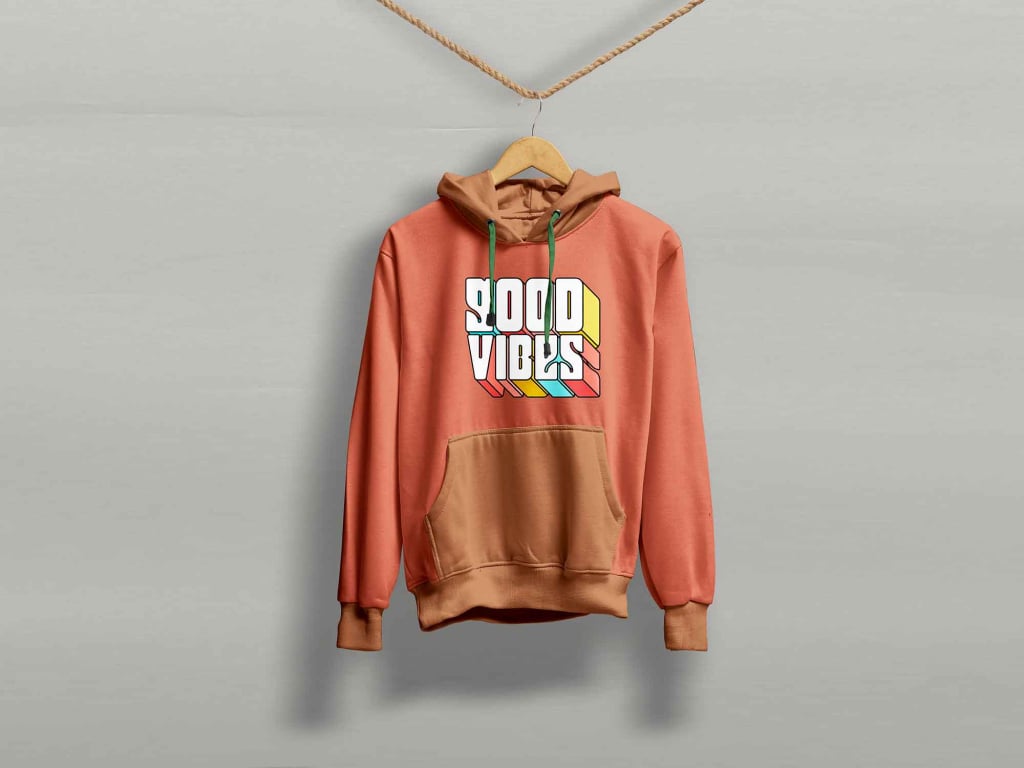
A coral hoodie with a darker pocket hangs from a wooden hanger on a rope, against a flat light grey wall. It reads like a shop display, and smart layers take your artwork. Good for slogan prints and small fashion labels.
- Format: PSD with smart objects
- Size: 4667 × 3500 px
- Licence: Free for personal and commercial use
- Source: Download on Unblast
16. White hoodie on a hanger
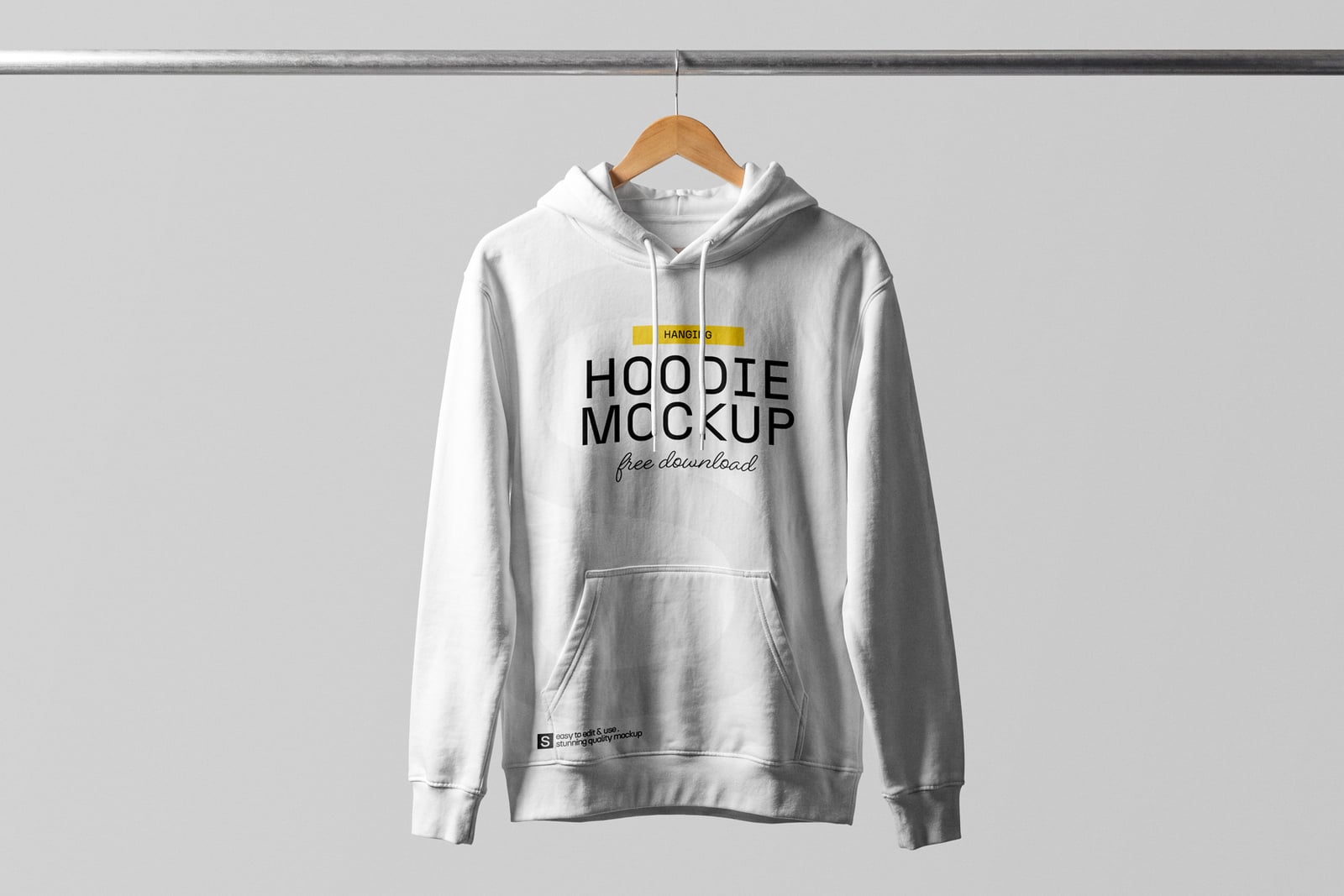
A white hoodie hangs from a metal rail on a wooden hanger, against a light grey backdrop. A calm, minimal scene that keeps all attention on the print, which suits clean logo work and minimal brands.
- Format: PSD with smart objects
- Size: 4500 × 3000 px
- Source: Download on Mockupnest
17. Zipped hoodie on a mannequin
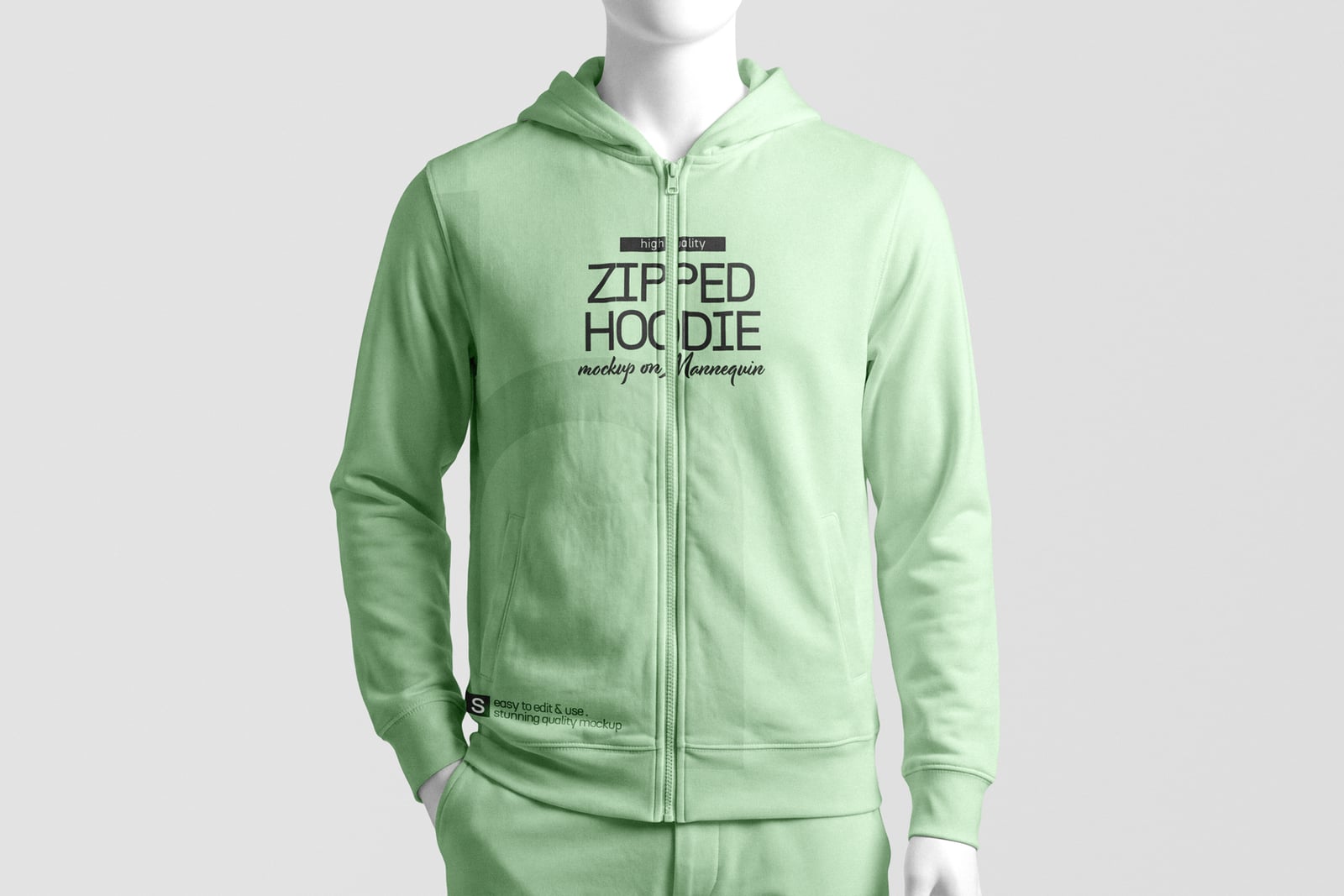
A mint green zip-up hoodie with matching joggers on a white mannequin, shown front on. The shadow and background are separate elements, so you can set your own colour behind it. Good for tracksuits, sportswear and gym brands.
- Format: PSD with smart objects
- Size: 4500 × 3000 px
- Source: Download on Mockupnest
Zip-up, oversized and 3D hoodie mockups
18. Black zip-up hoodie
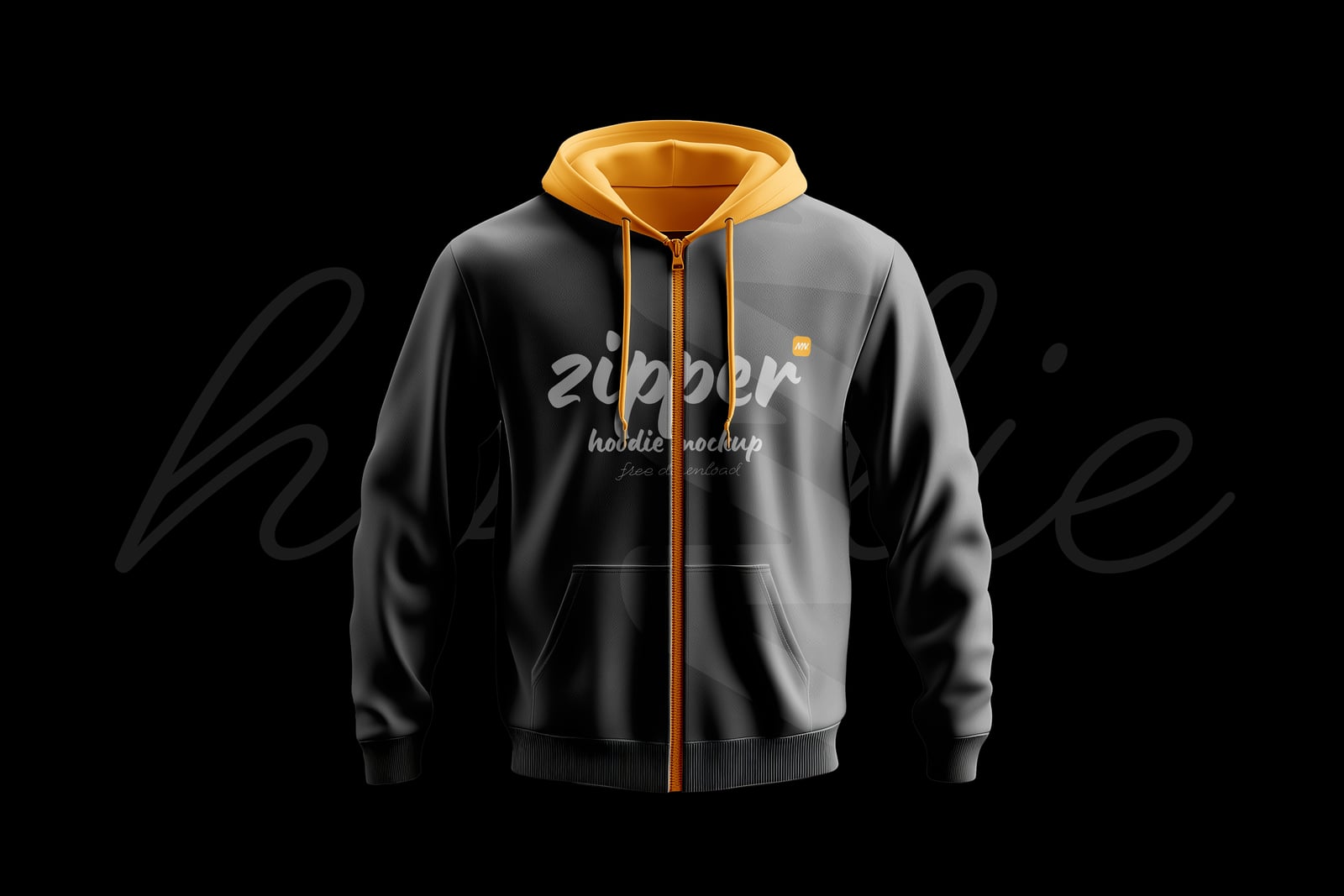
A black zip-up hoodie with an orange hood lining and zip floats on a black background, lit from the front. The shadow and background are isolated, so you can change the scene. The dark look suits music merch, gaming and nightlife brands.
- Format: PSD with smart objects
- Size: 4500 × 3000 px
- Source: Download on Mockupnest
19. Oversized hoodie in a neon frame
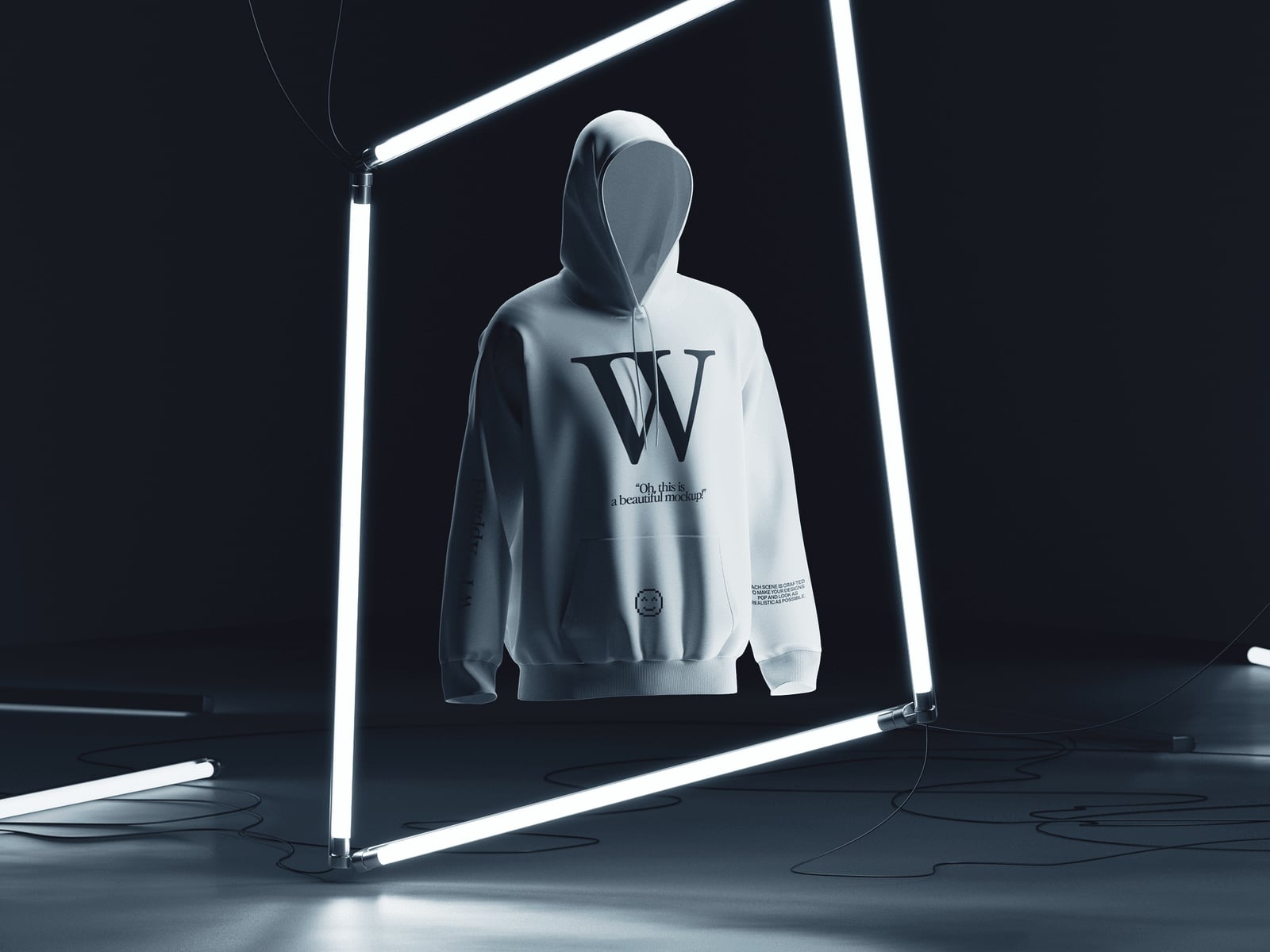
A white oversized hoodie floats inside a glowing neon frame in a dark studio, and the light traces the edges of the fabric. It gives you a bold, campaign-style image for drop announcements and website hero banners. This free scene comes from a paid set.
- Format: PSD
- Size: 3680 × 2760 px
- Source: Download on Wannathis
20. 3D hoodie at an angle
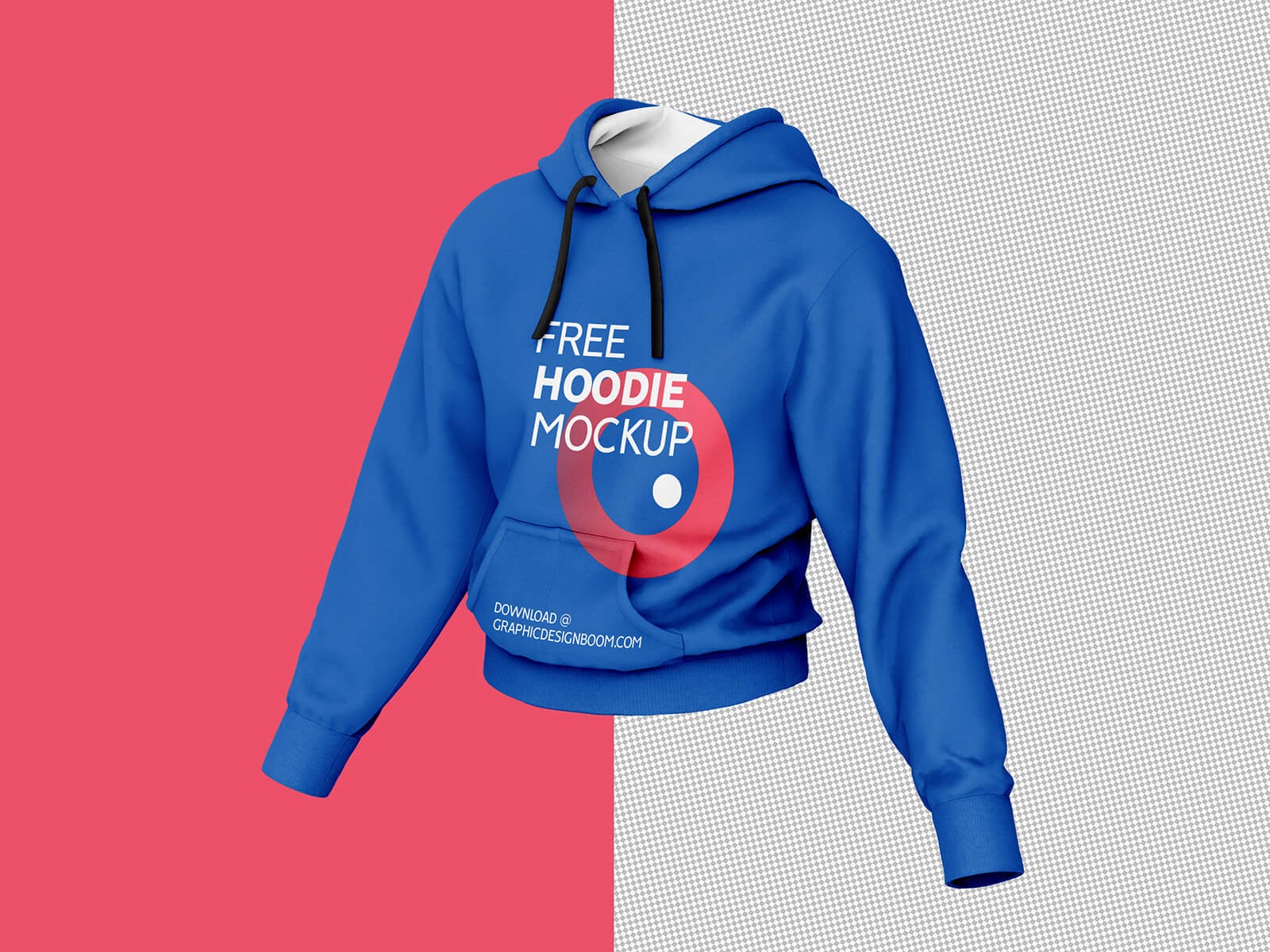
A blue hoodie seen from a three-quarter angle, shaped as if worn by an invisible body, half on a pink background and half on a transparent one. The background colour can be changed to match a brand palette. Created by Graphic Design Boom.
- Format: Layered PSD with smart objects
- Size: 4000 × 2667 px
- Licence: Free for personal and commercial use
- Source: Download on Good Mockups
Tips for using hoodie mockups
- Start with clean artwork. Place a vector file or a transparent PNG at print size, around 300 dpi, inside the smart object. Low resolution logos look soft once they wrap into the fabric.
- Let the fabric show through. Good templates add folds automatically. If a print still looks pasted on, try the Multiply blend mode on a light hoodie or lower the opacity slightly.
- Match the real blank. Set the garment colour to the stock colour your printer actually offers, and show light prints on dark hoodies the way they will really look.
- Keep placement realistic. Avoid running a print over the zip, the pocket seam or the drawstrings. Check the maximum print area with your printer before you show a client an oversized back graphic.
- Use one set for a range. Pick mockups with the same lighting and angle for every item in a collection, so a shop page or lookbook looks consistent.
- Respect the licence. Keep any credit the author asks for and never hand over the PSD to the client as part of the deliverable.
Building a full merch range? See our free t-shirt mockups and water bottle mockups, read why mockups matter in client presentations, and check what affects print quality before you send files to a printer. For team wear ideas, browse our esport mascot logos, and if a client only has an AI-generated logo, read why you still need proper vector files.
Frequently asked questions
What is a hoodie mockup?
A hoodie mockup is a layered image file, usually a Photoshop PSD, that shows a realistic hoodie with a smart object where you place your design. When you save the smart object, your artwork appears on the hoodie with the right folds, shadows and texture.
What is the difference between a hoodie mockup and a hoodie template?
A hoodie template is usually a flat outline drawing used to plan a design and send print specs to a manufacturer. A mockup is a photo-realistic scene used to present the finished design to a client or to customers.
Are these hoodie mockups free for commercial use?
Most of them are. GraphicBurger, Unblast and Good Mockups state their files are free for personal and commercial use, and Graphic Design Junction allows commercial use too. For the others, read the licence on the download page before using the images in paid work.
Can I edit a hoodie mockup without Photoshop?
Yes. Photopea is a free browser editor that opens PSD files and smart objects. The ls.graphics mockup in this list can also be edited in their online editor without downloading anything.
Need mockup-ready merch designs for a client?
Inkyy is a white label design and development team for agencies. Our in-house designers create logos, apparel graphics and print-ready files that you present under your own brand, mockups included. See our design services or book a 15-minute call.