20 Free Water Bottle Mockup Templates (PSD)
 9 min read
A good water bottle mockup lets a client see their label on a real bottle before a single one is printed. We went through the big free mockup libraries and picked 20 free water bottle mockups that still download today, covering plastic PET bottles, glass bottles, aluminium sports bottles and reusable steel flasks.
Every item below has a preview, the file format, the size where the author gives it, the license and a link to the download page. All of them are Photoshop (PSD) files with smart objects, so you can drop in a label design in a few minutes. Licenses differ, so check the notes before you use one in paid client work.
How to choose a water bottle mockup
Start with the bottle the client will actually produce. A label made for a 500ml PET bottle will look wrong on a glass bottle or a steel flask, because the shape, the label height and the way light falls on the surface are all different. Then check these four things.
- Format: PSD is still the standard for bottle mockups, because Photoshop handles the curved warp, the reflections and the see-through liquid. If you work in Figma, see the FAQ below.
- Resolution: 3000 px wide is enough for screens and social posts. For print, pitch decks and large banners, choose 4000 px or more at 300 dpi.
- Smart objects: the label should sit on a smart object that bends the artwork around the bottle for you. Better files also let you change the cap, the liquid and the background colour.
- License: some files are free for personal and commercial use, some only for personal use, and some ask for a credit. Client work counts as commercial use.
Plastic water bottle mockups
1. Plastic water bottle on a blue backdrop
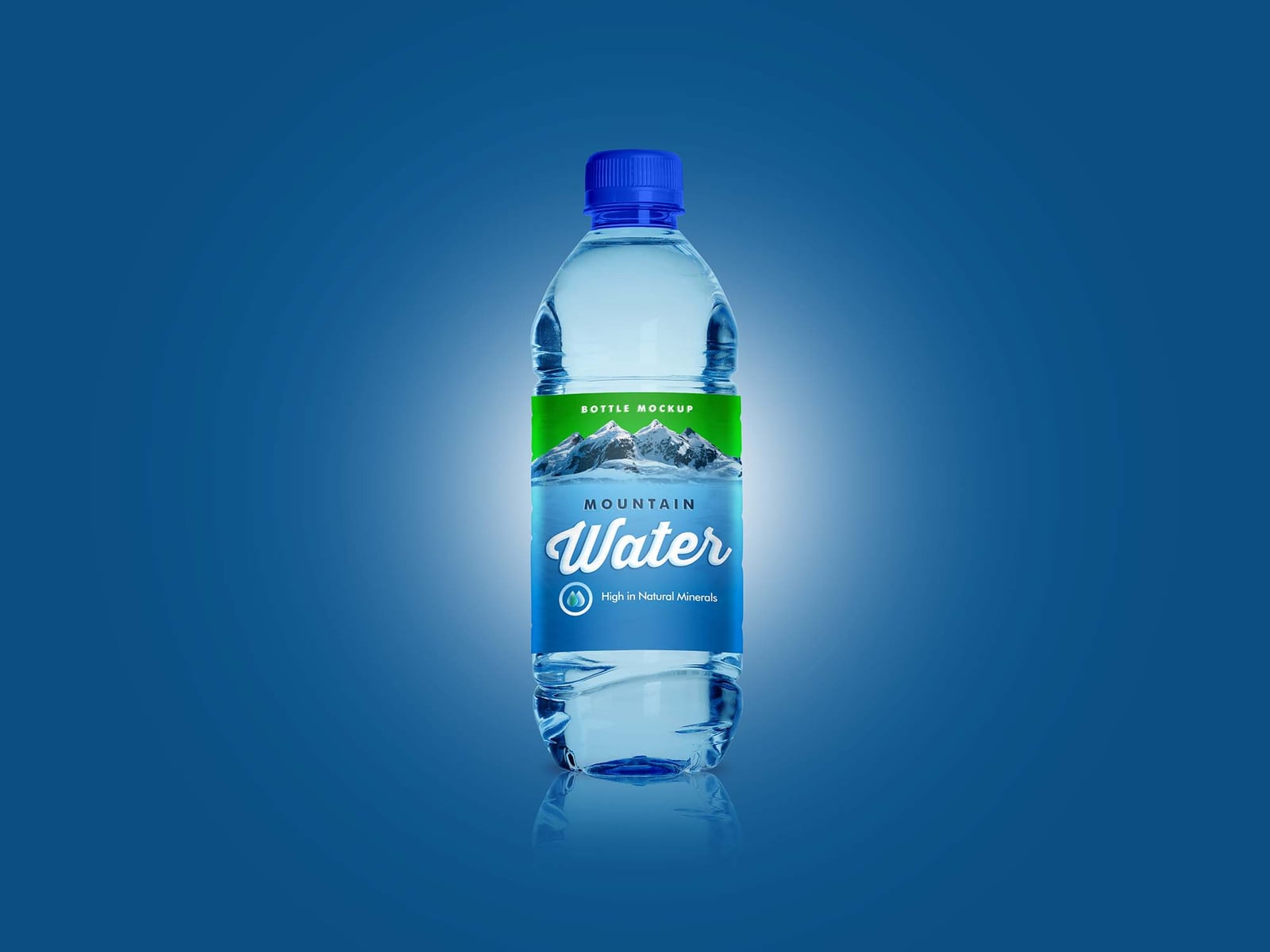
A PET bottle with a blue cap stands in a soft spotlight on a deep blue background, with a reflection underneath. The label wraps around the middle of the bottle, so it suits classic mineral and spring water brands. Created by Design Bolts, it lets you change the background, cap and bottle colours.
- Format: PSD with smart objects
- License: Free for personal and commercial use
- Source: Download on Unblast
2. Clear plastic bottle with printed type
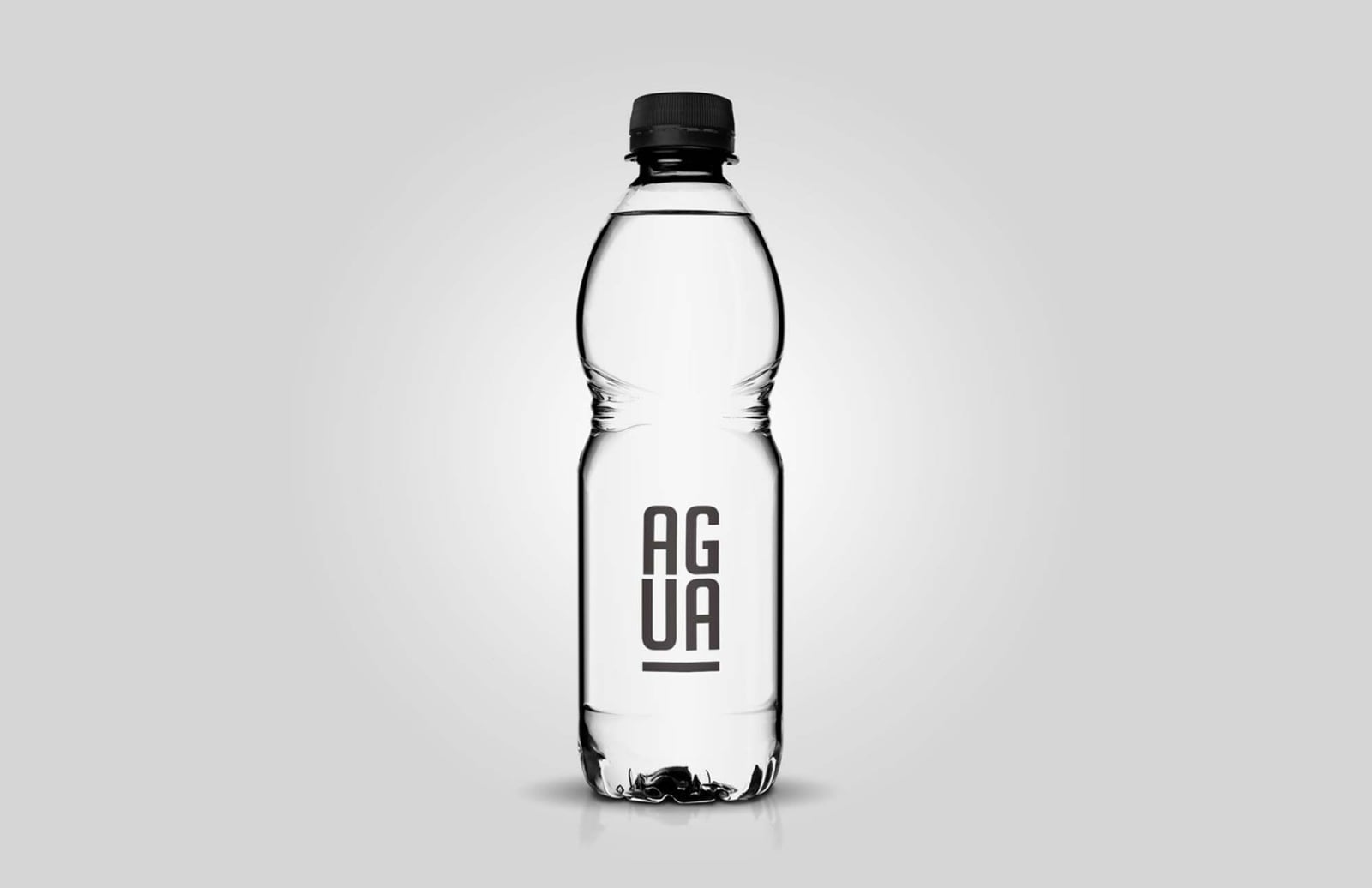
A clear bottle with a black cap and a vertical word mark printed straight onto the plastic, on a light grey background. It is a good fit for minimal brands that skip the paper label. Designer Diego Sanchez made the cap, bottle, liquid, background, reflections and shadow all editable, so it also works for juice and soft drinks.
- Format: PSD (Photoshop CS6 or newer)
- Size: 3000 × 2000 px
- Source: Download on Unblast
3. Plastic water bottle lying in sunlight
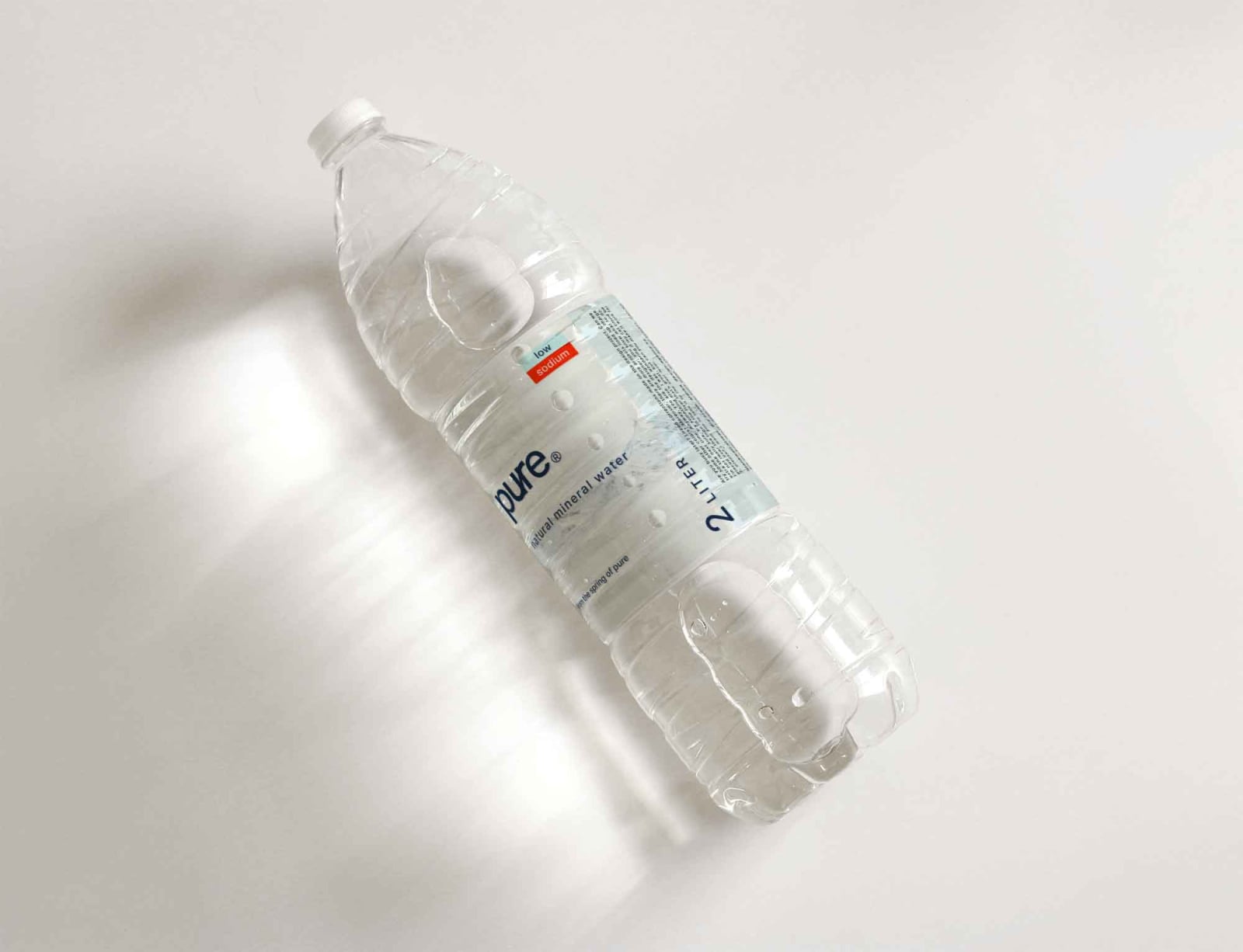
A large clear bottle lies at an angle on a white surface, with hard window light and long shadows. The transparent label picks up a soft reflection on its own once you add your design. Use it for lifestyle and editorial posts rather than a plain product shot.
- Format: PSD with smart objects
- Size: 4750 × 3640 px
- License: Free for personal and commercial use
- Source: Download on Unblast
4. 500ml PET bottle on marble
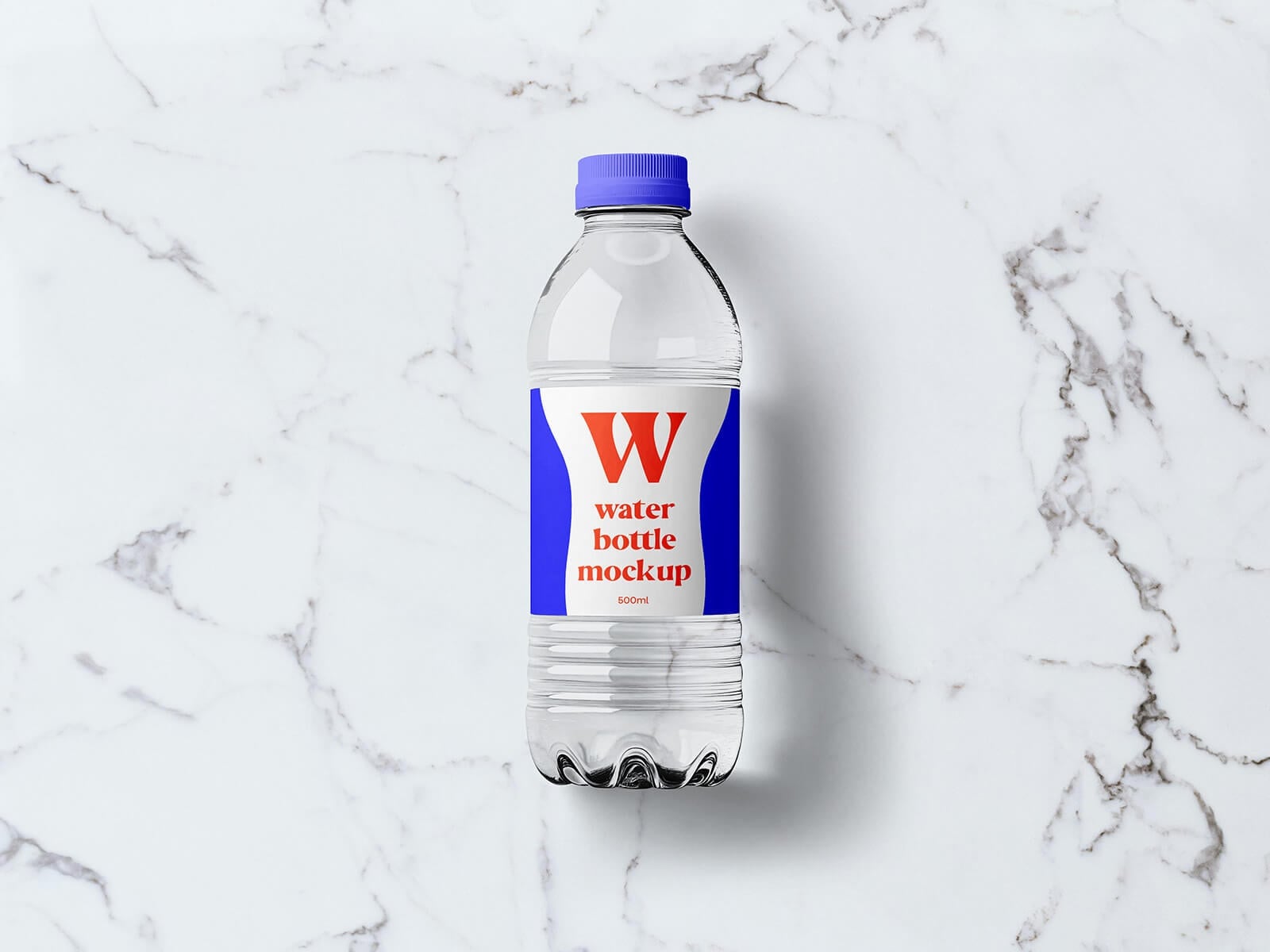
A small PET bottle with a purple cap lies on white marble, shot from directly above. The flat lay format works well for Instagram posts and product cards, and the large label area gives plenty of room for type.
- Format: PSD with smart objects
- Size: 4500 × 3000 px
- License: Free for personal and commercial use
- Source: Download on Good Mockups
5. 1000ml plastic water bottle
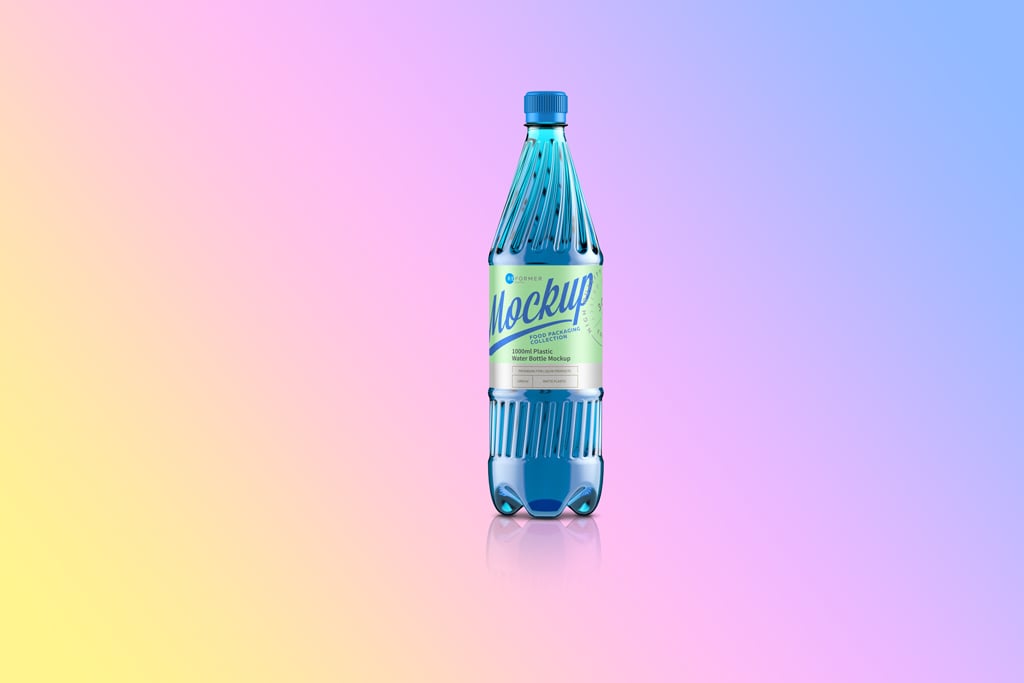
A tall 1000ml bottle with a blue cap stands on a pastel gradient background. You can change every colour plus the shadows and reflections, and the very large canvas holds up for print and big displays. The download page links to the original file on Behance.
- Format: PSD with smart object
- Size: 12000 × 8000 px, 300 dpi
- Source: Download on Mockup World
6. Water bottle mockup set with splash
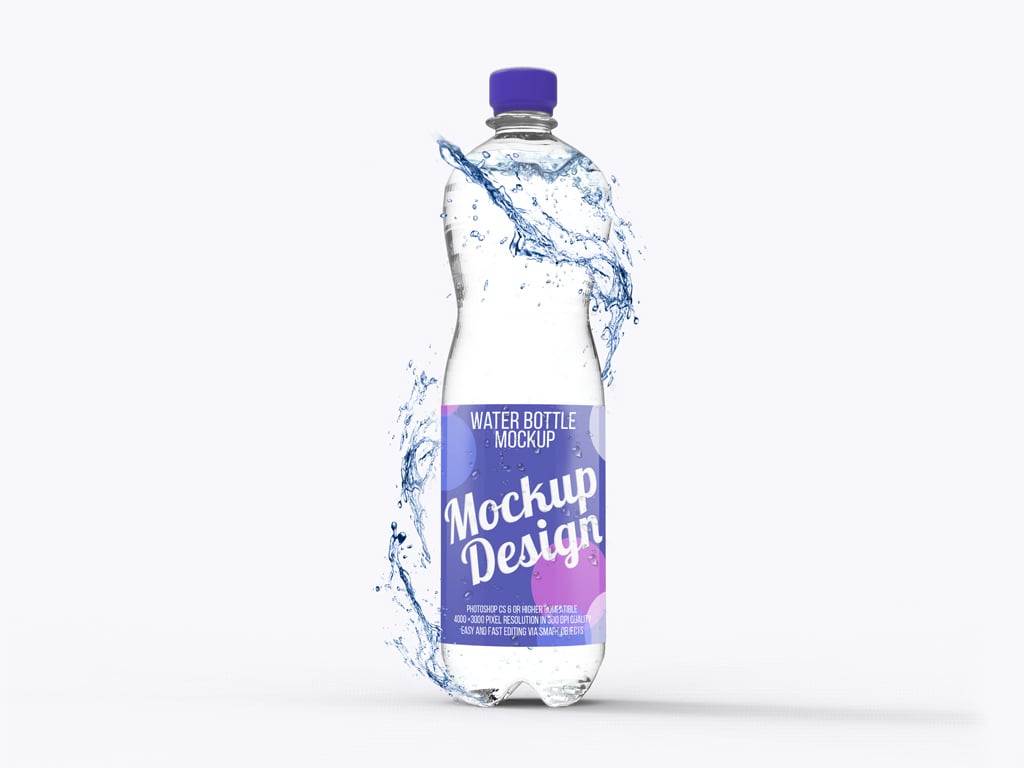
A clear bottle with a purple cap and label, with a splash of water curling around it on a white background. The bundle has three scenes, each with several smart objects. The splash adds energy, which suits flavoured water, sports drinks and launch campaigns.
- Format: 3 PSD files
- Size: 4000 × 3000 px, 300 dpi
- Source: Download on Mockup World
7. Hand holding a 500ml water bottle
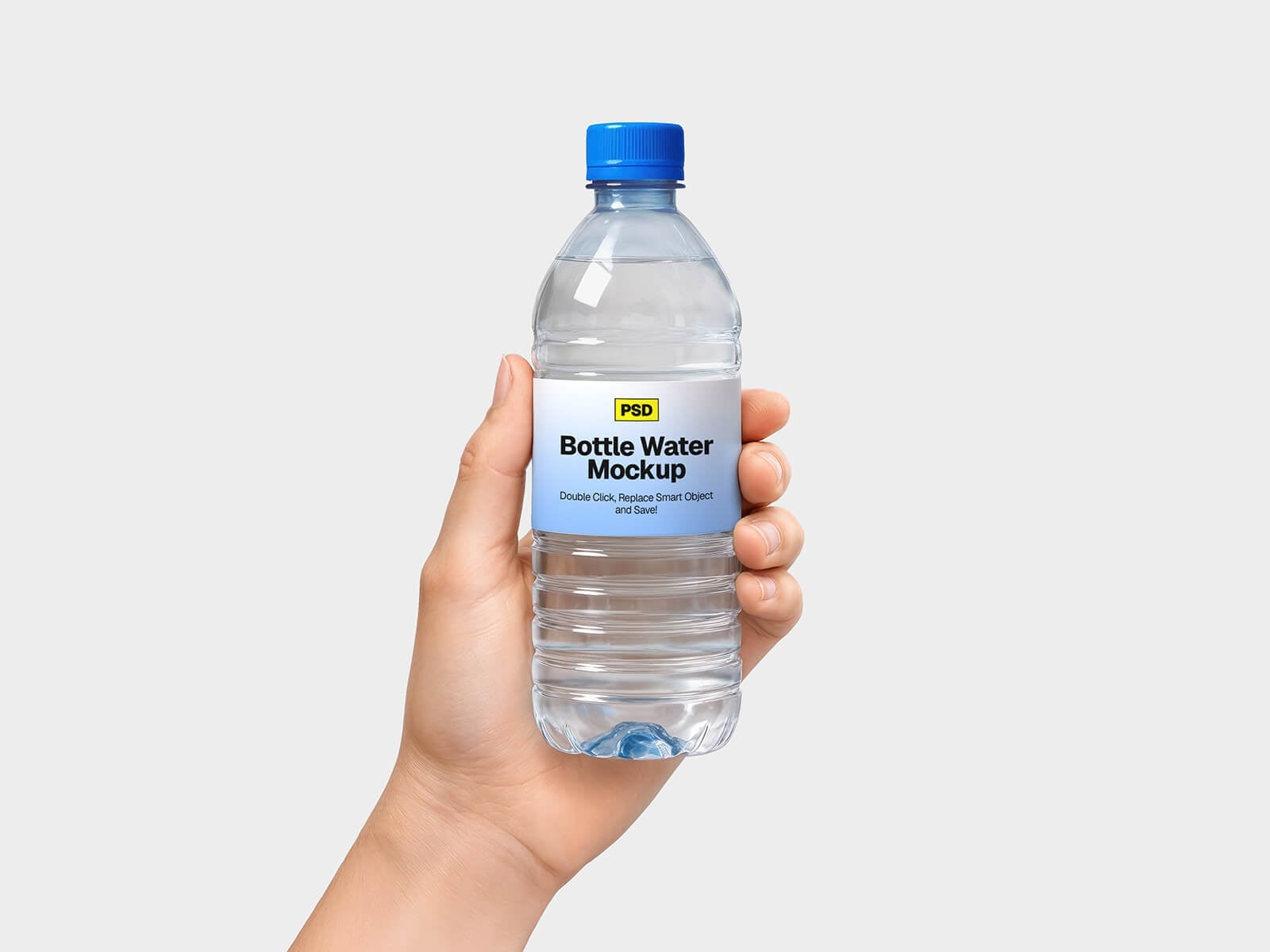
A hand holds a small bottle with a blue cap against a plain light grey background. The hand makes the bottle feel real without adding a busy scene, so it works for social ads, delivery apps and event water.
- Format: PSD with smart objects
- Size: 2048 × 3072 px
- License: Free for personal and commercial use
- Source: Download on Good Mockups
8. Water bottle held outdoors
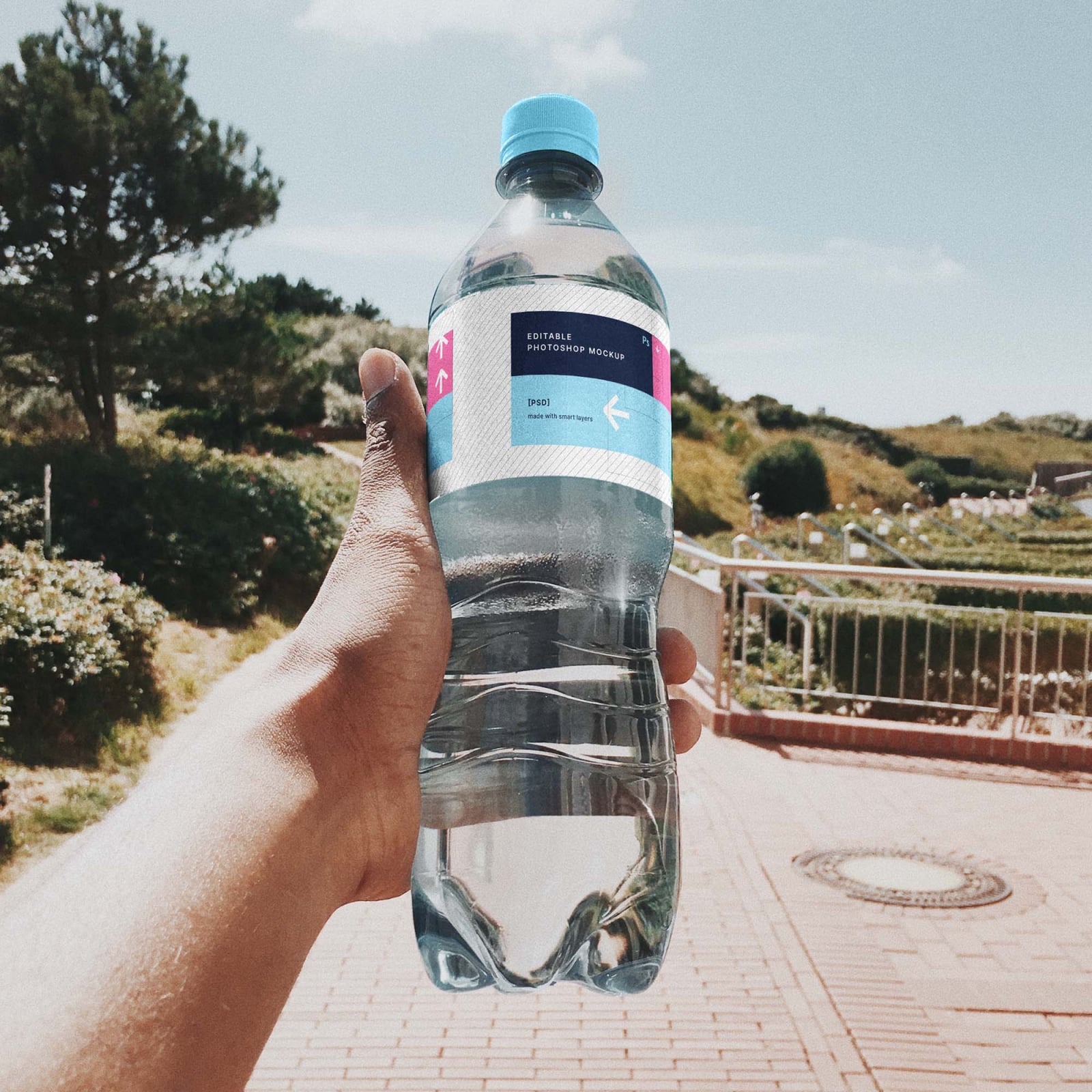
A first-person shot of a hand holding a ridged plastic bottle up to the camera on a sunny path, with trees and a railing behind. The tall portrait format fits Instagram stories and outdoor or travel brands. The label and cap colour are editable.
- Format: PSD with smart objects
- Size: 2675 × 4032 px
- License: Free for personal and commercial use
- Source: Download on Unblast
Glass water bottle mockups
9. Glass H2O bottles

Two tall cylindrical bottles with white H2O labels stand on a bright blue background with a mirror reflection. The clean, front-on view keeps the focus on the label. You can remove the reflection and change the cap and background colours.
- Format: Layered PSD with smart objects (Photoshop CS4 or newer)
- Size: 4500 × 3375 px
- License: Free for personal and commercial use
- Source: Download on Graphicburger
10. Mini glass water bottle
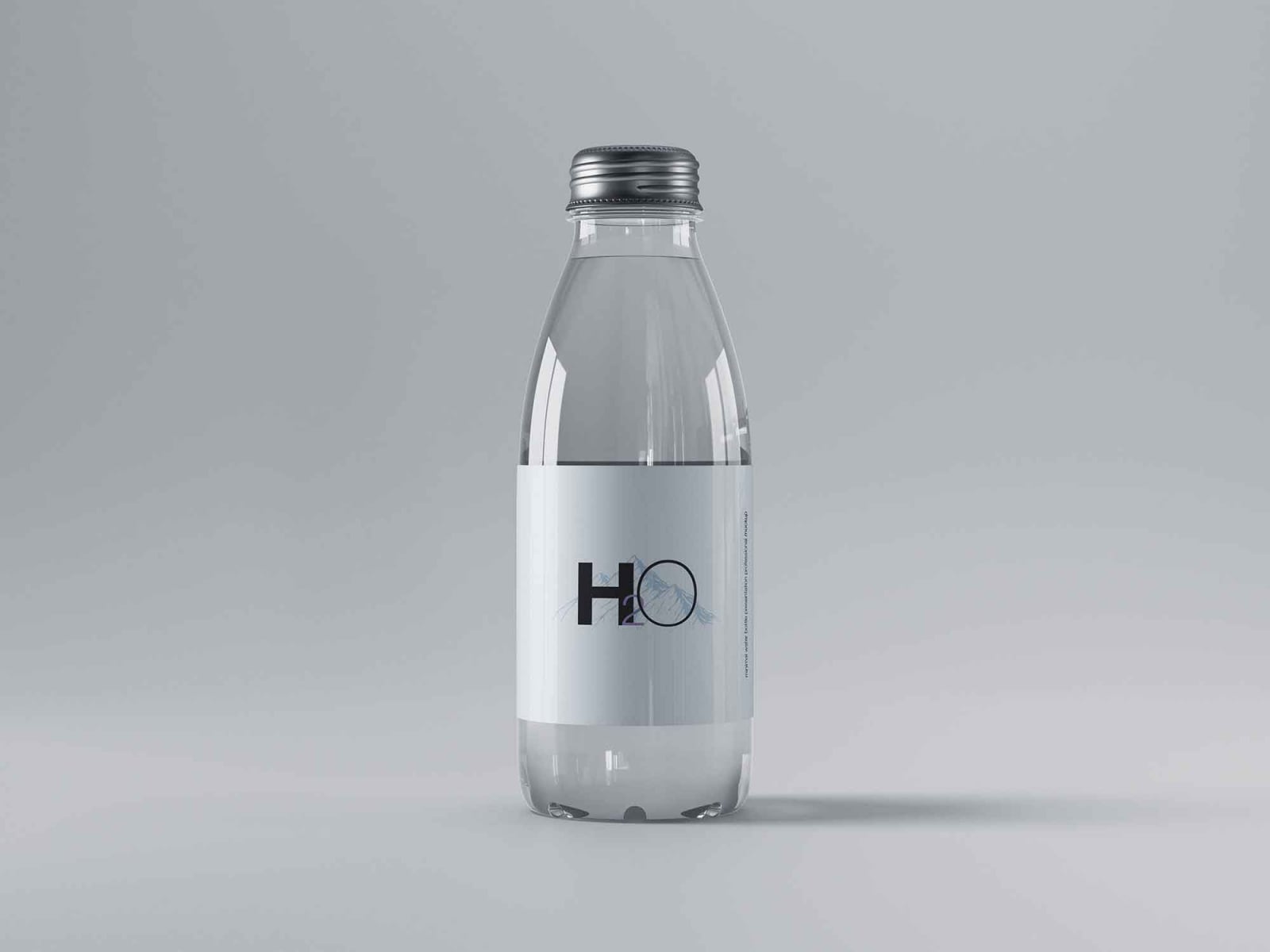
A small glass bottle with a metal screw cap and a white wrap label on a grey background. The file also has a dark version, which suits premium still water, hotels and restaurants. Made by Graphic Pear.
- Format: PSD with smart objects
- Size: 5000 × 3750 px, 300 dpi
- License: Free for personal use
- Source: Download on Unblast
11. Glass water bottle on blue
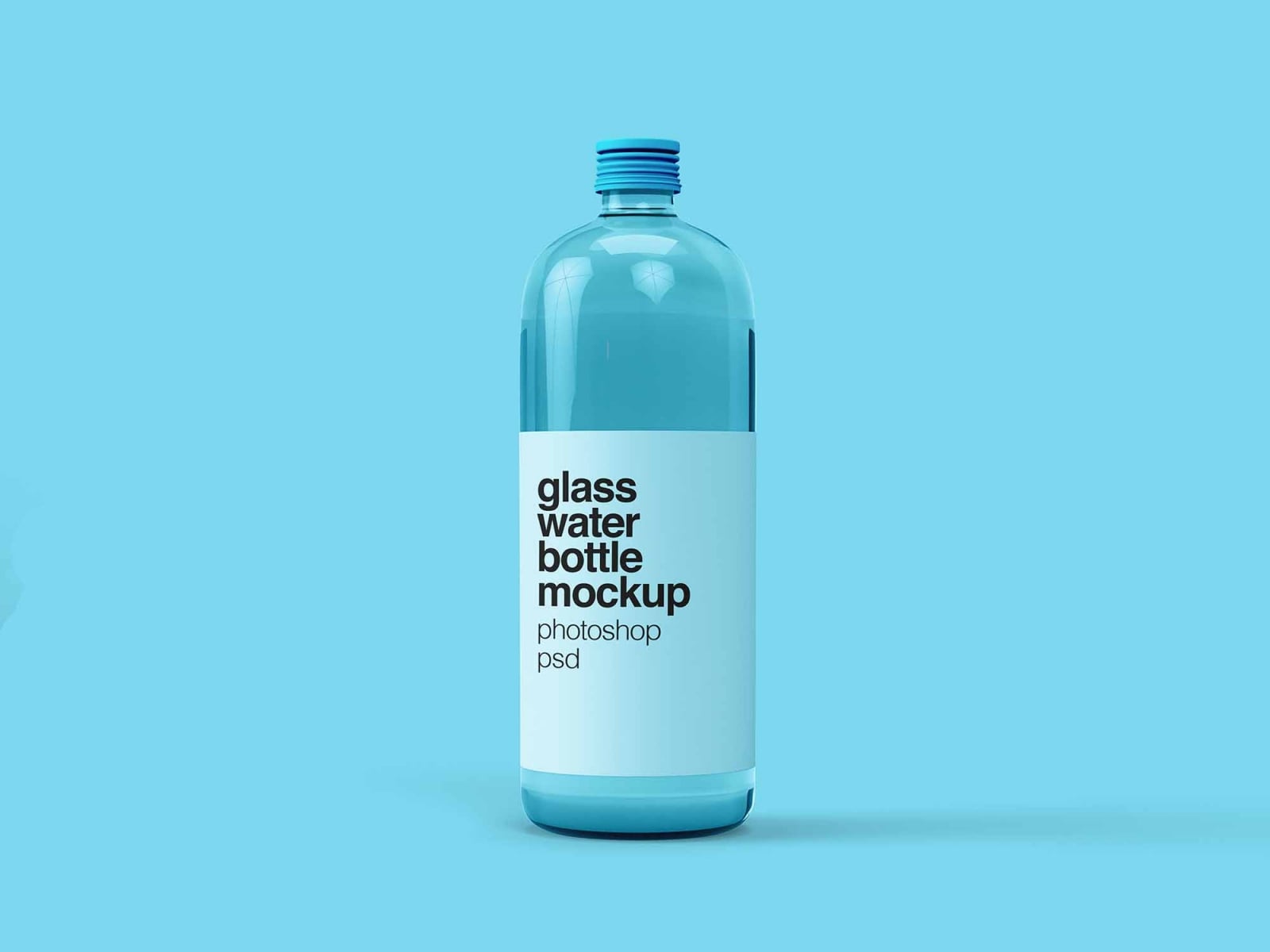
A round-shouldered glass bottle filled with blue water, with a tall pale label, on a light blue background. It comes in a plain version so you can set the cap, label and background colours yourself. Also by Graphic Pear.
- Format: PSD with smart objects
- License: Free for personal use
- Source: Download on Unblast
12. Glass mineral water bottle with cap close-up
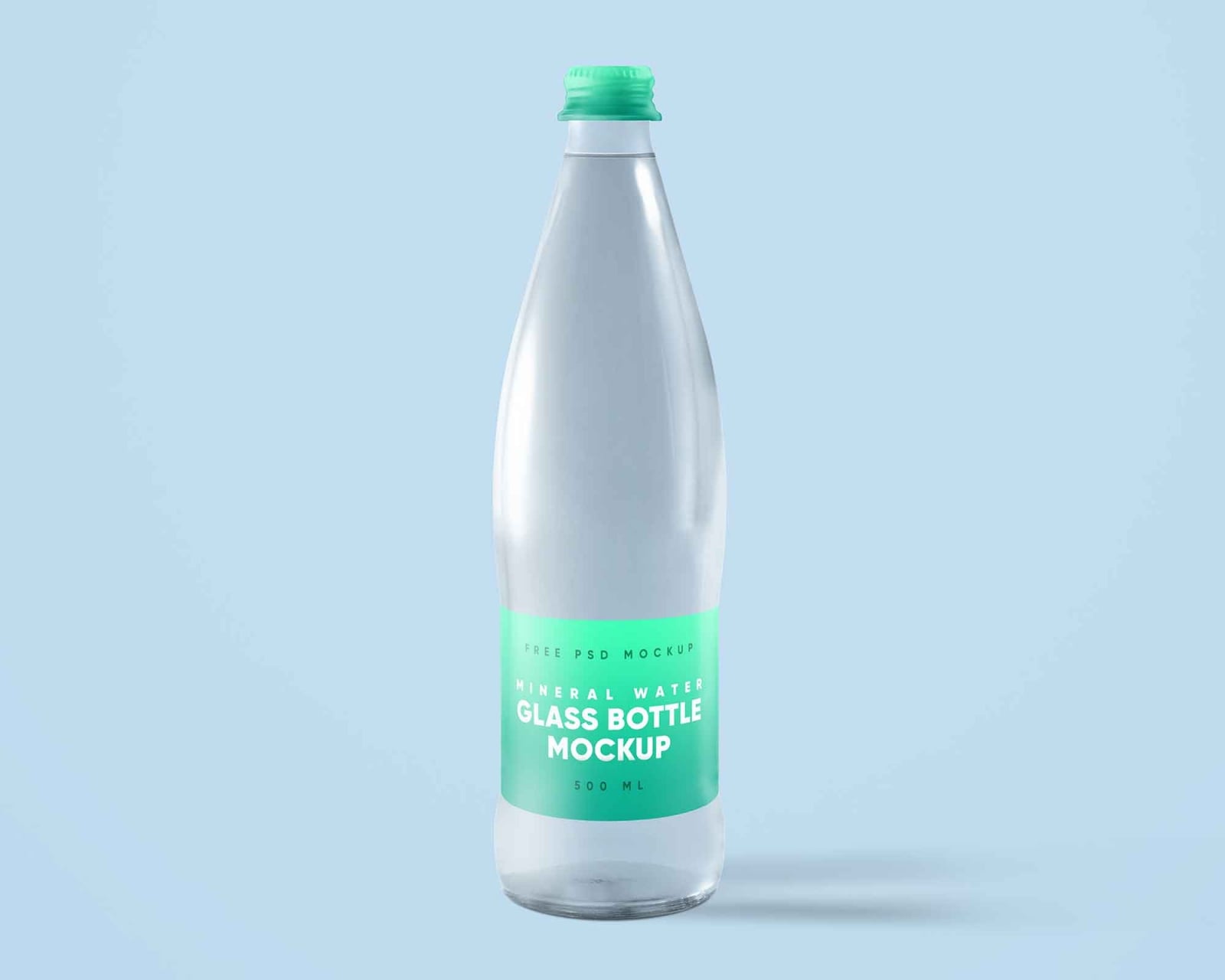
A tall clear glass bottle with a green cap and a green label on a pale blue background. The second scene is a close-up of the cap from above, which is useful when the client prints a logo or text on the lid. Both scenes are 300 dpi.
- Format: 2 PSD scenes
- Source: Download on Unblast
Aluminium and sports bottle mockups
13. Aluminium water bottle
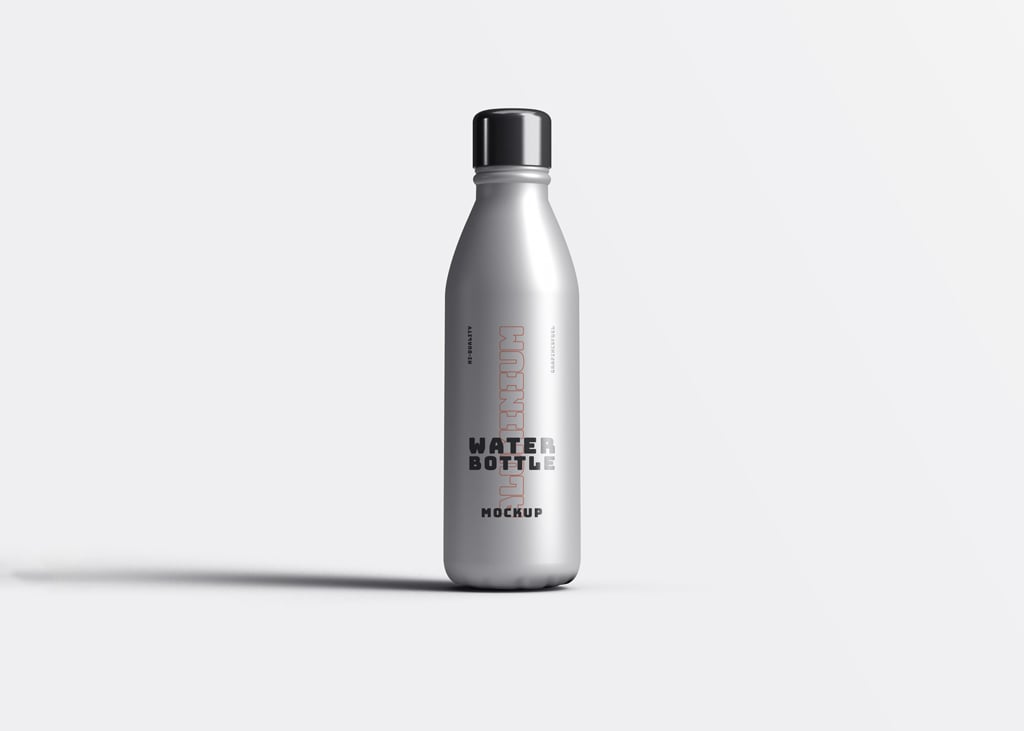
A matte silver bottle with a black cap stands on a light grey background. One smart layer takes your logo or label, and the canvas is large enough for print. It comes from Graphics Fuel via Mockup World.
- Format: PSD with smart object
- Size: 6000 × 5000 px, 300 dpi
- License: Free for personal use, commercial use needs a Graphics Fuel premium plan
- Source: Download on Mockup World
14. 5 aluminium sports bottle mockups
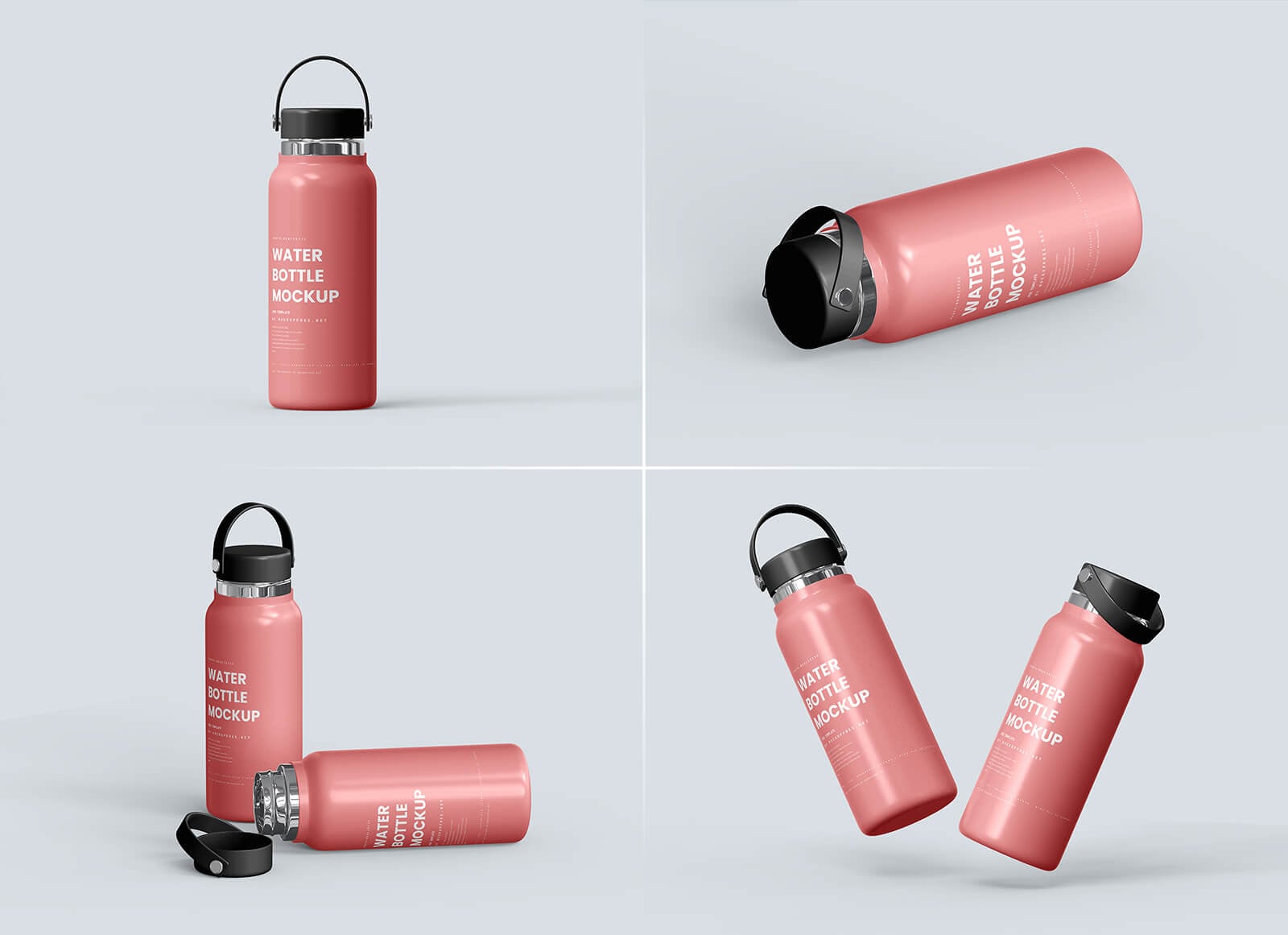
Five views of a pink bottle with a black loop lid: standing, lying with the lid off and tumbling in mid-air. A matching set of angles is ideal for a merch launch or a brand guidelines page. You can change the bottle and background colour.
- Format: 5 PSD files
- Size: 5460 × 3642 px
- License: Free, under the Mockupfree license linked on the page
- Source: Download on Good Mockups
15. 4 sport water bottle mockups
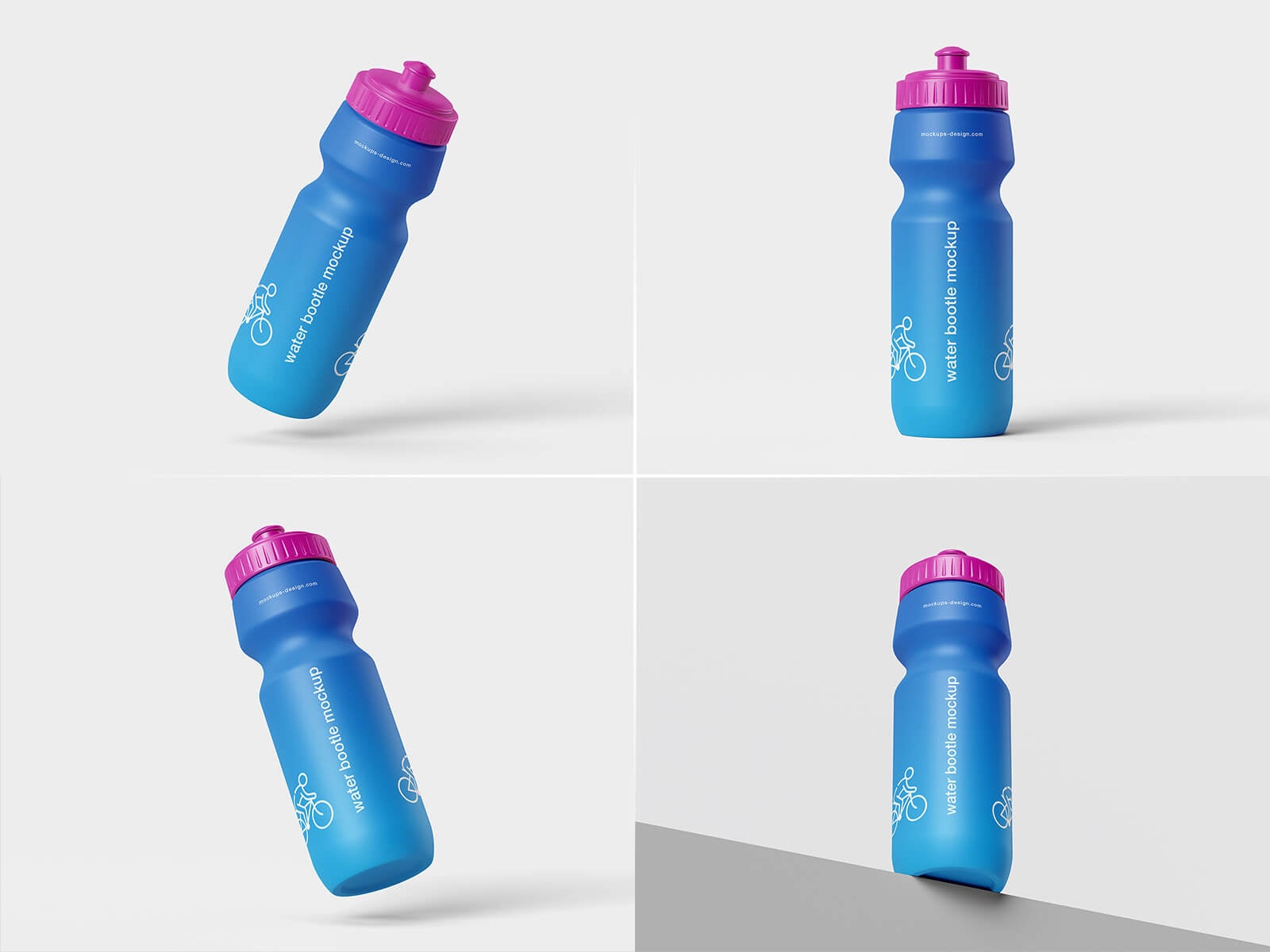
Four scenes of a blue squeeze bottle with a pink push-pull cap: floating, tilted, standing and leaning on a step. This is the classic gym and cycling bottle, so use it for sports clubs, races and fitness brands.
- Format: 4 PSD files
- Size: 4000 × 3000 px
- License: Free for personal and commercial use
- Source: Download on Good Mockups
16. Sport bottle in hand
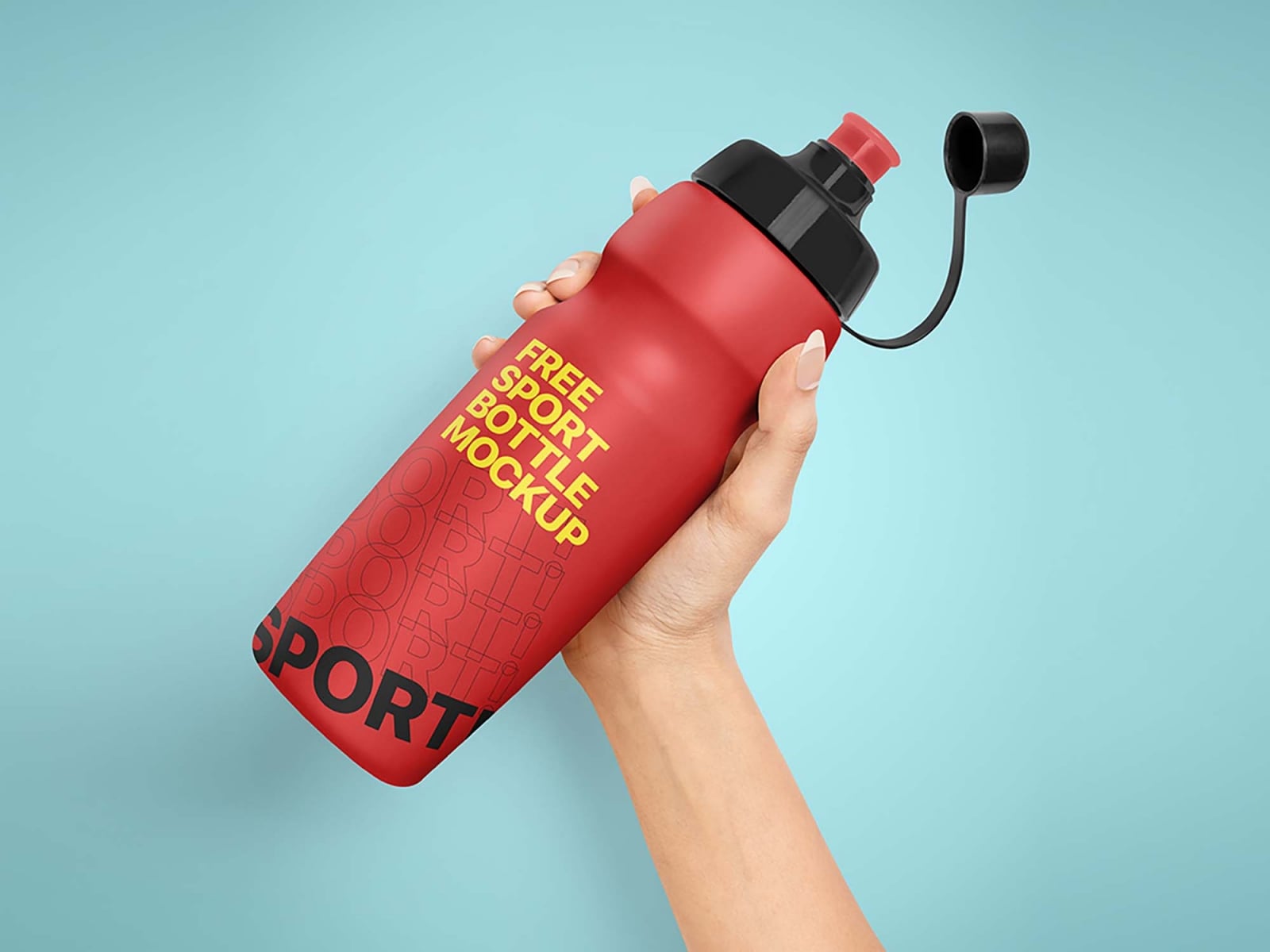
A hand holds a red squeeze bottle with a black flip cap against a mint background. The cap, colours, lights and shadows can all be changed. Made by Pixpine, it is a strong pick for team merchandise and fitness social posts.
- Format: PSD with smart objects
- Size: 3500 × 5000 px, 300 dpi
- License: Free for personal and commercial use
- Source: Download on Unblast
17. Metallic aluminium bottle with loop cap
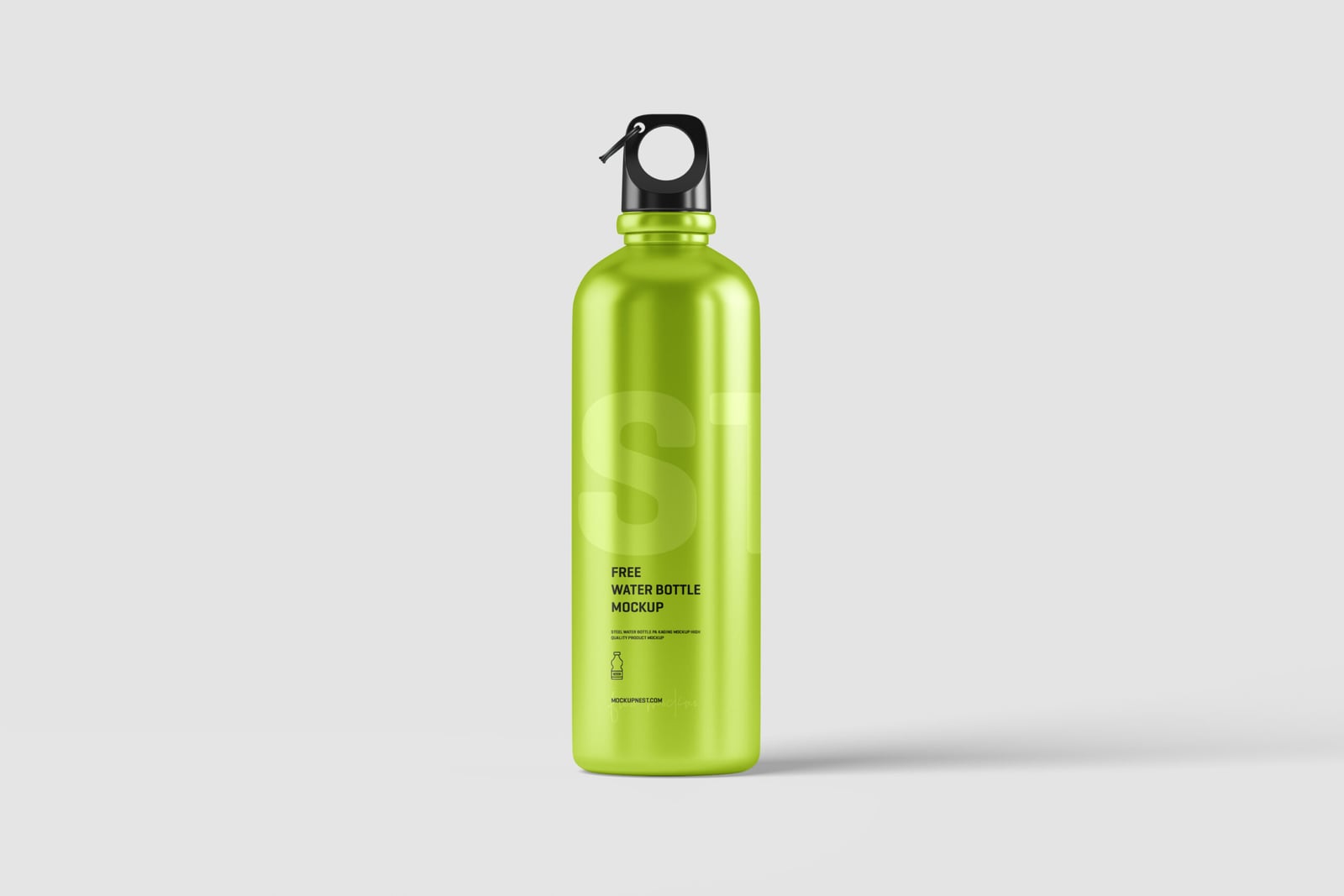
A shiny lime green aluminium bottle with a black loop cap stands on a light grey background. The metallic finish shows how a logo looks on a reflective surface, which is useful for outdoor and hiking brands. No sign-up is needed to download.
- Format: PSD with smart object
- Size: 3000 × 2000 px
- License: Free for personal and commercial use
- Source: Download on Mockupnest
Reusable steel bottle mockups
18. Stainless steel bottles on a solid background
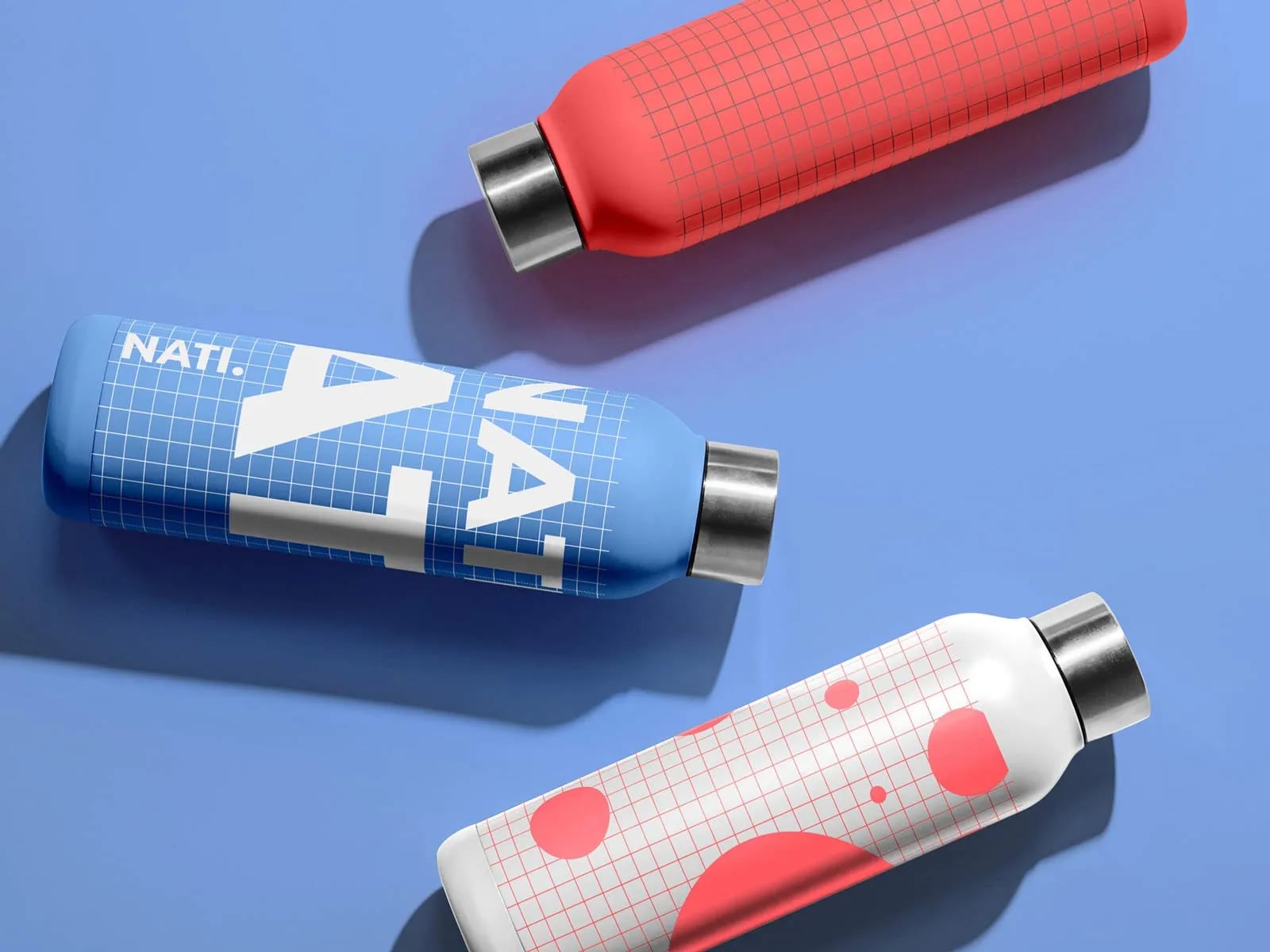
Three steel bottles, in red, blue and patterned white, lie at an angle on a blue background. The file has a single-bottle and a three-bottle version, so you can show one design or a whole colour range. Made by designer Sacha Nati.
- Format: PSD with smart objects
- Size: 3164 × 3164 px
- License: Free for personal, non-commercial use (CC BY-NC-SA 4.0)
- Source: Download on Sacha Nati
19. Travel flask on a stool
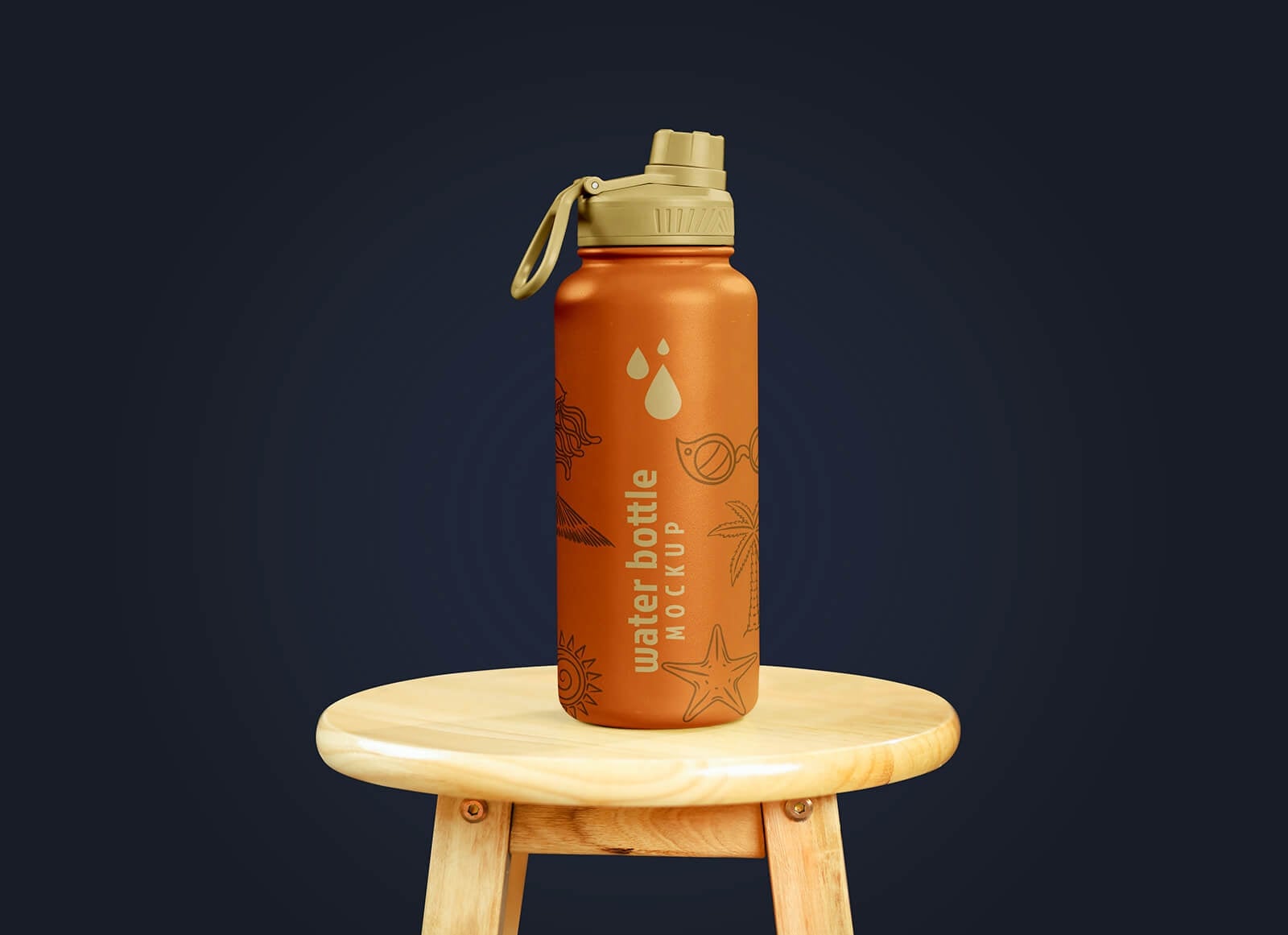
An orange insulated flask with a beige spout lid stands on a small wooden stool against a dark navy background. The moody lighting gives it a premium feel. Your artwork goes on a smart object, and you can change the cap colour.
- Format: PSD with smart object
- Size: 4000 × 3000 px
- License: Free for personal and commercial use
- Source: Download on Good Mockups
20. Insulated steel bottle with full wrap
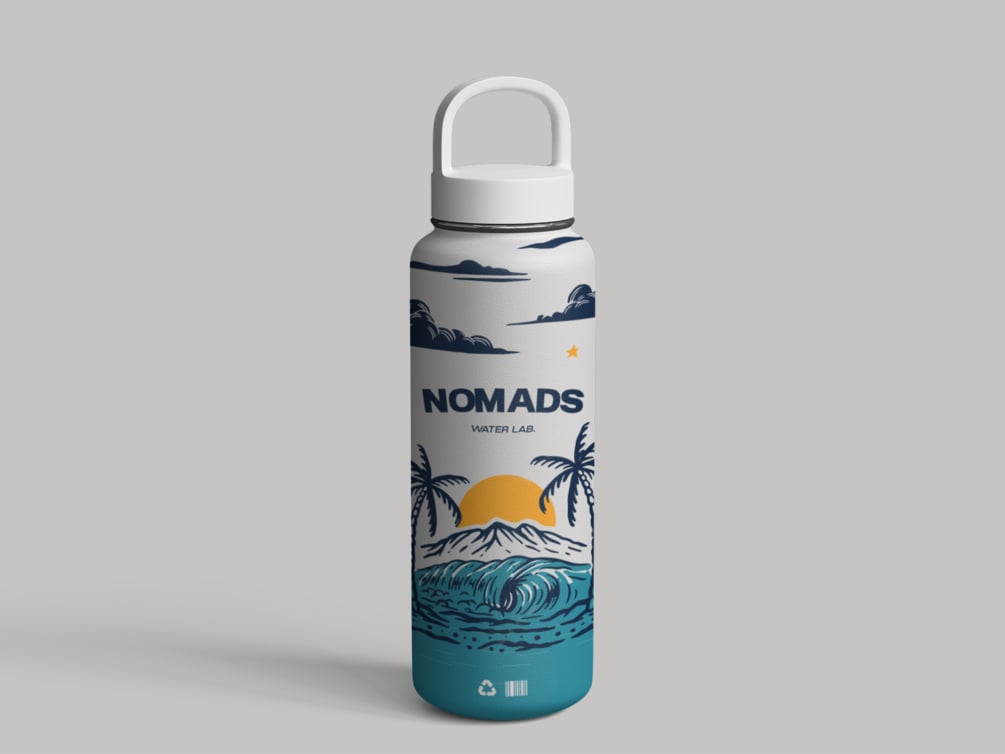
A white insulated bottle with a loop lid, shown with an illustrated full wrap of palm trees, a sunset and a wave on a grey background. It is the one to use when the artwork covers the whole bottle, not just a label. It is a free sample by Arthur Sjorgen.
- Format: PSD (Photoshop required)
- License: Free for personal and commercial use
- Source: Download on Gumroad
Tips for using a water bottle mockup
- Design the label flat first. Set up the artboard at the real label size, including bleed, then paste it into the smart object. Ask the printer for the dieline if there is one.
- Keep text away from the edges. On a round bottle the sides of the label curve out of view, so the logo and key claims belong in the middle third.
- Check the clear areas. On a transparent bottle the background shows through the liquid and around the label. Pick a background colour that flatters the label, not one that fights it.
- Match the scene to the brand. Clean studio shots suit premium and mineral water. In-hand and outdoor scenes suit sports, travel and lifestyle brands.
- Show more than one view. A front shot plus a close-up or a lying-down view shows the client how the label reads from every side.
- No Photoshop? Photopea opens PSD files and smart objects for free in the browser.
Working on a full packaging range? Our roundup of perfume bottle mockups covers cosmetics, and the stationery mockups and hoodie mockups help you show the rest of a brand. New to mockups? Start with what mockups are and why to use them. Choosing label colours? Read about blue in branding, the most common colour for water brands.
Frequently asked questions
Are these water bottle mockups really free?
Yes, every mockup on this list can be downloaded for free. Most are free for personal and commercial use. The two Graphic Pear files (10 and 11) are for personal use, the Sacha Nati steel set (18) is for non-commercial use, and the Graphics Fuel aluminium bottle (13) needs a paid plan for commercial use.
Can I use a free water bottle mockup for client work?
Yes, if the license allows commercial use. Presenting a label to a client or showing the result in your portfolio is fine with those files. Do not resell or share the PSD itself, and keep any credit the author asks for.
Are there water bottle mockups for Figma?
Free Figma files for bottles are rare, because Figma cannot warp a label around a curved surface the way Photoshop does. You can export the finished image from a PSD mockup and place it in Figma, or use a browser tool such as Dynamic Mockups, which has free water bottle templates.
What size should a water bottle mockup be?
For web and social media, 3000 px wide is plenty. For print, pitch decks and large displays, pick a file of 4000 px or more at 300 dpi, such as mockups 5, 10 and 13.
Do I need Photoshop to edit these files?
Photoshop gives the best results, but Photopea is a free browser editor that opens PSD files and smart objects. Very large files can be slow there, so save a smaller copy first.
Need a label design for a client?
Inkyy is a white label design and development team for agencies. Our in-house designers create labels, packaging and brand identities that you present under your own name, mockups included. See our design services or book a 15-minute call.